
7 Best Bi-Directional OBD2 scanners – Scan tools & Mobile PRO scanners

Last Updated on March 24, 2026 by Juraj
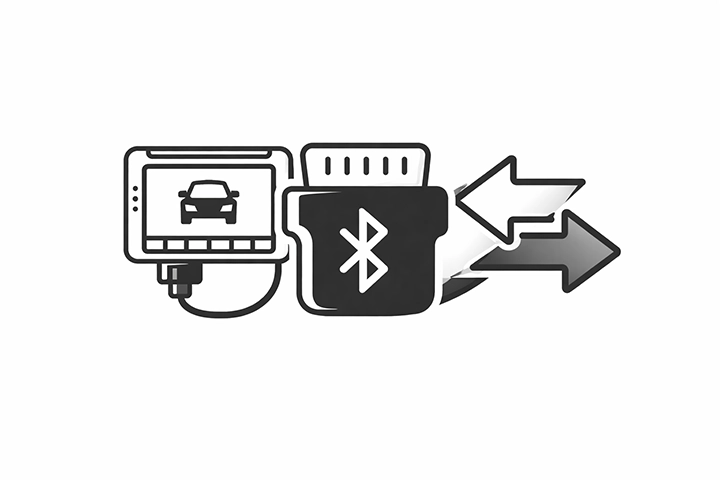
Bi-directional OBD2 scanners allow you to control vehicle components directly from the diagnostic tool. Instead of only reading fault codes, you can run active tests, reset modules, perform adaptations, and access advanced service functions.
This means you can activate components like cooling fans, fuel injectors, throttle bodies, or valves directly from the scanner and verify whether they actually work.
These tools are extremely useful for DIY mechanics, used car inspections, and professional diagnostics, because they allow you to test components instead of guessing which part might be faulty.
Below are the scan tools that performed best in my real-world testing across multiple vehicles.
Affiliate Disclosure: iamcarhacker.com is an Amazon and other affiliate programs Associate. As an Amazon Associate, I earn from qualifying purchases. Full Affiliate disclosure.
Quick picks – My personal go-to scan tools
Mucar 892BT – Best coding & diagnostics tool
My go-to diagnostic tool for everyday work. Reliable, fast, and powerful enough for both DIY mechanics and professional diagnostics.
Why I recommend it
• Full system diagnostics
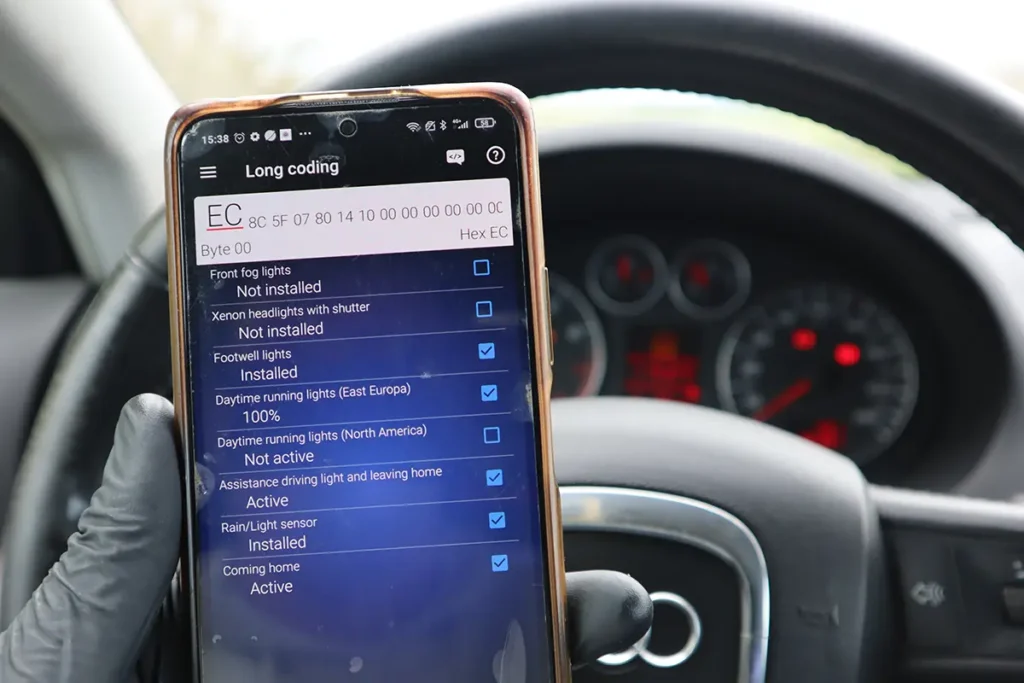
• OEM coding + adaptations
• Very fast scans
• Excellent for used car checks
• Works reliably on most brands

Youcanic scanner – Best overall scanner without internet connection
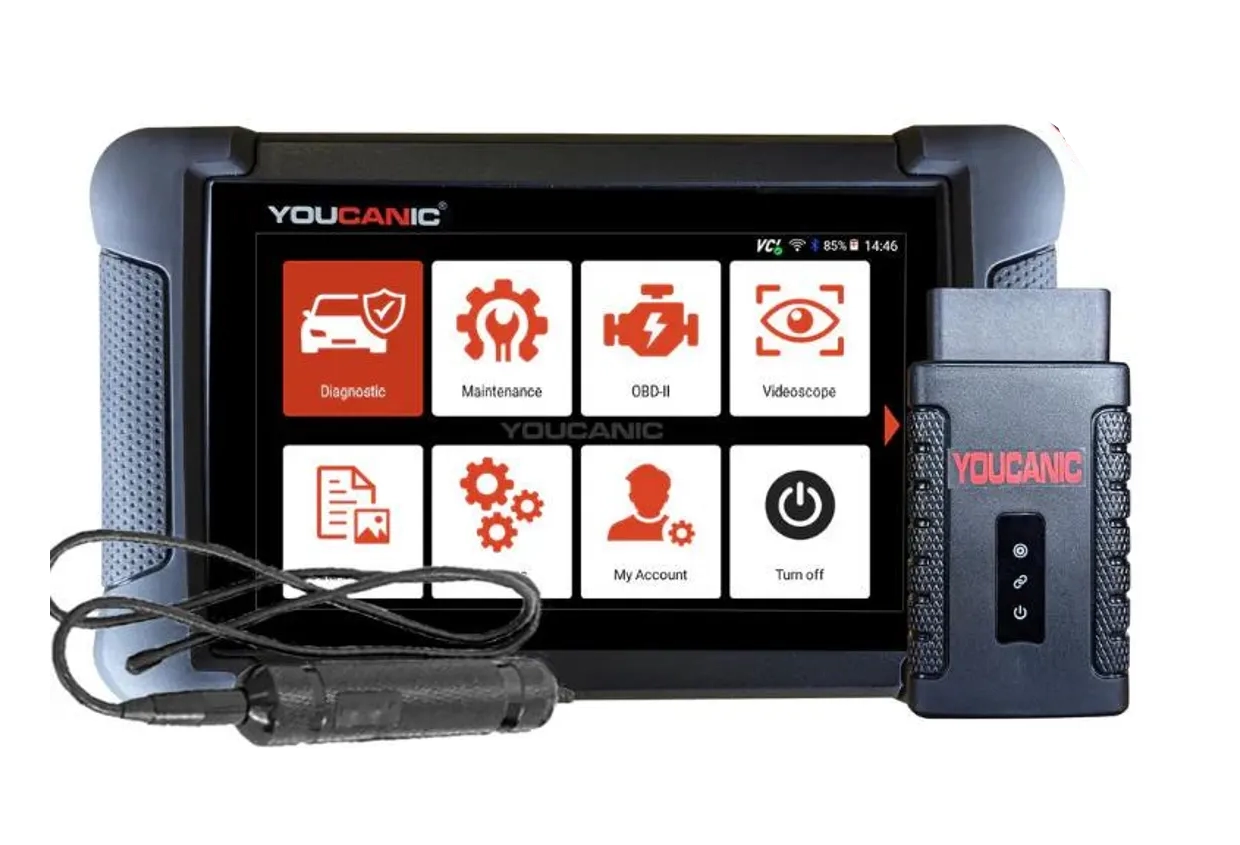
One of the most impressive scanners I tested recently. It connects quickly to most vehicles and supports a lot of OEM-level features. Doesn’t need any cloud service so you can use it offline.
Why it stands out
• Advanced coding functions
• Vehicle topology on some cars
• Strong OEM diagnostic functions
• Reliable connection across many brands
• Great for deeper diagnostics
OBD2 scanners support and functions depends on car model. Please visit the official website and ask them for specific feature support for your car model.
XTool A30M — Best budget smartphone scanner
A very powerful smartphone-based diagnostic adapter that gives you professional diagnostics for a very low price.
Best for
• Cheap entry into professional diagnostics
• Full system diagnostics
• Bi-directional testing
• Service procedures
• Free lifetime updates

Quick recommendations
Mucar 892BT
Mucar 892BT is my go-to scanner for diagnostics, service procedures, and used car checks. It is fast, reliable, and supports coding, adaptations, and full system diagnostics on most vehicles.
(10% OFF with “CARHACKER” on official website)
Youcanic U-Can
Youcanic Scanner is a powerful diagnostic tool that connects reliably to most vehicles and supports advanced features including coding, topology view, and many OEM diagnostic procedures.res
XTool A30M
XTool A30M is one of the cheapest ways to get bi-directional diagnostics. It connects to your smartphone and still offers full system diagnostics and service functions.
(10% OFF with “CARHACKER” on official website)

Mucar VO7
Mucar VO7 is one of the cheapest tablet scanners available while still offering coding, service resets, and full system diagnostics with free lifetime updates after the latest software update.
(10% OFF with “CARHACKER” on official website)

XTool D8s
The XTool D8s is one of the cheapest scanners with topology mapping and handles advanced service resets like airbag and odometer changes.
(10% OFF with “CARHACKER” on official website)

Thinkdiag2
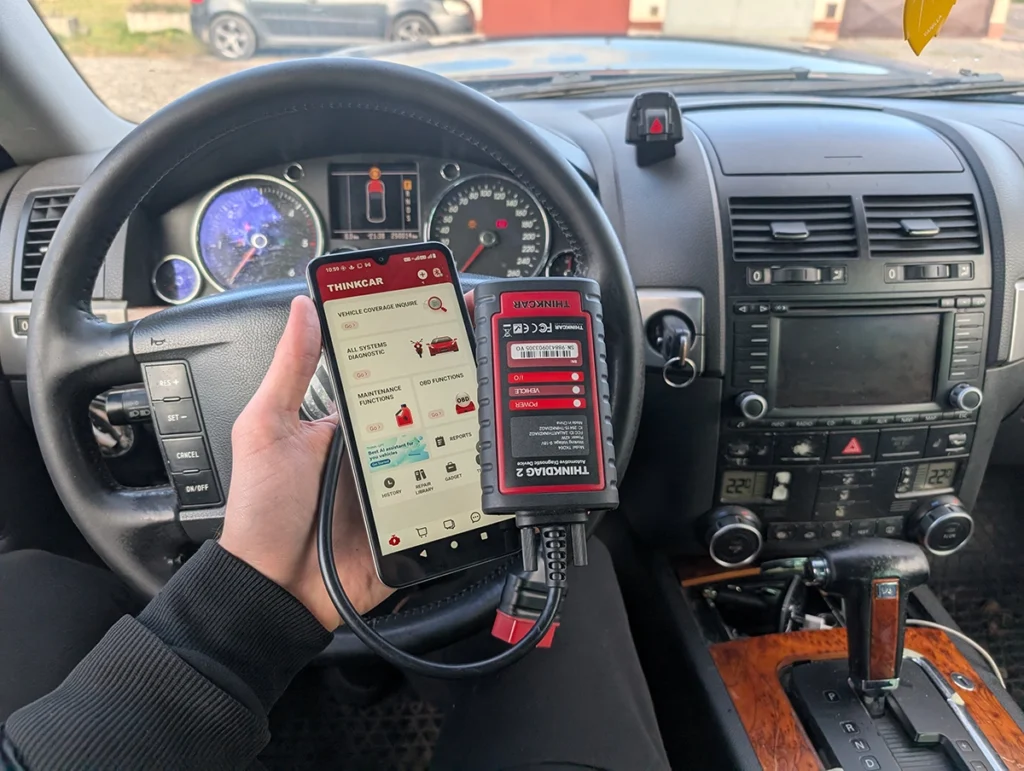
Thinkdiag2 turns your smartphone into a powerful diagnostic tool with ECU coding, bi-directional testing and access to all vehicle modules.
(10% OFF with “CARHACKER” on official website)

Mucar 682
The Mucar 682 is the most affordable bi-directional scanner with full-system access, 20 service resets, and lifetime updates included.
(10% OFF with “CARHACKER” on official website)
Mucar 892BT overview
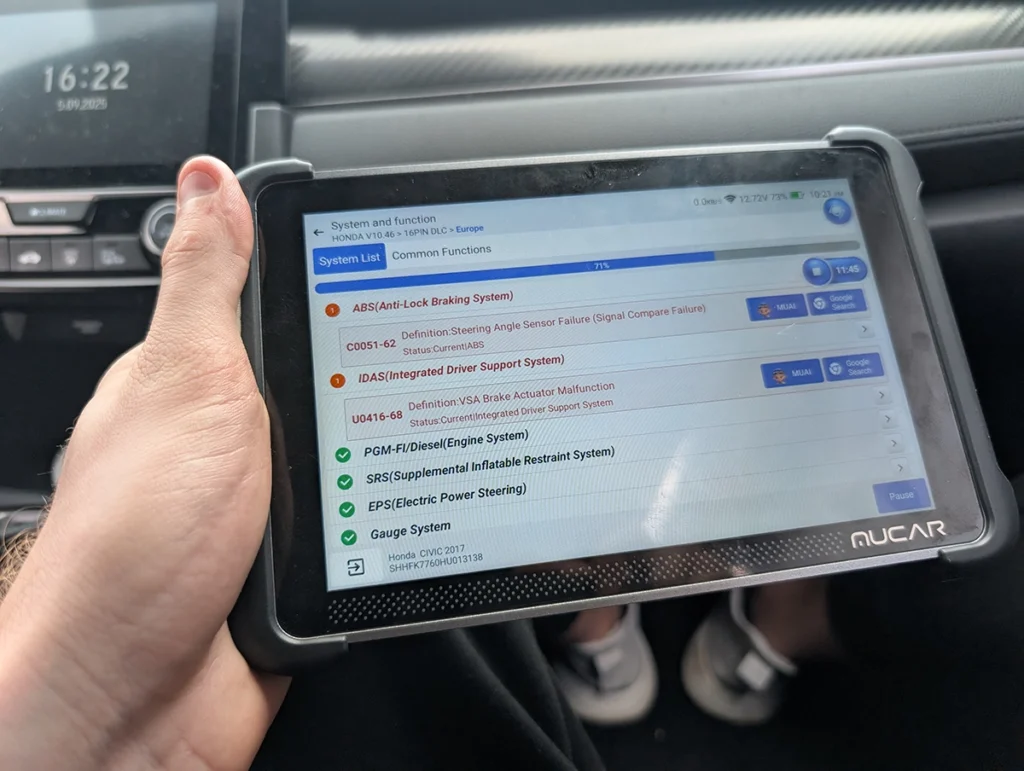
Mucar 892BT is one of the most balanced diagnostic tablets available today. It combines fast full-system diagnostics, strong coding support, and reliable bi-directional testing, which makes it suitable for both DIY mechanics and small workshops.
Because of its stable software and broad vehicle compatibility, it is currently the scanner I use most often for everyday diagnostics.
Procedures using this scanner
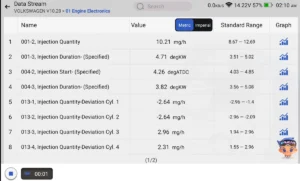 How to Check Diesel Fuel Injectors (VW / Audi / Skoda / Seat) Using OBD2 Scanner
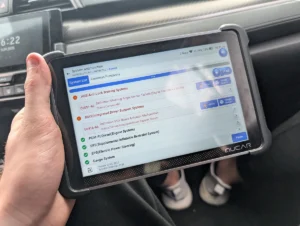 Steering Angle Sensor Calibration (SAS Reset) – Honda Civic 2017
 How to Register and Code a New Battery on BMW E60/E61 (Fix Battery Drain & Charging Issues)
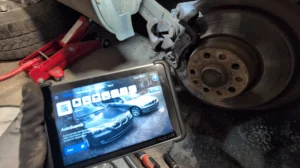 How to open rear brake calipers for brake pad replacement in VW Passat B6 (EPB service mode)
 How to adapt remote key fob on VW / Audi / Skoda / Seat (VAG)
 BMW E61 530d Oil Service Reset with OBD2 scanner
 Citroën C4 Picasso 2012 Gearbox adaptation
 Toyota Corolla 2016 TPMS relearn
Youcanic scanner overview

Youcanic scanner focuses on deep diagnostics and OEM-level functions. One interesting feature is support for topology view on some vehicles, which allows you to see communication between control modules and diagnose CAN-bus issues more easily.
The tool also supports a wide range of advanced coding and service procedures across multiple brands.
Procedures using this scanner
 Injector Coding / Replacement – Citroën C4 Picasso 2.0 HDi 2012
 Mazda CX-7 2008 Seat Belt Warning Disable with OBD2 scanner
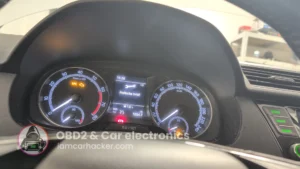 Škoda Fabia Mk3 (2020) Oil Service Reset with OBD2 scanner
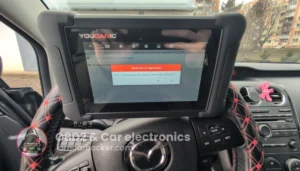 Mazda CX-7 2008 TPMS Relearn / Wheel Sensor Registration
XTool A30M overview
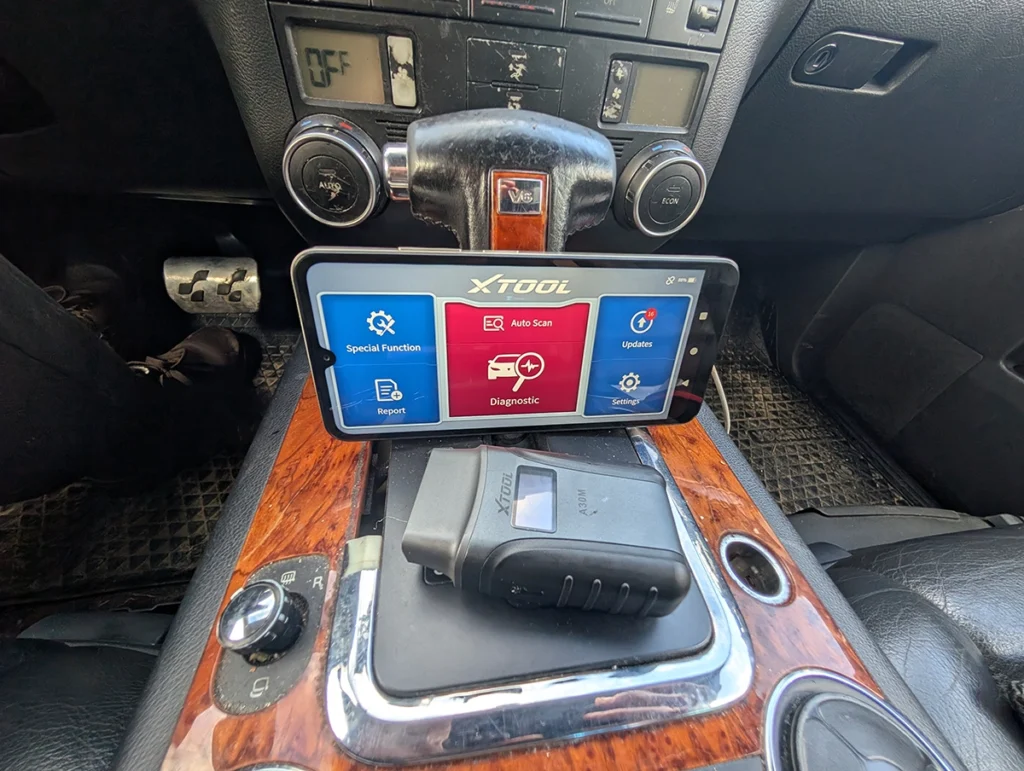
XTool A30M is a compact smartphone diagnostic adapter that offers impressive functionality for its price. It supports full system diagnostics, bi-directional testing and many service procedures.
Because it connects directly to a smartphone, it is significantly cheaper than most tablet scanners while still providing powerful diagnostics.
Procedures using this scanner
 How to do odometer correction for Skoda Octavia MK1 with OBD2 scanner
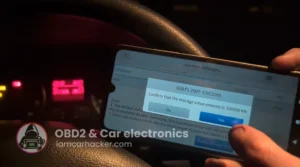 Volkswagen Golf MK5 2006 Odometer correction with OBD2 scanner
Mucar VO7 overview
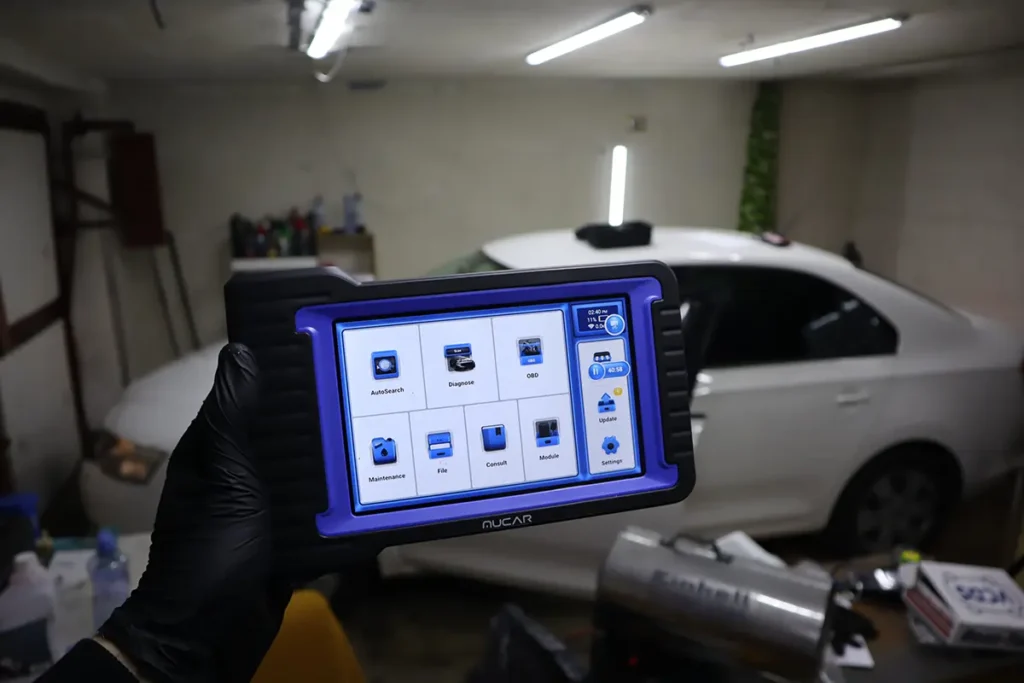
Mucar VO7 is one of the most affordable tablet scanners on the market while still offering advanced diagnostic capabilities. Despite the low price, it supports full system scans, service resets, coding, and bi-directional testing.
After the latest updates, the tool also includes free lifetime software updates, which is extremely rare in this price range.
Procedures using this scanner
XTool D8S overview

XTool D8S stands out mainly because of its topology scan feature combined with strong service functions. The tool is also known for its stable wired connection which improves diagnostic speed and reliability.
It is especially popular among mechanics who need a powerful diagnostic tablet without paying for yearly software subscriptions.
Procedures using this scanner
 How to change mileage in Seat Leon Mk2 (1P) after instrument cluster replacement
 Skoda Rapid 2015 Odometer adjustment
 Volkswagen Golf MK4 1999 Odometer adjustment
 Chevrolet Malibu 2013 Odometer correction with OBD2 scanner
 How to add a new key – Volkswagen Golf MK5 (2006)
Thinkdiag2 overview
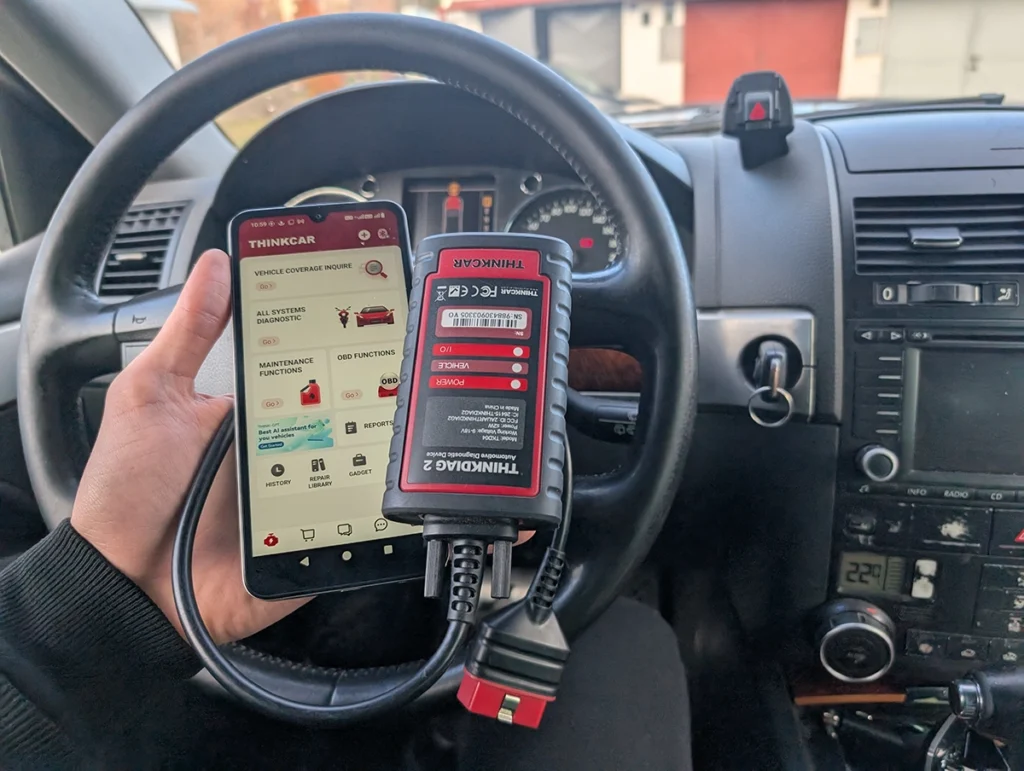
Thinkdiag2 is one of the most powerful smartphone-based diagnostic tools available. It connects directly to your phone and provides full system diagnostics, ECU coding, bi-directional testing and advanced service procedures.
It is a great option if you want professional diagnostics without buying a large tablet scanner.
Procedures using this scanner
Mucar 682 overview
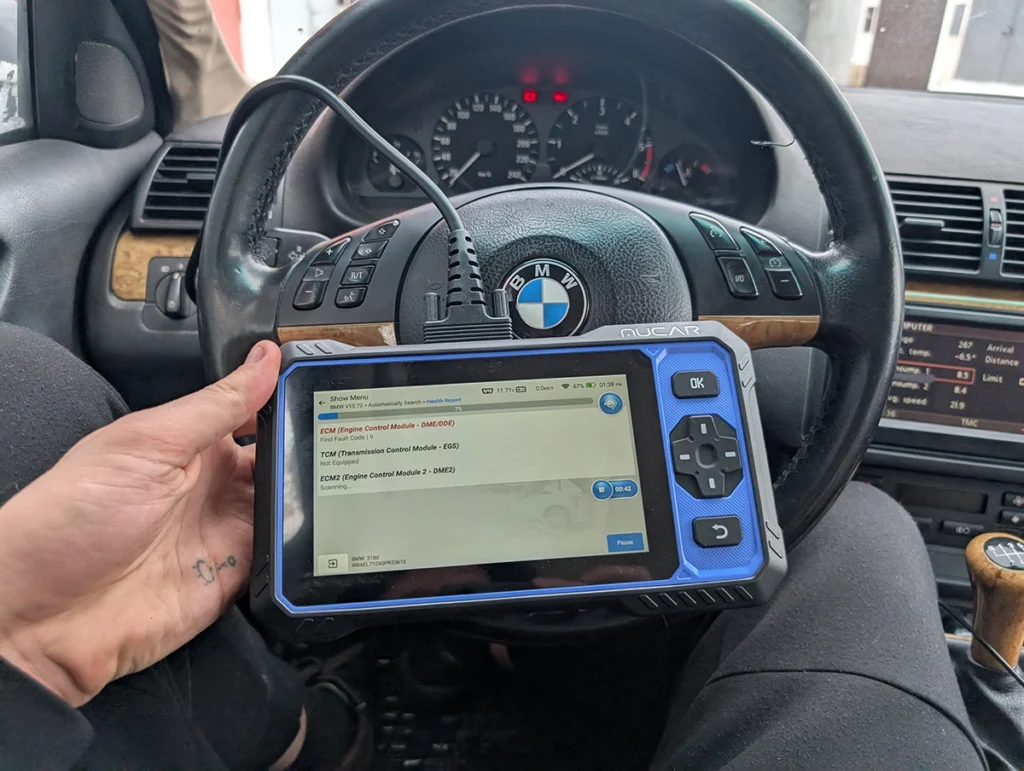
Mucar 682 is a simple and affordable diagnostic tablet designed mainly for diagnostics and service procedures. It performs full-system scans quickly and supports many maintenance functions.
However, it does not include ECU coding capabilities, which makes it more suitable for diagnostics rather than advanced vehicle modifications.
Procedures using this scanner
What is a bi-directional scan tool
A bi-directional scan tool allows you to send commands to vehicle modules and activate components directly from the scanner.
Examples of what you can do with these tools:
- run fuel injector tests
- activate cooling fans
- reset service lights
- perform throttle body adaptations
- calibrate steering angle sensors
- perform EPB brake service procedures
- code new vehicle features
This makes diagnostics significantly easier because you can verify whether a component actually responds to commands.
When do you need a bi-directional scanner
A basic code reader is enough if you only want to read engine fault codes. But for more serious diagnostics or repairs, a bi-directional scanner becomes extremely useful.
Typical situations where these tools help:
- diagnosing actuator failures
- running service procedures after repairs
- coding new modules or vehicle options
- testing sensors and valves
- troubleshooting intermittent faults
This is why many mechanics consider a bi-directional scanner to be the minimum requirement for real diagnostics.
Best bi-directional scanners video
Choosing the right scanner
If you plan to use the scanner regularly in a workshop or want advanced OEM features, it may be worth looking at more professional tools.
You can see my full guide here:
Best OBD2 scanners for professional mechanics
On the other hand, if you want to save money and use a smartphone instead of a tablet scanner, there are several powerful adapters that support bi-directional diagnostics.
See my guide here:
Best bluetooth smartphone OBD2 scanners
These tools are significantly cheaper while still allowing you to perform many advanced diagnostic functions.
Hard to choose? I reviewed all these OBD2 scanners
Below you can open my full reviews where I tested each tool in real diagnostics on multiple vehicles.
| Mucar 892BT | View full review |
| Youcanic U-CAN II | View full review |
| XTool A30M | View full review |
| Mucar VO7 | View full review |
| XTool D8s | View full review |
| Thinkdiag2 | View full review |
| Mucar 682 | View full review |
Conclusion
Bi-directional scanners unlock a completely different level of diagnostics compared to basic code readers.
Tools like Mucar 892BT, Youcanic Scanner, and XTool A30M offer an excellent balance of price, functionality, and reliability, making them ideal for DIY mechanics and advanced diagnostics.
If you want to diagnose vehicles properly, perform service procedures, or verify com
Most popular OBD2 guides










Olá
Para um carro elétrico o que aconselha?
Obrigado
Fernando Miranda
Hi most of these will be fine for EVs as well – here is more info: https://iamcarhacker.com/ev-diagnostics-with-obd2-what-works-what-doesnt/