 By Juraj · Last updated August 15, 2026
This guide shows how to register and code a new battery on BMW E61 using an OBD2 scanner.
This procedure is required after battery replacement and can fix charging problems or battery drain caused by incorrect battery type or capacity stored in the ECU.
When to do this procedure
- after replacing battery
- when changing battery type (AGM ↔ normal)
- battery drains overnight
- charging not working correctly
I earn from qualifying purchases and sometimes get tools for free (full disclosure). It never affects my scoring.
Used tool in this guide

Video: How to register new battery on BMW
This video shows how to perform battery registration and coding step by step.
Supported vehicles
| Vehicle |
|---|
| 5-series-e6x |
Technical overview
| Vehicle | BMW E61 530d |
|---|---|
| Year | 2009 |
| System | CAS / IBS battery management |
| Procedure type | Battery registration + coding |
| Difficulty | Easy |
| Time required | ~10 minutes |
| Prerequisites | Ignition ON, stable battery voltage |
Step-by-step procedure
Connect OBD2 scanner
Turn ignition ON (engine OFF)
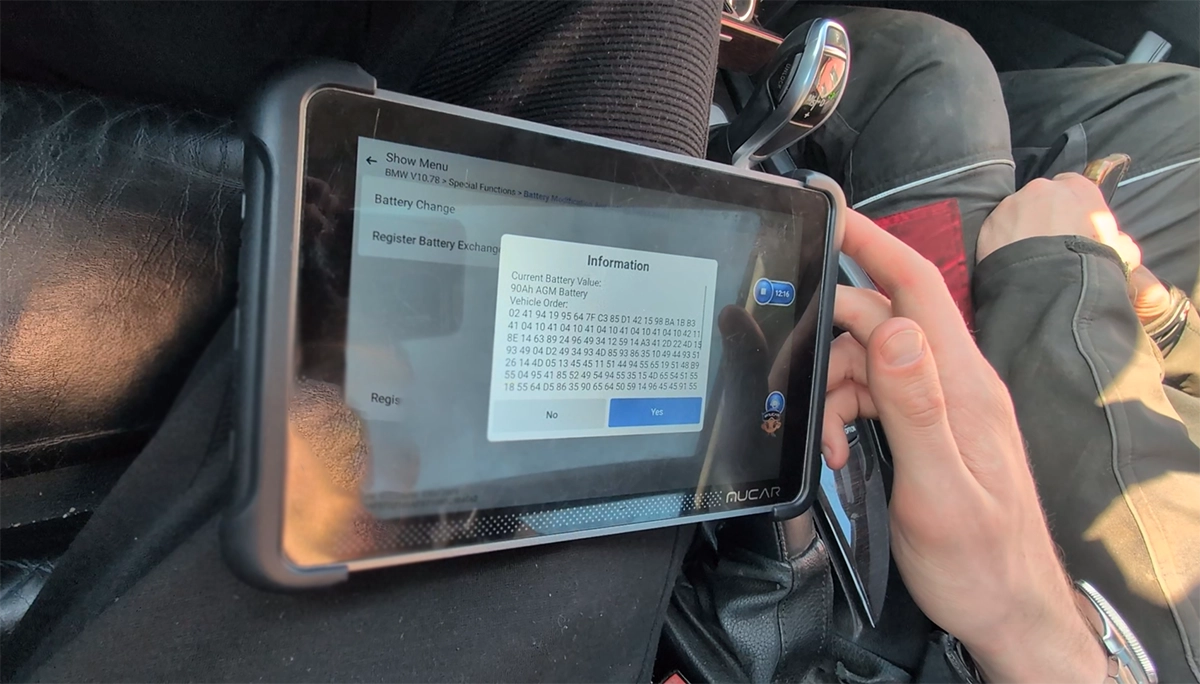
Go to Special Functions → Battery
Go to Special Functions → Battery / Battery Change
Select Register Battery Exchange
Important step (capacity selection)
You will see options like:
- 80Ah Battery
- 90Ah Battery
- 110Ah Battery
- 80Ah AGM
- 90Ah AGM
👉 You cannot select exact capacity like 96Ah
What to choose
👉 Always select:
- correct battery type (AGM vs normal)
- closest capacity option
Example:
- installed battery: 96Ah AGM
➡️ select: 90Ah AGM
✔️ correct behavior
✔️ ECU will adapt automatically
Continue procedure
- Select:
- same capacity OR
- higher/lower capacity (if changed)
- Confirm battery replacement
- Wait for “successful” message
What this procedure actually does
- resets battery history
- updates charging strategy
- adapts alternator behavior
- syncs IBS system
Real case (why this matters)
In this case:
- vehicle had AGM battery coded
- but physically had normal battery installed
➡️ caused:
- incorrect charging
- battery drain
After installing correct battery and performing registration + coding:
👉 charging behavior returned to normal and battery drain issue was resolved
Common mistakes
- not registering new battery
- wrong battery type selected
- trying to match exact Ah (not needed)
- skipping coding when changing type
Alternative tools
 ToolXTool A30MXToolOfficial website ›Check on Amazon ›Read review
 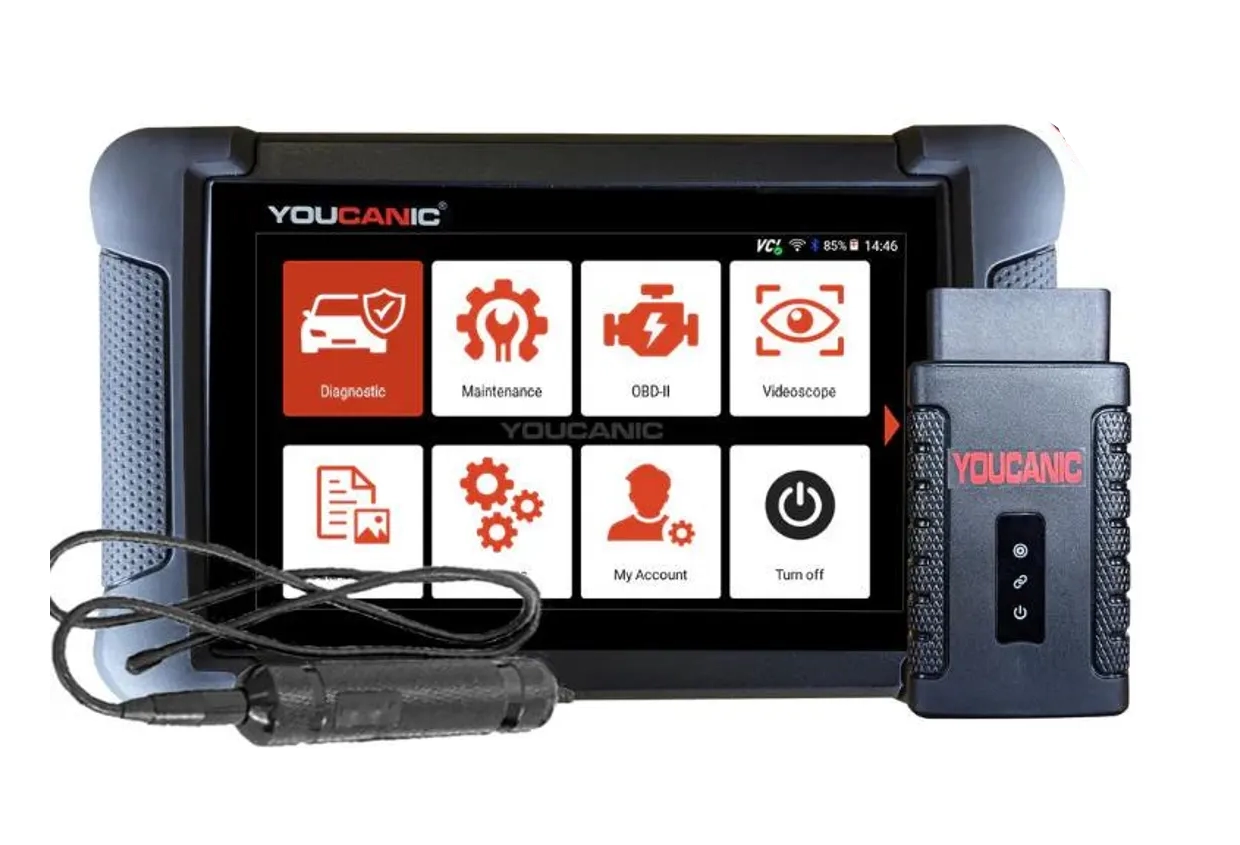 ToolYoucanic UCAN-II full-systemYoucanicOfficial website ›Read review
 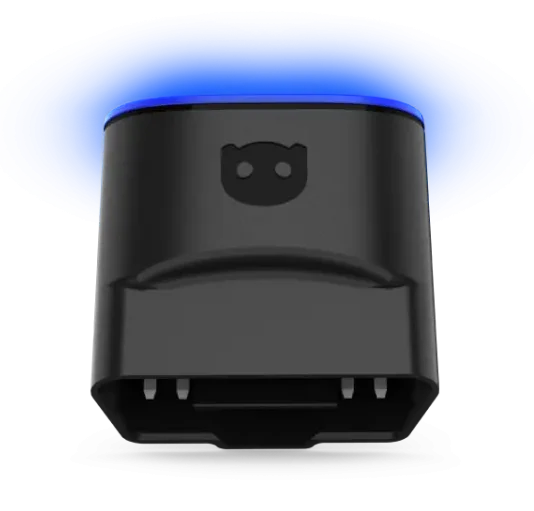 ToolOBDeleven 3OBDelevenOfficial website ›Check on Amazon ›Read review
  RoundupThe 5 Bi-Directional Scanners I Actually Reach For (Out of 50+ Tested)Read the guide
 Legal & safety notice
More procedures like this
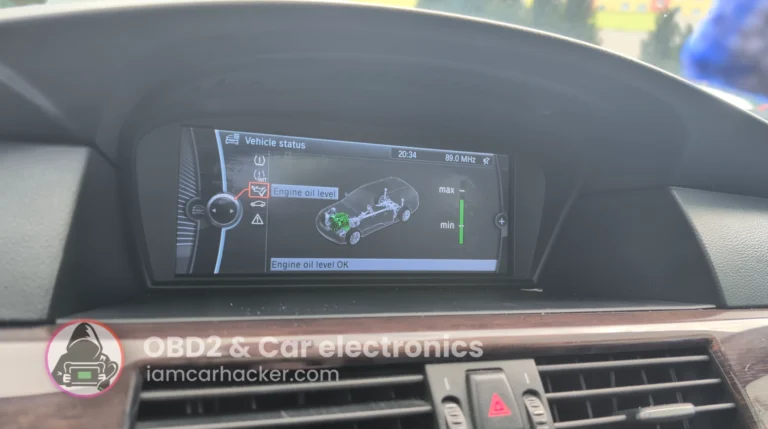
BMW E61 530d Oil Service Reset with OBD2 scanner
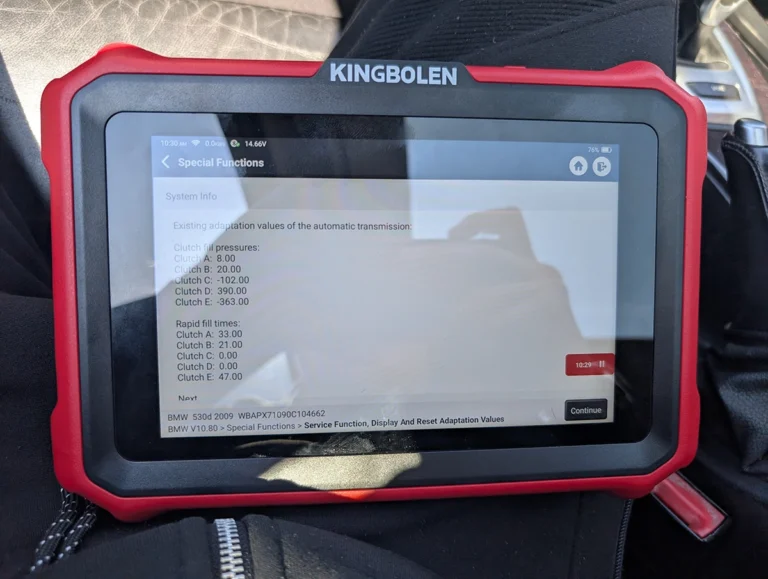
BMW E61 530d 2009 ZF Automatic: Reset Transmission Adaptations to Fix the 2-to-3 Shift Kick
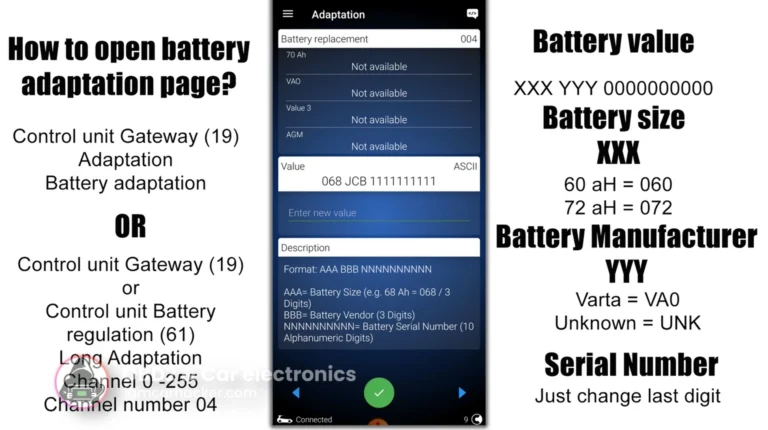
How to adapt a new battery in VW / Audi / Skoda / Seat (VAG battery coding guide)
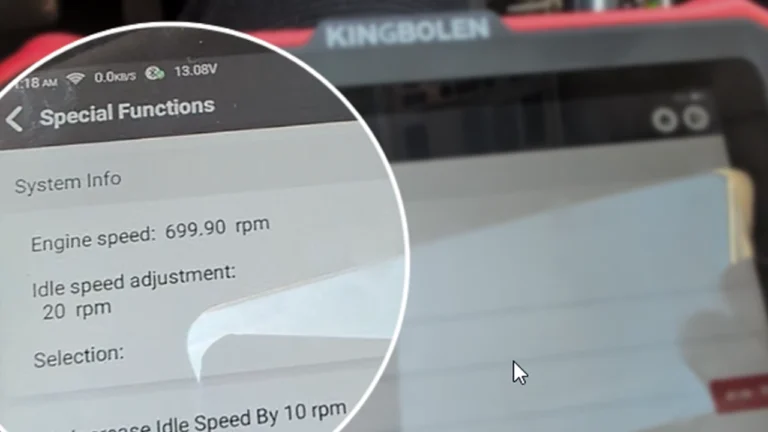
How to Change Idle RPM on BMW 5 Series E61 530d (2008)
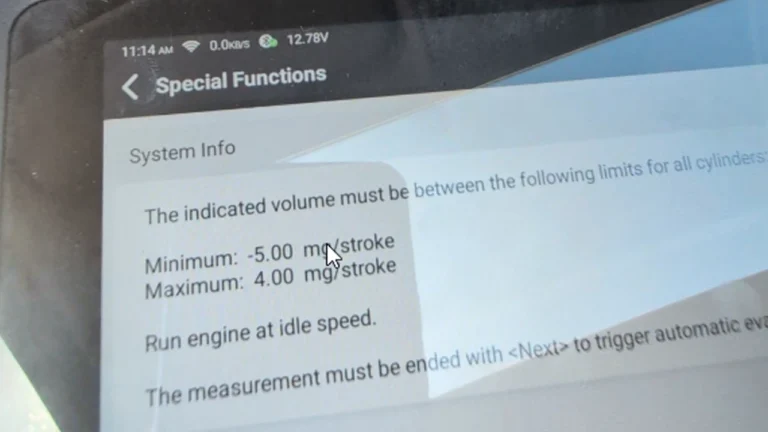
How to Check Fuel Injectors on BMW 5 Series E61 530d (2008) with OBD2 Scanner
Fiat Doblo 2015 1.6 MJT DPF service regeneration
Most popular OBD2 guides






I'm Juraj Lukacko and I work as an auto electrician. On this site I share what I learn from real work on real cars, to help you pick the right tools for diagnostics, programming and tuning and get the job done.
More about me →