 By Juraj · Last updated August 15, 2026
This guide shows how to perform a TPMS sensor relearn on a Toyota Corolla (2016–2019) using an OBD2 scanner with TPMS service functions.
The procedure writes the new sensor IDs into the TPMS control unit using the OBD relearn function.
I earn from qualifying purchases and sometimes get tools for free (full disclosure). It never affects my scoring.
Used tools in this guide

Video: How to relearn new TPMS sensors on Toyota Corolla 2016
This video shows how to scan TPMS sensors and perform the OBD relearn procedure using the Mucar 892BT scanner.
Technical overview
| Item | Details |
|---|---|
| Vehicle | Toyota Corolla Hybrid |
| Supported years | 2016/10 – 2019/03 |
| System | Tire Pressure Monitoring System (TPMS) |
| Sensor frequency | 433 MHz |
| Sensor type | Pacific (4260742021) |
| Procedure type | TPMS relearn |
| Difficulty | Easy |
| Time required | ~5–10 minutes |
| Prerequisites | TPMS activation tool |
Supported vehicles
| Vehicle |
|---|
| corolla-e170-e180 |
Step-by-step procedure
Open TPMS service menu
Connect your OBD2 scanner to the vehicle and turn the ignition ON.
Navigate to:
Service Reset
→ TPMS Service
Select the correct vehicle
Select the vehicle in the scanner menu:
Toyota
→ Corolla
→ 2016/10 – 2019/03
→ 433 MHz (4260742021)
This selects the correct TPMS sensor protocol used in this vehicle.
Scan the TPMS sensors
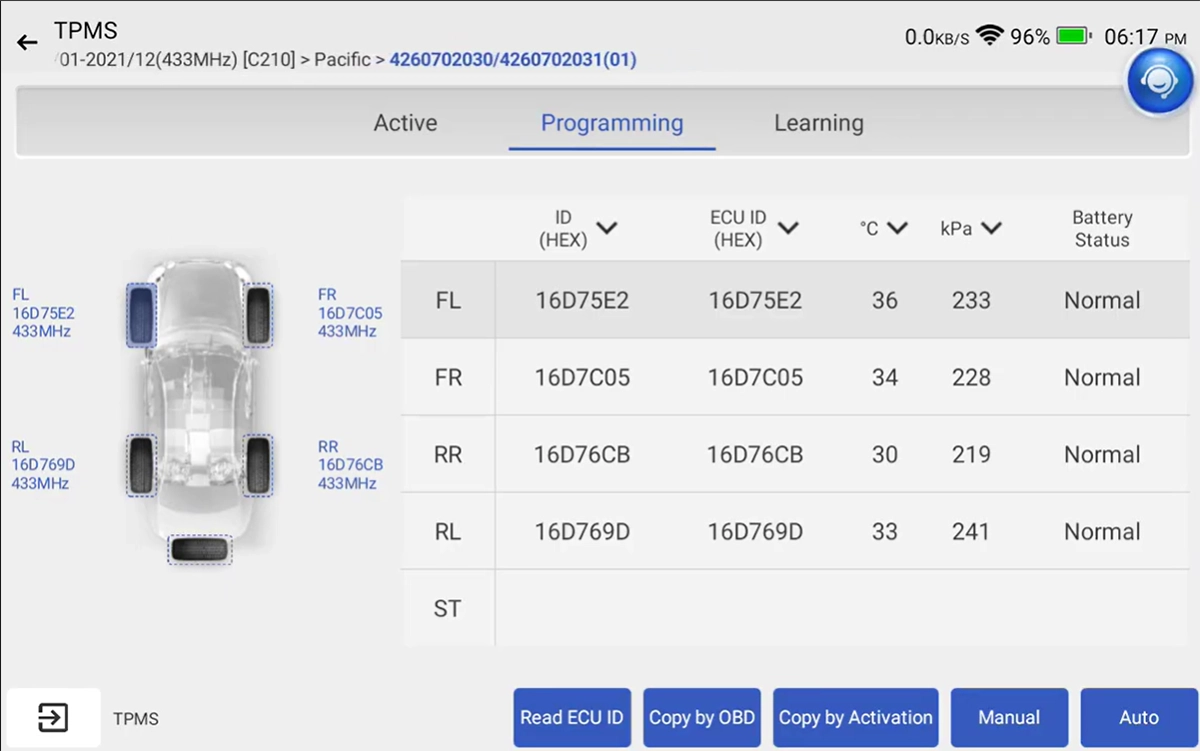
Using the TPMS activation tool, scan each tire pressure sensor.
Trigger the sensors in this order:
LF → RF → RR → LR
The scanner will read and store the sensor ID from each wheel.
Switch to programming mode
After scanning all sensors, switch to the Programming tab in the TPMS menu.
Select:
OBD Relearn
This will write the scanned sensor IDs into the vehicle’s TPMS module through the OBD2 connection.
Confirm the TPMS relearn
Follow the instructions shown on the scanner.
The tool will transfer the sensor IDs to the TPMS control unit.
After the process completes:
- Turn the ignition OFF
- Turn the ignition ON again
Test the system
Drive the vehicle for several minutes to allow the TPMS system to initialize.
The TPMS warning light should turn off once the system detects all sensors.
Alternative tools
ToolMucar 892BTMucarOfficial website ›Check on Amazon ›Read review 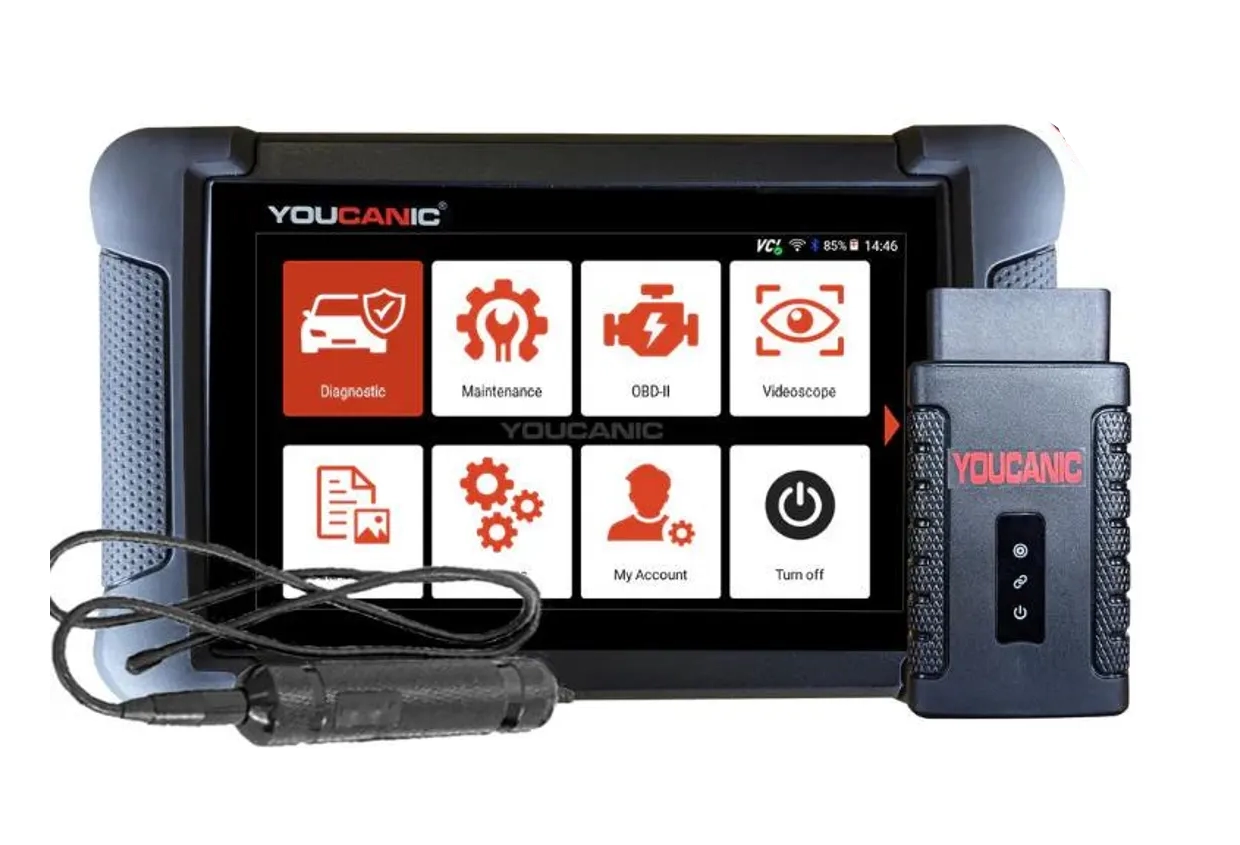 ToolYoucanic UCAN-II full-systemYoucanicOfficial website ›Read review
  ToolThinkdiag2ThinkcarOfficial website ›Check on Amazon ›Read review
  ToolXTool D8sXToolOfficial website ›Check on Amazon ›Read review
  RoundupBest OBD2 Scanners for TPMS: These I Trust for Relearn & Sensor ReadsRead the guide
 Legal & safety notice
More procedures like this
Chevrolet Malibu 2013 TPMS Relearn
Mazda CX-7 2008 TPMS Relearn / Wheel Sensor Registration
Toyota Proace City EPB Reset for Brake Pad Replacement (2020)
Toyota Avensis 2006 Add new key/Key Cloning: Car Starts, Remote Doesn’t (Full Job)
Fiat Doblo 2015 1.6 MJT DPF service regeneration
Steering Angle Sensor Calibration (SAS Reset) – Honda Civic 2017
Most popular OBD2 guides







I'm Juraj Lukacko and I work as an auto electrician. On this site I share what I learn from real work on real cars, to help you pick the right tools for diagnostics, programming and tuning and get the job done.
More about me →