 By Juraj · Last updated August 15, 2026
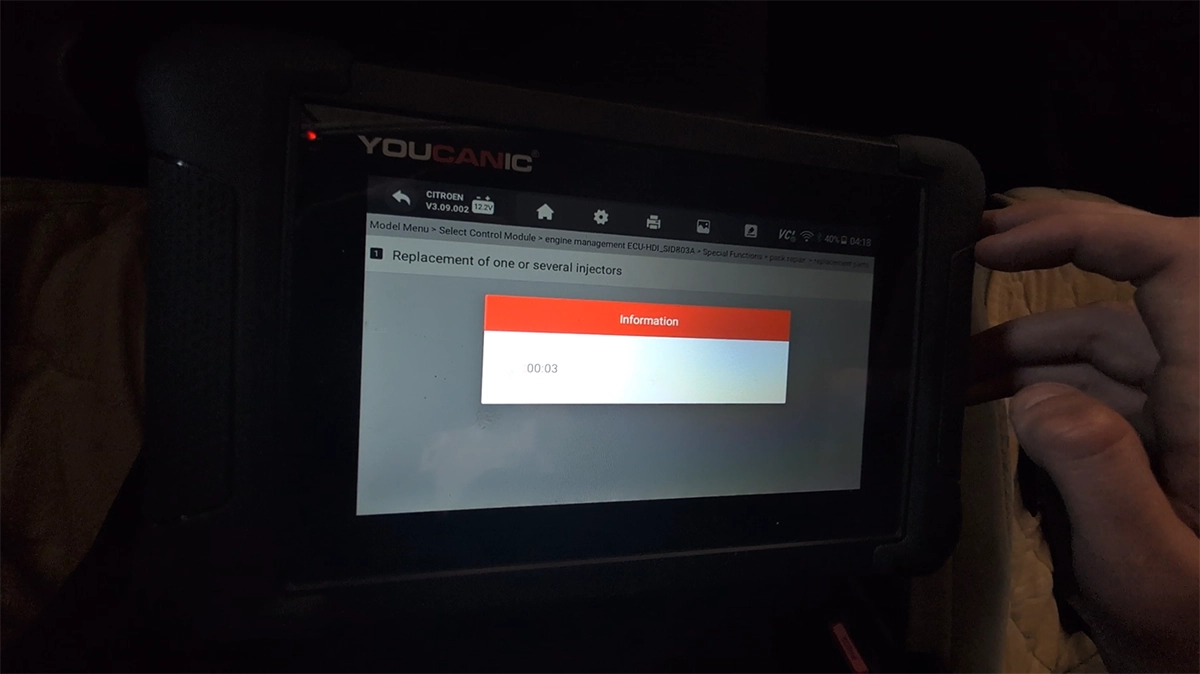
This guide shows how to perform injector programming and adaptation on Citroën C4 Picasso 2.0 HDi using an OBD2 diagnostic tool.
I earn from qualifying purchases and sometimes get tools for free (full disclosure). It never affects my scoring.
Used tool in this guide
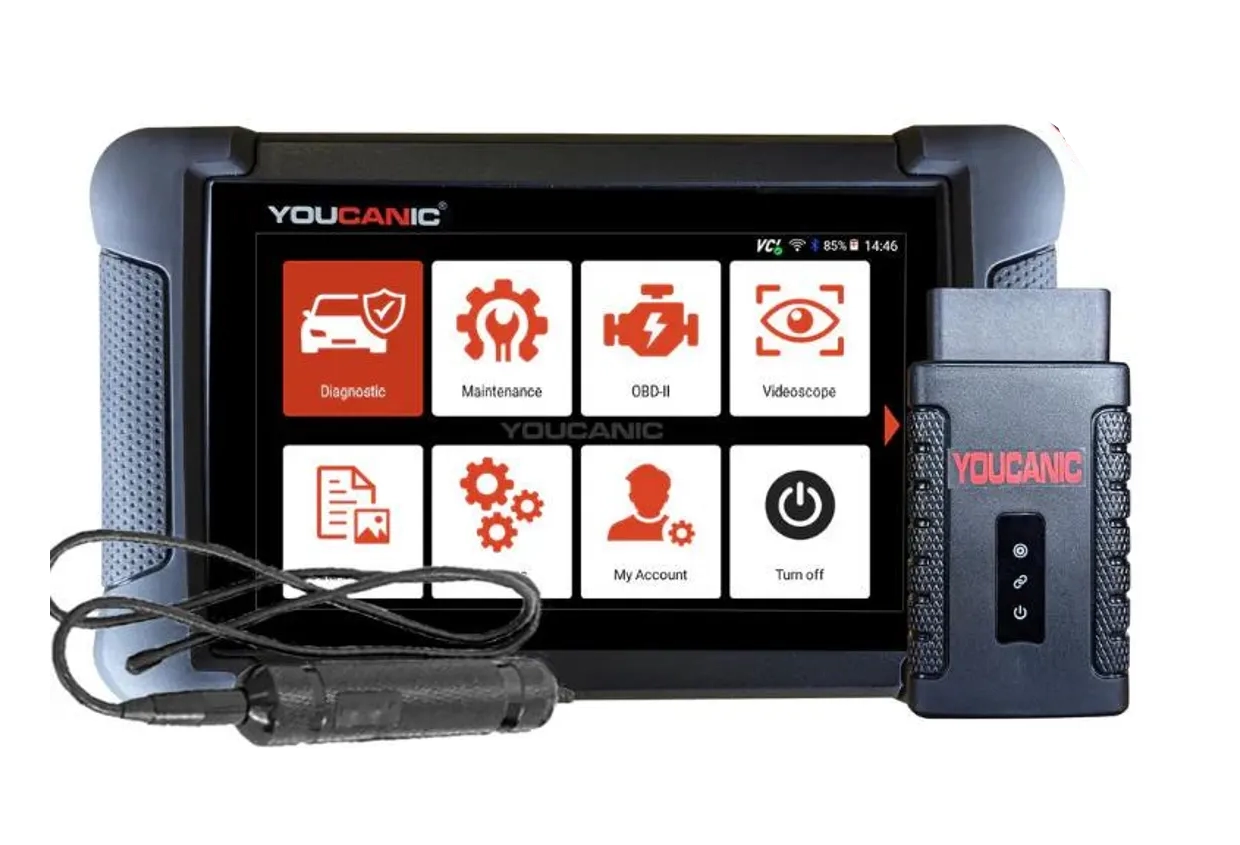
Youcanic UCAN-II full-system
full system scanner that works completely without internet connection (except update and setup). Works very good and does service/coding as well.
Video: How to code injectors on Citroën Picasso 2.0 HDi
This video shows how to code new injectors for picasso 2.0 hdi.
Supported vehicles
| Vehicle |
|---|
| c4-picasso-mk1 |
Technical overview
| Vehicle | Citroën C4 Picasso |
|---|---|
| System | Engine management (fuel injection) |
| Procedure type | Injector programming / adaptation |
| Difficulty | Easy |
| Time required | ~2–5 minutes |
| Prerequisites | Ignition ON, stable battery voltage |
Step-by-step procedure
Connect diagnostic tool
- Turn ignition ON
- Connect OBD2 scanner
- Go to service menu -> Fuel injector coding
Enter engine control module
Navigate:
Citroen → Model Menu → Engine ECU
Open special functions
Special functions → Pack repair
Select injector function
You will see two options:
- Replacement parts
- Programming
Run the procedure
Option 1: Replacement parts (recommended)
- Select Replacement of one or several injectors
- Confirm operation
- Wait until programming completes
👉 Message:
💡Pro tip: Programming complete. Adaptation will be performed during next drive cycles
Option 2: Programming
- Select Programming of the injectors
- Confirm operation
- Wait until programming completes
👉 Same final message will appear
Difference between “Replacement parts” vs “Programming”
Both functions lead to similar result, but internally they behave differently:
Replacement parts
- Designed for actual injector replacement
- Resets internal ECU adaptation values
- Prepares system for new injectors
- Triggers full relearn strategy
👉 Best choice when:
- installing new or used injectors
Programming
- Performs basic injector programming
- Does not fully reset all adaptation values
- Used mainly for:
- rewriting data
- quick corrections
👉 Best choice when:
- no parts were replaced
- you only want to refresh settings
Additional information & compatibility notes
- Supported years: ~2006–2013
Alternative tools


Legal & safety notice
This procedure modifies vehicle system settings through the control module. Incorrect use may cause faults or warning lights. Always ensure the vehicle is secured and follow proper safety procedures.
More procedures like this
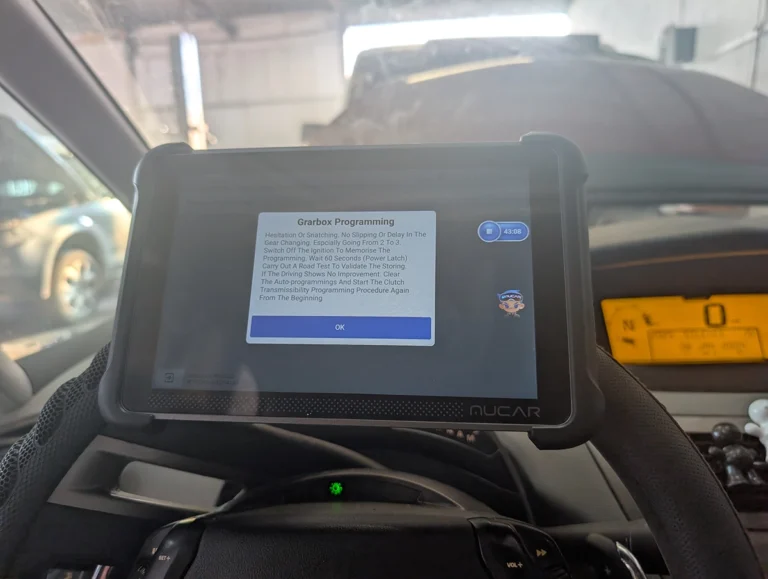
Citroën C4 Picasso 2012 Gearbox adaptation
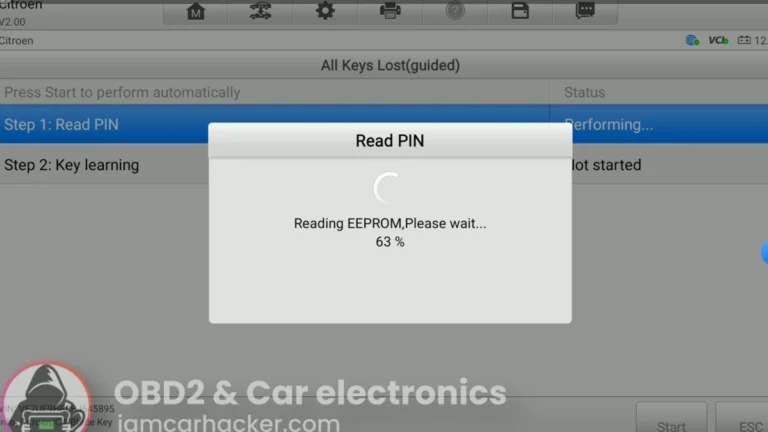
Add / All Keys Lost – Citroën C4 Picasso 2012
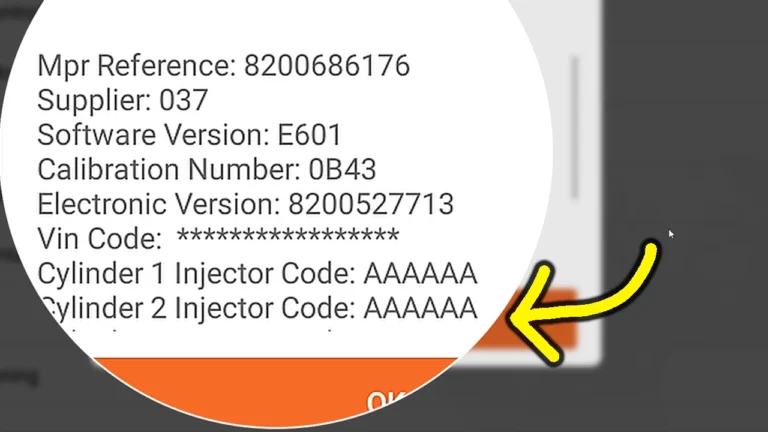
Renault Laguna II Phase 2: Program Injector Codes and VIN After ECU Programming (DF276 Fix)
Škoda Fabia Mk3 (2020) Oil Service Reset with OBD2 scanner
Mazda CX-7 2008 TPMS Relearn / Wheel Sensor Registration
BMW E91 2008 Sunroof Not Responding: Sunroof Initialization Fix
Most popular OBD2 guides
My personal favourites

Best Overall
Most Popular

Bluetooth

Best Value

Free lifietime updates

Most versatile

Bi-Directional Scan tools (+mobile)

Juraj
I'm Juraj Lukacko and I work as an auto electrician. On this site I share what I learn from real work on real cars, to help you pick the right tools for diagnostics, programming and tuning and get the job done.
More about me →