
Published: June 26, 2025 · Last updated: May 30, 2026
If you fix cars instead of just reading codes, you want bi-directional. It’s the difference between “something’s wrong” and commanding the part to move so you know. For most people the Mucar 892BT or the XTool A30M covers everything you’ll realistically do, diagnostics, service resets, basic coding. On a smartphone budget, the Thinkdiag2 punches way above its price. Want it cheap on a tablet with real VAG coding? The Mucar V07. New to all this? The Youcanic UCAN-II keeps it simple. Pick the one that’s strongest on the cars you own, not the longest spec sheet.
I earn from qualifying purchases and sometimes get tools for free (full disclosure). It never affects my scoring.
Best OBD2 scanners with active tests

XTool A30M 9.1 / 10
Best overall value for money for Bluetooth OBD2 scanner.
- ✓Amazing value for money
- ✓Adapter has built-in flashlight to help you see obd2 port
- ✓One of my personal favourite tools
- ✓Free updates
- ✕Can only use landscape mode

Mucar 892BT 9.4 / 10
My personal favourite go-to scanner for diagnosing, checking used cars. service resets or even coding new features. Unless I need special tool I am using this one.
- ✓Small for tablet scan tool so it's easy to carry around
- ✓Good interface for coding features
- ✓Overall great UX
- ✓Magnetic handle for dongle on the back is gold = no need to always search for dongle
- ✓Allows custom background image
- ✕No topology yet (might come later with update)
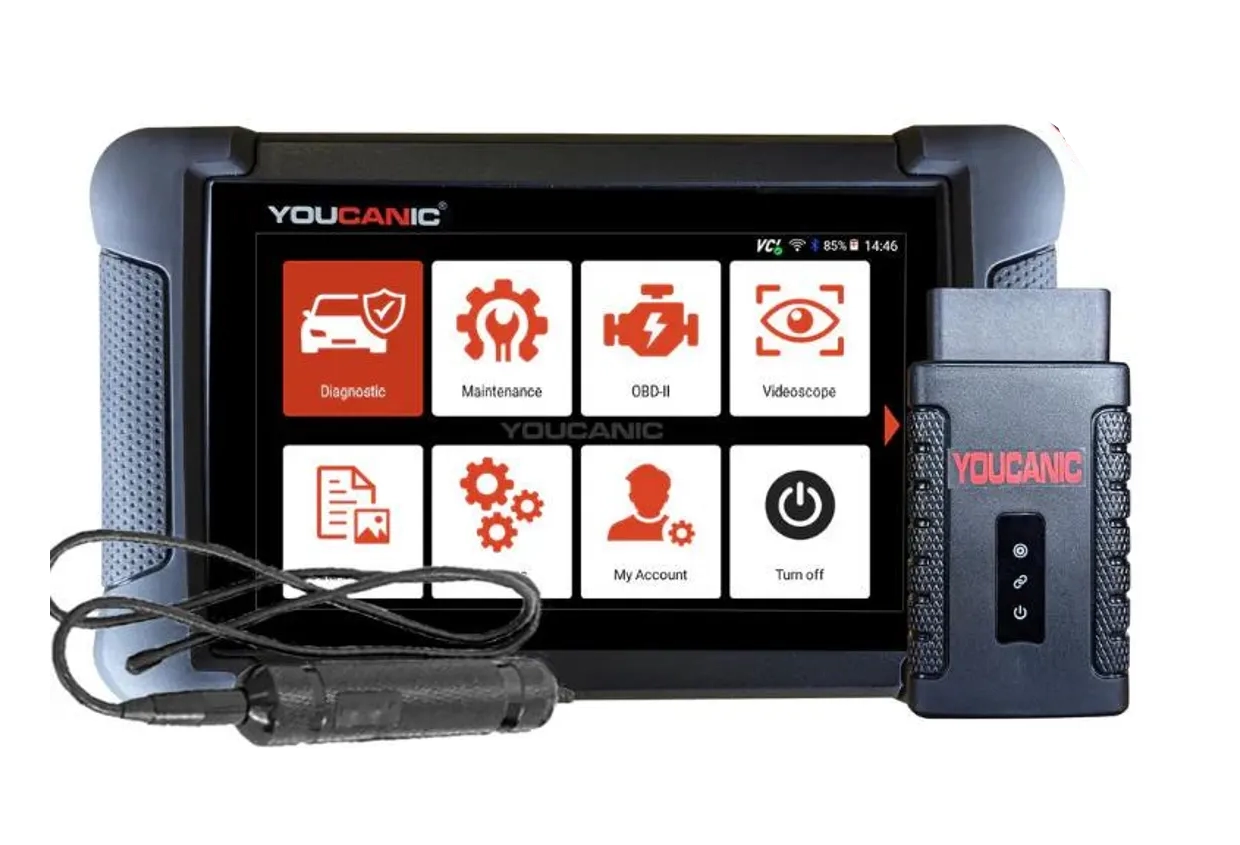
Youcanic UCAN-II full-system 8.4 / 10
full system scanner that works completely without internet connection (except update and setup). Works very good and does service/coding as well.
- ✓Full-system bidirectional
- ✓ECU coding
- ✓Wide vehicle coverage
- ✓Lifetime updates
- ✓Good to check and log live data
- ✓30 days no question asked return
- ✕Less known brand with smaller community

Thinkdiag2 8.5 / 10
most advanced bluetooth OBD2 scanner for smartphone users with full-system access and coding
- ✓Most advanced scanner to use with smartphone
- ✓1-year free updates/subscription
- ✓Can unlock hidden features in many brands
- ✓Never failed to connect (I am using it for 4 years already)
- ✓Comparable to $400-600 scan tool tablets
- ✕Yearly subscription

Mucar V07 8.1 / 10
solid mid-range tablet with strong VAG coding for the price, good alternative to Kingbolen K7 if you prefer mucar ecosystem
- ✓OEM coding support
- ✓One of cheapest bi-directional scan tools with coding
- ✓Free lifetime updates
- ✓Great budget pick for DIY and smaller shops
XTool A30M
Mucar 892BT
Youcanic UCAN-II full-system
Thinkdiag2
Mucar V07


Why these five, and how I actually use them
Here’s the thing nobody tells you about bi-directional scanners: the scanner is only half the equation. The car is the other half. A tool can only run the active tests the vehicle itself exposes. Run the same scanner on a well-supported VAG and then on some stubborn model, and the test menu won’t match. That’s the car talking, not the tool failing. So I don’t pick by spec sheet. I pick by which tool feels right in the hand on the cars I actually touch.
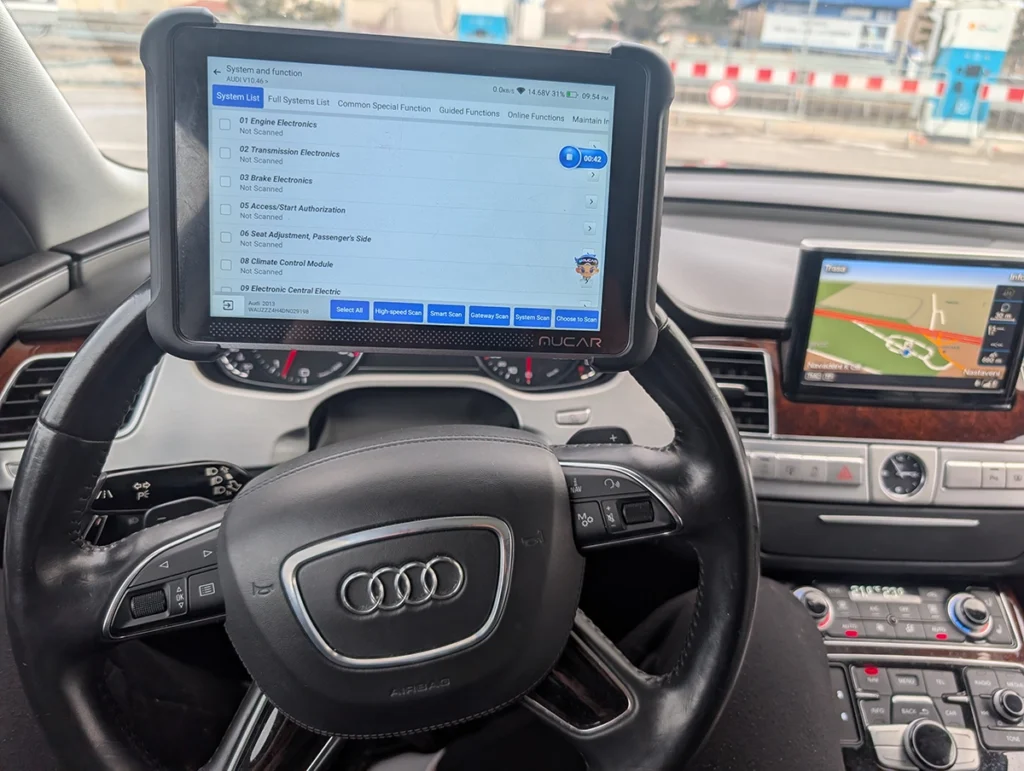
The Mucar 892BT is my go-to, and it earns that honestly. Small enough to carry, the coding interface is clean, and the magnetic dongle holder on the back means I’m not hunting for the dongle every job. Unless I need a special-purpose tool, this is what comes off the shelf first. The one gap: no topology view yet. If you live in module maps, that stings.
→ Read full review of Mucar 892BT
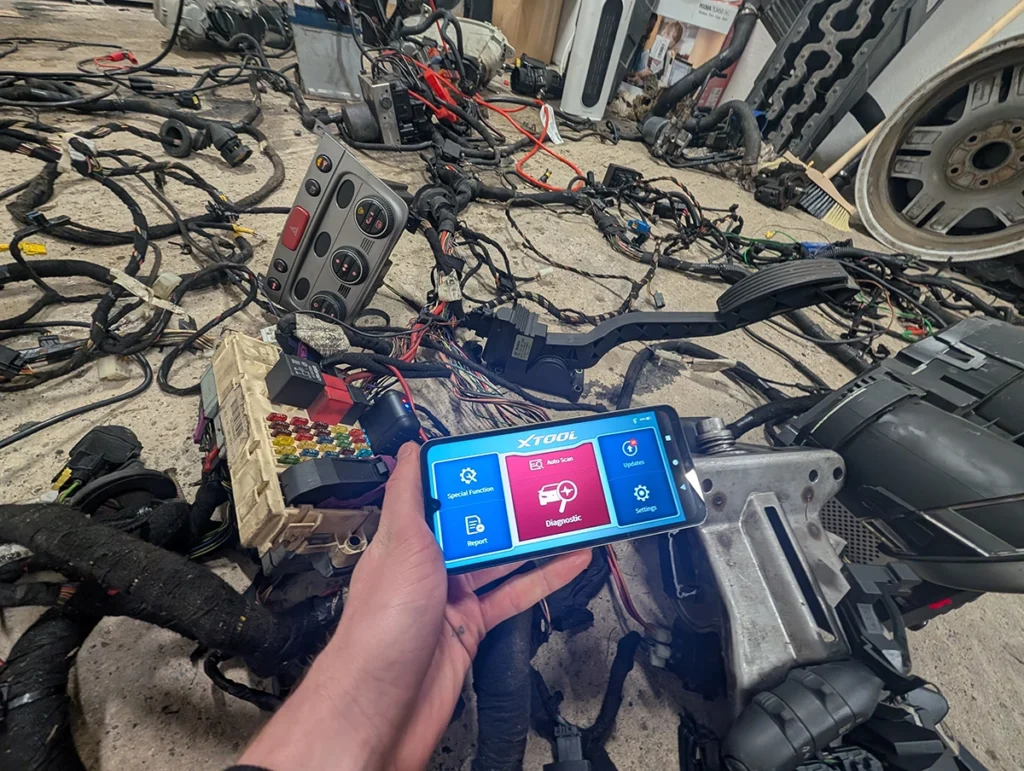
The XTool A30M is the value pick and one of my personal favourites. For a Bluetooth scanner at this price it does far more than it has any right to, plus free updates and a flashlight on the dongle for finding the OBD port in a footwell. Only real annoyance: landscape mode only. Minor, but worth knowing before you buy.
→ Read full review of XTool A30M
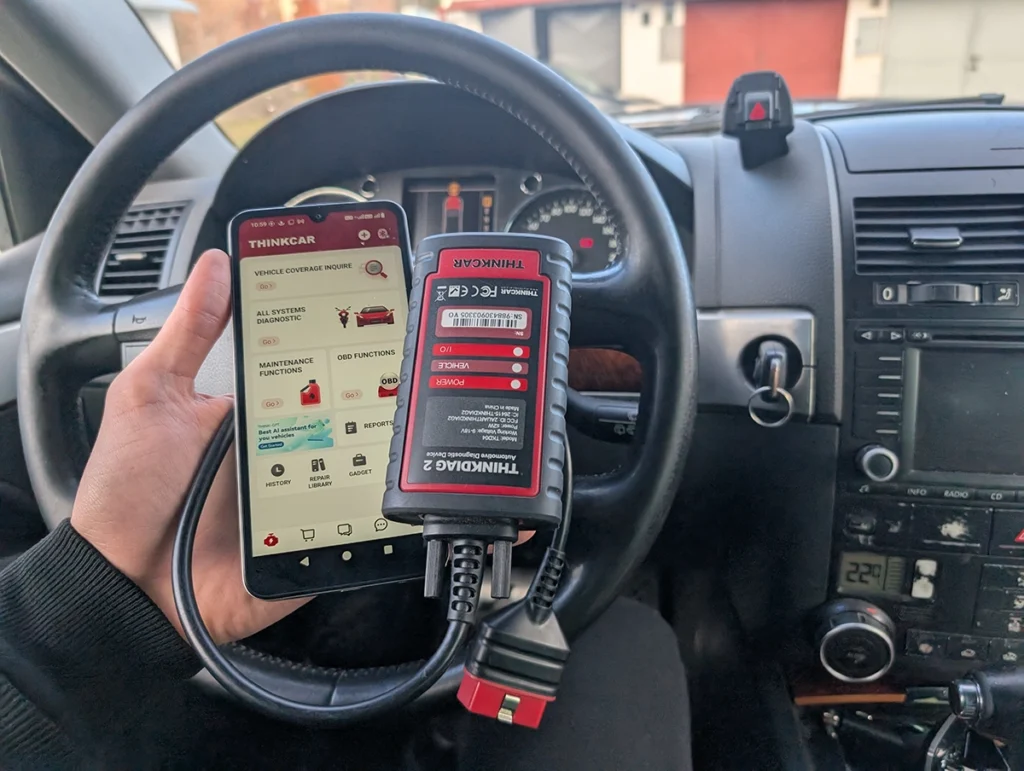
The Thinkdiag2 is the one I keep recommending to phone users, because I’ve run it for four years and it’s never once failed to connect. It does full-system work and coding off a smartphone, comparable to tablets that cost three or four times as much. The catch is the yearly subscription. If you hate recurring costs, factor that in.
→ Read full review of Thinkdiag2
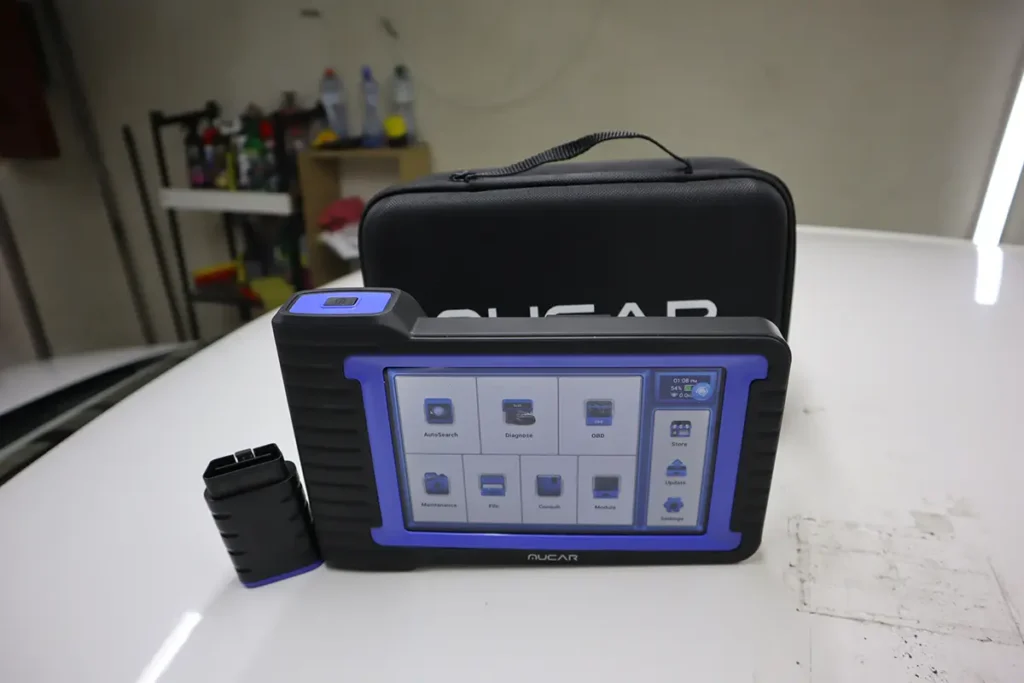
The Mucar V07 is where I send people who want coding on a budget. It’s one of the cheapest bi-directional tablets that still does proper OEM coding, with free lifetime updates on top. For a DIYer or a small shop watching the budget, that combination is hard to beat.
→ Read full review of Mucar V07

And the Youcanic UCAN-II is the beginner pick for one reason: it works fully offline once it’s set up, no internet needed for the actual diagnostics. Full-system bidirectional, coding, wide coverage, lifetime updates. Smaller brand and community, so you’ll find fewer forum threads when you get stuck, but the tool itself does the job.
→ Read full review of Youcanic UCAN-II
When I’d skip all of these: if you only ever read and clear a code once or twice a year, none of this is for you. Buy a $20 ELM327 and a phone app. Bi-directional earns its money when you’re chasing a fault, an injector, an ABS pump, a sticky EGR, not when you’re clearing a check engine light before an MOT.
Most popular OBD2 guides







I'm Juraj Lukacko and I work as an auto electrician. On this site I share what I learn from real work on real cars, to help you pick the right tools for diagnostics, programming and tuning and get the job done.
More about me →
Olá
Para um carro elétrico o que aconselha?
Obrigado
Fernando Miranda
Hi most of these will be fine for EVs as well – here is more info: https://iamcarhacker.com/ev-diagnostics-with-obd2-what-works-what-doesnt/