 By Juraj · Last updated August 15, 2026
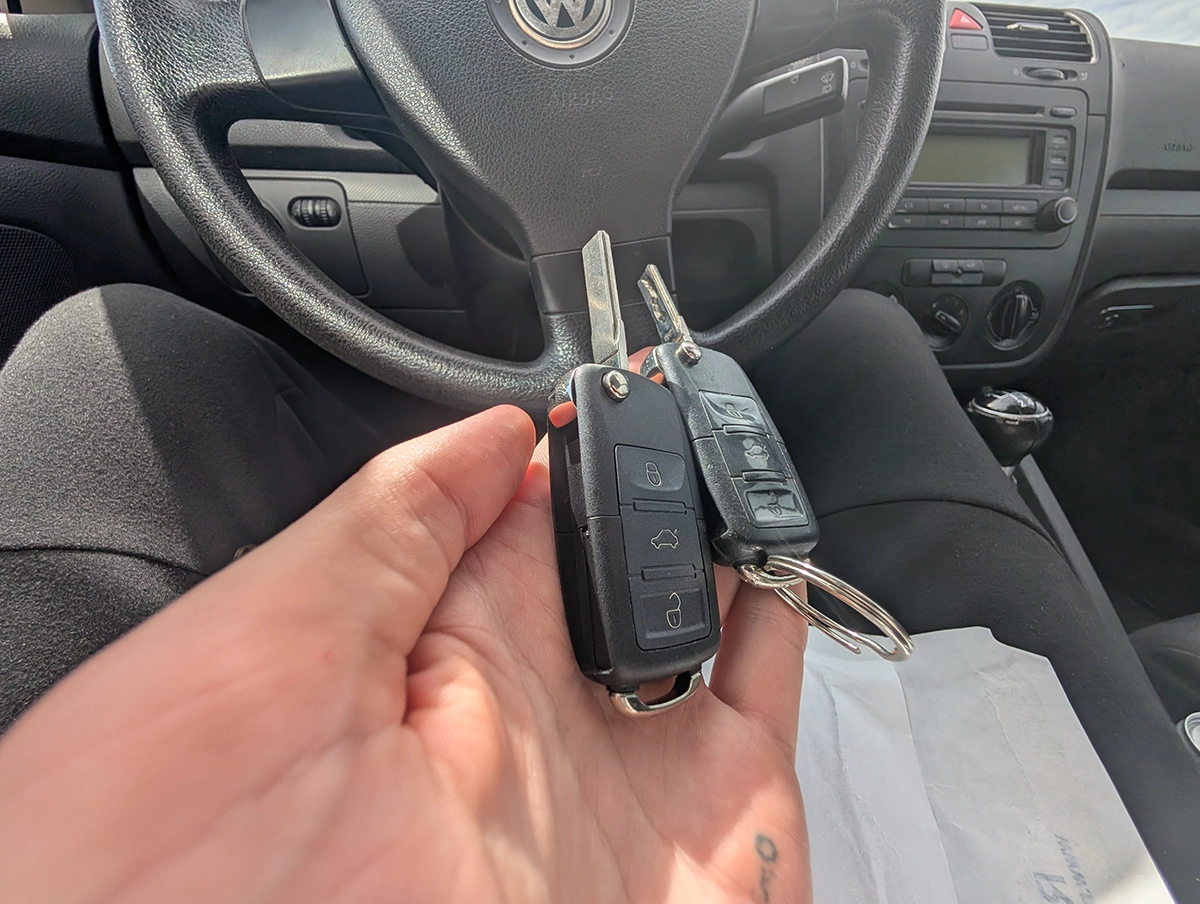
This is complete step-by-step procedure for adapting key remote when key can be used to start but lock and unlock buttons does not work.
I earn from qualifying purchases and sometimes get tools for free (full disclosure). It never affects my scoring.
Used tool in this guide

Video: How to adapt remote key on VAG
This video shows how to adapt remote key on VAG
Technical overview
| Vehicle | VW / Audi / Skoda / Seat (mainly ~1998–2013, some later models) |
|---|---|
| System | Remote key fob synchronization / adaptation |
| Difficulty | Easy–Medium |
| Time required | ~5–10 min |
| Prerequisites | At least one working ignition key, scanner with adaptation access |
Step-by-step procedure
Identify correct control module
On most VAG cars remote control is stored in:
- Module 46 – Comfort System Central (older cars)
- Module 09 – Central Electronics / BCM (newer cars)
👉 If module 46 is not accessible, use module 09
Typical rule:
- Golf 4 / Octavia 1 → module 46
- Golf 5 / Octavia 2 → usually module 09
- Newer BCM cars → module 09 only
Clear previous remote learning values
This step is important and often skipped.
- Enter correct module (46 or 09)
- Go to Adaptation
- Select Channel 00
- Press Read → Save
This clears all previously learned remotes.
👉 If you skip this, adaptation often fails.
Start remote adaptation
- Go to Adaptation
- Select Channel 01
- Enter value = number of remotes you want to adapt
Examples:
- adapting 1 key → value 1
- adapting 2 keys → value 2
- adapting 3 keys → value 3
👉 VERY IMPORTANT:
All keys must be adapted at the same time.
If you adapt only one and forget another key,
the missing key will stop working.
Save and sync remotes
- Press Save
- Scanner should show Adaptation success
- Within a few seconds:
- press any button on remote
- do this for each remote you entered
👉 On many cars you have about 15 seconds window.
Test remote
confirm remote works from distance
remove key from ignition
test lock/unlock buttons
Additional information & compatibility notes
- Applicable models: Central locking / comfort system / BCM remote control
🔧 Remote adaptation ≠ immobilizer programming
This procedure only adapts:
- central locking remote
- trunk unlock
- panic button
It does NOT program immobilizer.
If key starts car → immo is already programmed.
🔧 Cars where this usually works
- VW Golf 4 / 5
- VW Passat B5 / B6
- Skoda Octavia 1 / 2
- Audi A3 8L / 8P
- Audi A4 B5 / B6 / B7
- Seat Leon 1 / 2
🔧 Cars where remote is often separate system
On some newer MQB cars:
- remote learning may be automatic
- may require ODIS or online access
- BCM may block adaptation if key not matched
🔧 Common reasons adaptation fails
- weak key battery
- wrong module used
- not clearing channel 00 first
- trying to adapt keys one-by-one
- aftermarket remote not compatible
- comfort module fault codes
Alternative tools
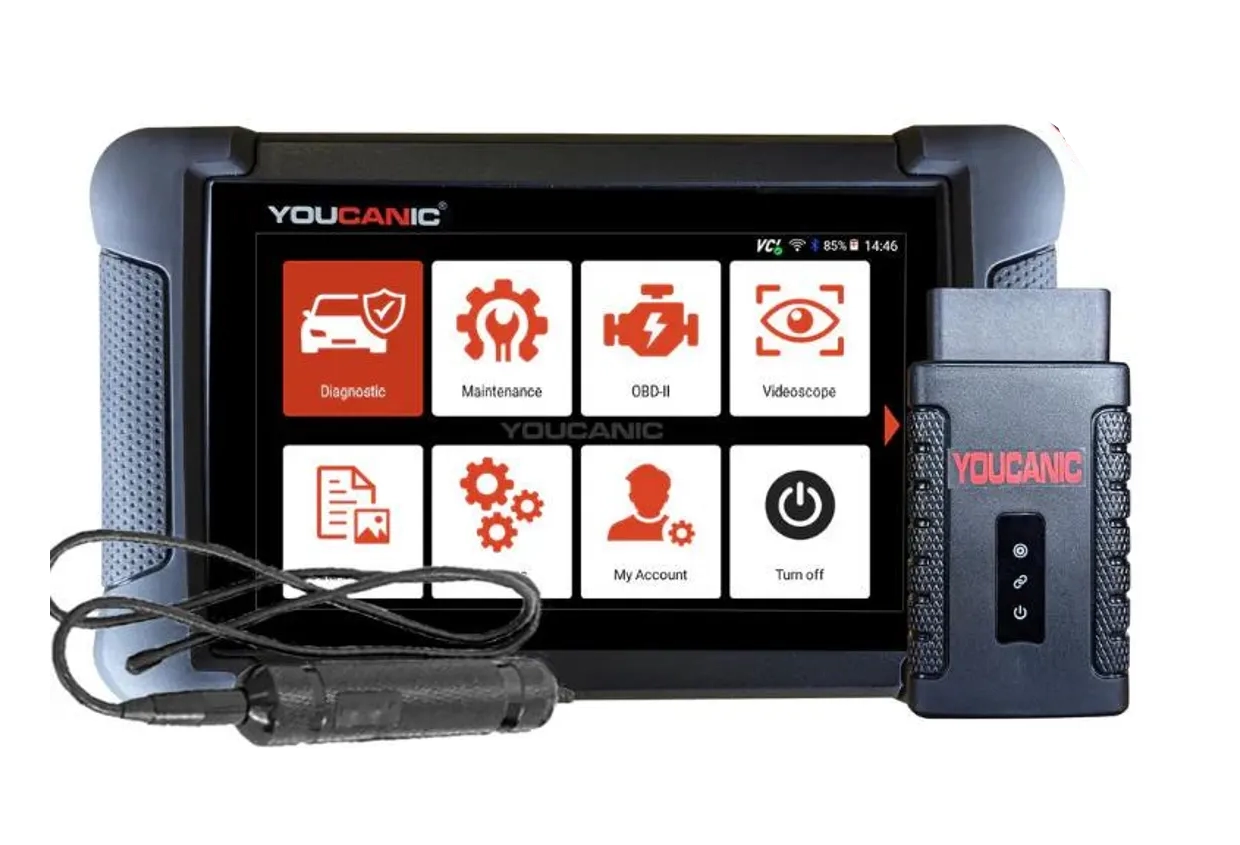 ToolYoucanic UCAN-II full-systemYoucanicOfficial website ›Read review
  ToolOBDeleven 3OBDelevenOfficial website ›Check on Amazon ›Read review
 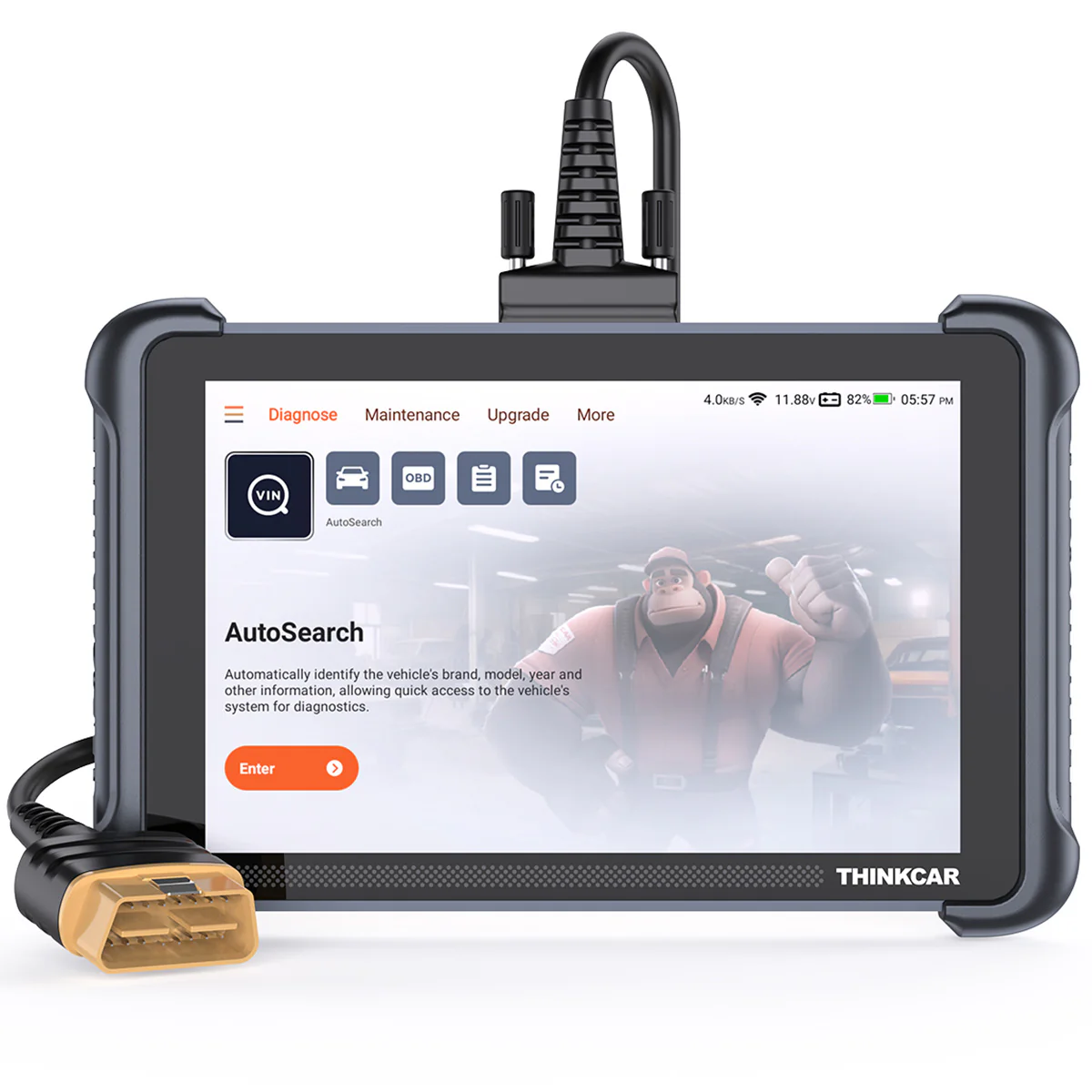 ToolThinkscan 689 (wired)ThinkcarOfficial website ›Check on Amazon ›Read review
  ToolThinkdiag2ThinkcarOfficial website ›Check on Amazon ›Read review
  Roundup5 Best OBD2 Scanners for VW/Audi/Skoda/Seat (Tested on Real VAG Cars)Read the guide
 Legal & safety notice
This procedure modifies vehicle comfort system configuration. Always ensure you are the legal owner of the vehicle before adapting keys or remotes. Incorrect adaptation may disable existing remotes and leave the vehicle without remote access.
More procedures like this
How to activate US-style turn signals for VAG / Volkswagen / Skoda / Seat / Audi
How to Check Diesel Fuel Injectors (VW / Audi / Skoda / Seat) Using OBD2 Scanner
How to Enable Coming Home & Leaving Home Lights (VAG Coding Guide)
How to adapt a new battery in VW / Audi / Skoda / Seat (VAG battery coding guide)
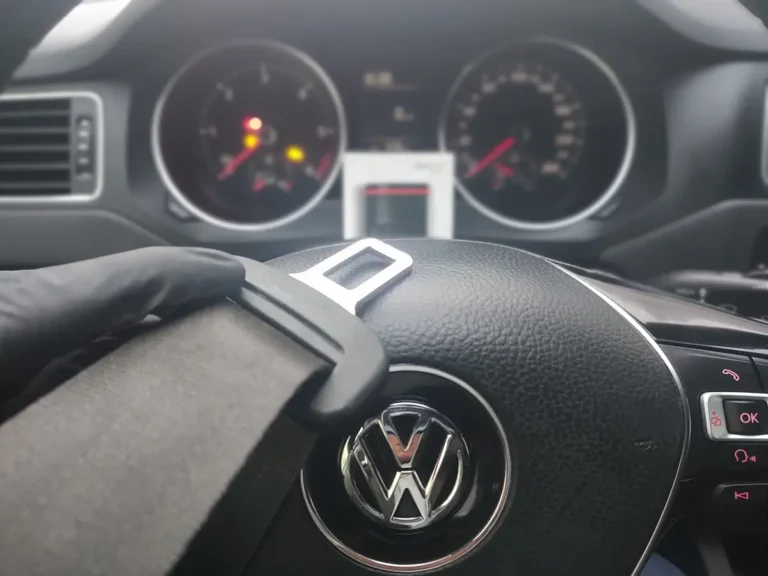
How to disable seatbelt warning in VW/Audi/Skoda/Seat
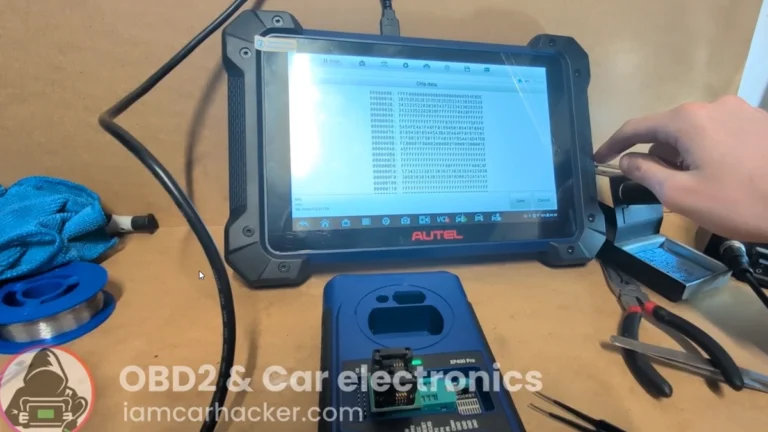
Key programming (add new key / all keys lost) – Passat B6 2.0 TDI (2008)
Most popular OBD2 guides






I'm Juraj Lukacko and I work as an auto electrician. On this site I share what I learn from real work on real cars, to help you pick the right tools for diagnostics, programming and tuning and get the job done.
More about me →