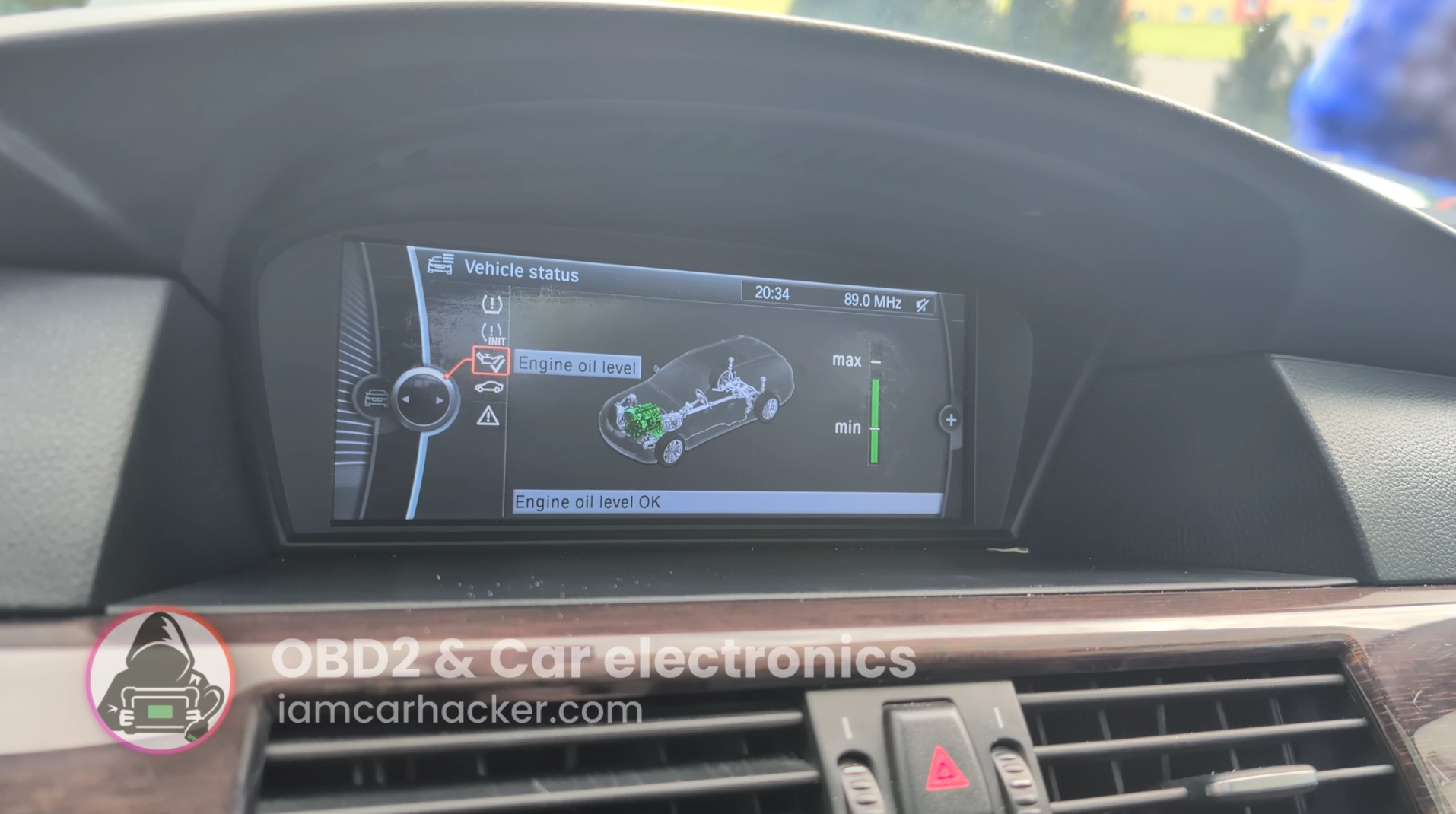
 By Juraj · Last updated August 15, 2026
This is complete step-by-step procedure for resetting the engine oil service interval after oil change on BMW E60/E61 5-Series using a diagnostic scanner.
I earn from qualifying purchases and sometimes get tools for free (full disclosure). It never affects my scoring.
Used tool in this guide

Video: How to reset oil service in BMW 5 E60/61
This video shows how to reset oil service in BMW 5 E60/61
Technical overview
| Vehicle | BMW 5-Series E60 / E61 |
|---|---|
| System | CBS – Condition Based Service (oil service counter) |
| Difficulty | Easy |
| Time required | ~2–5 minutes |
| Prerequisites | Oil change completed, ignition ON, stable battery voltage |
Step-by-step procedure
Prepare the vehicle
- Turn ignition ON (engine OFF).
- Connect MUCAR 892BT to OBD port.
- Open the diagnostic app and connect to vehicle.
Enter BMW service functions
- Select BMW → Automatic VIN or manual selection
- Enter:
Service Functions → Maintenance / CBS Reset → Engine Oil
(Some software versions show it as Oil Service Reset.)
Perform oil reset
- Select Reset engine oil interval
- Confirm reset when prompted
- Wait until tool shows Reset successful
Verify reset
- Turn ignition OFF
- Turn ignition ON again
- Check service menu in cluster
Oil service should now show:
- new interval (usually ~25–30k km or 24 months)
- oil service warning cleared
Alternative manual reset method (no scanner)
BMW E60/E61 also allows reset via cluster buttons.
- Ignition ON
- Hold trip reset button until service menu appears
- Scroll to engine oil symbol
- Hold button again to reset
- Confirm reset
Note:
Manual reset may be blocked if:
- oil service overdue too much
- CBS data corrupted
- battery voltage low
Scanner reset is more reliable.
Additional information & compatibility notes
- Applicable models: ~2003–2010 (incl. 530d M57 & N57 early models)
Alternative tools
 ToolXTool A30MXToolOfficial website ›Check on Amazon ›Read review
 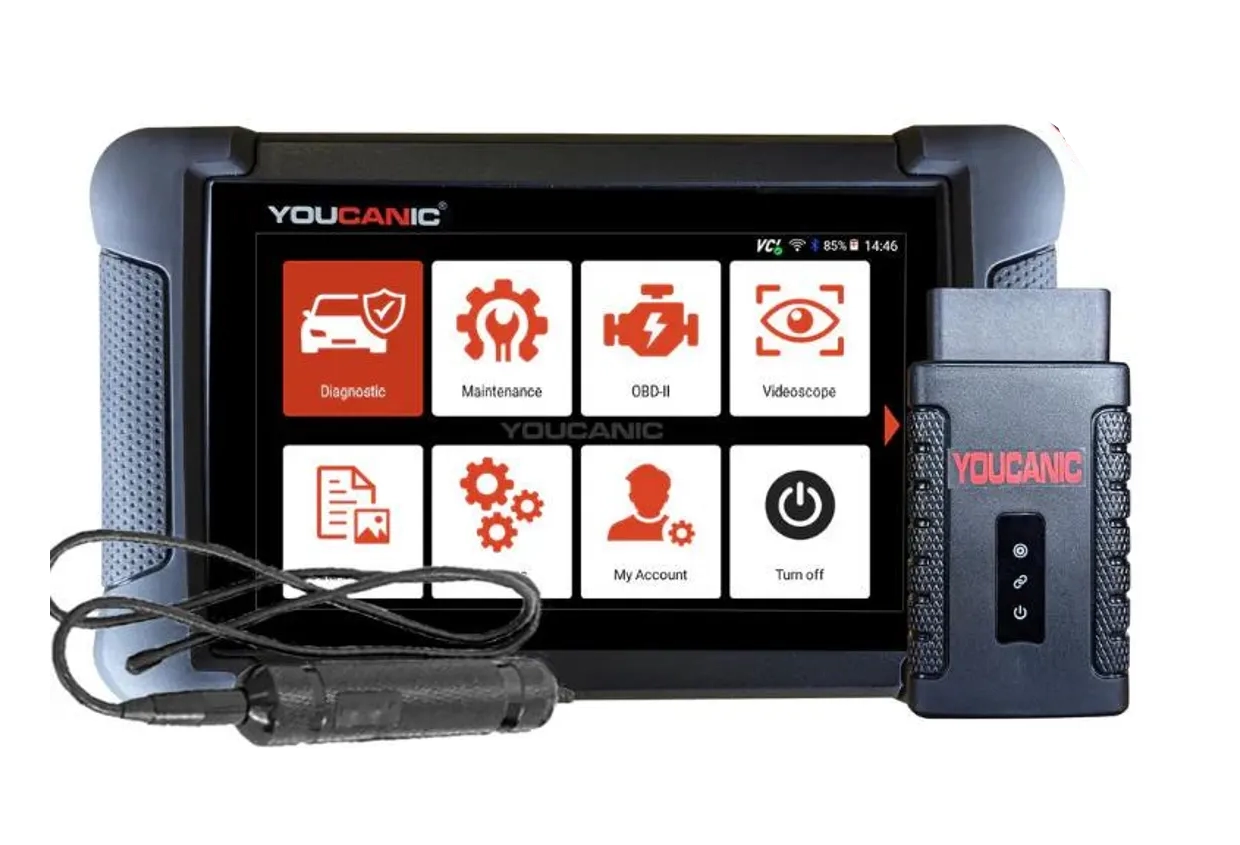 ToolYoucanic UCAN-II full-systemYoucanicOfficial website ›Read review
  ToolOBDeleven 3OBDelevenOfficial website ›Check on Amazon ›Read review
  RoundupThe 5 Bi-Directional Scanners I Actually Reach For (Out of 50+ Tested)Read the guide
  RoundupThe 5 OBD2 Scanners I Actually Use After 4 Years of TestingRead the guide
 Legal & safety notice
Service reset should only be performed after completing the required maintenance. Resetting service intervals without replacing engine oil may result in incorrect maintenance tracking and potential engine damage. Always verify oil level and condition after service.
More procedures like this
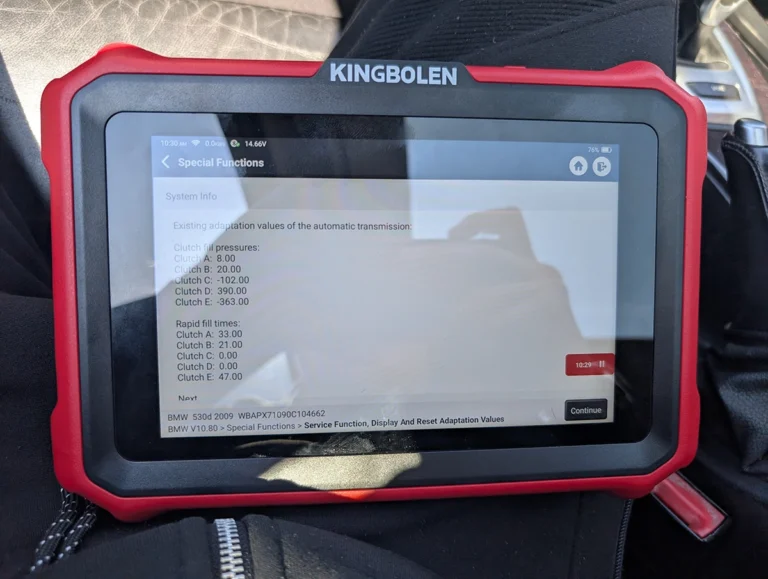
BMW E61 530d 2009 ZF Automatic: Reset Transmission Adaptations to Fix the 2-to-3 Shift Kick
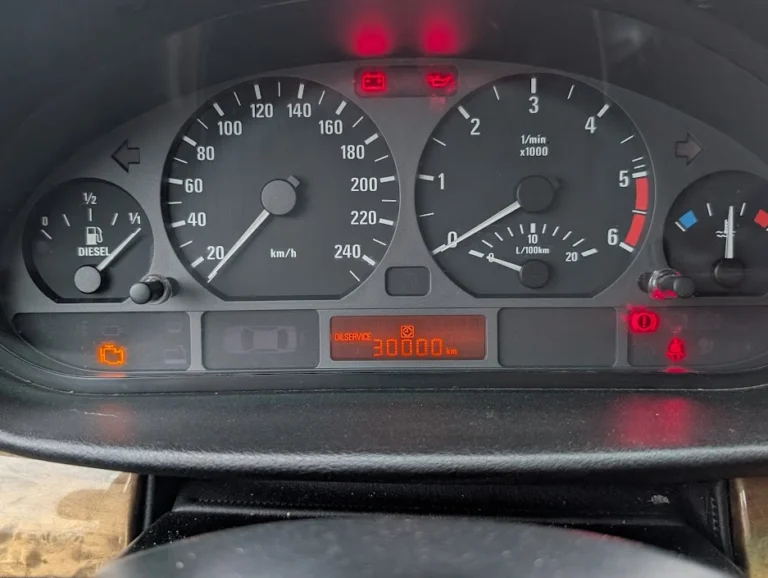
BMW 3-series E46 (2005) – Oil Service Reset (With & Without OBD2 Scanner)
How to Change Idle RPM on BMW 5 Series E61 530d (2008)
How to Check Fuel Injectors on BMW 5 Series E61 530d (2008) with OBD2 Scanner
How to Register and Code a New Battery on BMW E60/E61 (Fix Battery Drain & Charging Issues)
Oil service reset & interval change – Passat B6 2.0 TDI (2008)
Most popular OBD2 guides





I'm Juraj Lukacko and I work as an auto electrician. On this site I share what I learn from real work on real cars, to help you pick the right tools for diagnostics, programming and tuning and get the job done.
More about me →