
Published: January 14, 2023 · Last updated: June 5, 2026
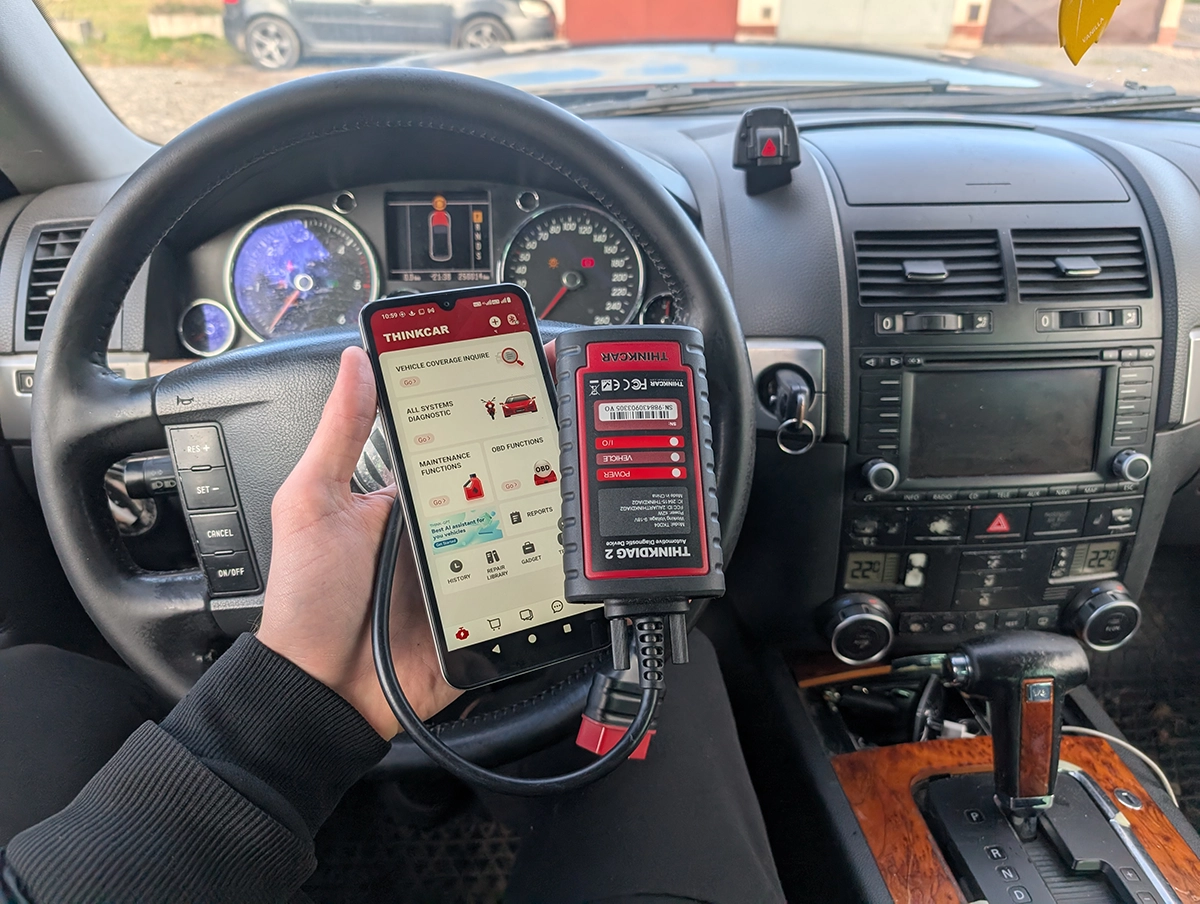
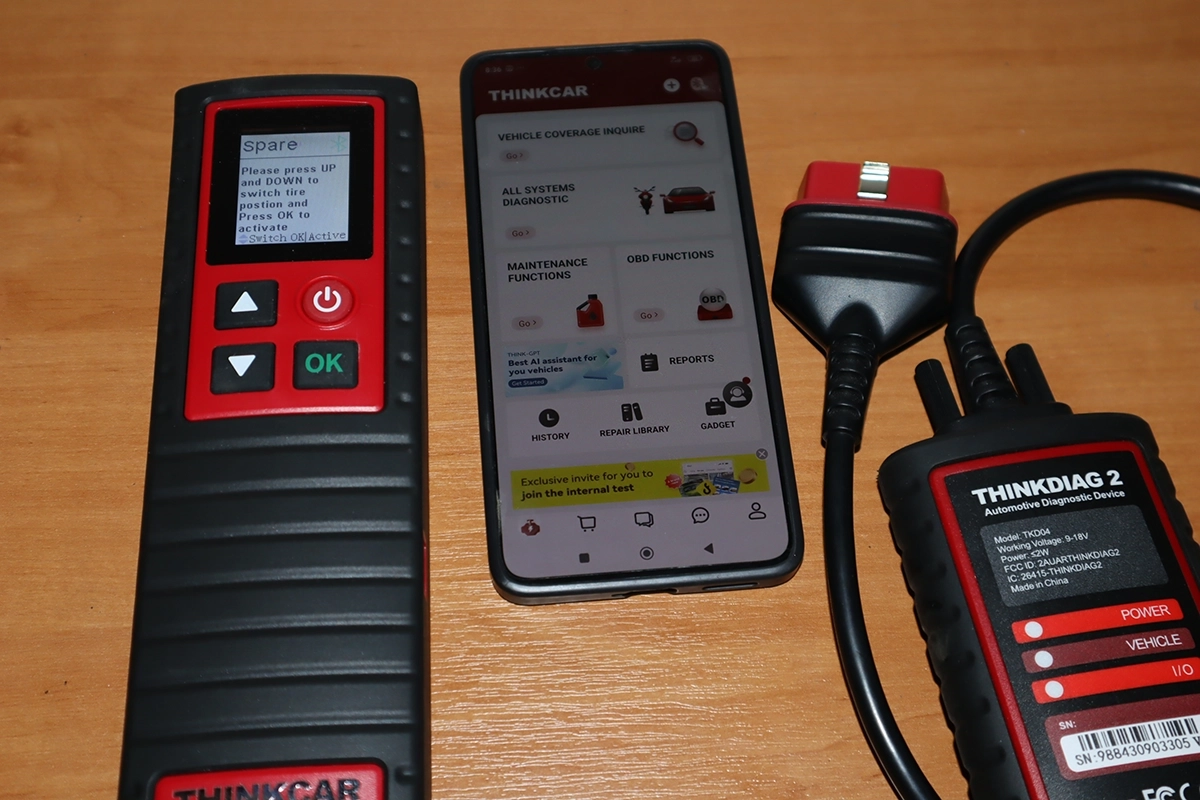
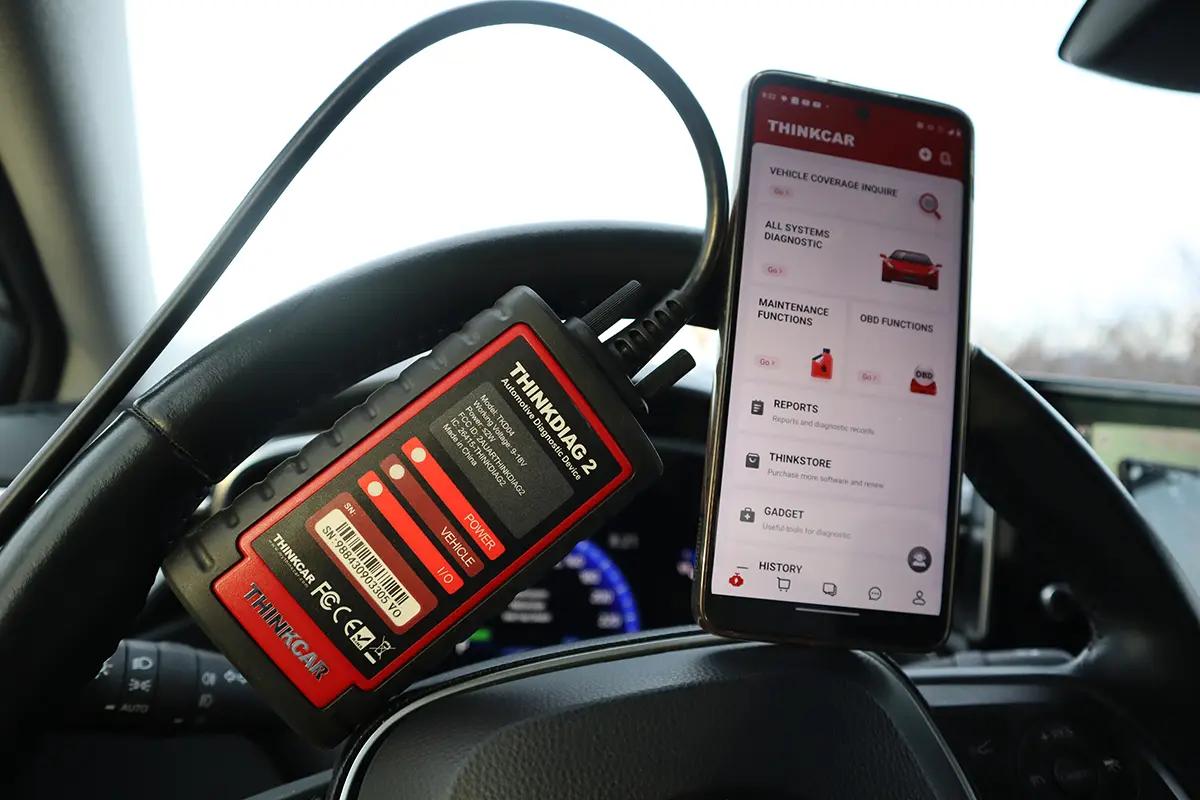
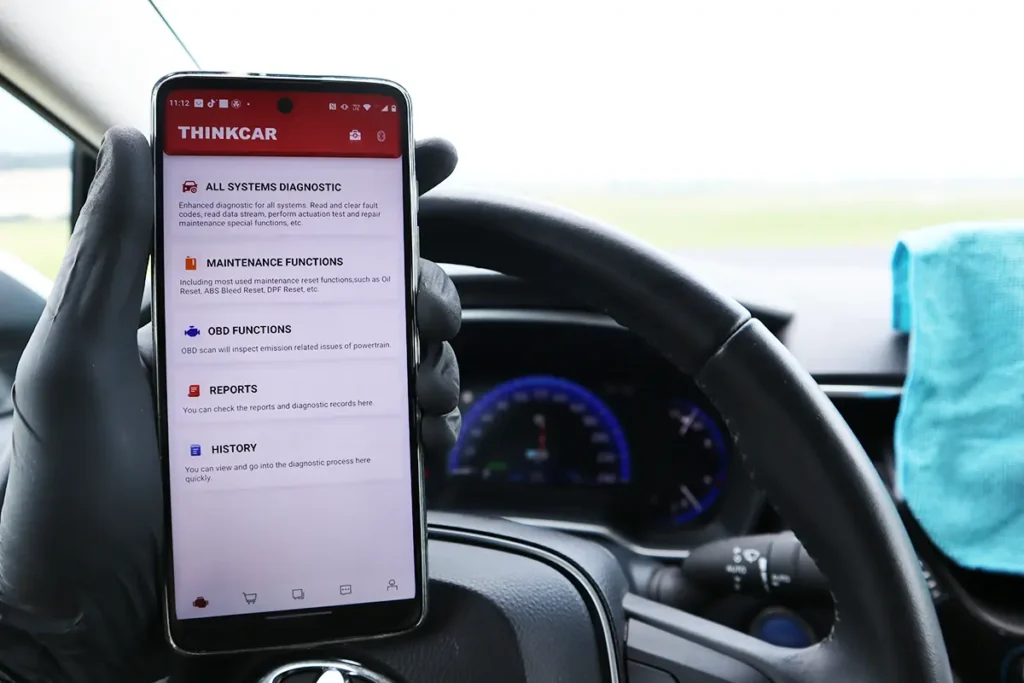
Thinkdiag2 is a Bluetooth OBD2 dongle from Launch/Thinkcar that turns your phone into a near-tablet-level scanner: full-system diagnostics, bidirectional tests, ECU coding and around 15 service functions. I’ve used it for four years across many cars. It’s still the most powerful Bluetooth-style scanner I’ve tested, comparable to a $400-600 tablet, but the yearly subscription is the catch that changes how smart it is long-term. Read on.
I earn from qualifying purchases and sometimes get tools for free (full disclosure). It never affects my scoring.
Thinkdiag2 – My Quick Rating

Thinkdiag2
The Thinkdiag2 is most advanced bluetooth OBD2 scanner for smartphone users with full-system access and coding.

- Most advanced scanner to use with smartphone
- 1-year free updates/subscription
- Can unlock hidden features in many brands
- Never failed to connect (I am using it for 4 years already)
- Comparable to $400-600 scan tool tablets
- Yearly subscription
Service functions (14+)
Scores
Specs
| Tool type | Standalone device |
| User level | Advanced |
| Vehicle focus | All makes |
| Free updates | 1 year |
| Subscription | Required ($100/yr) |
| Locked features | everything except global obd |
Photos
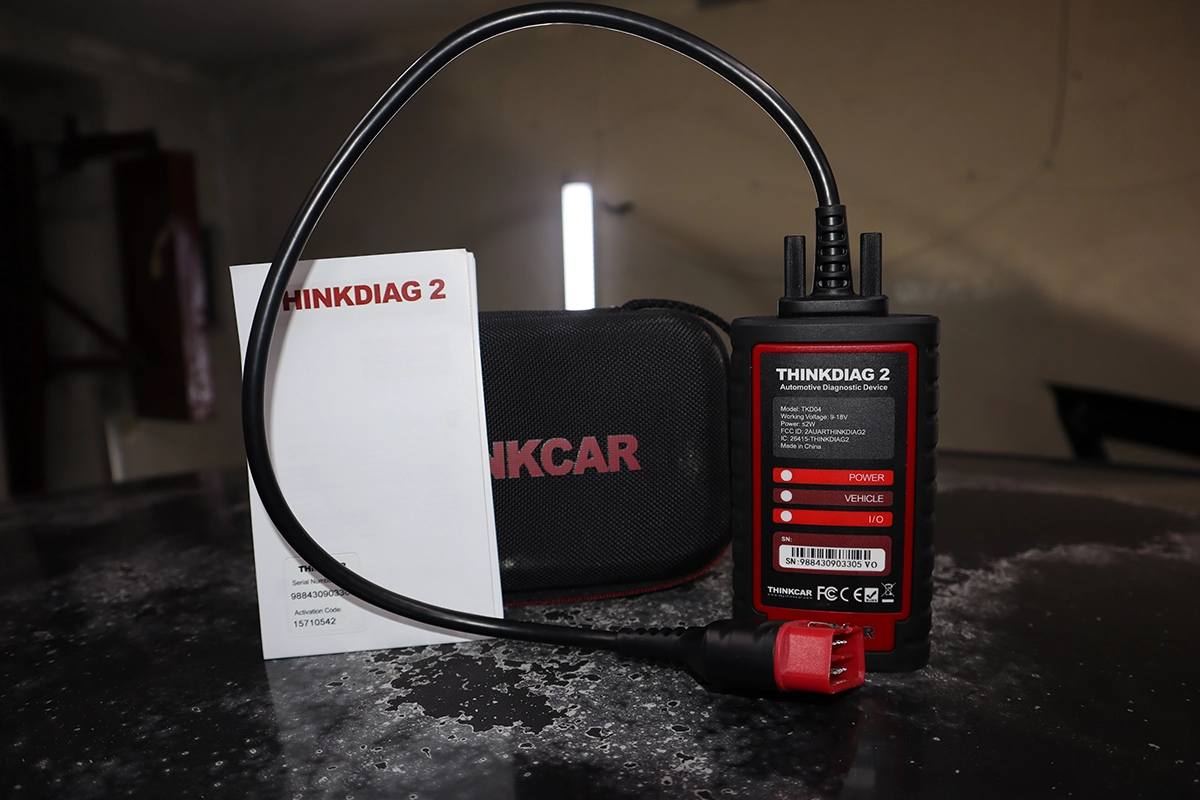
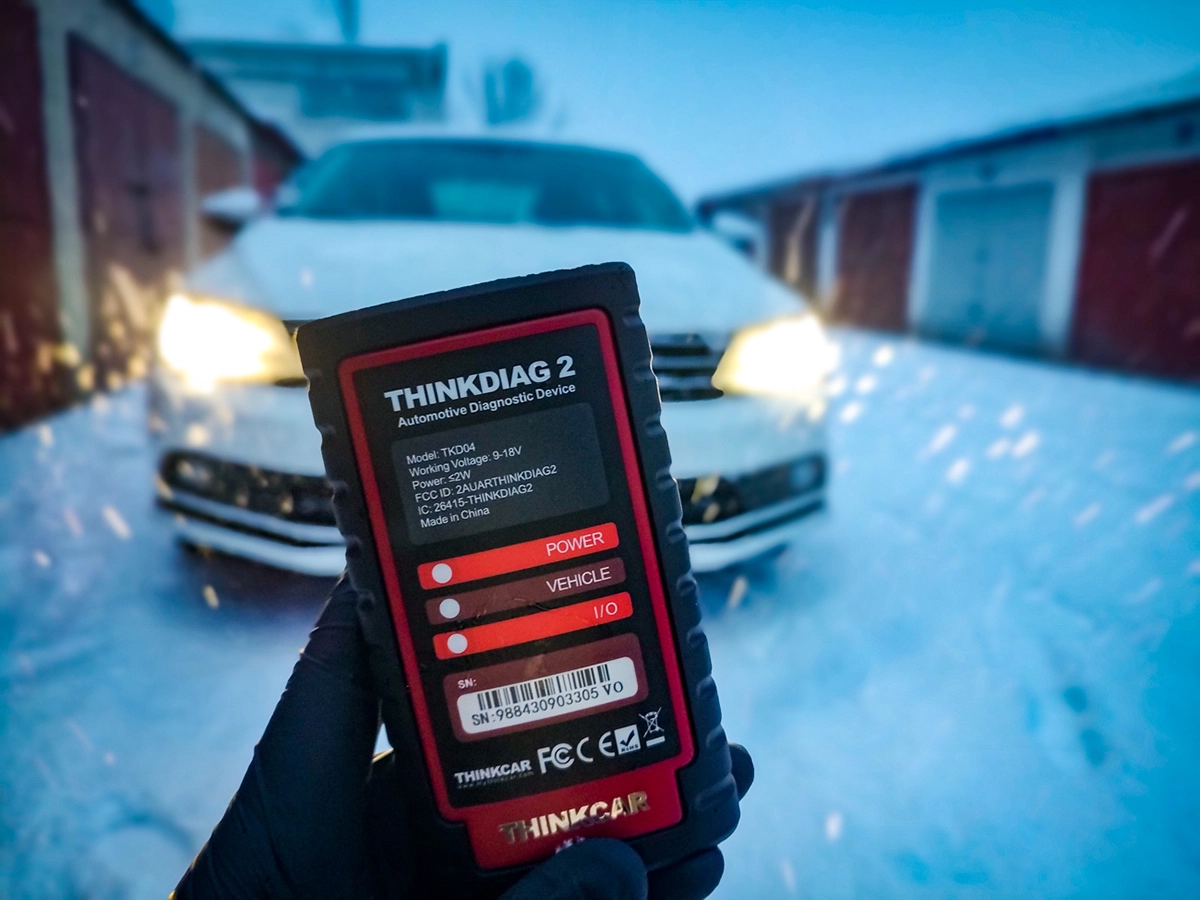
Support & resources
| Need help with tool? | Open tool support page ↗ |
| Will this work for my car? | Open coverage check page ↗ |
| Hardware specs |
|
| Supported languages |             |
Videos
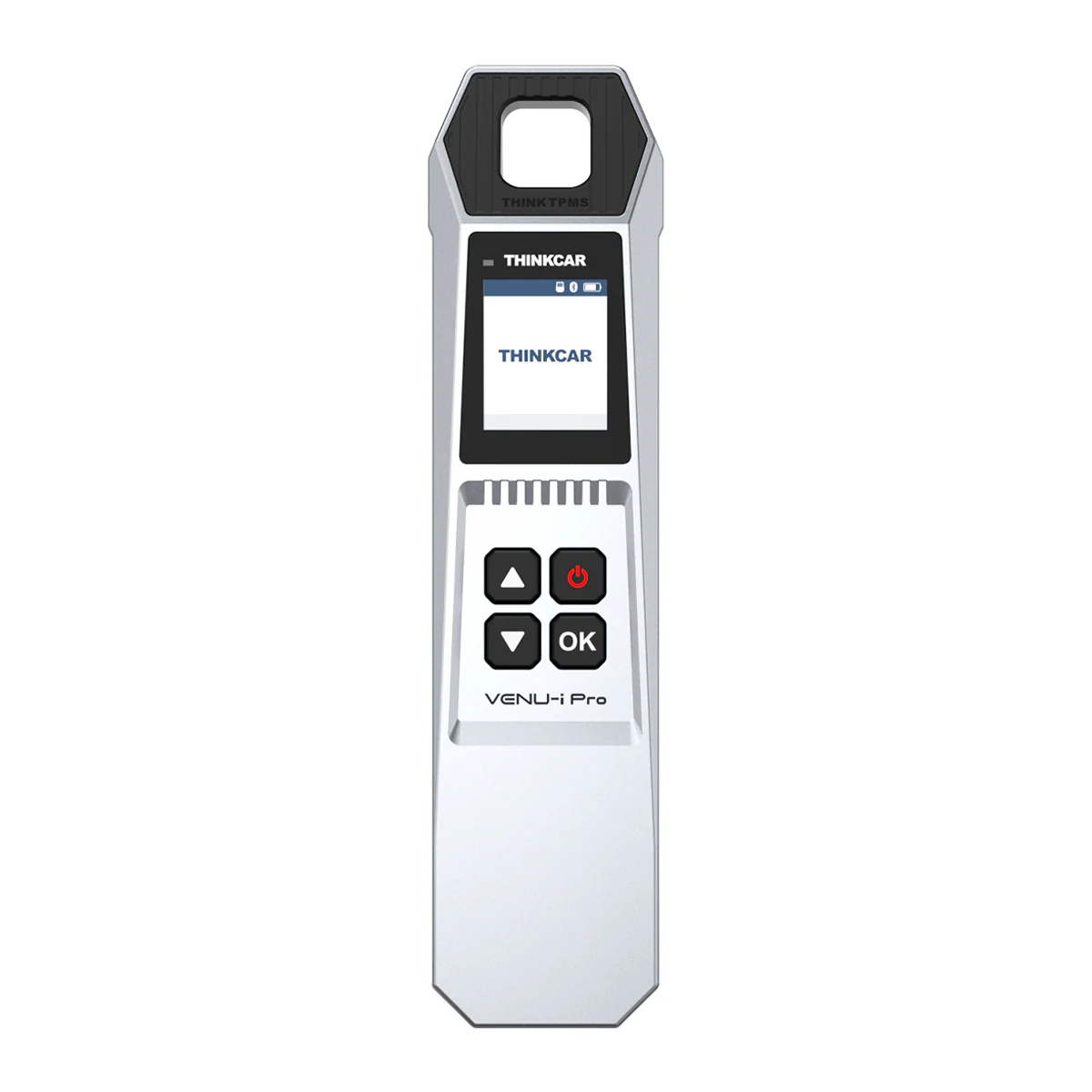
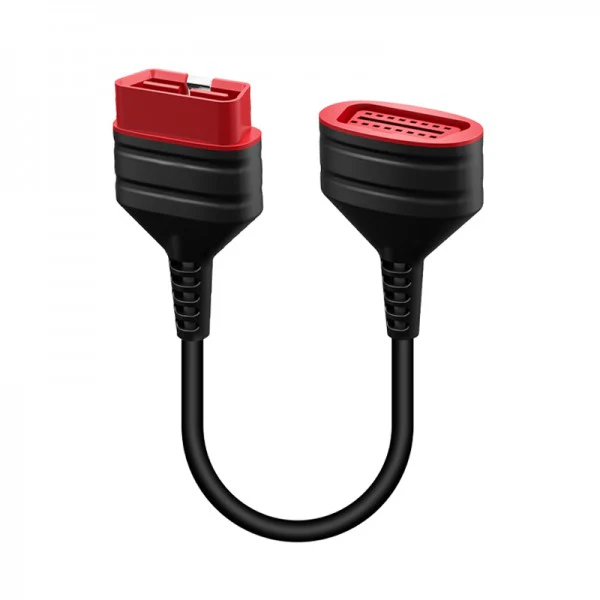
Addons & accessories
Real-world procedures tested with this tool
What it’s actually good at
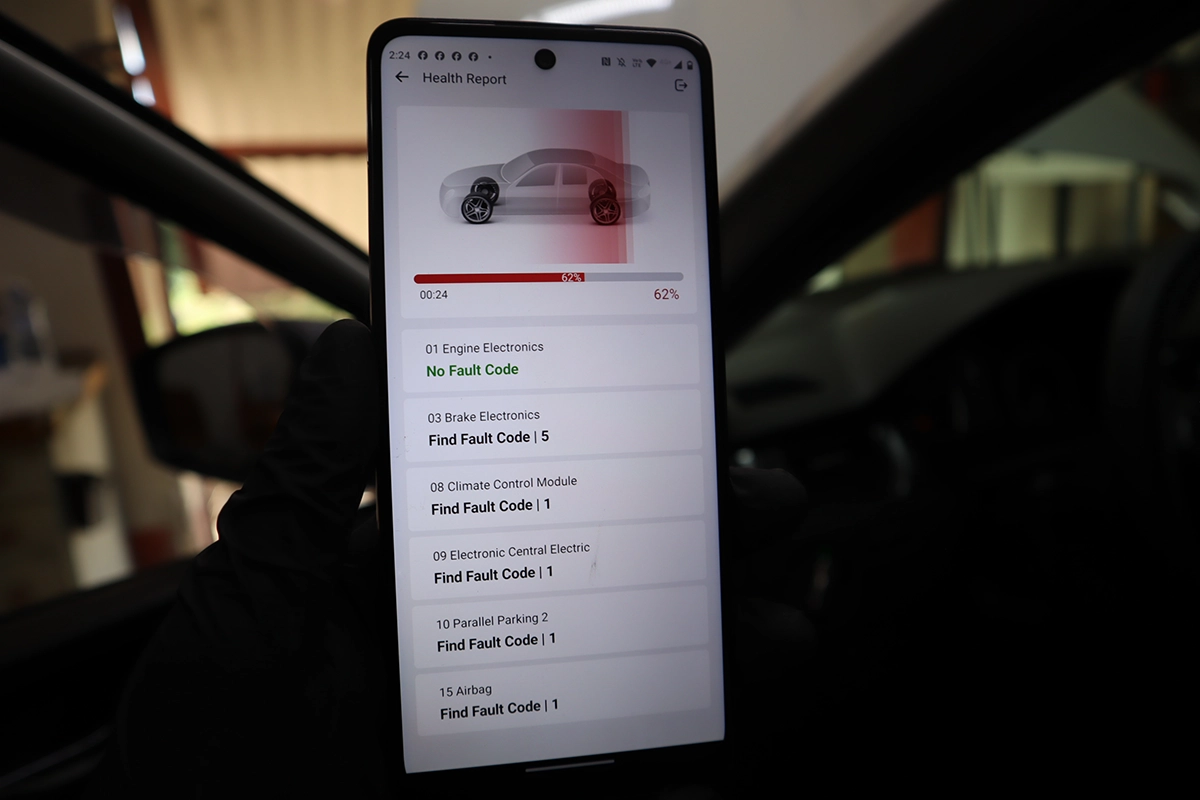
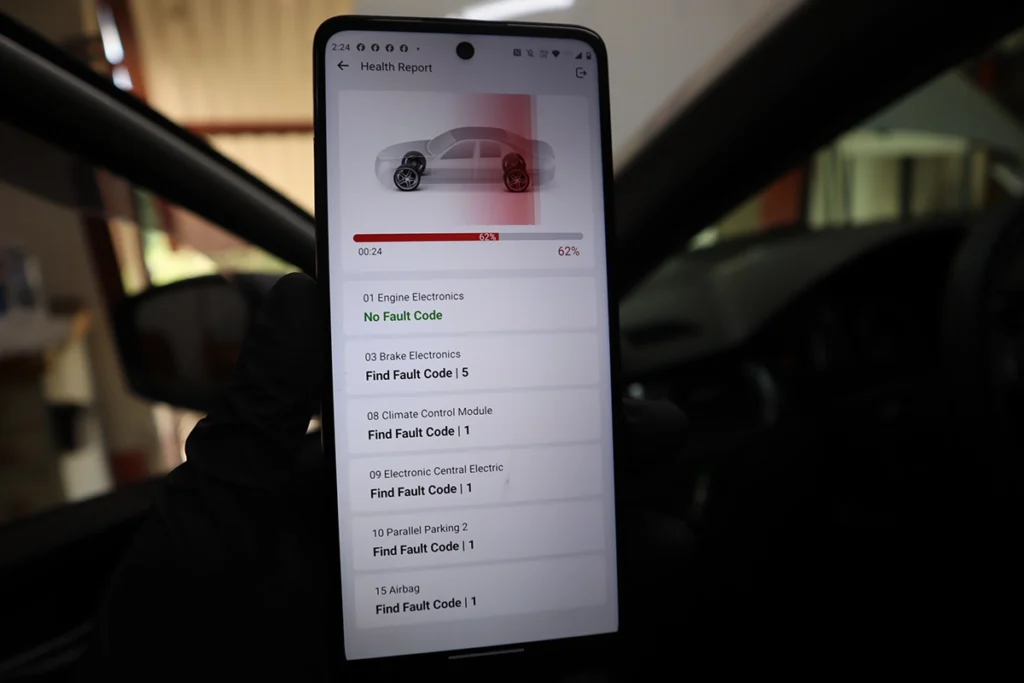
It’s a multi-brand professional scanner squeezed into a dongle, and the coverage is genuinely strong. On an Audi A3 it auto-VIN’d and ran a full health report across all 15 modules in under a minute. On a hard-to-scan VW Touareg it took about 15 minutes but reached every module and produced a proper report (10 with faults, 8 without). And on tricky cars it often beats pricier tools: on a Fiat Punto where a more expensive bidirectional scanner saw only the engine, Thinkdiag2 found five modules (engine, airbag, cluster, body, steering). In four years it’s never failed to connect.
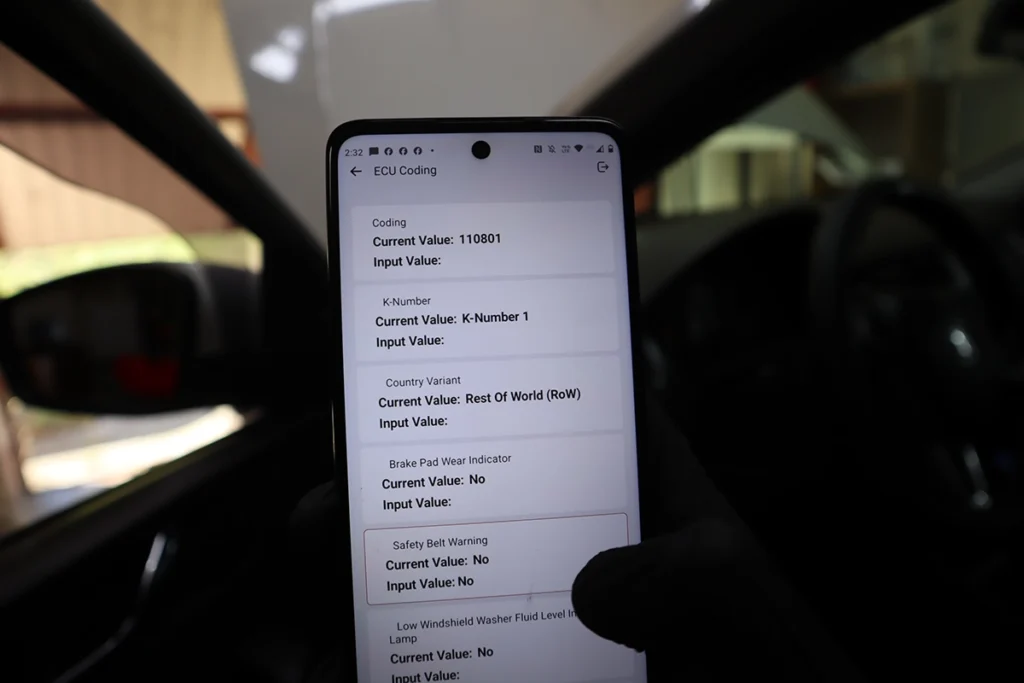
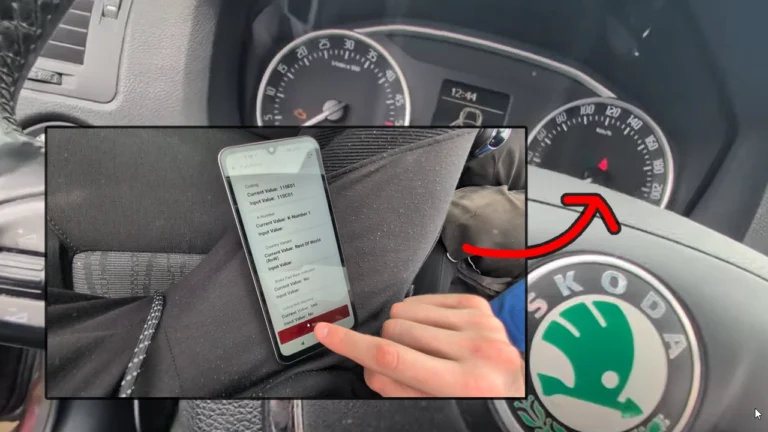
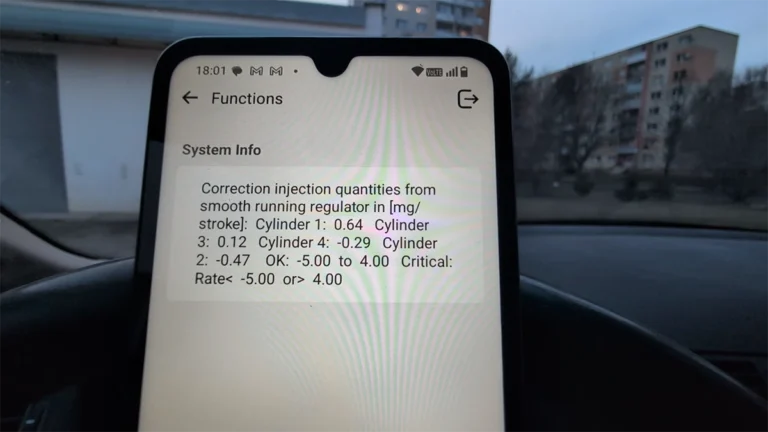
The bidirectional, coding and live data are real workshop-level, not toy features. You can fire injectors, relays, fuel pump, cooling fan, lights and door locks across modules, run OEM-style long coding and adaptations on VAG (with a helper, like VCDS/OBDeleven), and read per-module live data by list or channel. It also has rich service functions: oil, EPB, DPF, battery matching, injector coding, SAS, gearbox relearn and more, brand and model dependent, as always with multi-brand tools.
It’s one of my favourites for used-car checks and catching mileage rollbacks. Because it reads live data from many modules, you can cross-check stored mileage fields. In one case the dash and engine module both showed around 360,000km, but another field in the ECU read 533,000km, clear proof of a rollback. There’s also a ThinkGPT/AI helper that explains codes and gives likely causes and steps, a handy assistant.
Where it falls short
The yearly subscription is the catch, and it’s the whole long-term question. The adapter is roughly 130-180 euros with the first year included, then about 90 euros a year to keep updates, coverage and online features. Most functions need internet too (online coding, AI, brand data), so treat it as mostly an online tool. After two to four years of renewals you can easily pay the price of a good tablet.
Coverage, coding and service are still brand and model dependent. Auto-VIN failed on some older cars (Alfa, Micra) needing manual selection, on the older Micra the service menu fell back to manual dash-button instructions, and deeper coding needs you to know what you’re doing. It does ECU coding and customisation but not full ECU programming/flashing. And coding carries real risk: a wrong write, or a disconnect mid-write, can brick a module, that’s true of any coding tool.

Who should buy this
Yes, buy it if:
- You work on many brands, use your phone, and want the most powerful Bluetooth scanner available
- You do used-car checks and want strong multi-module mileage verification
- You need full-system, bidirectional, coding and service across brands and accept the subscription
No, look elsewhere if:
- You hate subscriptions or plan to keep a tool 3-5 years, a tablet with lifetime/3-year updates is cheaper long-term
- You only work VAG cars, OBDeleven gives deeper VAG coding
- You need full ECU programming/flashing, this codes but doesn’t flash
Thinkdiag2
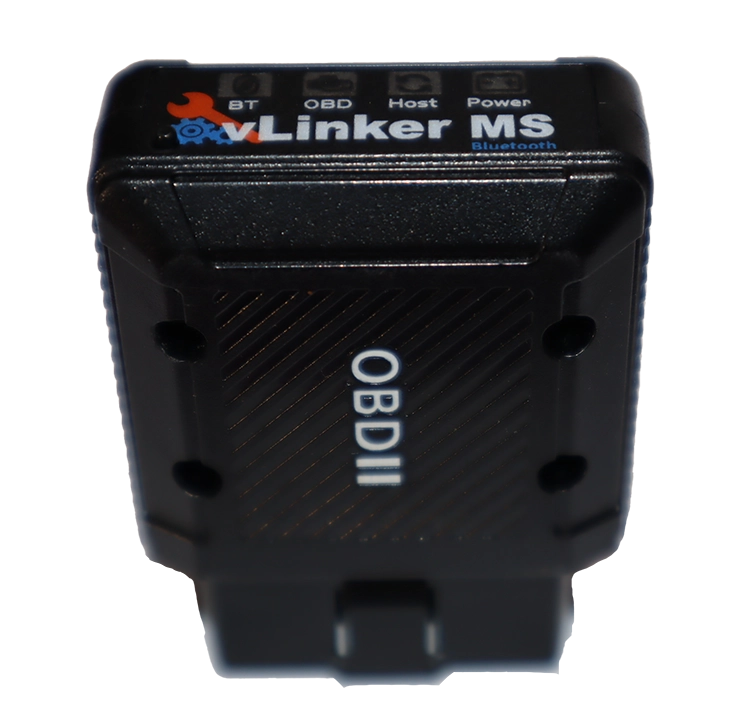 Vgate Vlinker MS
Thinkdiag2
Vgate Vlinker MS
Thinkdiag2
 Mucar V07
Thinkdiag2
Mucar V07
Thinkdiag2
 XTool A30M
Final word
Thinkdiag2 is the strongest Bluetooth OBD2 scanner I’ve tested: full-system scans, rich live data, real bidirectional tests, ECU coding and solid service functions, all in one dongle, comparable to a $400-600 tablet and brilliant for used-car checks and rollback detection. The catch is the yearly subscription: after two to four years of renewals you can pay the price of a good tablet, so if you hate subscriptions or plan to keep a tool for years, a Mucar V07, Kingbolen K7 or similar tablet with lifetime updates is smarter long-term. For a multi-brand DIYer or small garage who wants the best phone-based scanner and accepts the cost, it’s fantastic.
Most popular OBD2 guides







I'm Juraj Lukacko and I work as an auto electrician. On this site I share what I learn from real work on real cars, to help you pick the right tools for diagnostics, programming and tuning and get the job done.
More about me →
Can it be used by a mechanic to work on various cars
Yes, it is perfect as budget scanner for mechanic. Of course the $1000 scan tool would be better but the Thinkdiag2 does the same, except it might take little longer with scan and other functions than scan tool. But for starting mechanic/car shop is great to save money.
ThinkDiag2 has no coding options. Tried on my Porsche, nothing doing.
Either your model doesn’t have any codings or it’s not supported in Thinkdiag2 app but in general, Thinkdiag2 scanner has coding and I have used it on different brands like bmw, toyota, vag and more.