
Published: August 29, 2025 · Last updated: June 3, 2026
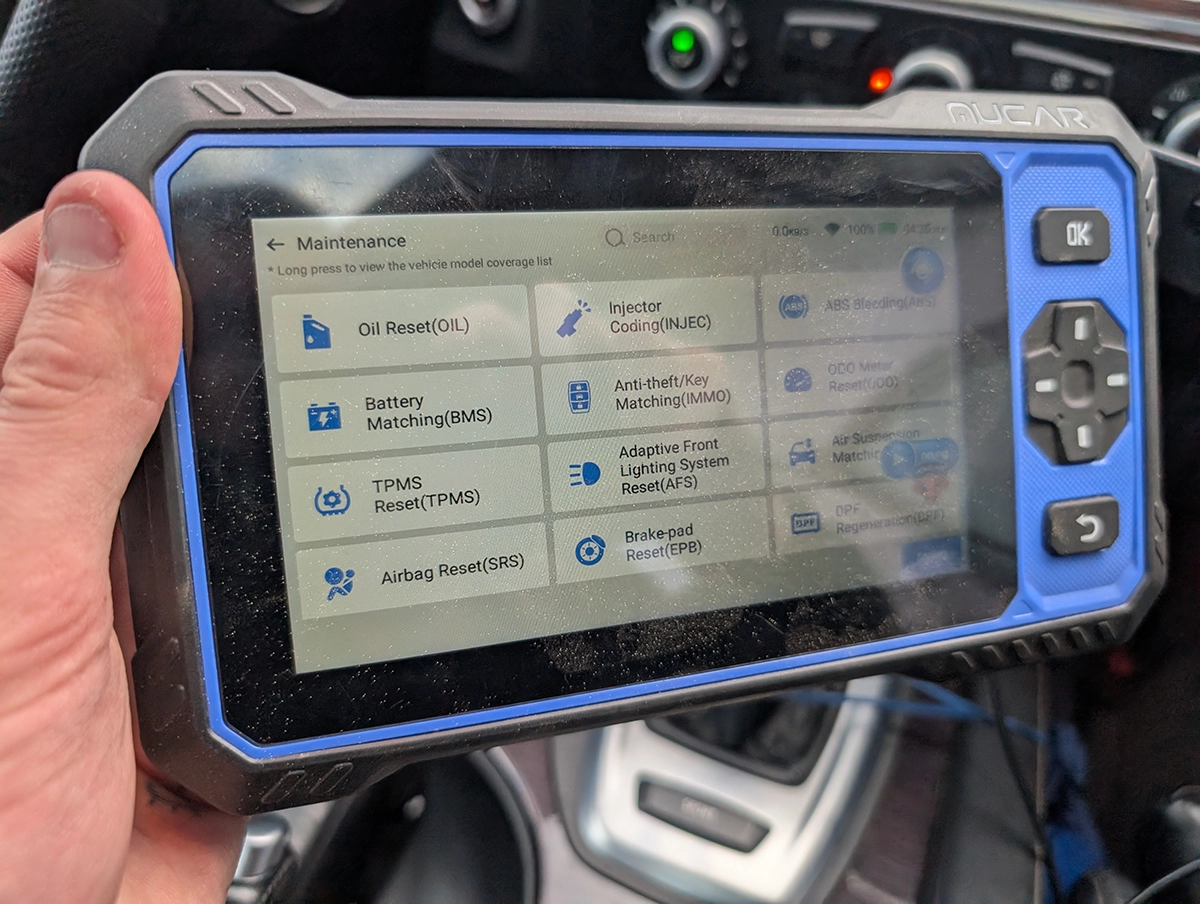
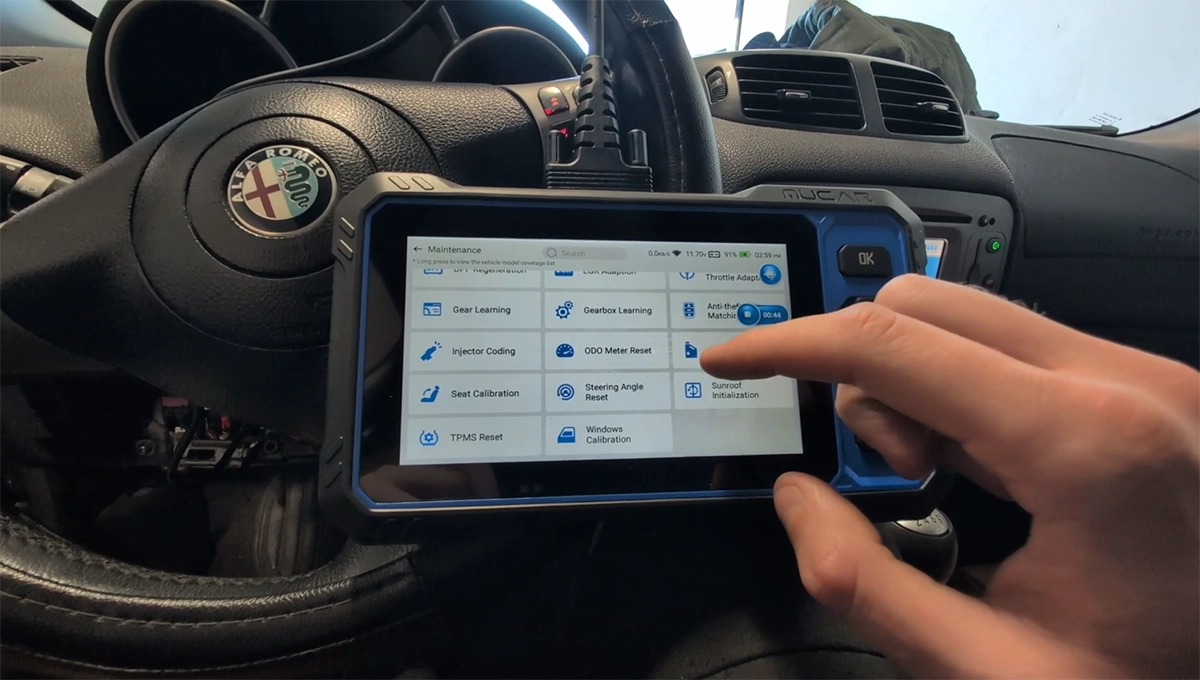
The Mucar 682 is about the cheapest full-system bidirectional tablet you can buy that still comes with free lifetime updates. Every module, 20 service resets, real active tests, a wired connection and a built-in AI assistant. For a DIY mechanic or used-car buyer who wants proper full-system diagnostics without paying tablet money, this is the budget benchmark. It doesn’t do coding, and it won’t take key or TPMS addons, but for the price it’s a lot of tool. Read on for what it does and where it stops.
I earn from qualifying purchases and sometimes get tools for free (full disclosure). It never affects my scoring.
Mucar 682 review

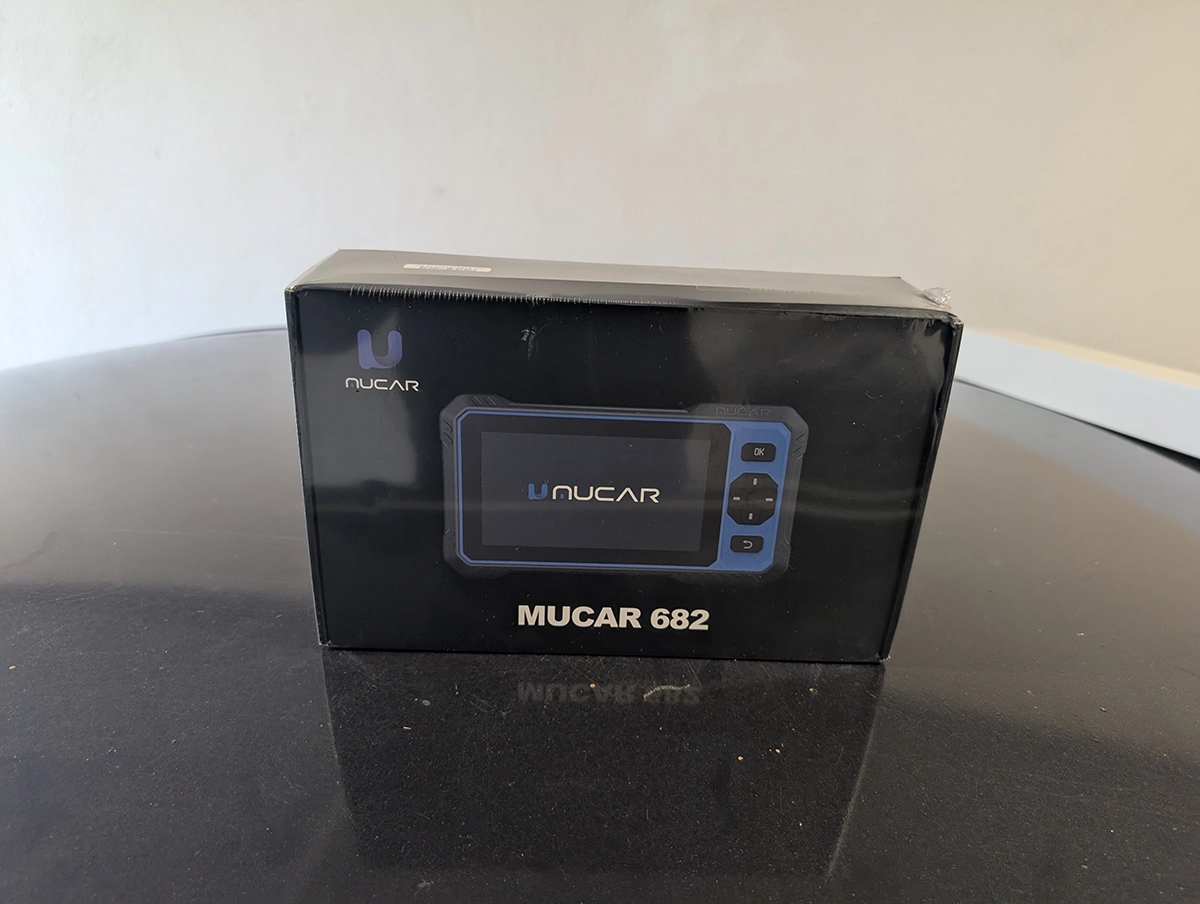
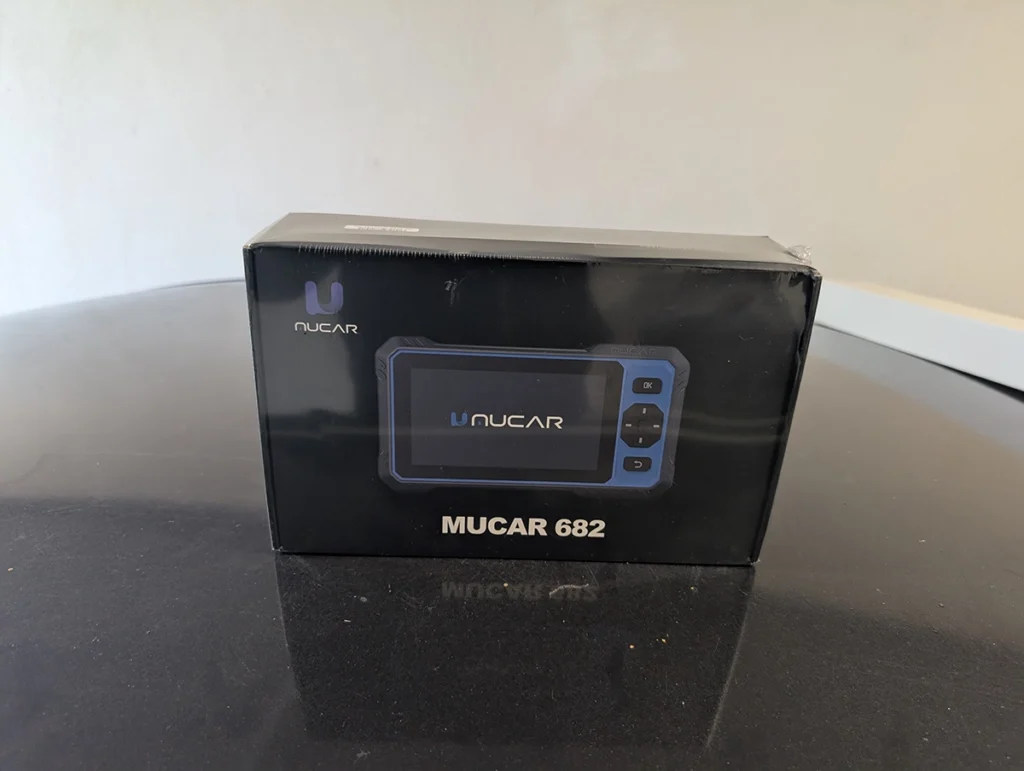
Mucar 682
The Mucar 682 is great budget pick for bi-directional tablet scan tool. May be actually the cheapest one of them all and have free lifetime updates..

- Full-system bi-directional tablet scanners
- Wired connection means less charging because it charges everytime connected to car
- Great budget tool to start doing full-system diagnostics and service procedures
- Updates via Wi-Fi
- Free lifetime software updates
- Integrated AI assistant
- No ECU coding
- Addons like key programmer or TPMS cannot be used with this one
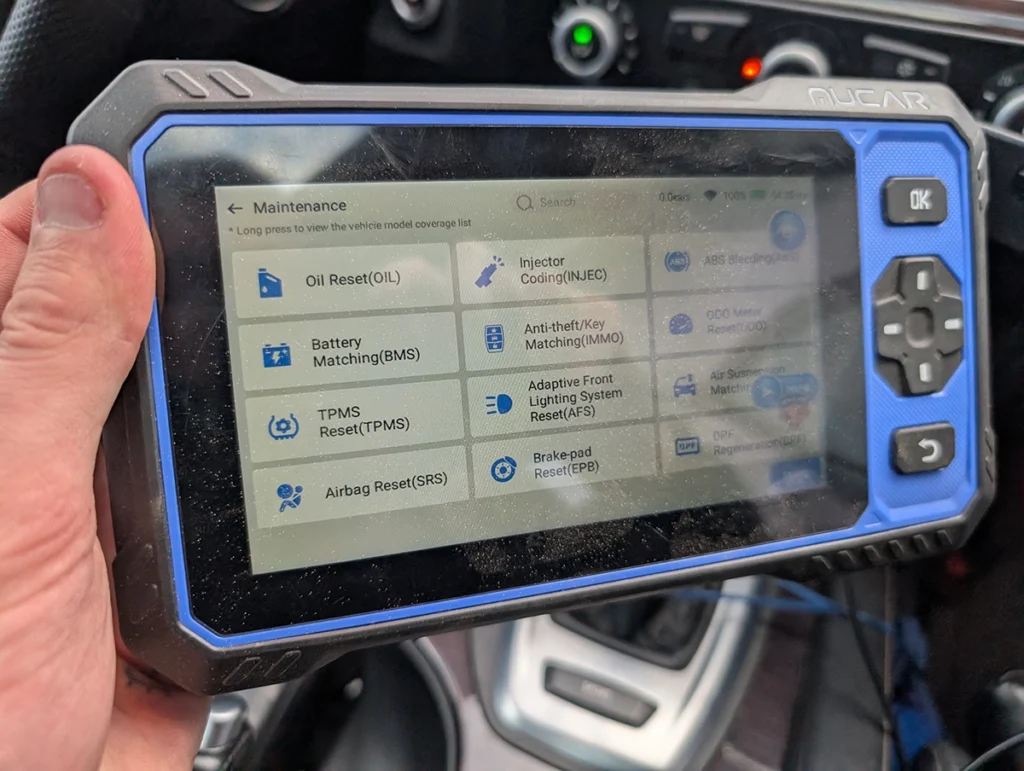
Service functions (20+)
Scores
Specs
| Tool type | Standalone device |
| User level | Intermediate |
| Vehicle focus | All makes |
| Free updates | Lifetime |
| Subscription | Not required |
Photos
Support & resources
| Need help with tool? | Open tool support page ↗ |
| Will this work for my car? | Open coverage check page ↗ |
| Hardware specs |
|
| Supported languages |                          |
Videos
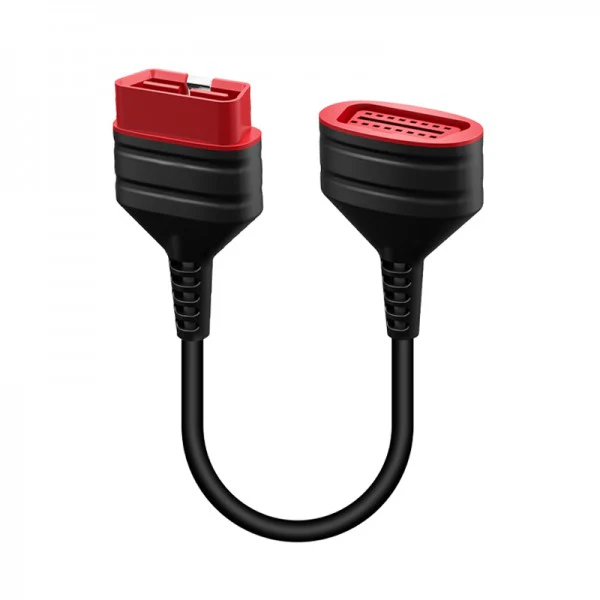
Addons & accessories
What it’s actually good at
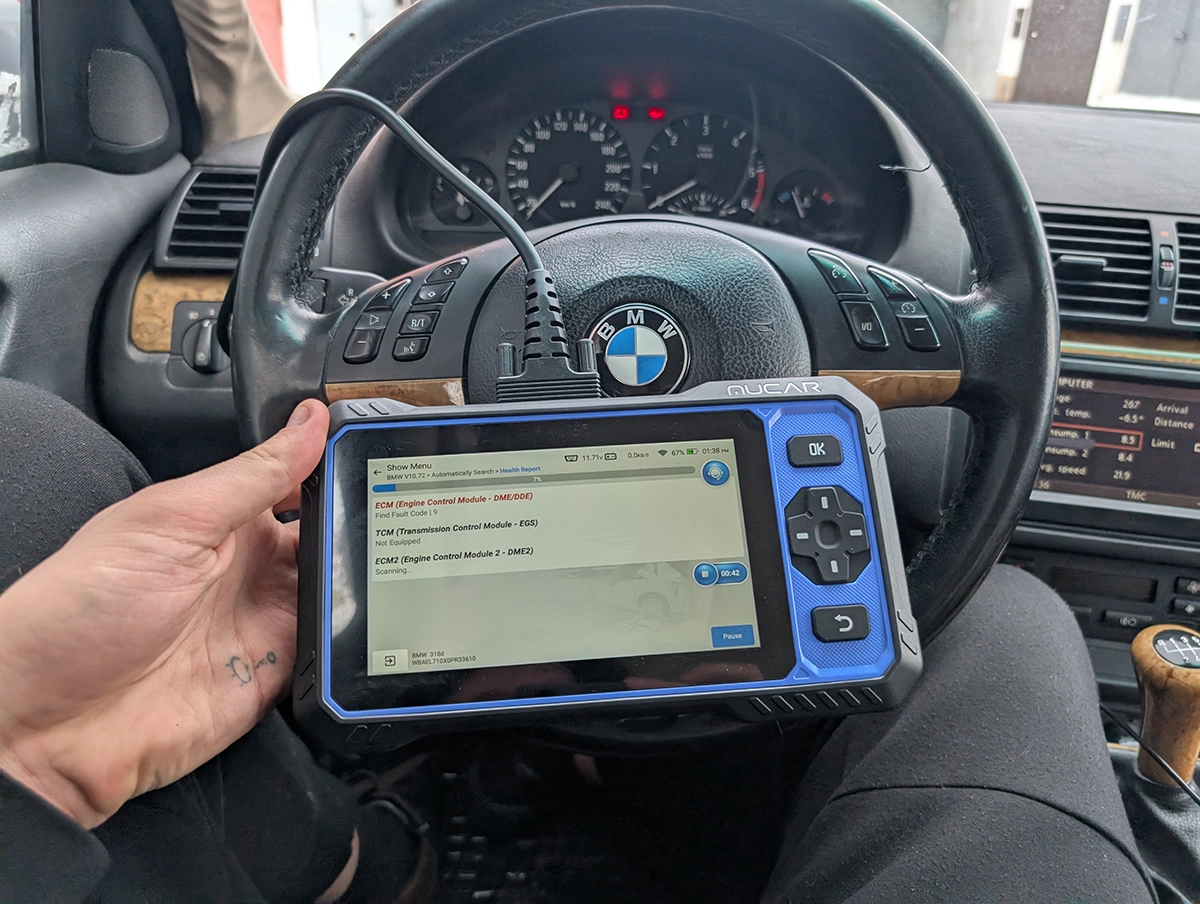
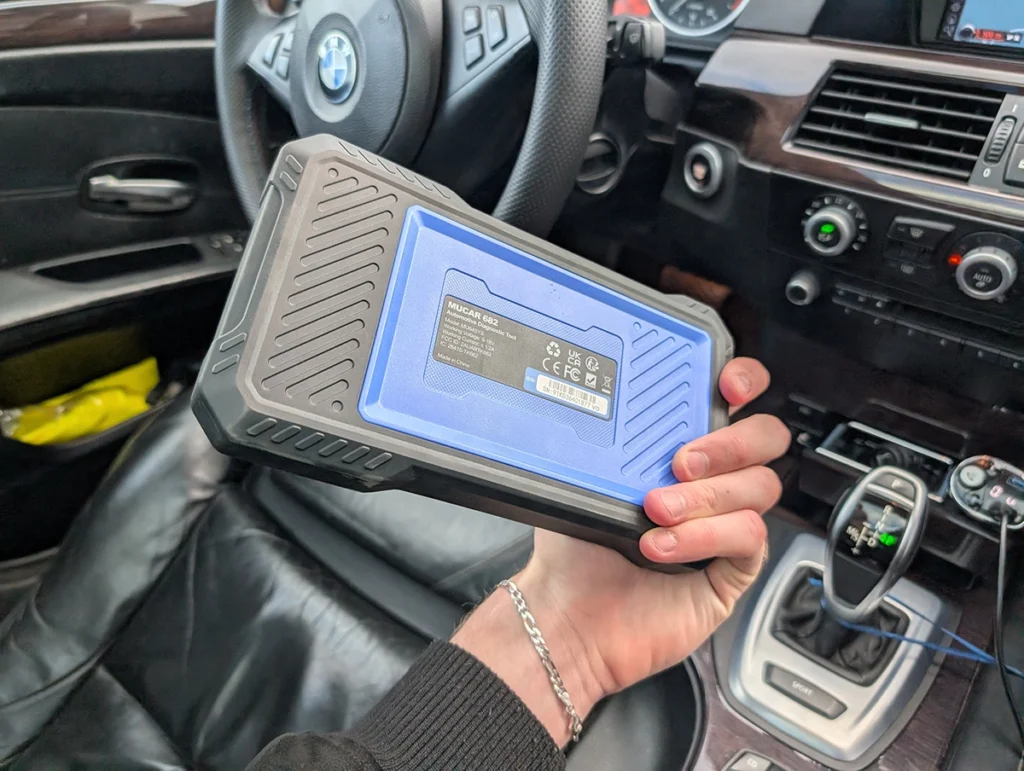
Full-system access plus bidirectional at this price is the whole point, and it delivers. On a BMW E46 it read the VIN, scanned 15 modules and pulled 21 fault codes, then let me into any module to read and clear codes, view live data, and run active tests. I fired the windscreen washer and wipers, and the fuel pump and engine fan from the engine module, exactly the kind of control cheaper code readers can’t do.
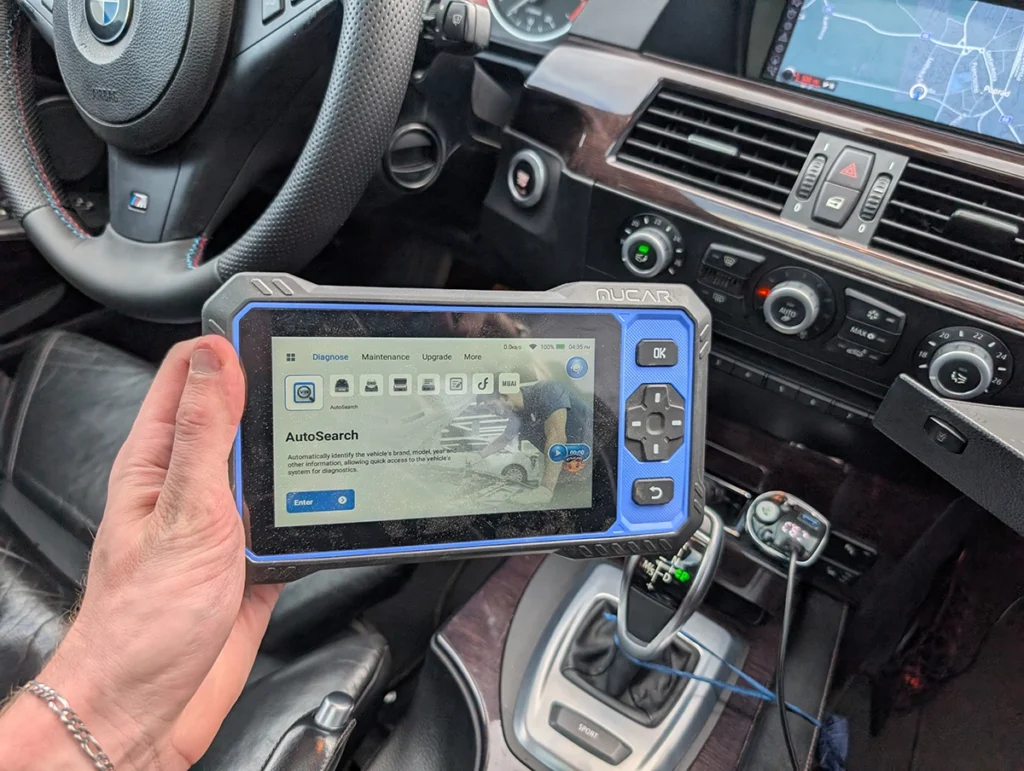
The AI assistant is useful, and I’ll be honest about its limits. On that E46 the AI analysis flagged an EGR problem as the most critical fault, reduced power and black smoke, which matched the real symptom: the car drops into limp mode at 3 to 4,000 RPM. That’s a genuine help for understanding codes in plain language. But I’ll be straight: right now you could get much the same from ChatGPT by pasting your codes in. Where it’ll matter is later, once these tools are trained on real per-car data, and because updates are free for life, buying now means you get that improvement when it lands.
The wired connection is a quiet strength: it charges off the car so you never hunt for a charger, and it works on a weak battery. Live data is solid with four graphs, combine mode, and before/after sample comparison. It also builds clean customer PDF reports and has dual control (touchscreen plus buttons).
Where it falls short
No coding. That’s the main line between this and the pricier tablets. You get full-system diagnostics, bidirectional and resets, but you can’t recode modules to unlock hidden features. For most DIY work that’s fine, but if coding is the goal, look higher up.
It also won’t take addons. Unlike some tools, you can’t bolt on a key programmer or TPMS module, so what’s in the box is what you get.
Two smaller things from testing. There’s no kickstand, so you’re balancing it on the steering wheel. And the usual service-reset reality applies: on the E46 several oil-reset attempts failed with “preconditions not met,” which is the car’s requirements, not a tool fault, but the scanner couldn’t always tell me what those conditions were.
Who should buy this
Yes, buy it if:
- You want the cheapest way into real full-system bidirectional diagnostics with free lifetime updates
- You’re a DIY mechanic or used-car buyer who needs to read every module and run service resets, not code
- You like a wired tool you never have to charge and don’t mind a no-frills build
No, look elsewhere if:
- You want ECU coding to unlock features, a small step up gets you there
- You need to add a key programmer or TPMS module later, this won’t take addons
- You want the smoothest, most polished tablet experience
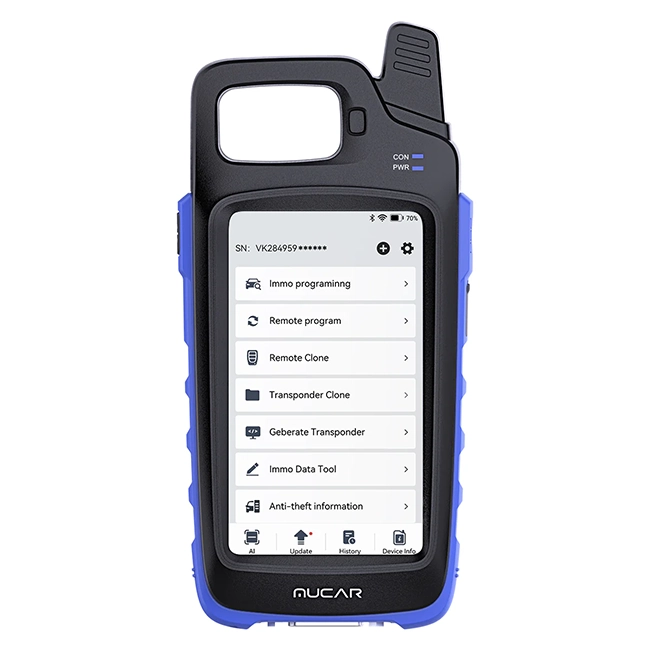 Mucar 581
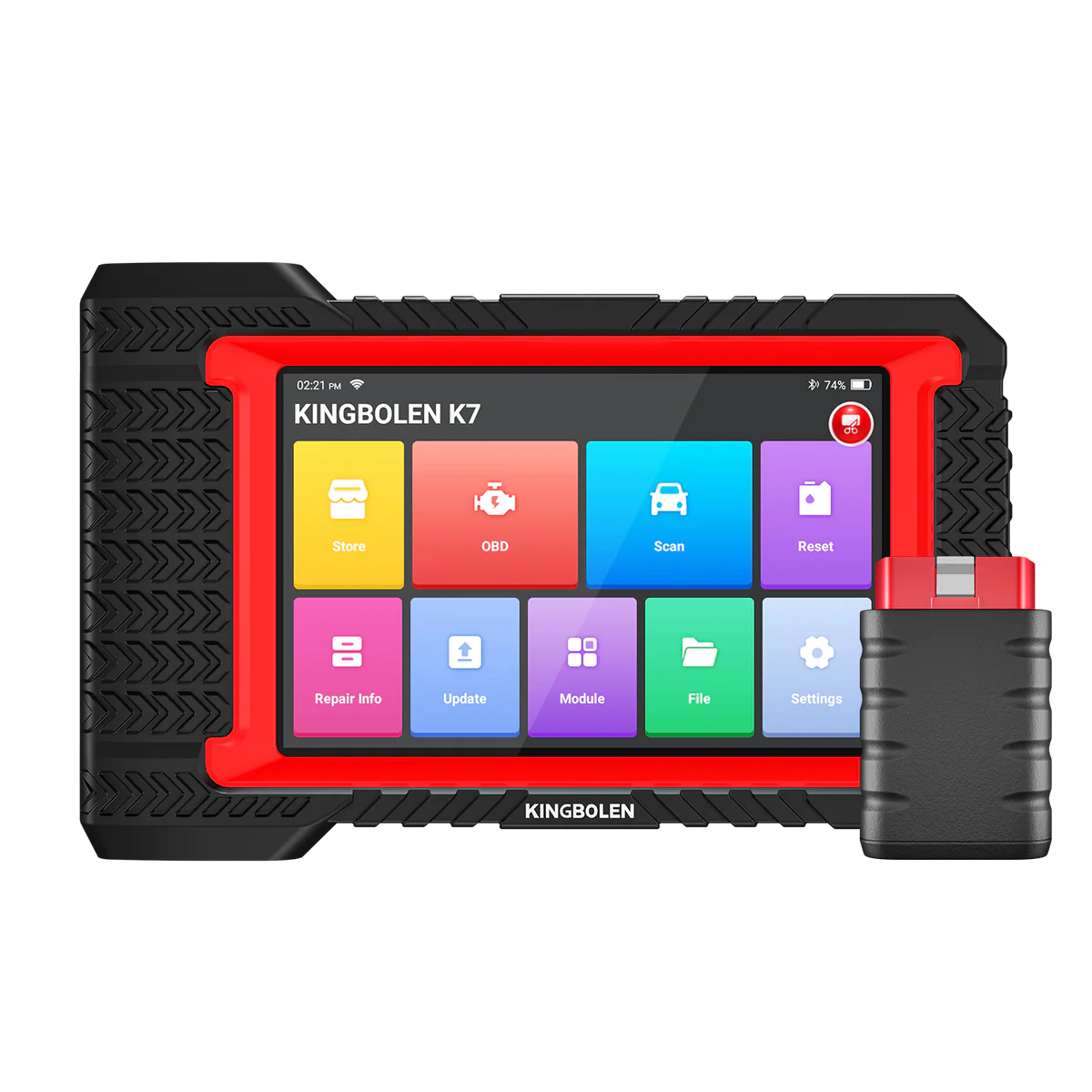 Kingbolen K7
Mucar 682
Kingbolen K7
Mucar 682
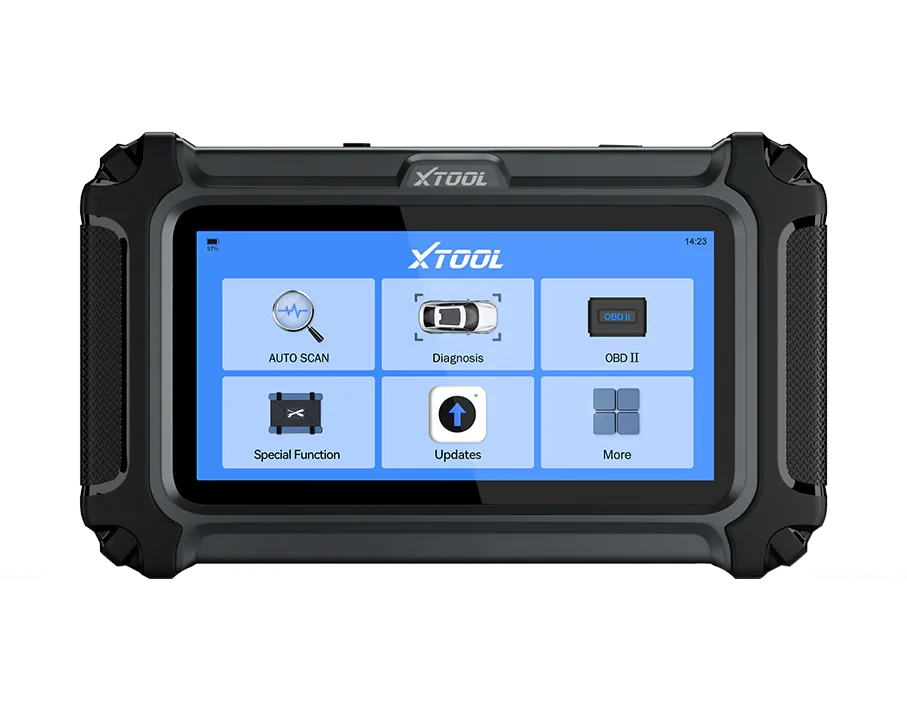 XTool D5S
Mucar 682
XTool D5S
Mucar 682
 Thinkcar Thinkscan 662
Still deciding rather than chasing a 682 deal? I line up the budget full-system tablets I’ve tested in my [best bidirectional OBD2 scanners] roundup. The short version: the 682 is the value benchmark, but the roundup shows where a coding tool like the K7, or a cheaper 4-system tool, fits your work better.
Final word
The Mucar 682 is about the cheapest full-system bidirectional tablet with free lifetime updates you can buy, and it backs that up: every module on the E46, real active tests, solid live data, and an AI assistant that’s handy now and should only improve. The trade-offs are no coding and no addon support, but at under $300 for full-system access, it’s the budget benchmark I measure others against. For DIY diagnostics and used-car checks without paying tablet money, it’s an easy recommendation.
Most popular OBD2 guides







I'm Juraj Lukacko and I work as an auto electrician. On this site I share what I learn from real work on real cars, to help you pick the right tools for diagnostics, programming and tuning and get the job done.
More about me →