 By Juraj · Last updated August 15, 2026
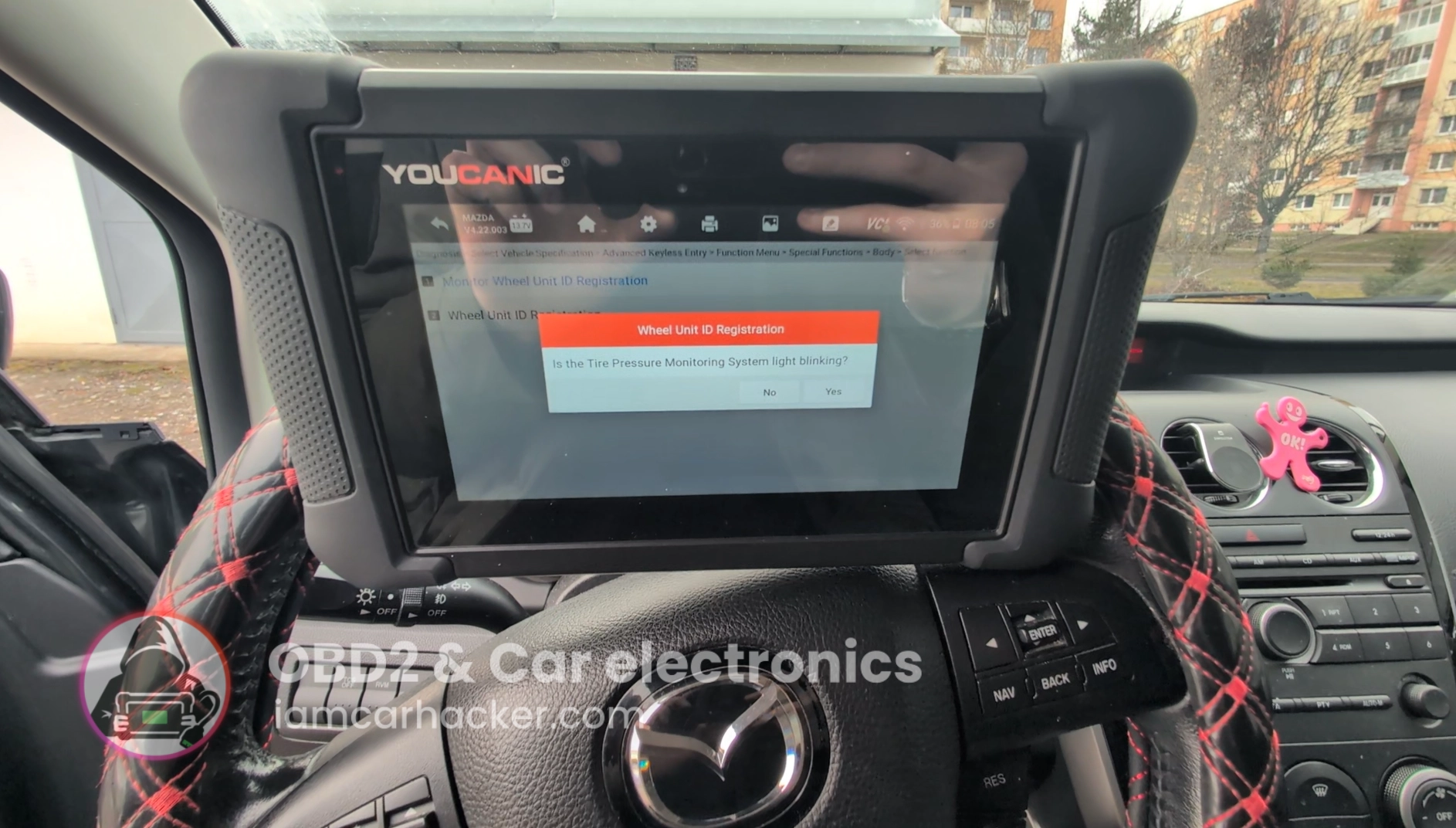
This is complete step-by-step procedure for registering TPMS sensor IDs after replacing sensors, wheels, or TPMS module on Mazda CX-7.
I earn from qualifying purchases and sometimes get tools for free (full disclosure). It never affects my scoring.
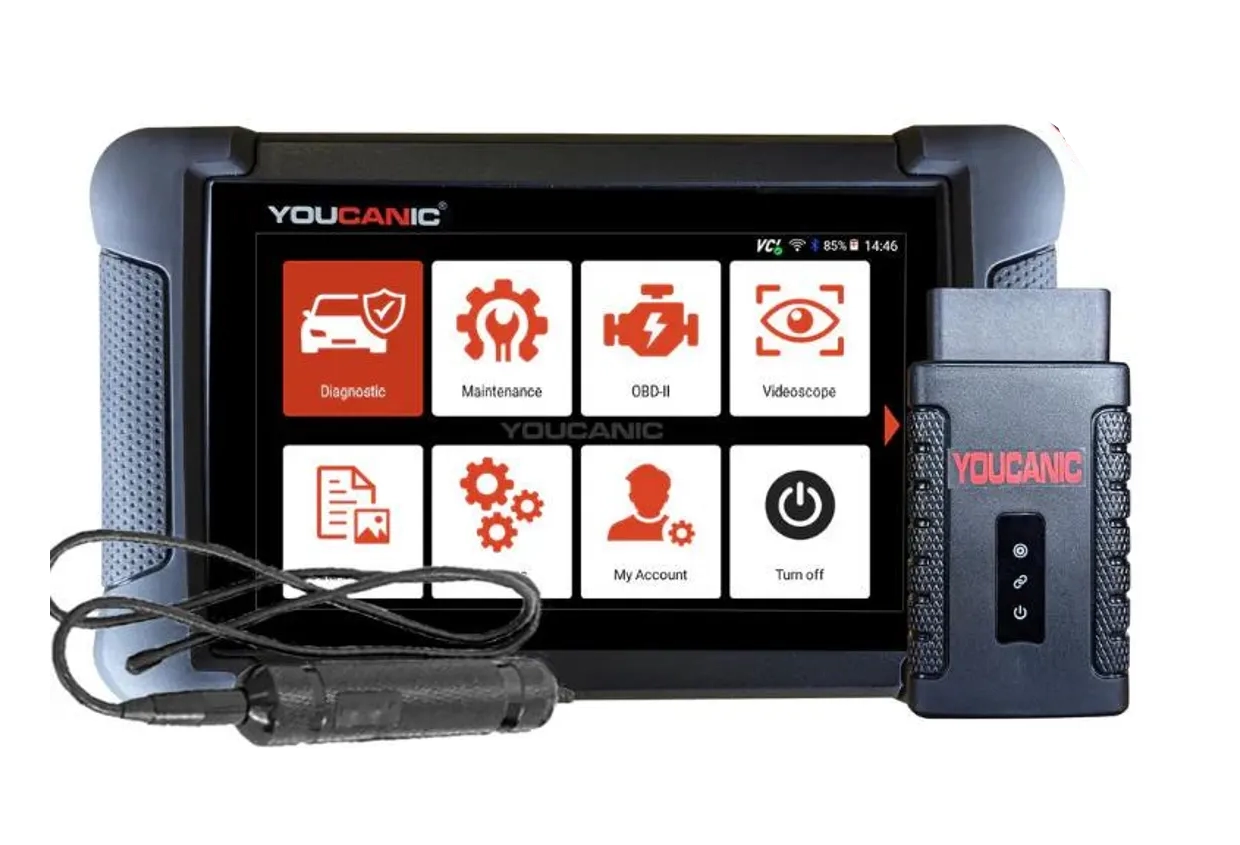
Used tool in this guide
Video: How to relearn TPMS on Mazda CX7
This video shows how to service TPMS system with OBD2 scanner on mazda cx7.
Technical overview
| Vehicle | Mazda CX-7 2008 |
|---|---|
| System | TPMS – direct pressure sensors (wheel transmitters) |
| Difficulty | Easy–Medium |
| Time required | ~5–20 minutes |
| Prerequisites | Correct TPMS sensors installed, ignition ON, battery stable |
Step-by-step procedure
Prepare the car
- Inflate all tires to correct pressure.
- Turn ignition ON (engine OFF or running).
- Connect diagnostic tool to OBD port.
Enter TPMS function
- Select Mazda → CX-7 → correct year
- Go to:
Special Functions → Body → TPMS → Wheel Unit ID Registration - Start registration procedure.
Start relearn process
- Scanner will enter learning mode.
- Confirm on screen.
- Some tools will automatically read sensors.
- Others require driving vehicle slowly.
Complete registration
- Wait until scanner shows:
Registration complete - Turn ignition OFF.
- Start car again.
- TPMS warning light should go OFF after short drive.
Additional information & compatibility notes
- Applicable models: 2007–2012 (EU diesel 2.2 + US petrol 2.3T)
Alternative tools
 ToolXTool A30MXToolOfficial website ›Check on Amazon ›Read review
  ToolMucar 892BTMucarOfficial website ›Check on Amazon ›Read review ToolYoucanic UCAN-II full-systemYoucanicOfficial website ›Read review
  Roundup5 Best OBD2 scanners for Mazda that actually WORKRead the guide
  RoundupThe 5 Bi-Directional Scanners I Actually Reach For (Out of 50+ Tested)Read the guide
  RoundupThe 5 OBD2 Scanners I Actually Use After 4 Years of TestingRead the guide
 Legal & safety notice
TPMS relearn should only be performed on a stationary vehicle in a safe environment. Always ensure correct tire pressure before registering sensors. Incorrect TPMS configuration may result in false warnings or failure to detect a real tire pressure issue, which can affect driving safety. Follow manufacturer procedures whenever available.
More procedures like this
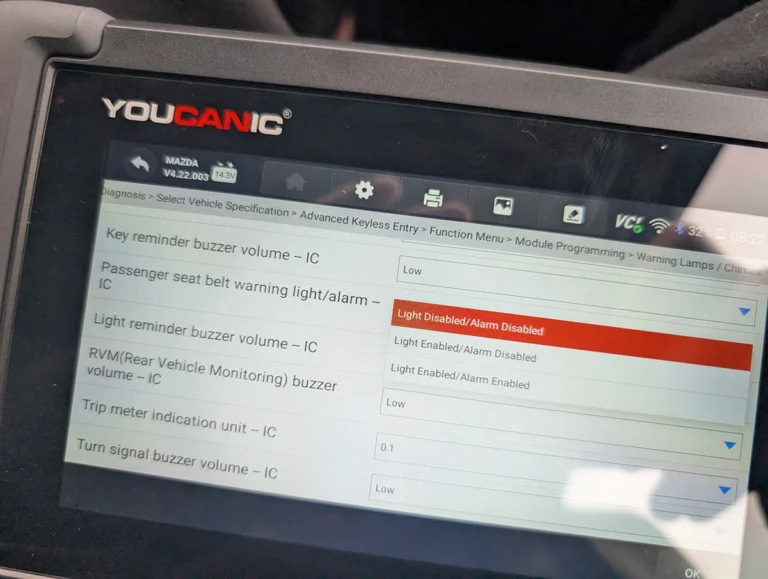
Mazda CX-7 2008 Seat Belt Warning Disable with OBD2 scanner
Chevrolet Malibu 2013 TPMS Relearn
Toyota Corolla 2016 TPMS relearn
Injector Coding / Replacement – Citroën C4 Picasso 2.0 HDi 2012
Škoda Fabia Mk3 (2020) Oil Service Reset with OBD2 scanner
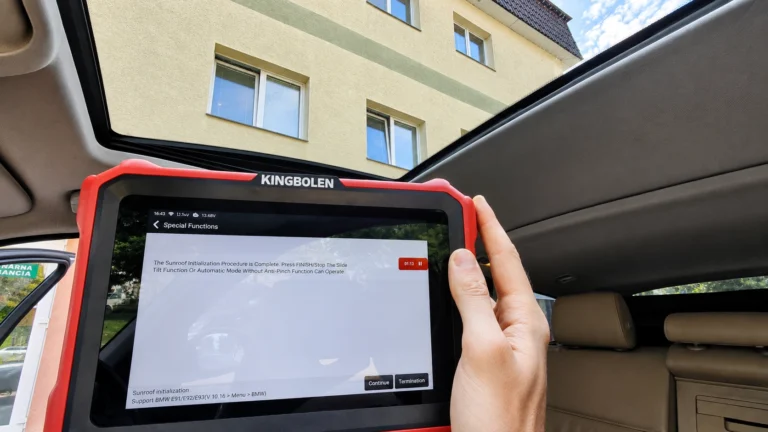
BMW E91 2008 Sunroof Not Responding: Sunroof Initialization Fix
Most popular OBD2 guides





I'm Juraj Lukacko and I work as an auto electrician. On this site I share what I learn from real work on real cars, to help you pick the right tools for diagnostics, programming and tuning and get the job done.
More about me →