 By Juraj · Last updated August 15, 2026
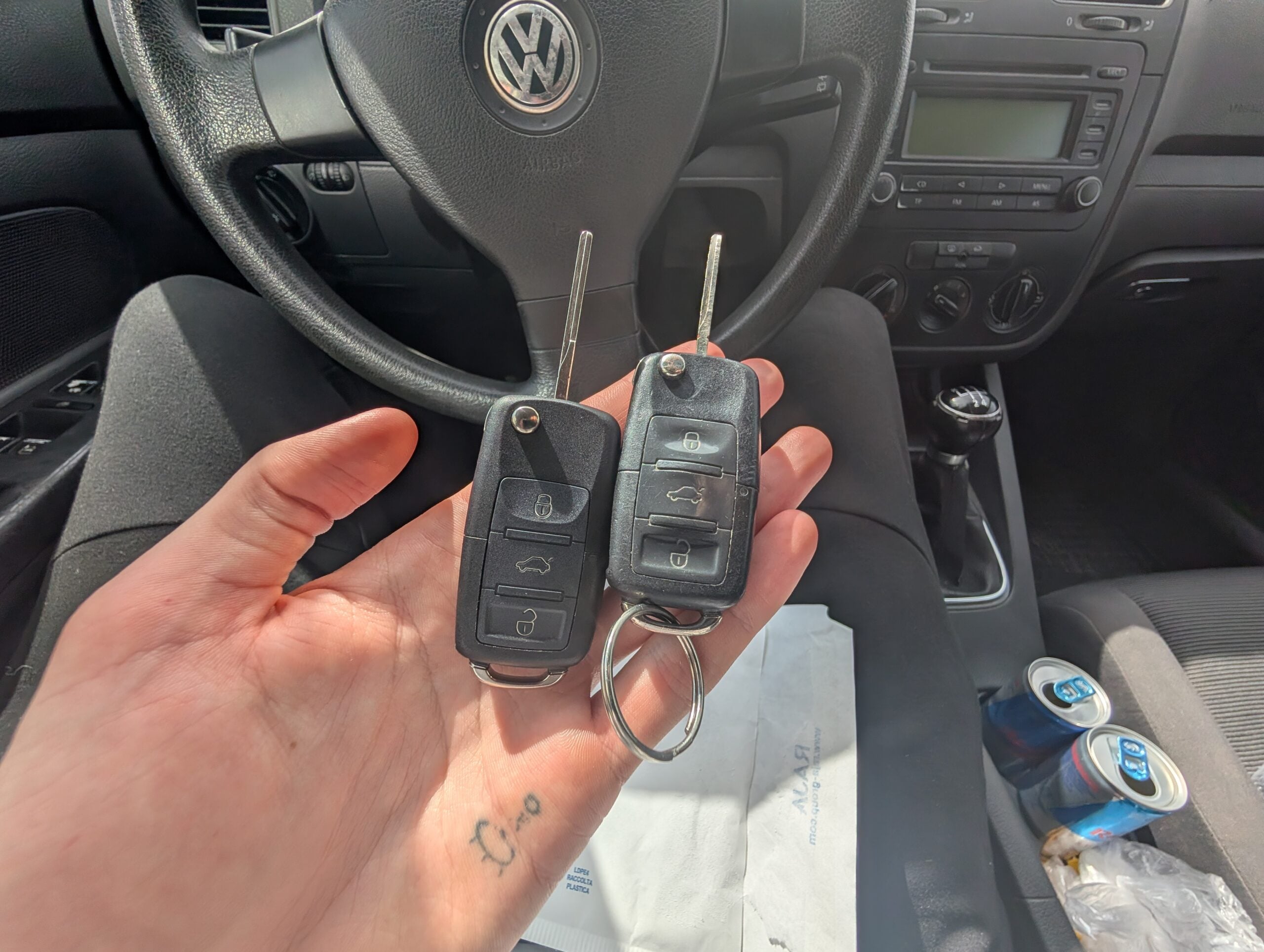
This is a complete step-by-step procedure for adding a new key to a Volkswagen Golf MK5 (2006) using a diagnostic tool. The guide is intended for DIY users and shows the real process used on this vehicle.
I earn from qualifying purchases and sometimes get tools for free (full disclosure). It never affects my scoring.
Used tools in this guide

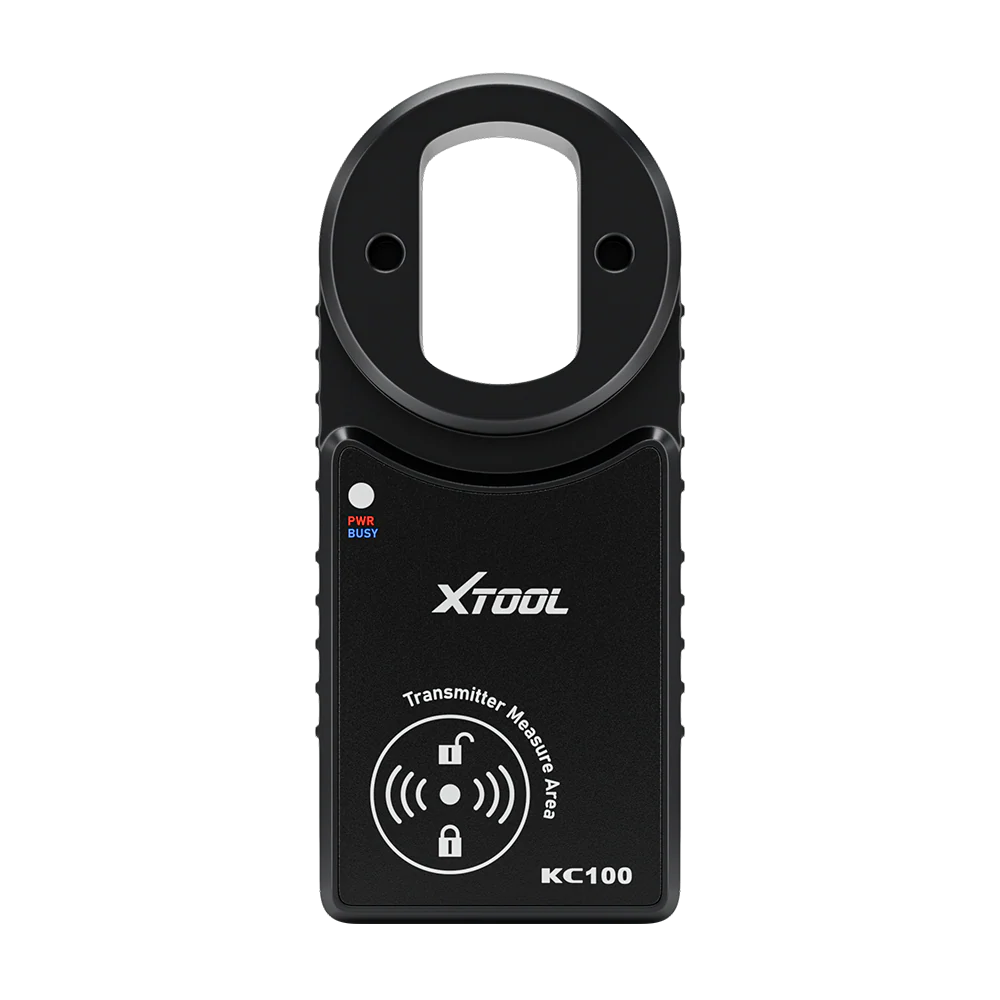
I've used Xtool D8s scan tool paired with key programmer Xtool KC100.
Video: tutorial - how to program new key for golf mk5
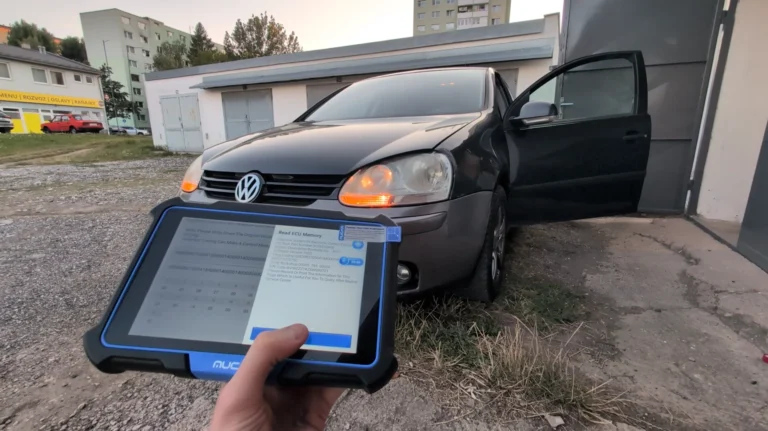
The video below shows the real key programming procedure performed on a Volkswagen Golf MK5 (2006).
Technical overview
| Vehicle | Volkswagen Golf MK5 (2006) |
|---|---|
| System | Immobilizer / Key programming |
| Difficulty | Medium |
| Time required | ~15 minutes |
| Prerequisites | All keys present, stable battery voltage |
Step-by-step procedure
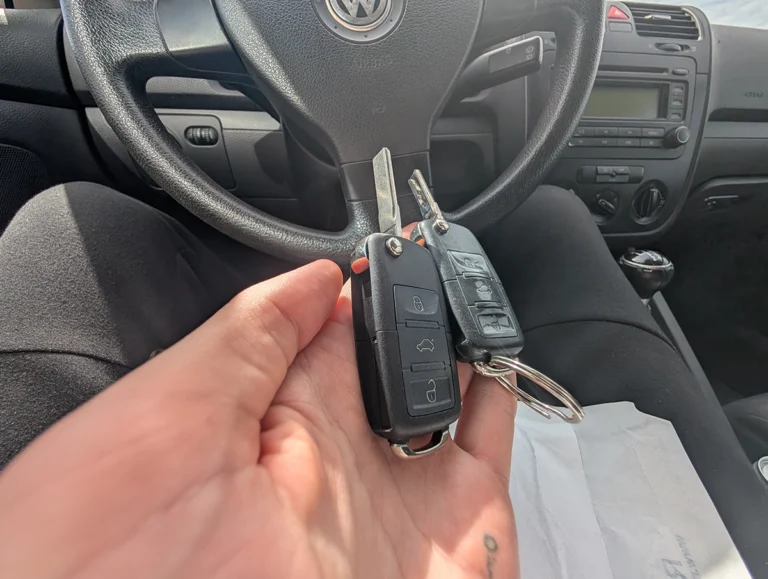
Buy a blank key
Order a compatible blank key (with remote and transponder). Cheap aftermarket keys work fine.
Buy blank key on aliexpress: ➡️Key: https://s.click.aliexpress.com/e/_c3pjThZd
(key number: 1K0 959 753 G)
Cut the key blade
Visit a locksmith and have the blade cut to match your original key.
After this step, the key will:
- Unlock/lock doors mechanically
- Turn the ignition
- Not start the engine (immobilizer active)
Prepare diagnostic & key programming tools
Connect your diagnostic tool and external key programmer. Enter immobilizer / special functions for Volkswagen and select the correct Golf Mk5 instrument cluster.
Read immobilizer data
Read immobilizer (IMMO) data from the cluster. If EPROM read fails, IMMO data read is usually sufficient.
Create a “dealer key” (pre-programming)
Place the new key into the programmer coil and generate a dealer key.
At this stage, the key is pre-programmed but still won’t start the car.
Add the key to the car (final pairing)
Use the “Add key directly” function and follow on-screen instructions.
After completion:
- Immobilizer warning light disappears
- Engine starts normally
- Key is fully paired
Clear fault codes
Scan the vehicle and clear all DTCs caused by earlier start attempts with an unrecognized key.
Program the remote control (central locking)
- Enter Module 46 – Comfort System
- Go to Adaptation → Channel 00 (reset all remotes)
- Set the number of keys (e.g. 2)
- Within 15 seconds, insert each key and press any remote button
- Turn signals flash = remote successfully programmed
Additional information & compatibility notes
- Applicable models: Golf MK5 (2005–2009) with the same immobilizer system
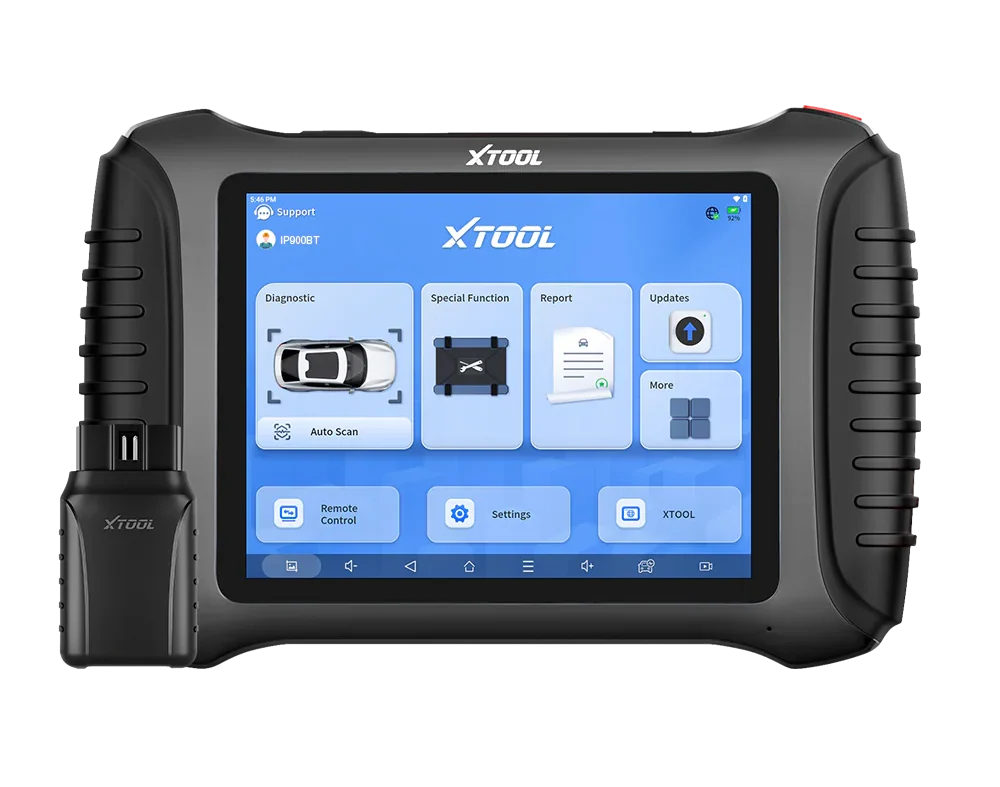
Alternative tools
Legal & safety notice
Key programming and immobilizer-related procedures may be restricted in certain countries and should only be performed on vehicles you legally own or are authorized to service. Always verify local regulations before carrying out immobilizer programming.
Ensure stable battery voltage (ideally use a battery charger or maintainer) before starting the procedure. Do not disconnect the diagnostic tool, turn off ignition, or interrupt the programming process while immobilizer data is being read or written, as this may result in immobilizer lockout or a non-start condition.
If unsure about the immobilizer generation, transponder type or tool compatibility, confirm these details before proceeding. Incorrect programming may disable existing keys and require additional reprogramming.
Proceed carefully and at your own responsibility.
More procedures like this
How to adapt remote key fob on VW / Audi / Skoda / Seat (VAG)
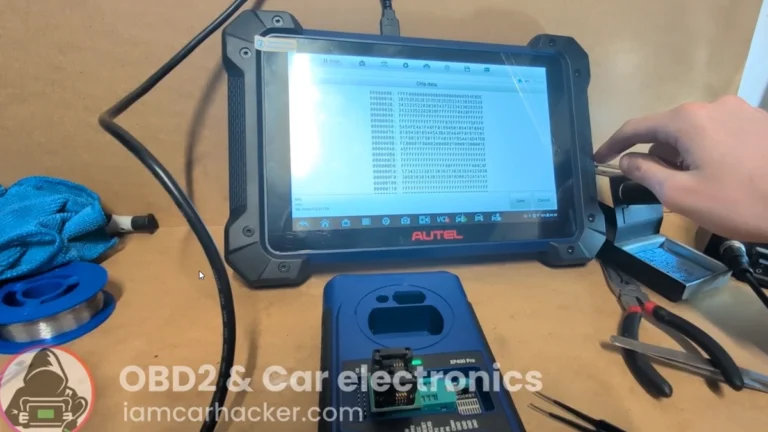
Key programming (add new key / all keys lost) – Passat B6 2.0 TDI (2008)
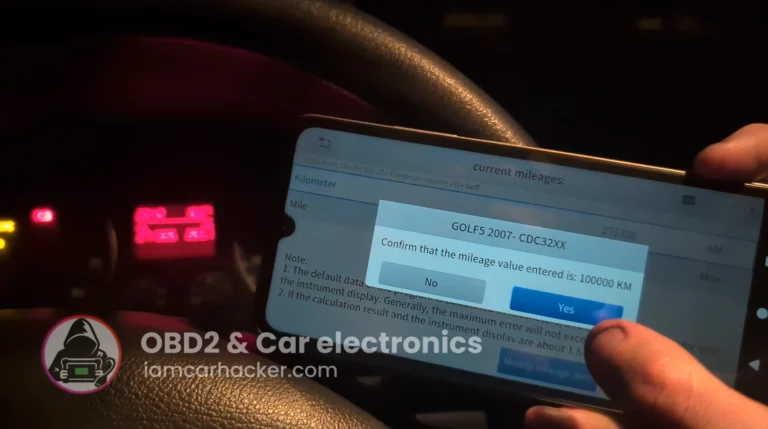
Volkswagen Golf MK5 2006 Odometer correction with OBD2 scanner
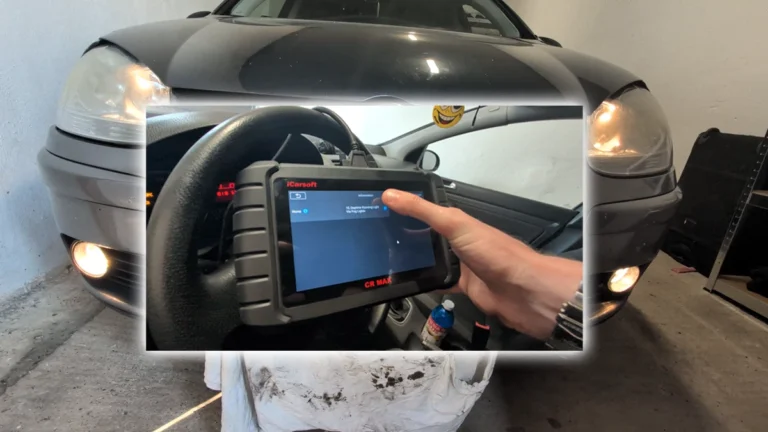
How to Enable Daytime Running Lights via Fog Lights on VW Golf MK5 2006
How to activate US-style turn signals for VAG / Volkswagen / Skoda / Seat / Audi
How to Read the Immo Code (Car Pass) from an Opel / Vauxhall Immo 2
Most popular OBD2 guides







I'm Juraj Lukacko and I work as an auto electrician. On this site I share what I learn from real work on real cars, to help you pick the right tools for diagnostics, programming and tuning and get the job done.
More about me →
Hello Juraj.Nice to see your beuatiful videos for simple assignments works you have provided.
Im having 1 Query, as my Vw Polo is 2015 Model(1.2 Manual Petrol car..I need to upgrade with vw Polo GTI Instumnet cluster(Offcourse Parts Number are differents as its comes from different Model like POLO toreplace with POLO GTI 2017 Model)when i plugged it shows me Immobiler Error as looks like GTI polo cluster having Immobiler Coding as My car wont have..So i need to copy all the data from my current cluster to Another Polo GTI cluster..but im not able to do it,Can you please help me with any vidoes or Links availbale for referances.
Thank You.
Regards
Kirean D
Hi this cannot be done by some adaptation or replacing eeprom between cluster. You need something like SMOK or VVDI2 which are tools for couple thousand $$