

Published: August 22, 2025 · Last updated: June 4, 2026
The XTool D8S is one of the cheapest full-system tablets with a topology map, and it’s become one of my favourite shop tools. Full-system diagnostics, bidirectional tests, OEM coding, a big service-reset list, and with the KC100 addon, key programming. Where it really earns its place is odometer and service work: Xtool’s resets genuinely work better than most in this price range. It’s wired, so it charges off the car. Read on for what it does, the honest limits, and who it’s for.
I earn from qualifying purchases and sometimes get tools for free (full disclosure). It never affects my scoring.
What This Tool Actually Is

XTool D8s
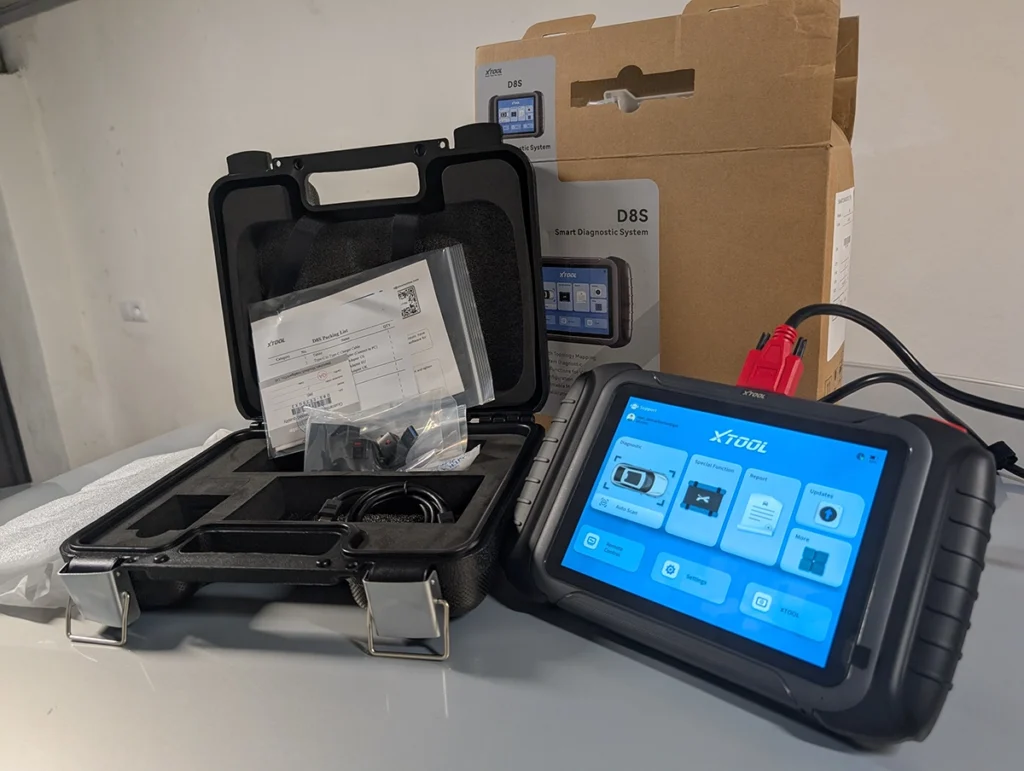
The XTool D8s is pro-level mid-range tablet with full-system diagnostics, bidirectional tests and moderate coding depth tested on VAG platform.

- Full-system diagnostics
- Bidirectional tests
- Service procedures
- Topology features on supported cars
- Vehicle coverage varies for advanced resets
Service functions (34+)
Scores
Specs
| Tool type | Standalone device |
| User level | Advanced |
| Vehicle focus | All makes |
| Free updates | 3 years |
| Update price | $220/yr |
| Subscription | Not required, but updates are paid ⚠ Paid updates can still lock some features |
| Locked features | features that needs internet connection |
Real-world procedures tested with this tool
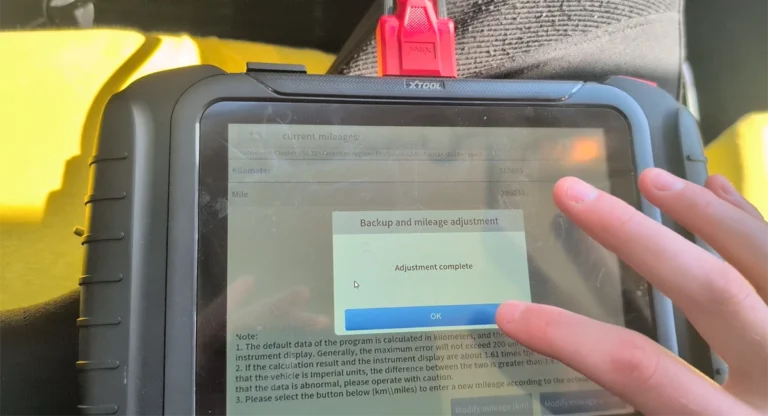
Ford fiesta 2010 Odometer correction guide
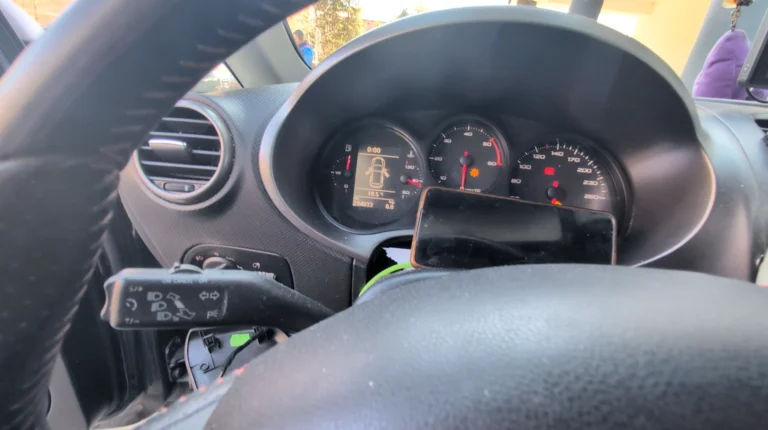
How to change mileage in Seat Leon Mk2 (1P) after instrument cluster replacement
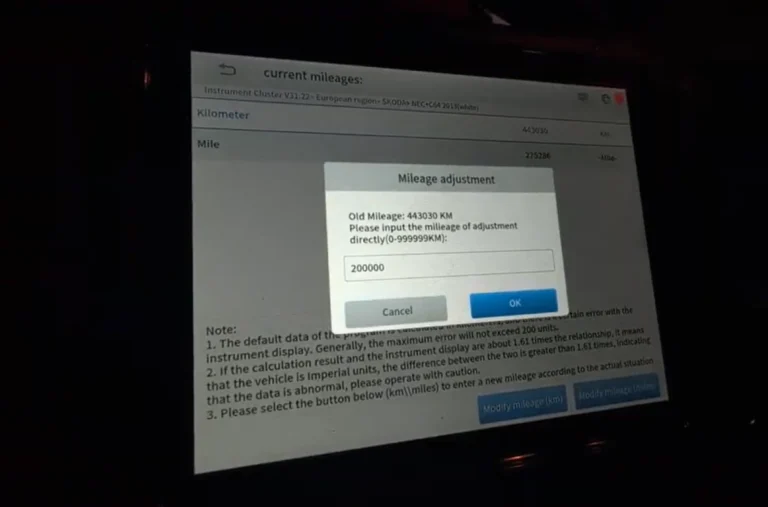
Skoda Rapid 2015 Odometer adjustment
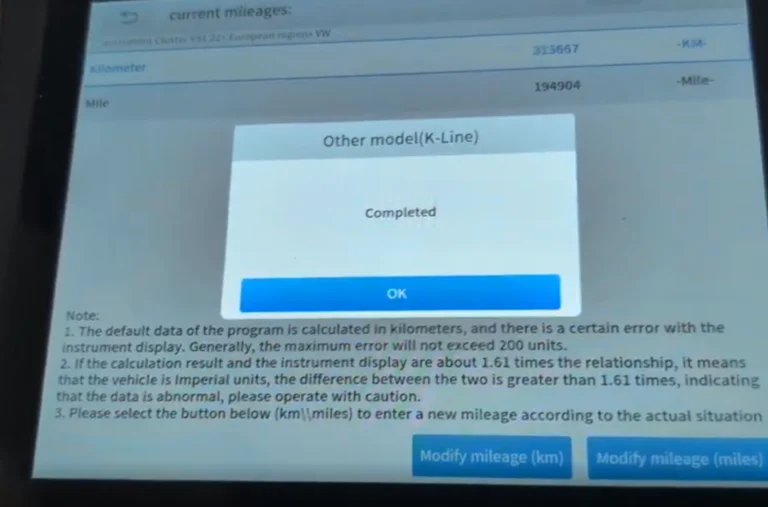
Volkswagen Golf MK4 1999 Odometer adjustment
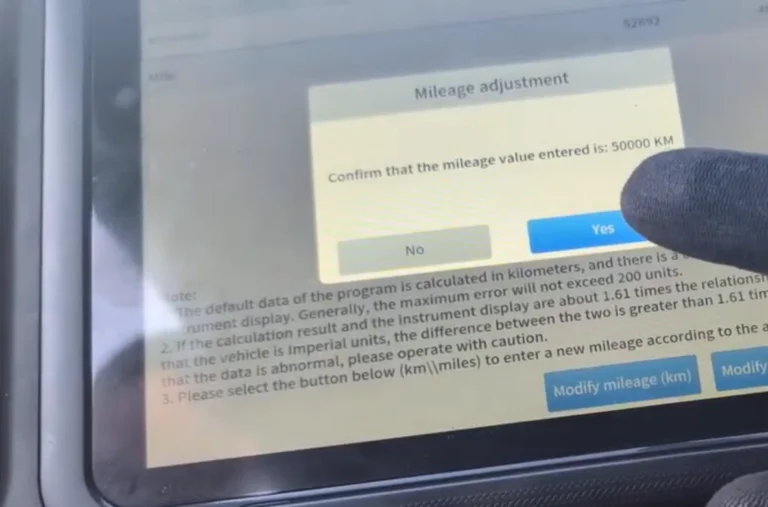
Chevrolet Malibu 2013 Odometer correction with OBD2 scanner
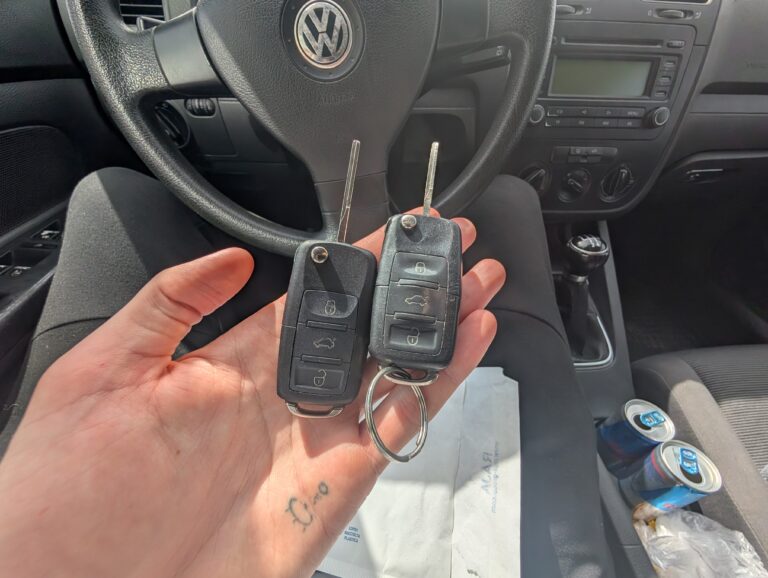
How to add a new key – Volkswagen Golf MK5 (2006)
What it’s actually good at
Xtool’s service resets are the standout, especially odometer and key work, and that’s the main reason I reach for it. On a VW Golf the odometer reset worked perfectly: the tool detected the cluster type and wrote new values within supported limits. Coding worked just as cleanly. I unlocked comfort window control (windows opening from the key) by changing one adaptation channel from 0 to 1, and it took effect immediately.

The topology map is rare at this price and stable even on old cars. Doing a full scan gives you a colour-coded tree of every module. It’s not essential (you can switch to a list and read the same codes), but it’s a clean visual, and I confirmed it works even on a 1999 Passat, not just modern cars.
It’s a genuine full-system bidirectional tool with a deep reset list. On the Golf I went into any module for codes, live data, freeze frame, bidirectional tests, coding, adaptations and security login. With the KC100 addon it also does key programming. The wired connection means it charges off the car so you’re never out of battery mid-job, and the live data with graphing and recording is solid for test drives.

Where it falls short
The honest service-reset reality: it depends on the car, not just the tool. On my Alfa 147 the odometer change failed, the stored value read as minus 3 km, which is the car’s broken electronics, not the D8S. I knew that car well and expected it. The same job worked perfectly on the Golf. So coverage for advanced resets varies, and a weird car will defeat any tool.
Oil reset isn’t always one tap either. On the Golf 5 it needed a manual button procedure, which the tool displayed and which worked, but it’s not always push-button.
The update situation is worth understanding before buying. It comes with 3 years of updates, and you can keep using the tool after they expire (most functions don’t need an active plan), but renewing updates isn’t free. The tablet can also feel slightly slow to respond at times. Neither is a dealbreaker, but factor the long-term update cost in.
Who should buy this
Yes, buy it if:
- You want full-system diagnostics with a topology map at one of the lowest prices for that feature
- You do odometer, coding or service work and want resets that genuinely work, with optional key programming via the KC100
- You prefer a wired tool you never have to charge
No, look elsewhere if:
- You want the simplest possible tool, the coding and menus reward someone comfortable digging in
- You want lifetime free updates with no future cost, this is 3 years then paid
- You need a smaller, more portable tool, this is a wired tablet
XTool D8s
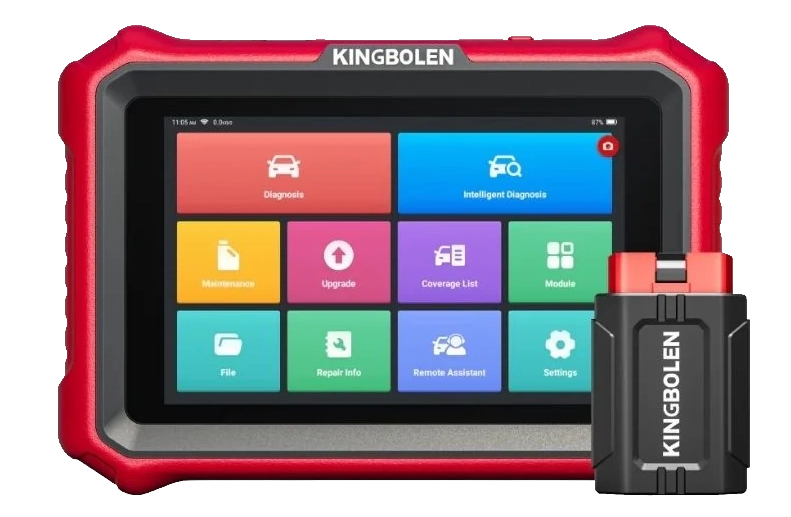 Kingbolen K8 Pro
XTool D8s
Kingbolen K8 Pro
XTool D8s
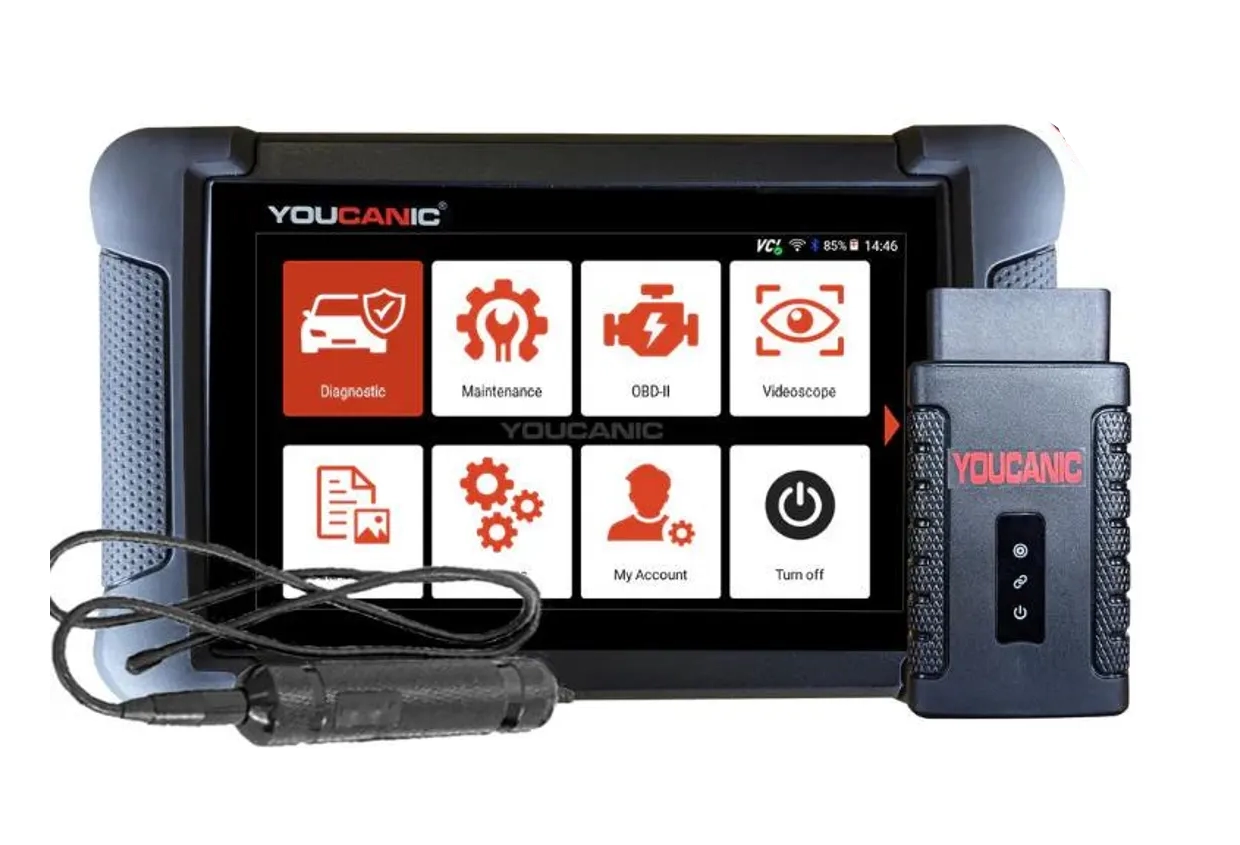 Youcanic UCAN-II full-system
Still deciding rather than chasing a D8S deal? I line up the full-system tablets I’ve tested in my [best bidirectional OBD2 scanners] roundup. The short version: the D8S is hard to beat for topology plus working odometer and key resets at this price, but the roundup shows where a Youcanic or a simpler Kingbolen fits you better.
Final word
The XTool D8S is one of the cheapest full-system tablets with topology mapping, and it backs it up where it counts: odometer, coding and service resets that genuinely work, plus key programming with the KC100. The honest caveats are that advanced resets depend on the car, and updates are free for 3 years then paid. For a shop tool that handles the harder service jobs without pro-tool money, it’s one of my favourites and an easy recommendation.
Most popular OBD2 guides







I'm Juraj Lukacko and I work as an auto electrician. On this site I share what I learn from real work on real cars, to help you pick the right tools for diagnostics, programming and tuning and get the job done.
More about me →