 By Juraj · Last updated August 15, 2026
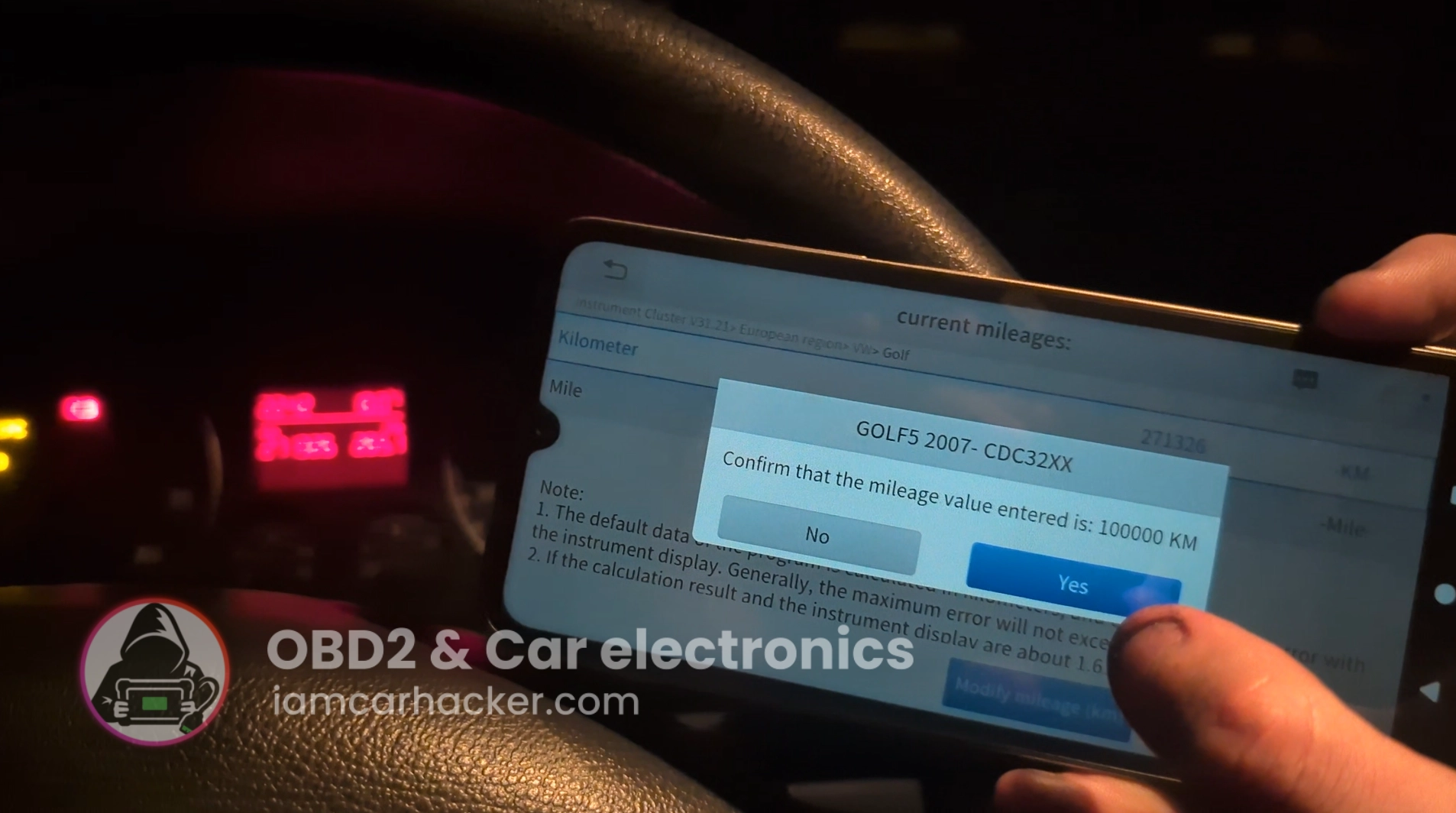
This is complete step-by-step procedure for correcting distance on odometer after instrument cluster replacement.
I earn from qualifying purchases and sometimes get tools for free (full disclosure). It never affects my scoring.
Used tool in this guide

Video: How to change mileage in golf mk5 with OBD2 scanner
This video shows how to set correct mileage on instrument cluster with OBD2 scanner.
Technical overview
| Vehicle | VW Golf MK5 2006 (platform PQ35) |
|---|---|
| System | Instrument cluster |
| Difficulty | Easy |
| Time required | ~5 minutes |
| Prerequisites | Stable battery voltage |
Step-by-step procedure
Connect diagnostic scanner to OBD2 port
Open special functions → Instrument cluster
Open special functions menu -> Instrument cluster
Select European region
Select European region
Switch ignition ON
Switch ignition ON
Select Volkswagen → Golf
Select Volkswagen -> Golf
Let the scanner identify the cluster
Scanner will identify instrument cluster type (CDC32XX)
Select CDC32XX
Select "CDC32XX" from instrument cluster types menu
Wait for the current mileage
Scanner will display current mileage after a while
Enter the new mileage
Hit yes and enter new mileage "modify KM" or "modify Miles"
Confirm with Yes
Hit "Yes"
Additional information & compatibility notes
- Applicable models: Golf MK5 (2003-2009) with the same IC system (CDC32XX)
Alternative tools
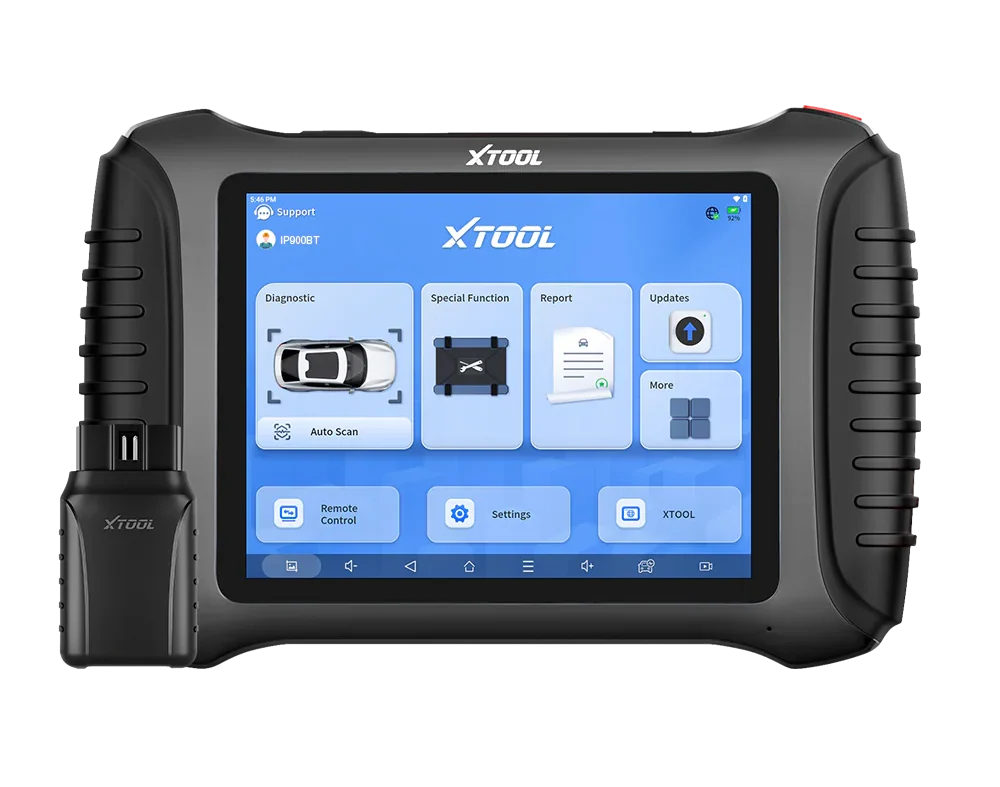 ToolXTool IP900BTXToolOfficial website ›Check on Amazon ›Read review
  ToolXTool A30DXToolOfficial website ›Check on Amazon ›Read review
  ToolXTool D8sXToolOfficial website ›Check on Amazon ›Read review
  RoundupBest OBD2 Scanners for Mileage Correction (Cluster Replacement & Repair)Read the guide
 Legal & safety notice
When replacing an instrument cluster, it is important that the displayed mileage accurately reflects the vehicle’s true distance traveled. Always record the original mileage before removing the old cluster and keep clear documentation of the replacement process.
Mileage-related systems are regulated in many countries, so any synchronization or correction should only be done to match the vehicle’s actual, documented mileage. Never use this type of procedure to misrepresent a vehicle’s history.
Maintain transparent service records and follow local regulations to ensure the vehicle remains compliant and properly documented.
More procedures like this
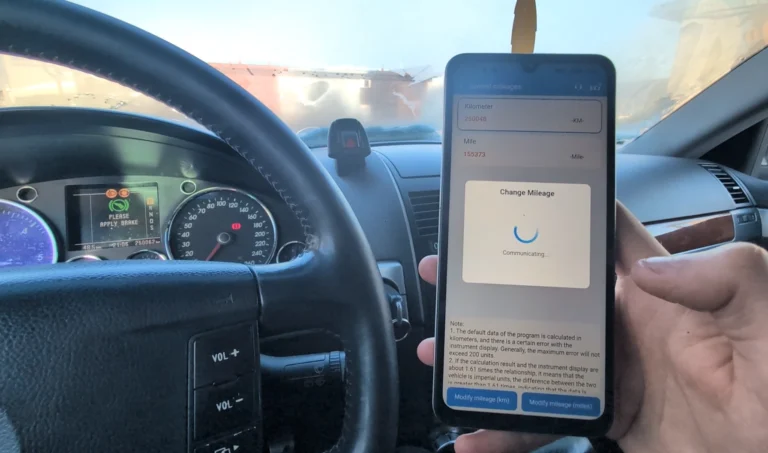
How to change mileage in Volkswagen Touareg 7L
How to adapt remote key fob on VW / Audi / Skoda / Seat (VAG)
Volkswagen Passat B6 2008 Mileage correction
Volkswagen Passat B5 1999 1.9 TDI mileage correction
Volkswagen Golf MK4 1999 Odometer adjustment
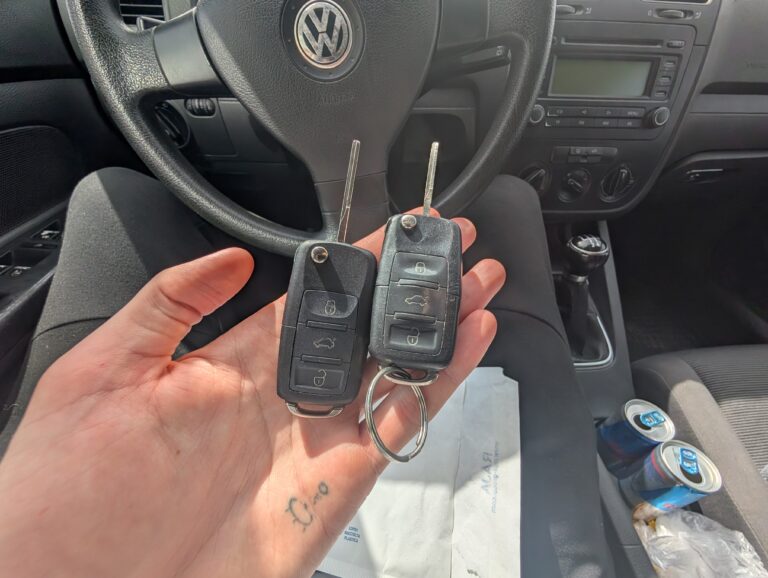
How to add a new key – Volkswagen Golf MK5 (2006)
Most popular OBD2 guides







I'm Juraj Lukacko and I work as an auto electrician. On this site I share what I learn from real work on real cars, to help you pick the right tools for diagnostics, programming and tuning and get the job done.
More about me →