
Published: February 4, 2023 · Last updated: June 5, 2026
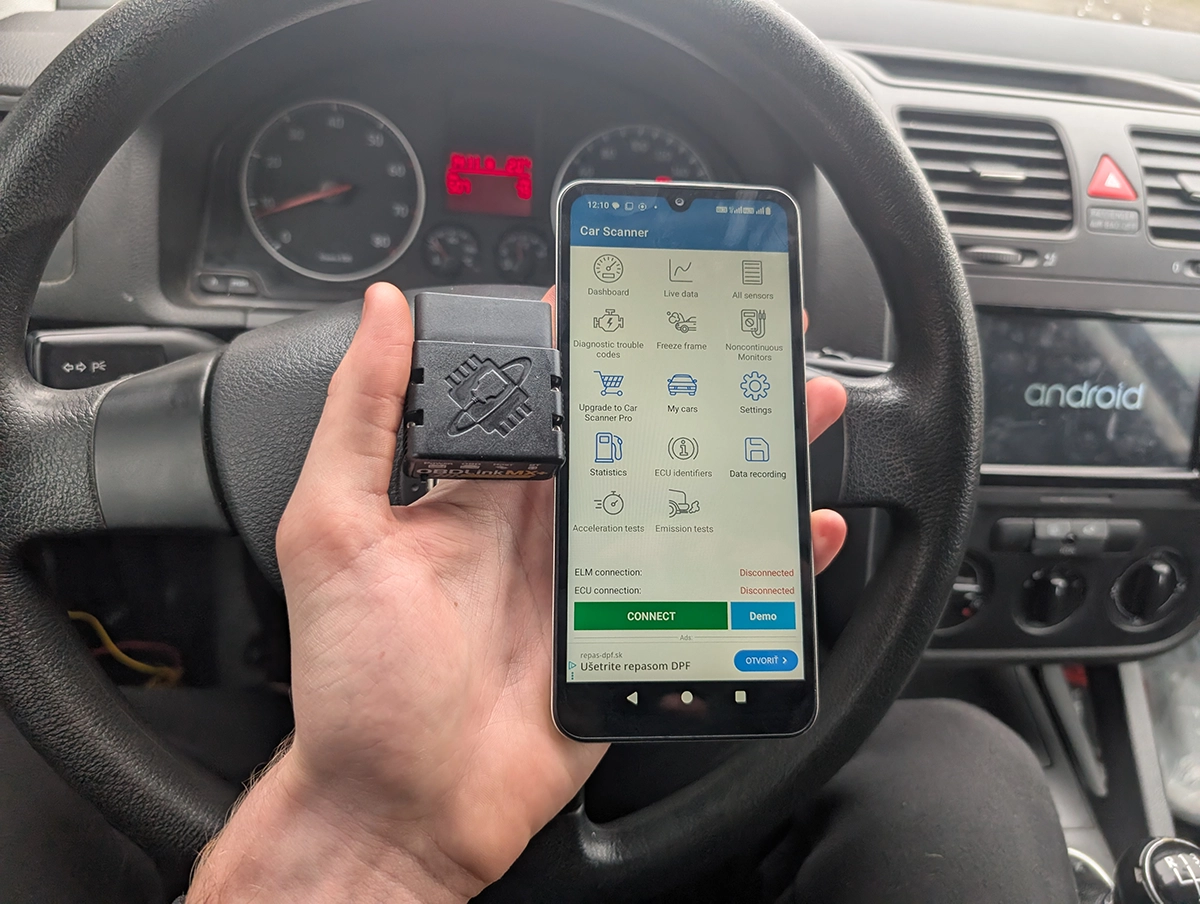
Car Scanner ELM OBD2 is a diagnostic app that talks to your car through any ELM327 adapter, and it’s become my go-to OBD app. I tested it on a VW Golf, Nissan Micra and Toyota Corolla against pro scanners and other apps. It’s the best general OBD app I’ve used: cheap, strong diagnostics, the best data logging I’ve seen in an app, and on some cars it even does full-system scans and coding, but it won’t replace a real tablet. Read on for what it can and can’t do.
I earn from qualifying purchases and sometimes get tools for free (full disclosure). It never affects my scoring.
Car scanner app overview

Car Scanner ELm OBD2 app
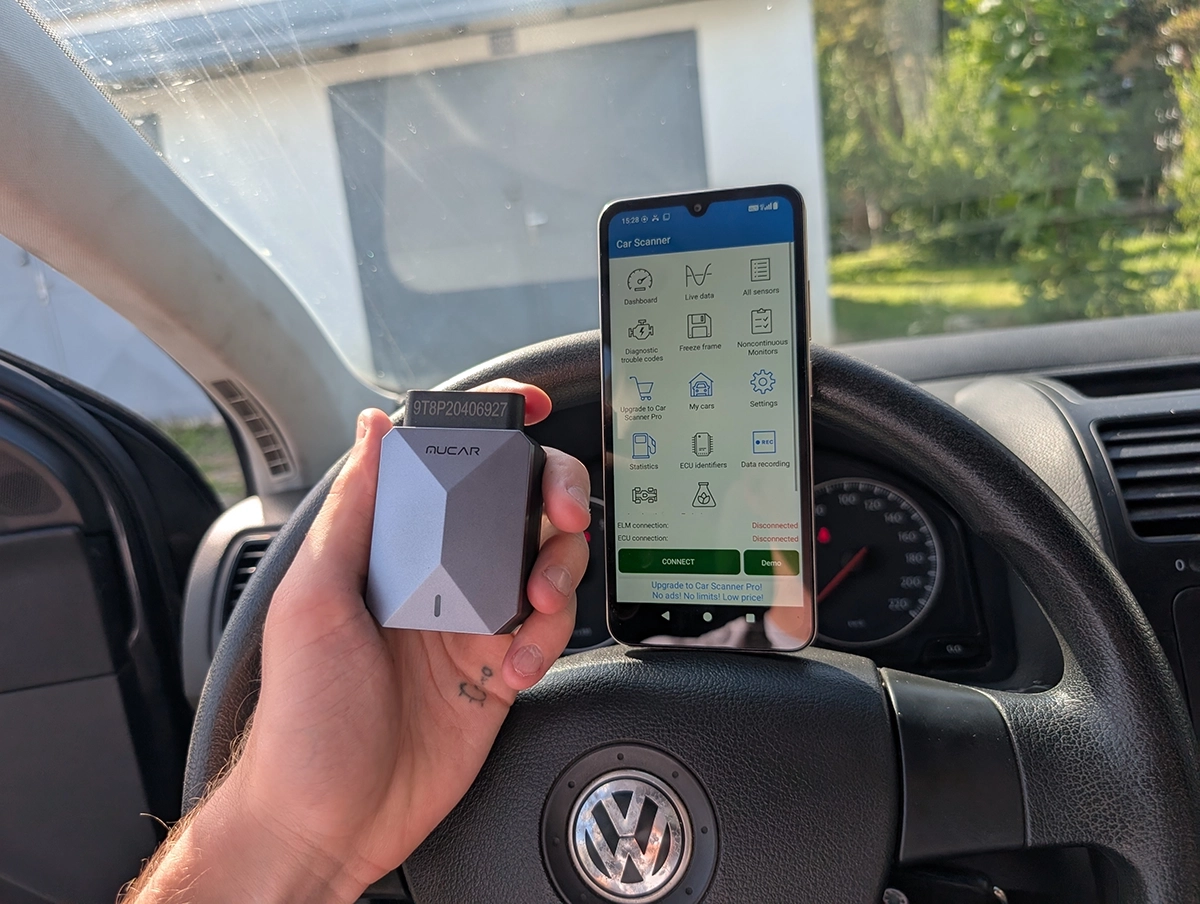
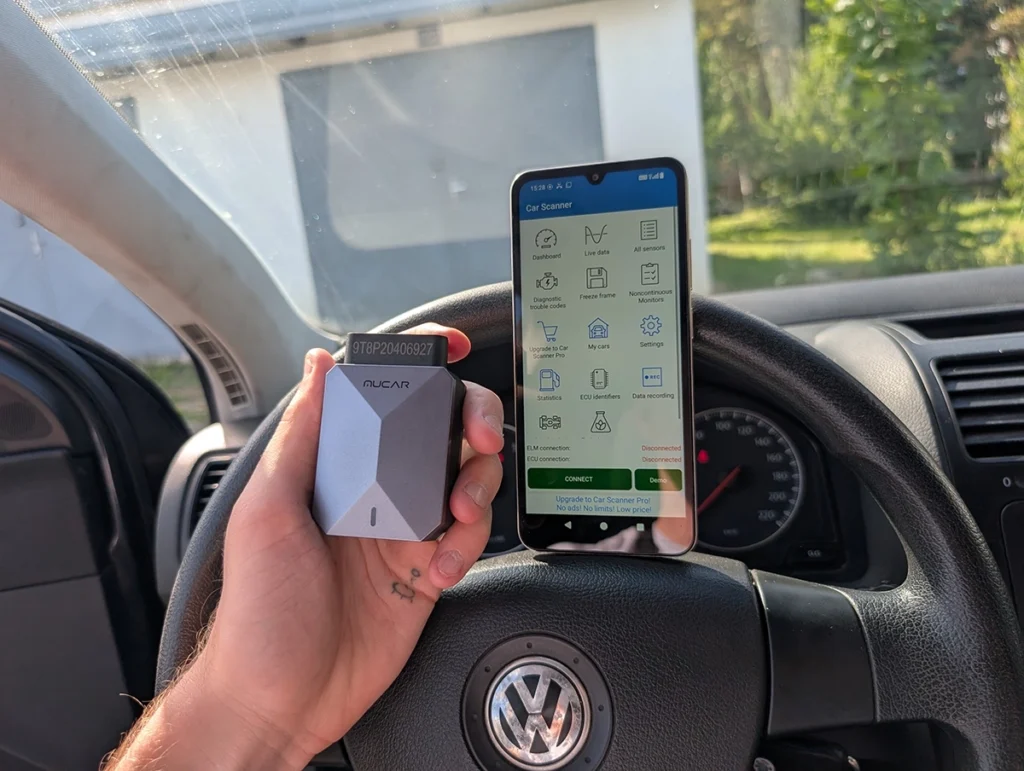
The Car Scanner ELm OBD2 app is best obd2 app to start with. You need ELM327 adapter and smartphone to use it..

- Cheap
- Advanced
- Especially for the price
Scores
Specs
| Tool type | Standalone device |
| User level | Intermediate |
| Vehicle focus | All makes |
| Free updates | Lifetime |
| Subscription | Not required |
Photos
Support & resources
| Need help with tool? | Open tool support page ↗ |
| Supported languages |   |
| Guides |
Addons & accessories

What it’s actually good at
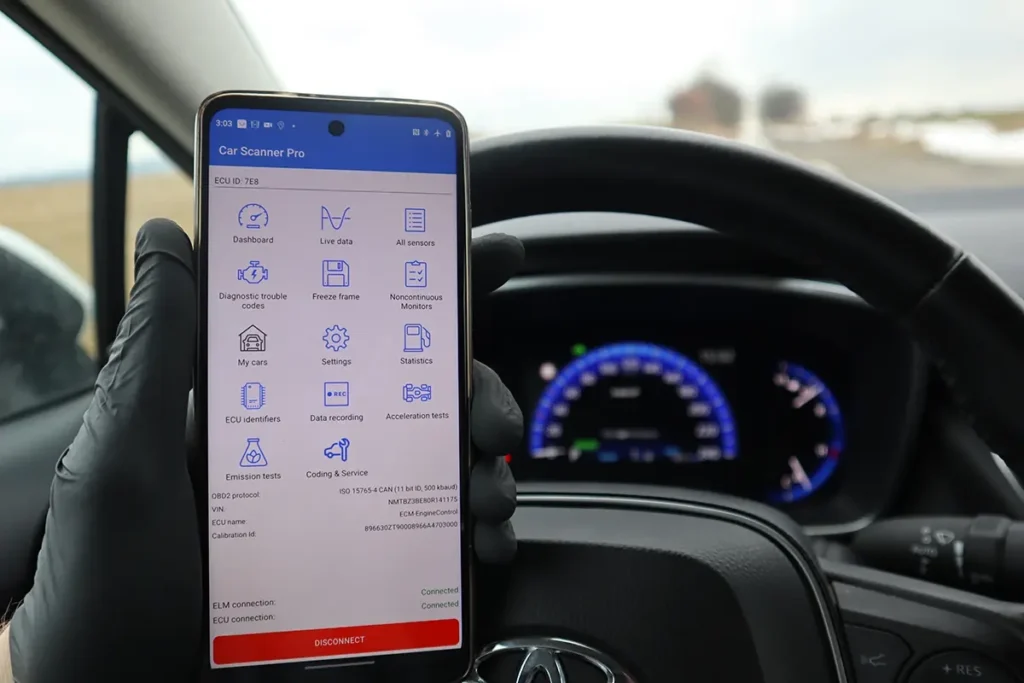
It does real diagnostics, and on the right car it goes full-system, which most apps can’t. On the VW Golf, with the correct VAG connection profile, it scanned all the selected modules and found exactly the same three fault codes (climate control plus gateway) as my professional scanner, and felt faster doing it. That’s a genuine full-system scan from a cheap app, not just engine. The catch is it depends on the car and profile: on the Nissan Micra I couldn’t get past engine-only no matter which profile I tried. So full-system is possible, not guaranteed.
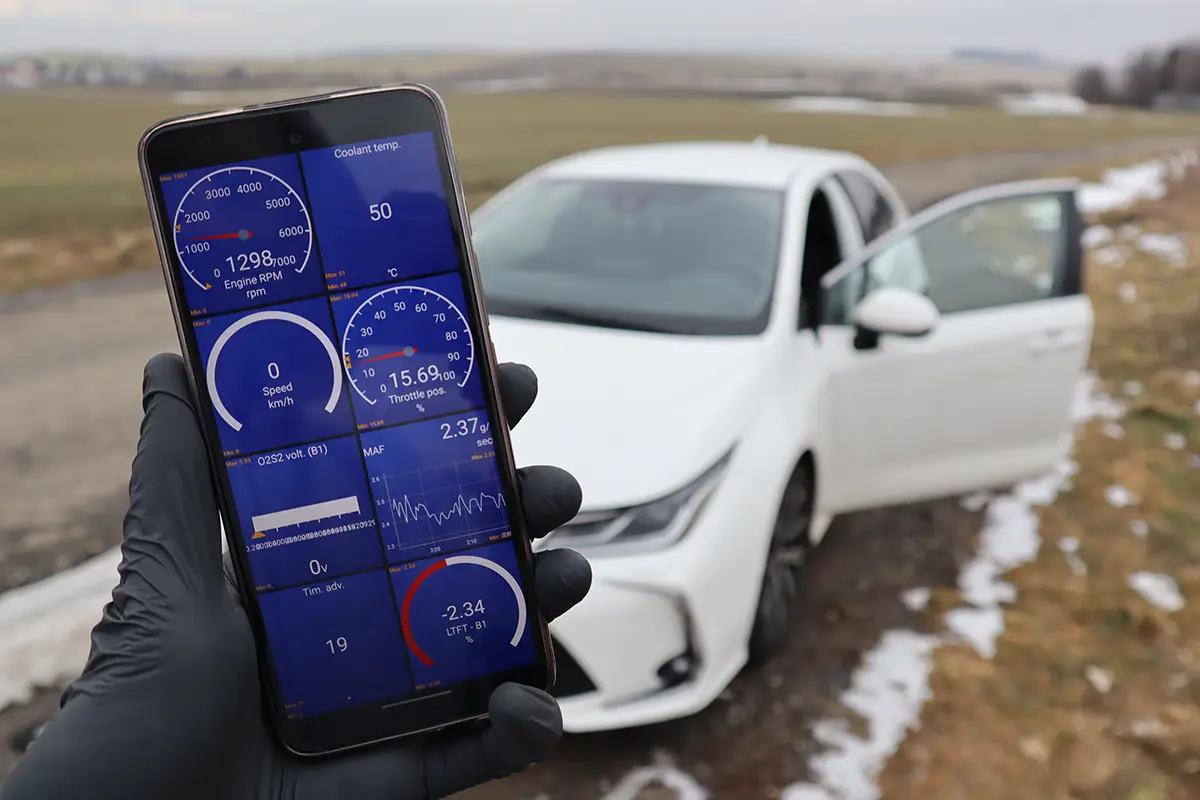
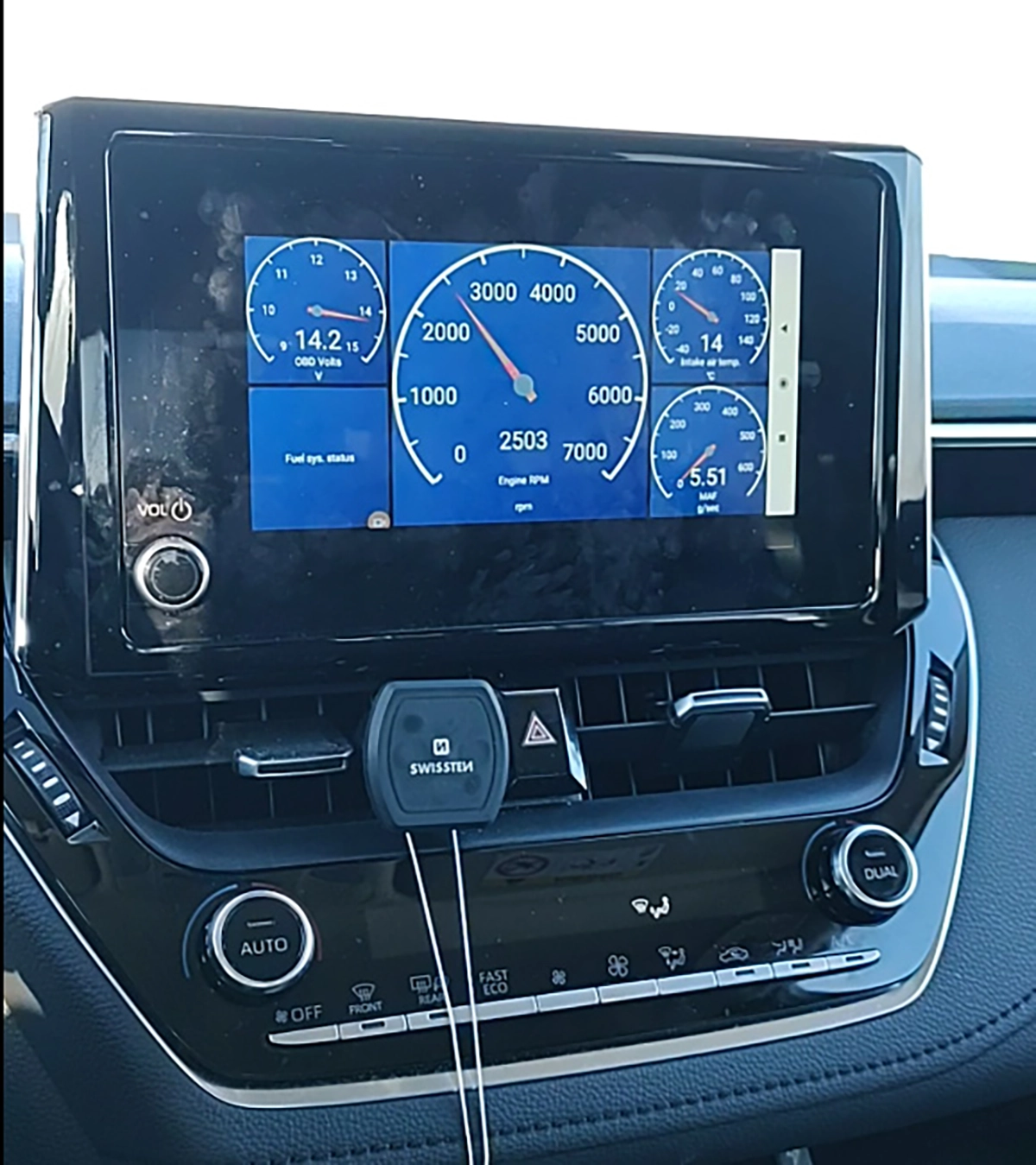
The data logging is the standout, better than many pro tools. You record live data with GPS, then replay it with map and graphs synced, zoom into sections, switch between combined and separate charts, and pick which PIDs to show. Some professional tablets are actually worse at this. Live data, readiness monitors, and fully customizable dashboards (gauges, thresholds, sound alerts, even a HUD/mirror mode) all work well too.
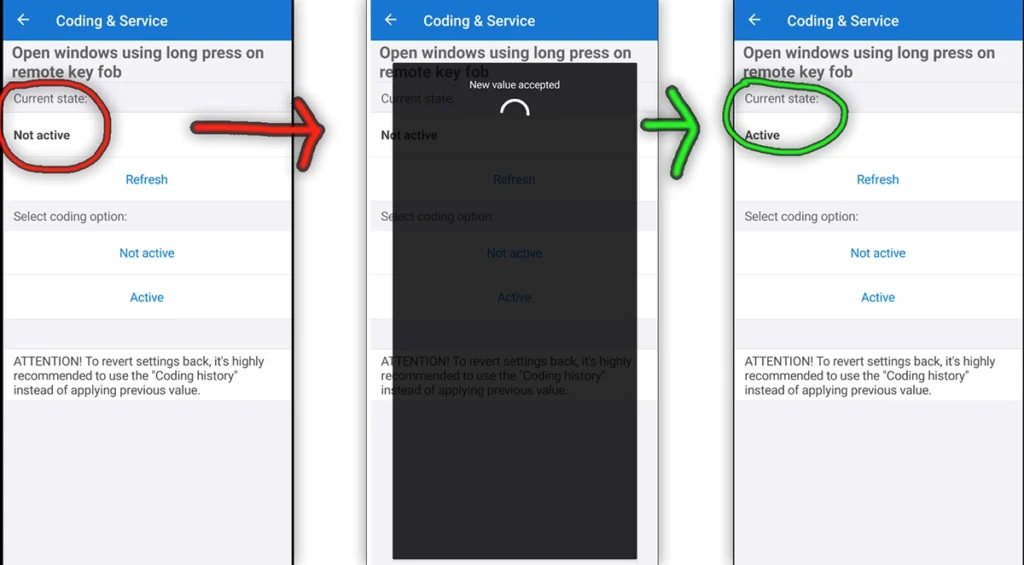
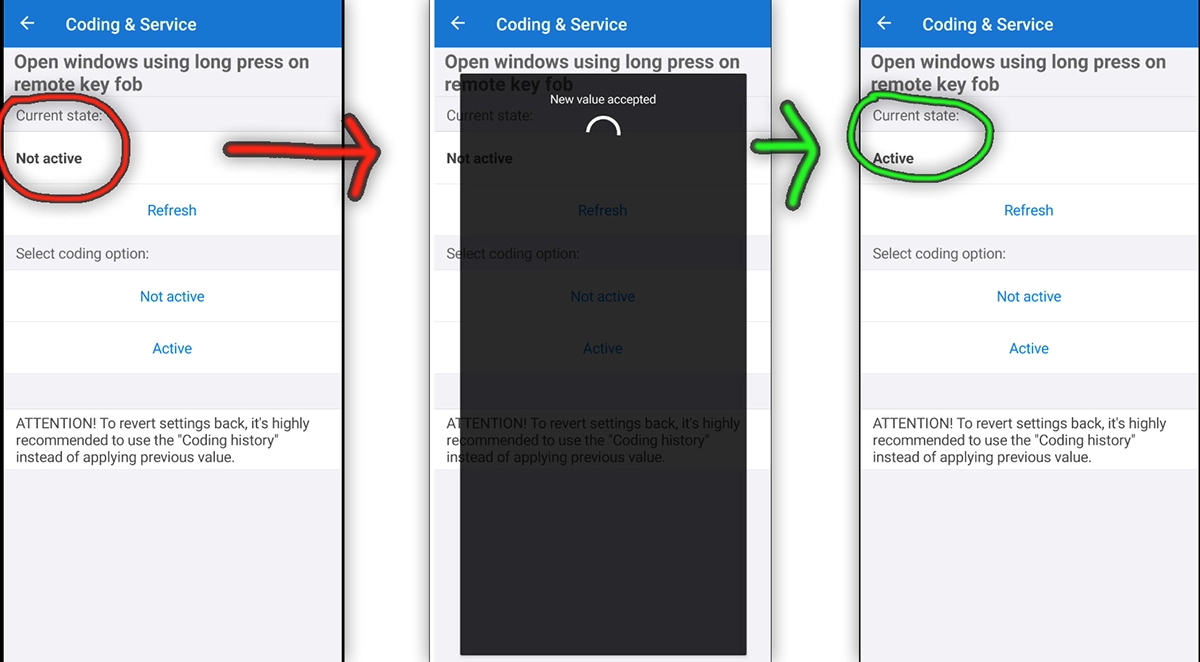
And it surprised me with real coding on a Toyota. On the Corolla I enabled opening windows from the key fob and changed some comfort and warning settings, real coding from a cheap general app, without buying a Toyota-specific tool. There are simple service-type options too (oil reset on some models). It’s also pay-once: free with ads and limits, or a one-time Pro upgrade (around 6 euros in my region, no subscription) that unlocks more graphs and the coding/service features.

Where it falls short
Full-system access and coding are conditional, not guaranteed. Whether it scans all modules depends entirely on your car and finding the right connection profile, which takes experimenting (a tip from the review: screenshot the profile options and ask ChatGPT which to pick, then save what works). Coding is marked experimental and worked on my Toyota but isn’t broadly available across brands in my testing.
It’s still an app, not a workshop tablet. It won’t do EPB service, ABS bleed, advanced DPF procedures or deep brand-specific menus, treat service here as a bonus, not the main value. And adapter quality is everything: for coding especially you want a stable adapter (OBDLink MX+ ideal, Veepeak at minimum), since a mid-write disconnect can damage a module. Cheap 3-euro clones are a gamble.
Who should buy this
Yes, buy it if:
- You want the best cheap general OBD app for diagnostics and class-leading data logging
- You already own a good adapter (OBDLink or Veepeak) and want a serious app to pair with it
- You want occasional full-system or coding on supported cars without buying a brand-specific tool
No, look elsewhere if:
- You need guaranteed deep multi-brand coverage, EPB, DPF or key coding, get a real tablet
- You work on cars for money, a Thinkcar/Mucar tablet with lifetime updates is better long-term
- Your main goal is VAG coding specifically, OBDeleven is the specialist
Car Scanner ELm OBD2 app
 Torque APP
Car Scanner ELm OBD2 app
Torque APP
Car Scanner ELm OBD2 app
 OBDLink MX+
Car Scanner ELm OBD2 app
OBDLink MX+
Car Scanner ELm OBD2 app
 Mucar BT200 Max
Final word
Car Scanner ELM OBD2 is the best general OBD app I’ve used: the free version already helps, and Pro is so cheap it’s an easy yes. On some cars it matches pro tools for full-system scans and beats them for data logging, and it even did real coding on my Toyota. But it’s still an app, not a workshop tool: full-system access depends on your car and profile, coding is limited and experimental, and you must use a good adapter. For a DIY owner who wants a smart, cheap way to read codes, log data and occasionally code, paired with an OBDLink or Veepeak (or a Mucar BT200 Max combo), it’s my first choice. For heavy multi-brand work, invest in a tablet instead.
Most popular OBD2 guides







I'm Juraj Lukacko and I work as an auto electrician. On this site I share what I learn from real work on real cars, to help you pick the right tools for diagnostics, programming and tuning and get the job done.
More about me →
I have an ELM327 OBD-II scanner, but need iOS app that works for a Range Rover L322 3.6tdv8 (2008 model)
Car scanner doesn’t work on it?
Does Car Scanner app read ABS and other codes?
You can choose to scan all modules in app but in my experience is not always accurate for other modules either it will not show some codes or display some wierd codes that are not shown when I scan with professional device.
Car scanner works great except I can’t understand why the smog test comes up with errors but doesn’t explain why and all the sensors seem to be working
As of march 22 2026 Car Scanner is on version 2.1.15 and the profiles Database is on 2.1.19.
Have you already tested this version and can you mention which version you tested in your review?
Thanks in advance!
Hi I did a video about 2 months back not sure what the version was.