
Published: November 28, 2024 · Last updated: June 4, 2026
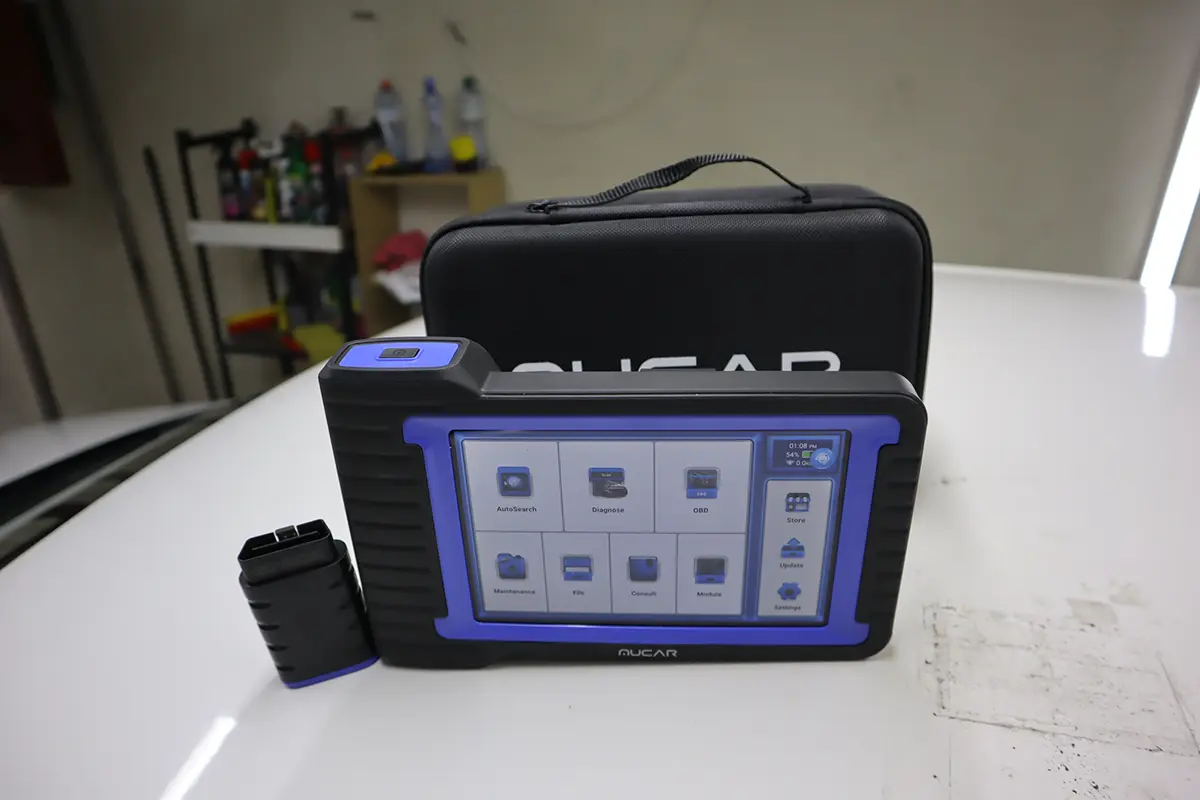
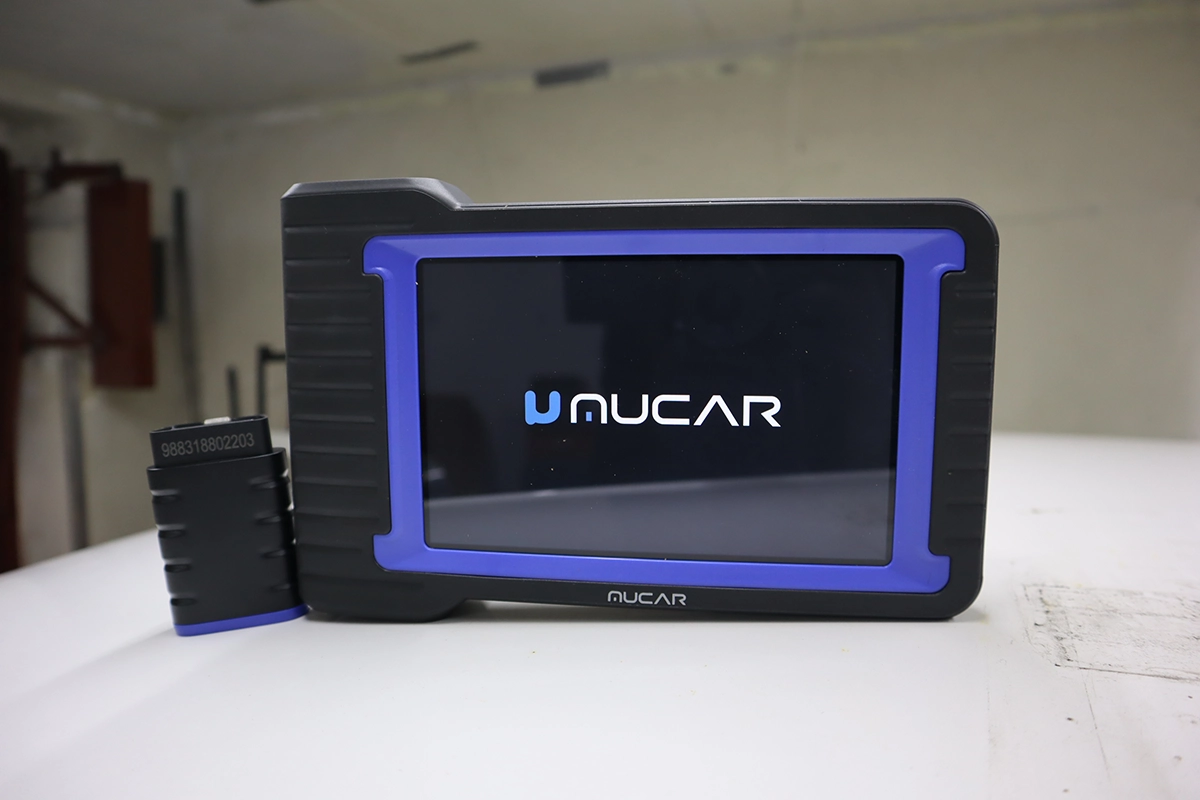
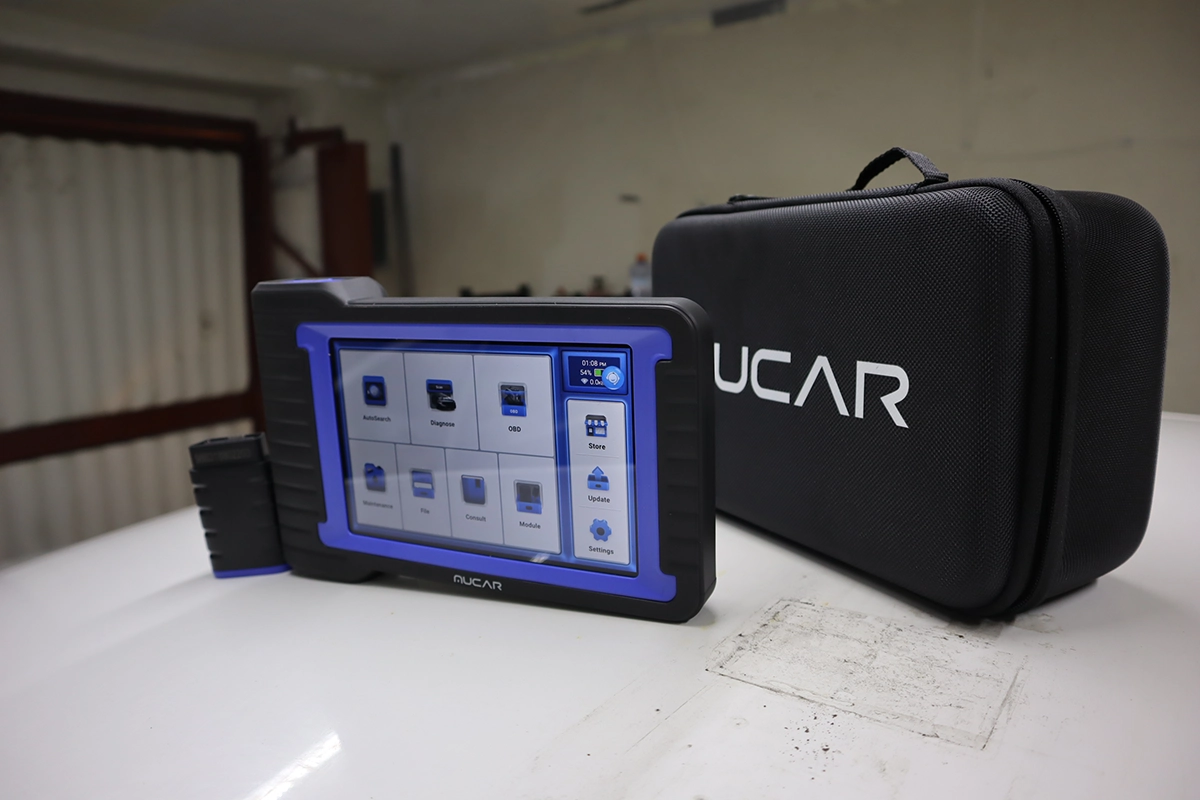
The Mucar VO7 is a wired bidirectional tablet with real ECU coding, full-system scan, guided functions, TPMS programming and a long service-reset list. I tested it for a week on a Skoda Rapid, a Toyota hybrid, a used-car check and a TPMS job. I went looking for the cheapest bidirectional scanner that still had real coding, and the VO7 did far more than the price suggested, OEM-style coding across brands, not just VAG. Read on for what it does and where it stops.
I earn from qualifying purchases and sometimes get tools for free (full disclosure). It never affects my scoring.
What This Tool Actually Is

Mucar V07
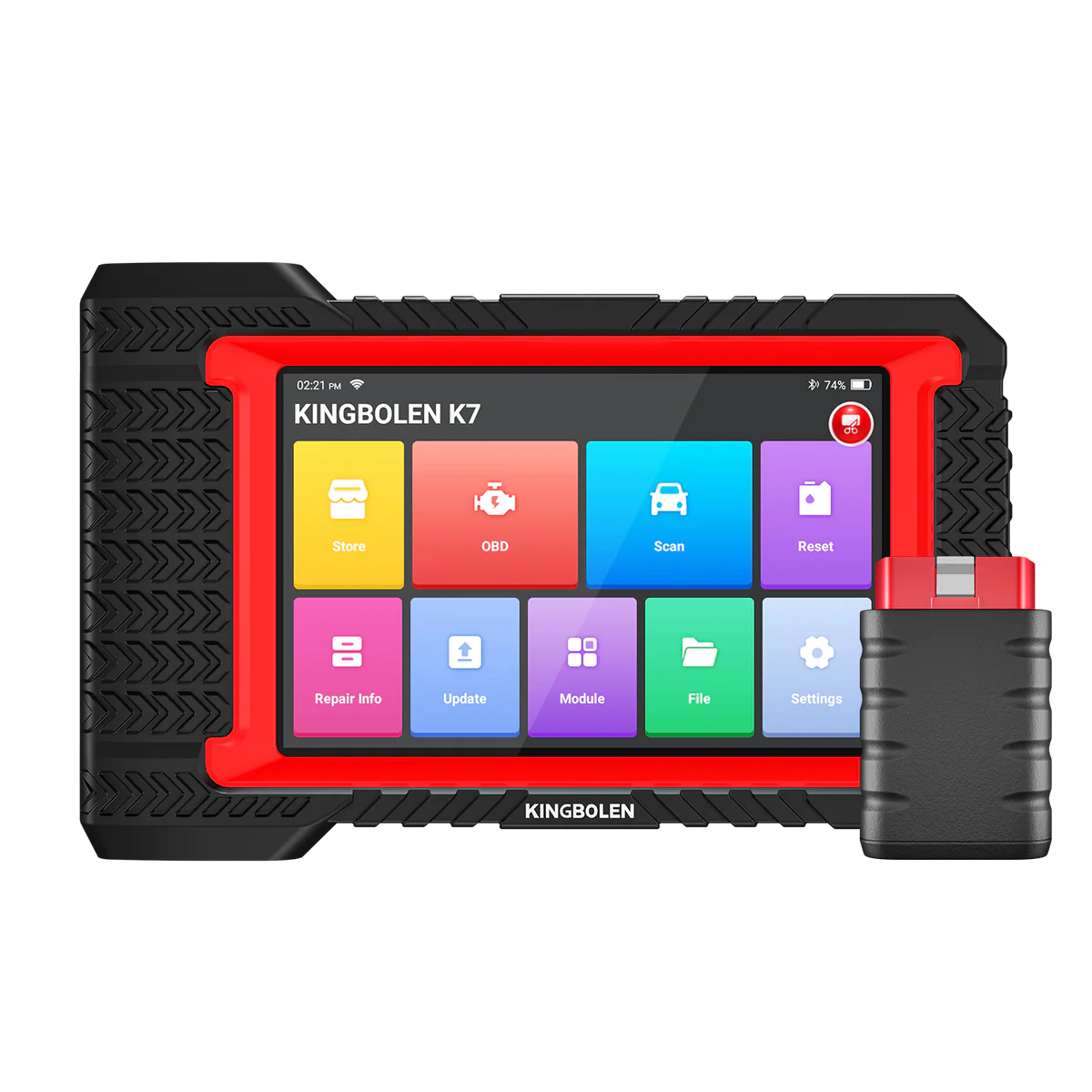
The Mucar V07 is solid mid-range tablet with strong VAG coding for the price, good alternative to Kingbolen K7 if you prefer mucar ecosystem.

- OEM coding support
- One of cheapest bi-directional scan tools with coding
- Free lifetime updates
- Great budget pick for DIY and smaller shops
Service functions (27+)
Scores
Specs
| Tool type | Standalone device |
| User level | Advanced |
| Vehicle focus | All makes |
| Free updates | Lifetime |
| Subscription | Not required |
Photos
Support & resources
| Will this work for my car? | Open coverage check page ↗ |
| Hardware specs |
|
| Supported languages |                     |
Videos
Addons & accessories
What it’s actually good at
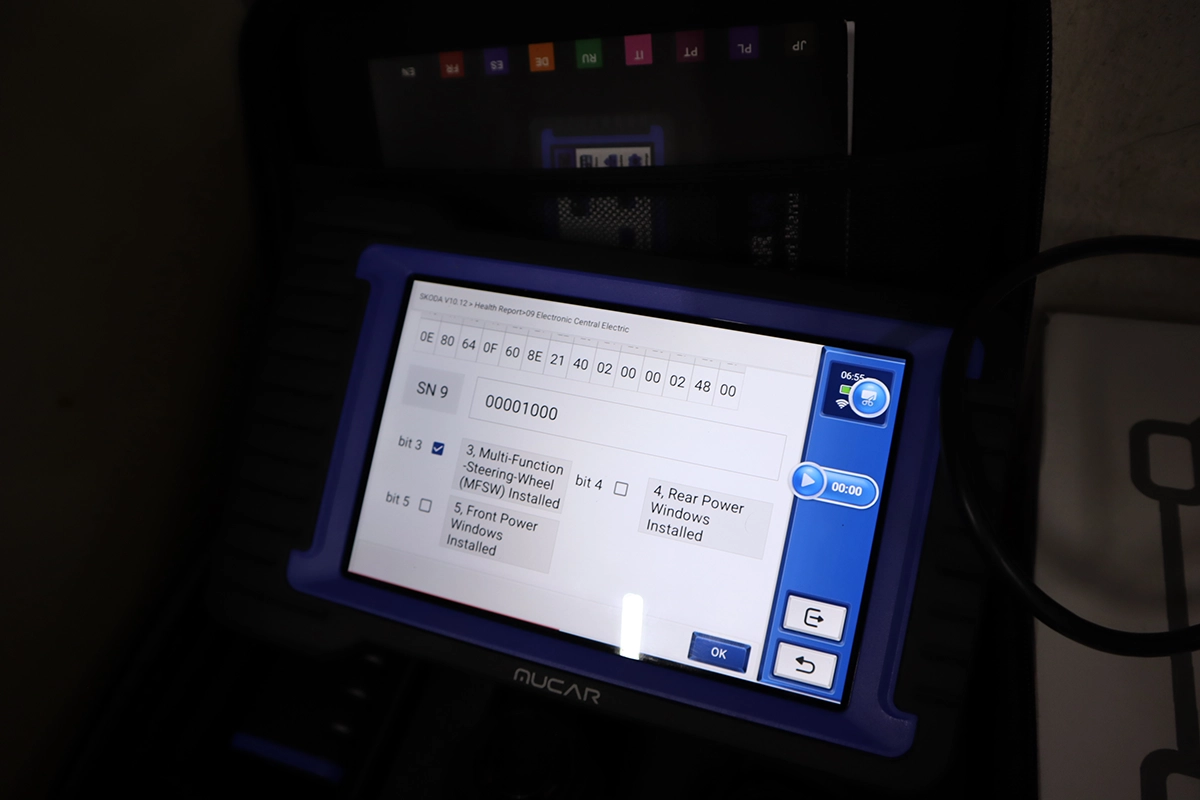
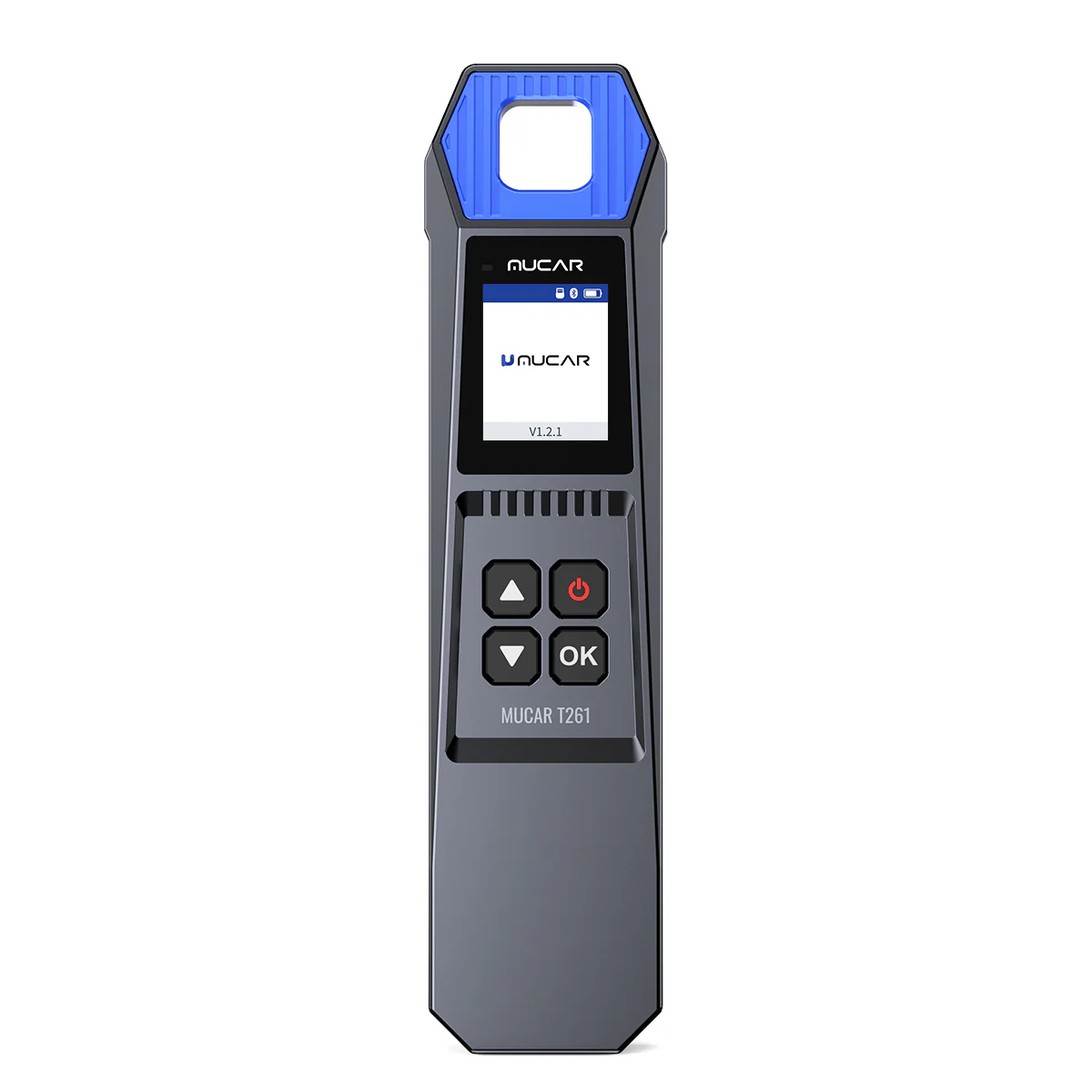
Real ECU coding in a tablet this cheap is the headline, and it surprised me. Coding lets you unlock hidden features and change module behaviour. I happen to run VAG cars so I tested it hard on a Skoda Rapid, where it gave a full long-coding helper like VCDS or OBDeleven: it shows what each option changes and rewrites the code for you, across body, cluster and engine modules, plus adaptations and guided functions. I paid less for the VO7 than a VCDS OEM licence costs, and this works on every brand, not one. The point isn’t VAG, though: on a Toyota hybrid it did OEM-style coding menus too, comfort and behaviour changes that worked smoothly. Wherever the ECU allows it, the VO7 codes.
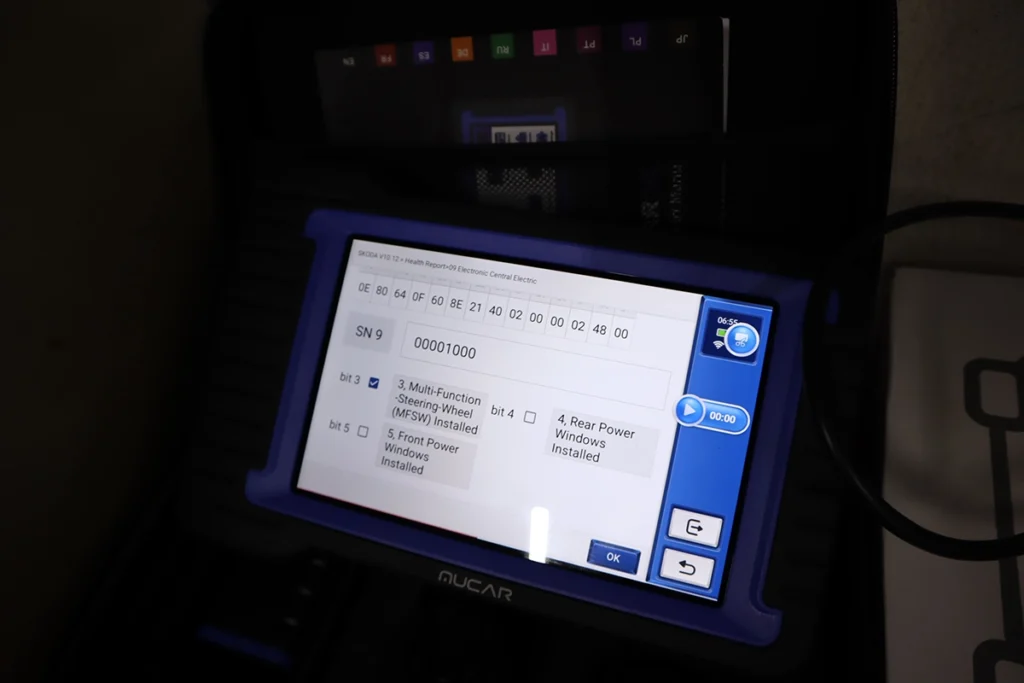
Guided functions make coding safer for beginners. Instead of editing raw values, the tool walks you through tasks step by step (auto-door-lock, cluster behaviour, comfort features) and shows exactly what each one does. That’s faster and lower-risk than manual long coding.
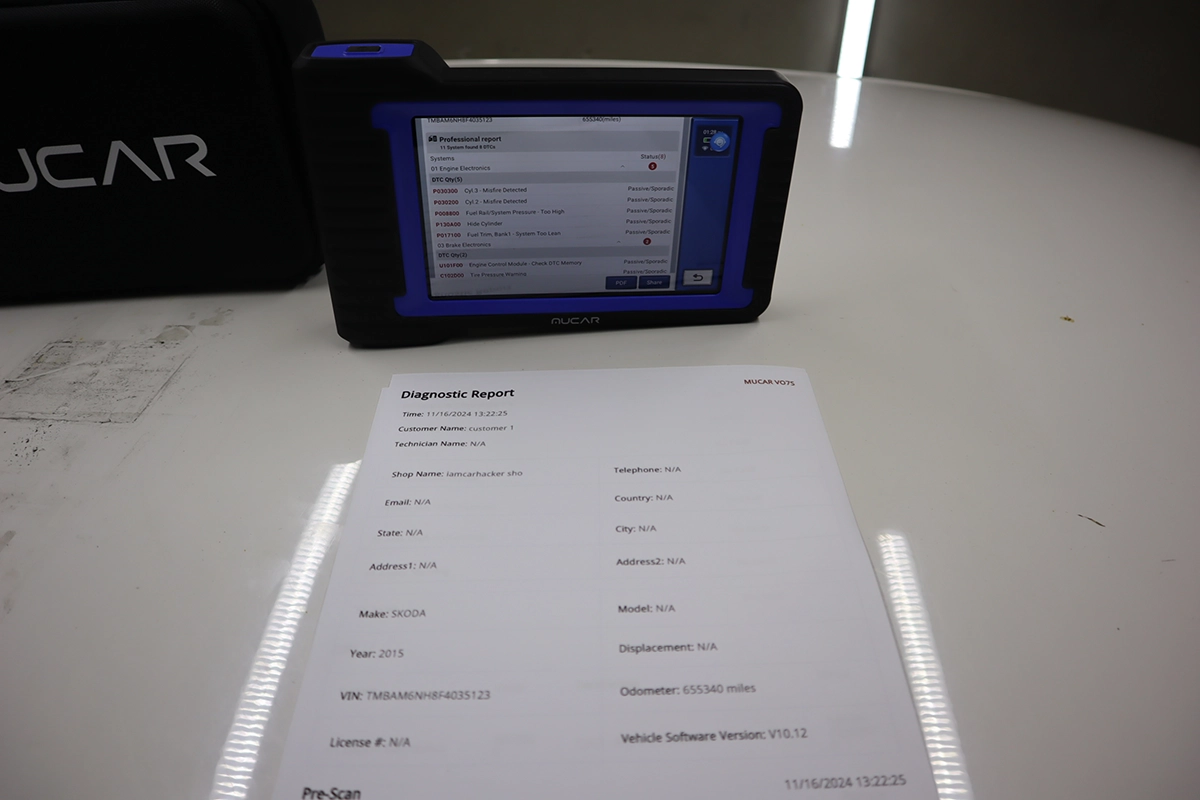
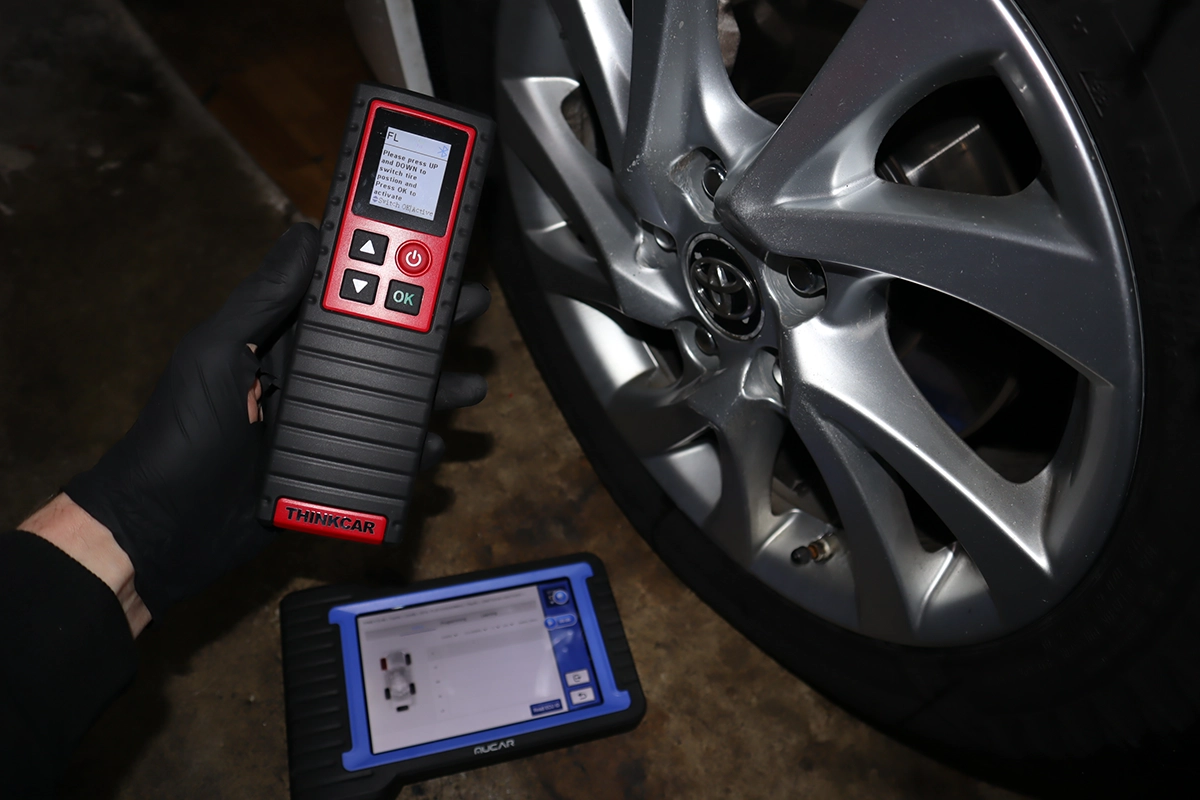
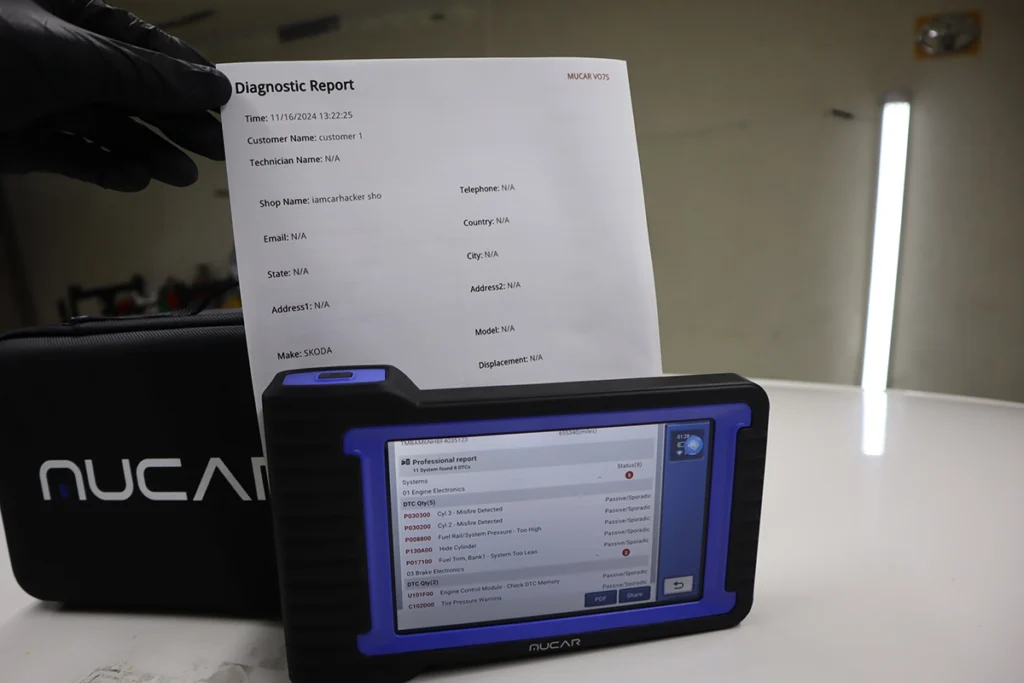
It’s a complete tool otherwise. Full-system scan was fast on every car with an OEM-style fault list, clean professional PDF reports with shop and customer info, hundreds of live-data parameters with a search bar and up to four graphs, freeze frame per code, and bidirectional tests across modules (lights, horn, locks, cooling fan, fuel system). It also programmed new TPMS sensor IDs into an existing module successfully, and helped confirm a rolled-back odometer on a used-car check by reading stored mileage across modules.
Where it falls short
Updates are 3 years, not lifetime. You get three years free, then you pay. That’s the main thing separating it from rivals like the Kingbolen K7 that include lifetime updates, if long-term update cost matters, that’s the trade.
It’s entry-level coding depth, not pro-level. For most DIY and small-shop customisation it’s excellent, but for the deepest OEM-level BMW or VAG work you’d still want dedicated brand tools. Coding behaviour also depends on the ECU, so what you can change varies car to car.
The language support is also imperfect: I switched to my own language but it didn’t translate fault-code descriptions. Minor, but worth knowing if English isn’t your first language.
Who should buy this
Yes, buy it if:
- You want real ECU coding and bidirectional control in one of the cheapest tablets that offers it
- You service many brands and want OEM-style functions without paying pro-tool prices
- You want TPMS programming and a long service-reset list built in, no extra tools
No, look elsewhere if:
- You want lifetime updates rather than three years then paid, the Kingbolen K7 includes them
- You need the deepest OEM-level BMW or VAG coding, use dedicated brand tools
- You run a heavy workshop that needs more coverage, a higher tier suits you
Mucar V07
 Kingbolen K7
Mucar V07
Kingbolen K7
Mucar V07
 XTool D7
Mucar V07
XTool D7
Mucar V07
 Otofix D1 lite
Still deciding rather than chasing a VO7 deal? I line up the mid-range coding tablets I’ve tested in my [best OBD2 scanners for coding] roundup. The short version: the VO7 is one of the cheapest ways into real coding, but the roundup shows where a K7 or a higher tool fits your work better.

Final word
The Mucar VO7 is one of the best entry-level coding tablets you can buy: real ECU coding, full-system diagnostics, guided functions, TPMS programming and a long service-reset list, for less than a VCDS licence and across every brand. It handled Skoda long coding and Toyota OEM-style coding equally well, which is the point, the coding isn’t VAG-only. The main catch is three-years-then-paid updates versus rivals with lifetime. For cheap, real coding plus bidirectional in one tablet, it’s hard to beat.
Most popular OBD2 guides







I'm Juraj Lukacko and I work as an auto electrician. On this site I share what I learn from real work on real cars, to help you pick the right tools for diagnostics, programming and tuning and get the job done.
More about me →