 By Juraj · Last updated August 15, 2026
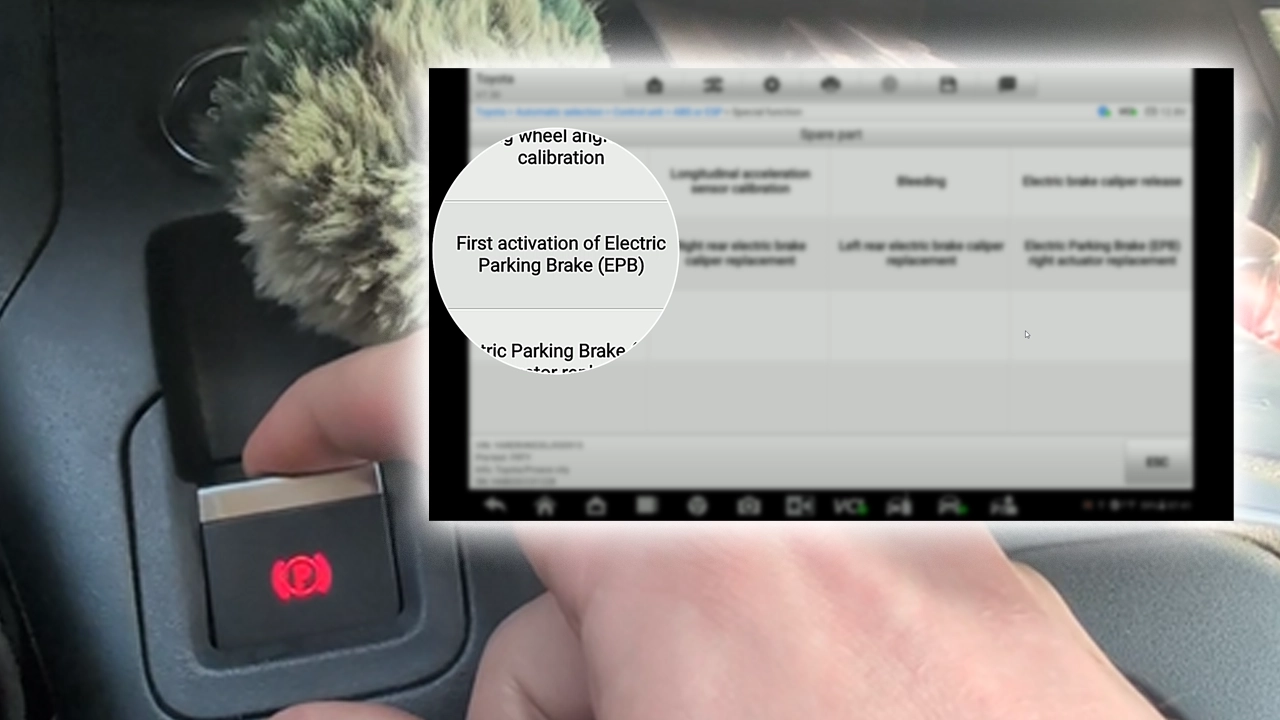
Quick answer: Open the calipers with Hot functions → EPB → Electric brake caliper release → Open callipers. Fit the new pads. Then close them back with Control unit → ABS or ESP → First activation of Electric Parking Brake (EPB). The dashboard EPB button will NOT re-apply them on this vehicle, so skip that. Finish by erasing the C-codes from the ABS module.
I earn from qualifying purchases and sometimes get tools for free (full disclosure). It never affects my scoring.
Used tool in this guide

Video: How to reset Toyota Proace City EPB for brake pad replacement
This video shows how to open the electric calipers with the Autel IM608, fit new rear pads, re-apply the calipers to nominal force, and clear the fault codes left behind.
Supported vehicles
| Vehicle |
|---|
| proace-city-k9 |
Technical overview
| Vehicle | Toyota Proace City |
|---|---|
| Year | 2020 |
| System | EPB / motorized brake calipers (ABS or ESP module) |
| Procedure type | Service / brake pad replacement |
| Difficulty | Easy to moderate |
| Time required | ~30 min |
| Prerequisites | Battery above ~12.5V, ignition ON engine OFF, new pads ready |
Step-by-step procedure
Connect and read the VIN
I'll write this the way it actually went, then tell you the cleaner order at the end so you don't repeat my detour.
Plug the Autel IM608 into the OBD port. Let it auto-read the VIN (mine came back YARERHNS3GJ930915, Toyota/Proace City) and confirm. Open Diagnostics from the main menu.
Open Hot functions → EPB
Go to Hot functions, scroll the list and tap EPB.
Open the calipers
Choose Electric brake caliper release, then Open callipers. The scanner runs both rear calipers fully open. You'll get the message "Calippers now opened — Procedure completed, motorized brake calipers in fully released position, turn the ignition off." Switch the ignition off when it asks.
Replace the pads
Do the mechanical job. Pull the old rear pads and fit the new ones. Calipers are wide open so there's plenty of room, no winding back needed.
Try the dash button (did not work)
Tried to re-apply with the dash button first. The scanner suggests "After replacement of brake pads, press the EPB button (or repeatedly press the parking brake) to apply the electric brake calipers." This did not work for me. The button did nothing useful, so I had to go back to the scanner.
Clear the ABS codes
Cleared the codes while hunting for the right option. At this point the ABS module was throwing faults (C1561:00 EPB open circuit, C156D:62, plus C154A:78 and C1549:78 "Programming not performed" on the left/right caliper). I went to Control unit → ABS or ESP → Trouble codes → Erase codes to clear them. Honestly I'm not 100% sure clearing here is strictly required, I did it while looking for how to re-activate the EPB and trying a few menu options that didn't pan out at first.
Close the calipers with First activation
Closed the calipers with First activation. The option that actually worked: Control unit → ABS or ESP → Special function → First activation of Electric Parking Brake (EPB). Run it and you get "Procedure completed — Application of electric brake calipers to nominal force." That's the calipers properly clamped back to spec.
Final code clear and check
Final code clear and check. Re-read the ABS codes, erase anything left over, then take it for a short roll and confirm the EPB engages and releases normally.
Cleaner order if you're doing this fresh: open calipers (steps 1-3) → fit pads (step 4) → run First activation of EPB to close them (step 7) → then erase the leftover DTCs from ABS (step 8). The mid-job code clear I did in step 6 was just me finding my way, you can skip straight to First activation once the pads are in.
Alternative tools
Legal & safety notice
More procedures like this
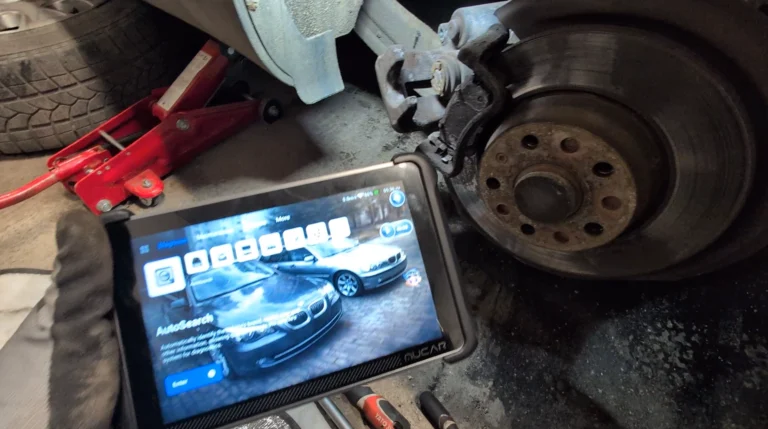
How to open rear brake calipers for brake pad replacement in VW Passat B6 (EPB service mode)
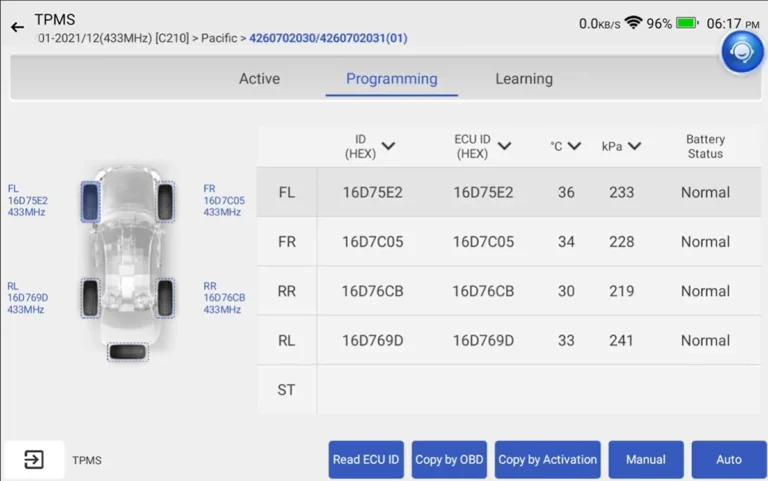
Toyota Corolla 2016 TPMS relearn
VW Passat B7 2013 2.0 TDI: Forced DPF Regeneration Through OBD2
Toyota Avensis 2006 Add new key/Key Cloning: Car Starts, Remote Doesn’t (Full Job)
How to Force DPF Regeneration on VW Touran 2016 1.6/2.0 TDI EU6 (Type 5T)
Ford Transit 2.0 Diesel (2020) – DPF Regeneration + Reset Procedure
Most popular OBD2 guides







I'm Juraj Lukacko and I work as an auto electrician. On this site I share what I learn from real work on real cars, to help you pick the right tools for diagnostics, programming and tuning and get the job done.
More about me →