 By Juraj · Last updated August 15, 2026
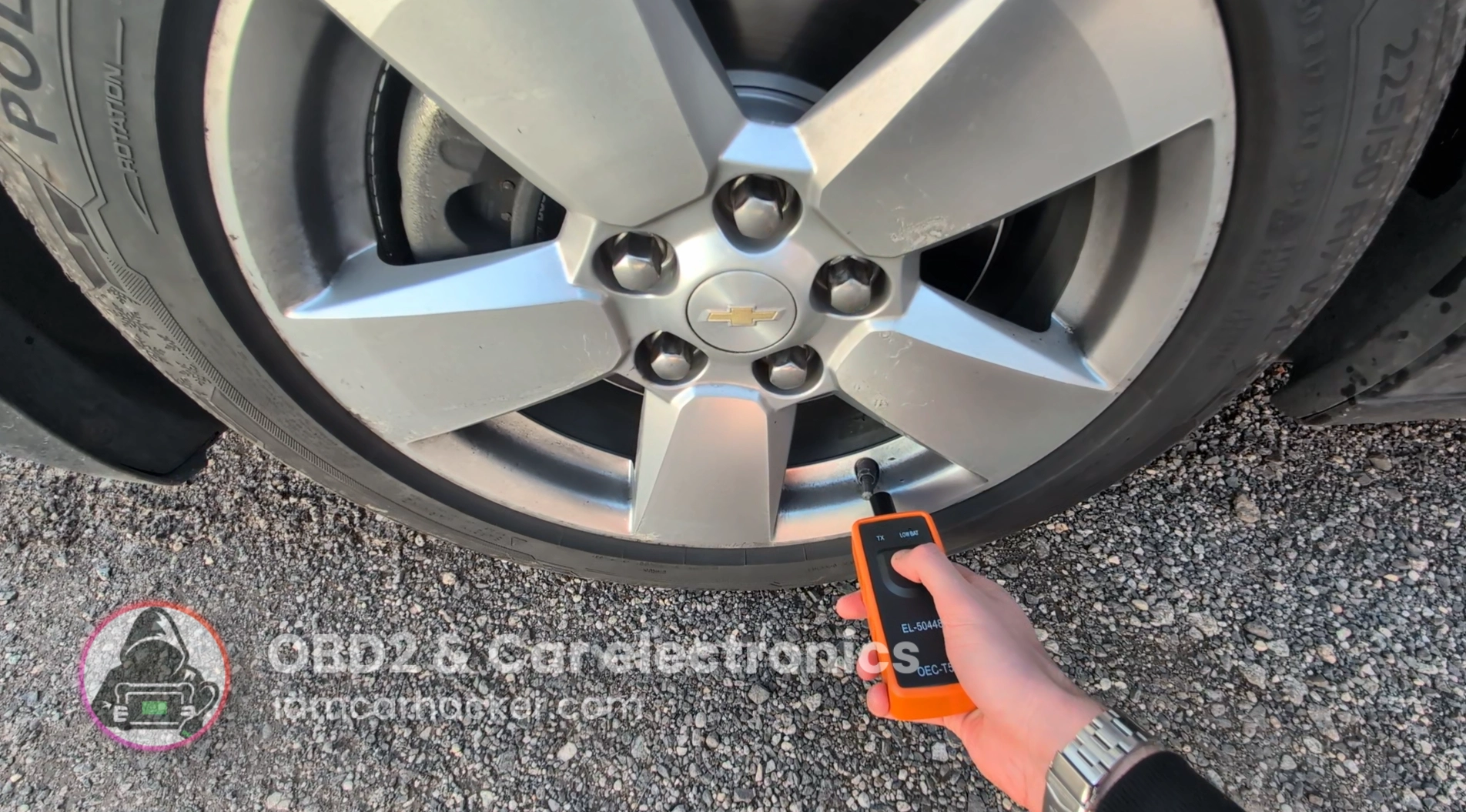
This is complete step-by-step procedure for relearning tire pressure sensors on Chevrolet Malibu after wheel change, sensor replacement or TPMS warning using a TPMS activation tool.
I earn from qualifying purchases and sometimes get tools for free (full disclosure). It never affects my scoring.
Used tool in this guide
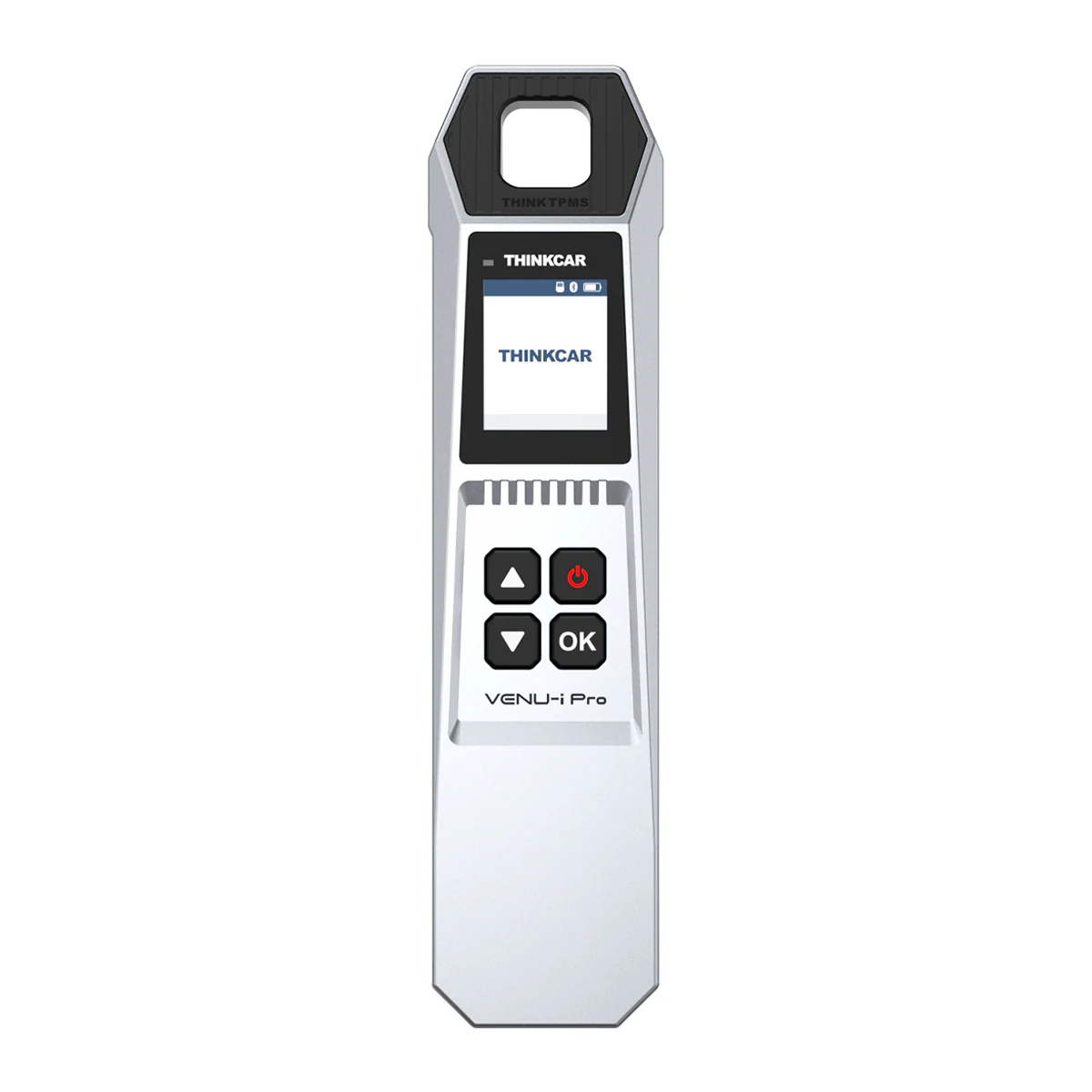
Usually it is enoguh to buy this cheap orange box from Aliexpress: https://s.click.aliexpress.com/e/_c4EtF2Ex
I couldn't activate one wheel with that thing and finish procedure so I had to repeat it one more time using this TPMS tool from Thinkcar.
Video: How to relearn TPMS in chevrolet Malibu 2013
This video shows how to relearn TPMS in chevrolet Malibu 2013.
Technical overview
| Vehicle | Chevrolet Malibu |
|---|---|
| System | Direct TPMS with learn mode and sensor triggering |
| Difficulty | Easy |
| Time required | ~5–10 minutes |
| Prerequisites | All sensors installed, correct tire pressure, ignition ON |
Step-by-step procedure
Prepare the car
- Inflate all tires to correct pressure.
- Turn ignition ON (engine OFF).
- Make sure vehicle is in park.
Enter TPMS learn mode
- On Malibu 2013, use driver menu to enter relearn mode:
- Open vehicle settings
- Go to Tire Learn / Relearn
- Confirm activation
- Horn will chirp once and left front indicator flashes.
This means the car is ready to learn sensors.
Trigger sensors in correct order
GM uses this order:
- Left Front (driver front)
- Right Front
- Right Rear
- Left Rear
At each wheel:
- Place TPMS tool at valve stem
- Activate sensor
- Wait for horn chirp
If the horn beeps, that wheel is learned and the system moves to next one.
If one sensor does not trigger
In this case:
- Cheap orange trigger tool worked on 3 wheels
- One sensor would not activate
- Procedure could not continue
Switching to Thinkcar TPMS Venu tool:
- Sensor activated successfully
- Relearn could be completed
This usually indicates:
- weak sensor battery
- low signal strength
- tool compatibility issue
Finish procedure
After last wheel:
- horn beeps twice
- learn mode ends automatically
Turn ignition OFF and then start the car.
TPMS light should be off after short drive.
Additional information & compatibility notes
- Applicable models: 2013–2015 (8th generation)
Alternative tools
Legal & safety notice
TPMS relearn should only be performed with correct tire pressure set. Driving with incorrectly configured TPMS may prevent detection of real tire pressure loss. Always verify pressures manually after completing the procedure.
More procedures like this
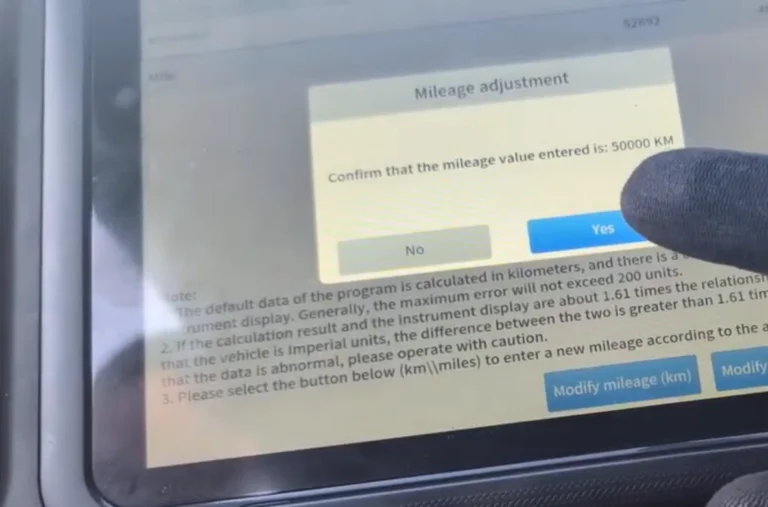
Chevrolet Malibu 2013 Odometer correction with OBD2 scanner
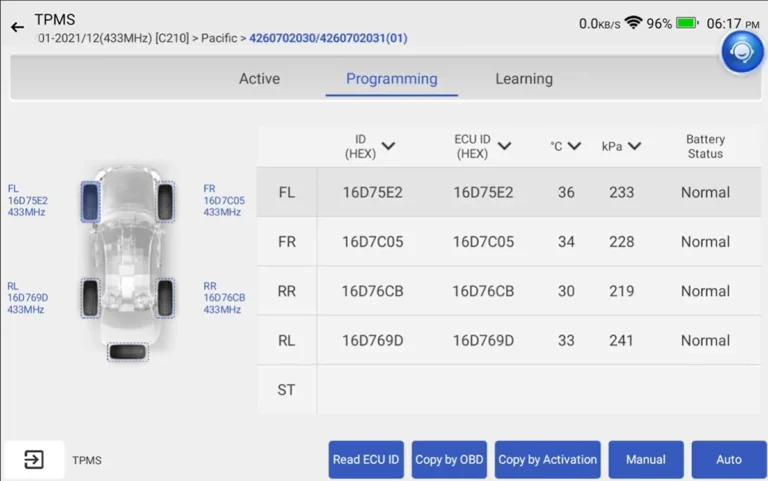
Toyota Corolla 2016 TPMS relearn
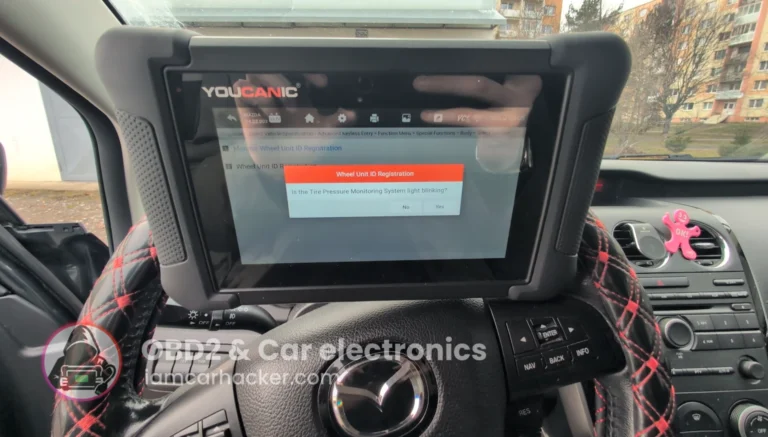
Mazda CX-7 2008 TPMS Relearn / Wheel Sensor Registration
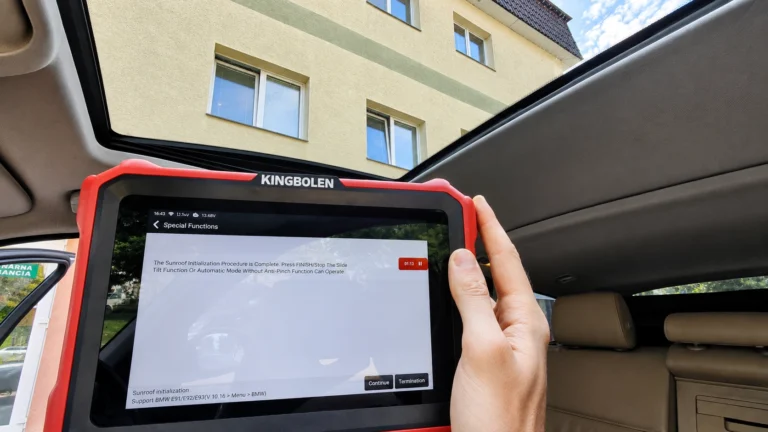
BMW E91 2008 Sunroof Not Responding: Sunroof Initialization Fix
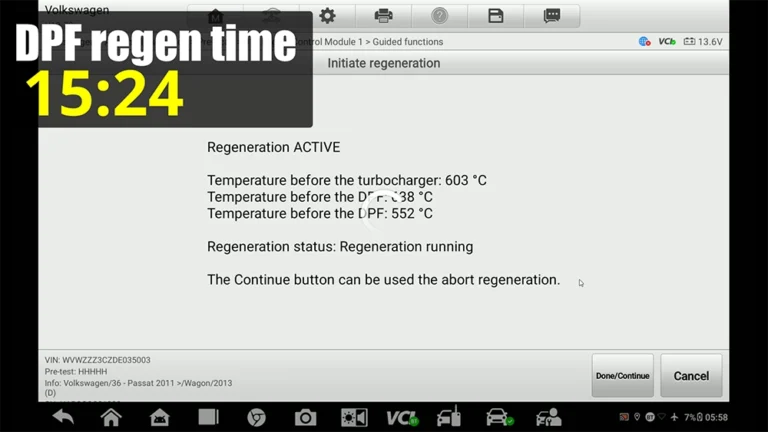
VW Passat B7 2013 2.0 TDI: Forced DPF Regeneration Through OBD2
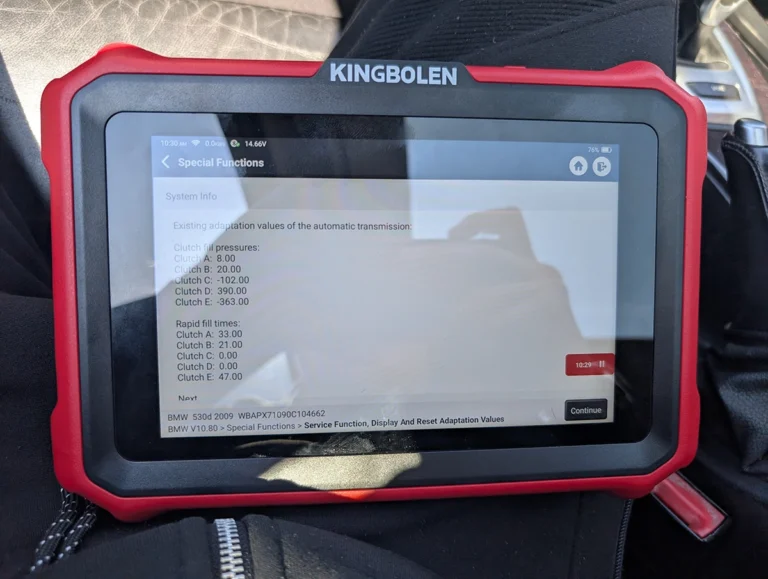
BMW E61 530d 2009 ZF Automatic: Reset Transmission Adaptations to Fix the 2-to-3 Shift Kick
Most popular OBD2 guides







I'm Juraj Lukacko and I work as an auto electrician. On this site I share what I learn from real work on real cars, to help you pick the right tools for diagnostics, programming and tuning and get the job done.
More about me →