
Toyota Corolla 2016 TPMS relearn


This guide shows how to perform a TPMS sensor relearn on a Toyota Corolla (2016–2019) using an OBD2 scanner with TPMS service functions.
The procedure writes the new sensor IDs into the TPMS control unit using the OBD relearn function.
Affiliate Disclosure: iamcarhacker.com is an Amazon and other affiliate programs Associate. As an Amazon Associate, I earn from qualifying purchases. Full Affiliate disclosure.
Used tools

Video: How to relearn new TPMS sensors on Toyota Corolla 2016
This video shows how to scan TPMS sensors and perform the OBD relearn procedure using the Mucar 892BT scanner.
Supported vehicles
| Vehicle |
|---|
| corolla-e170-e180 |
Technical overview
| Item | Details |
|---|---|
| Vehicle | Toyota Corolla Hybrid |
| Supported years | 2016/10 – 2019/03 |
| System | Tire Pressure Monitoring System (TPMS) |
| Sensor frequency | 433 MHz |
| Sensor type | Pacific (4260742021) |
| Procedure type | TPMS relearn |
| Difficulty | Easy |
| Time required | ~5–10 minutes |
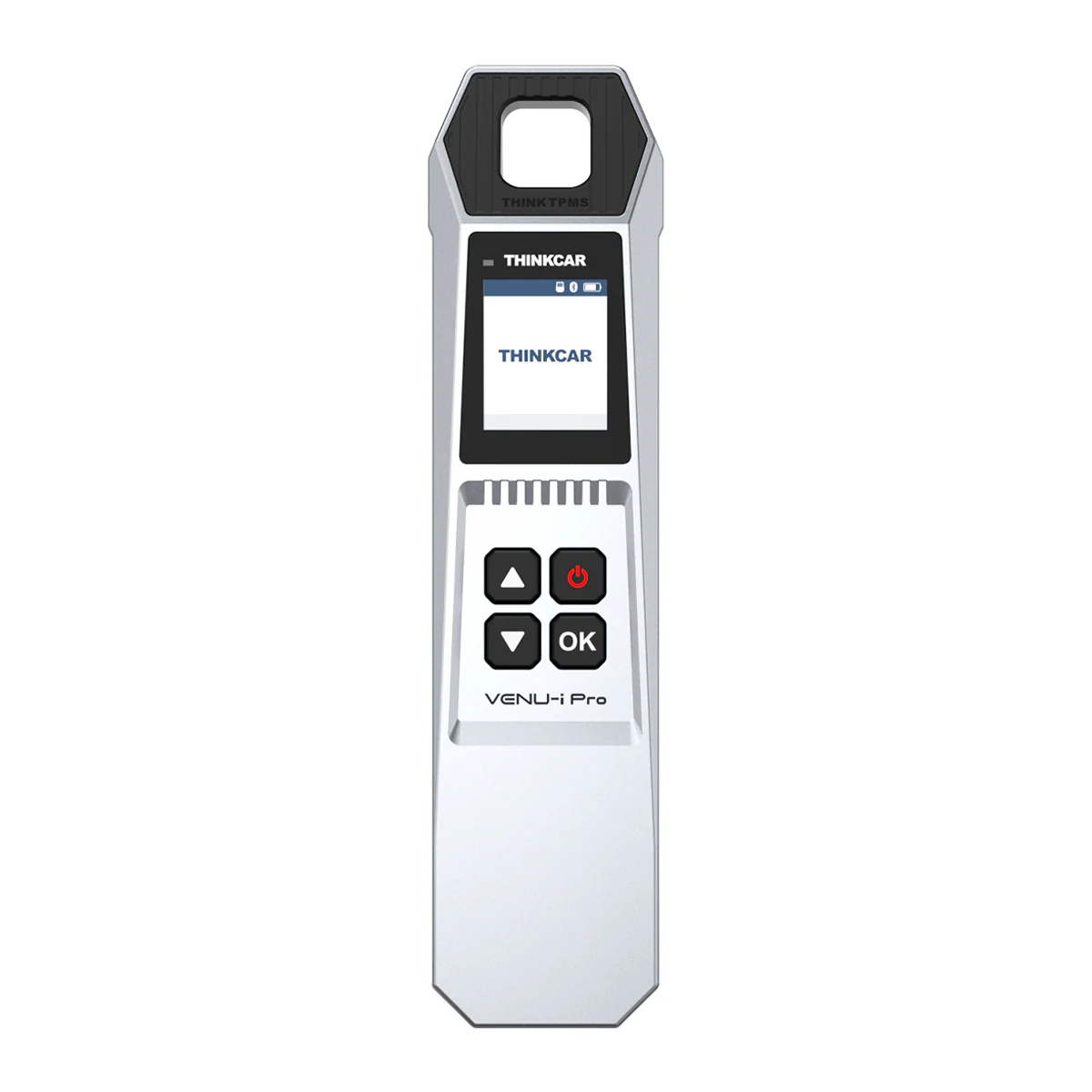
| Prerequisites | TPMS activation tool |
Step-by-step procedure
Step 1 — Open TPMS service menu
Connect your OBD2 scanner to the vehicle and turn the ignition ON.
Navigate to:
Service Reset
→ TPMS Service
Step 2 — Select the correct vehicle
Select the vehicle in the scanner menu:
Toyota
→ Corolla
→ 2016/10 – 2019/03
→ 433 MHz (4260742021)
This selects the correct TPMS sensor protocol used in this vehicle.
Step 3 — Scan the TPMS sensors
Using the TPMS activation tool, scan each tire pressure sensor.
Trigger the sensors in this order:
LF → RF → RR → LR
The scanner will read and store the sensor ID from each wheel.
Step 4 — Switch to programming mode
After scanning all sensors, switch to the Programming tab in the TPMS menu.
Select:
OBD Relearn
This will write the scanned sensor IDs into the vehicle’s TPMS module through the OBD2 connection.
Step 5 — Confirm the TPMS relearn
Follow the instructions shown on the scanner.
The tool will transfer the sensor IDs to the TPMS control unit.
After the process completes:
- Turn the ignition OFF
- Turn the ignition ON again
Step 6 — Test the system
Drive the vehicle for several minutes to allow the TPMS system to initialize.
The TPMS warning light should turn off once the system detects all sensors.
Additional Information & Compatibility Notes
Before using or purchasing any diagnostic tool for this procedure, always verify compatibility with your exact vehicle model, year and system configuration. Supported functions may vary depending on software version, hardware revision and regional limitations.
Alternative tools
Related guides & background information
Legal & safety notice
This procedure modifies vehicle system settings through the control module. Incorrect use may cause faults or warning lights. Always ensure the vehicle is secured and follow proper safety procedures.
More procedures like this
Procedures tested with this scanner
 How to Check Diesel Fuel Injectors (VW / Audi / Skoda / Seat) Using OBD2 Scanner
 Steering Angle Sensor Calibration (SAS Reset) – Honda Civic 2017
 How to Register and Code a New Battery on BMW E60/E61 (Fix Battery Drain & Charging Issues)
 How to open rear brake calipers for brake pad replacement in VW Passat B6 (EPB service mode)
Most popular OBD2 guides








Hi, I am Juraj Lukacko. I got frustrated by unhelpful and scammy mechanics, so I decided to learn everything about car diagnostics myself. I test dozens of new car diagnostic tools every month along with learning new strategies to fix and customize cars.

Responses