 By Juraj · Last updated August 15, 2026
The seatbelt warning chime in many Volkswagen and Audi vehicles can be disabled by coding the instrument cluster. This modification is done through the Dashboard / Instruments control module (17) using an OBD diagnostic tool.
The exact option may appear either in Long Coding or Adaptations, depending on the vehicle model and instrument cluster version.
I earn from qualifying purchases and sometimes get tools for free (full disclosure). It never affects my scoring.
Used tool in this guide

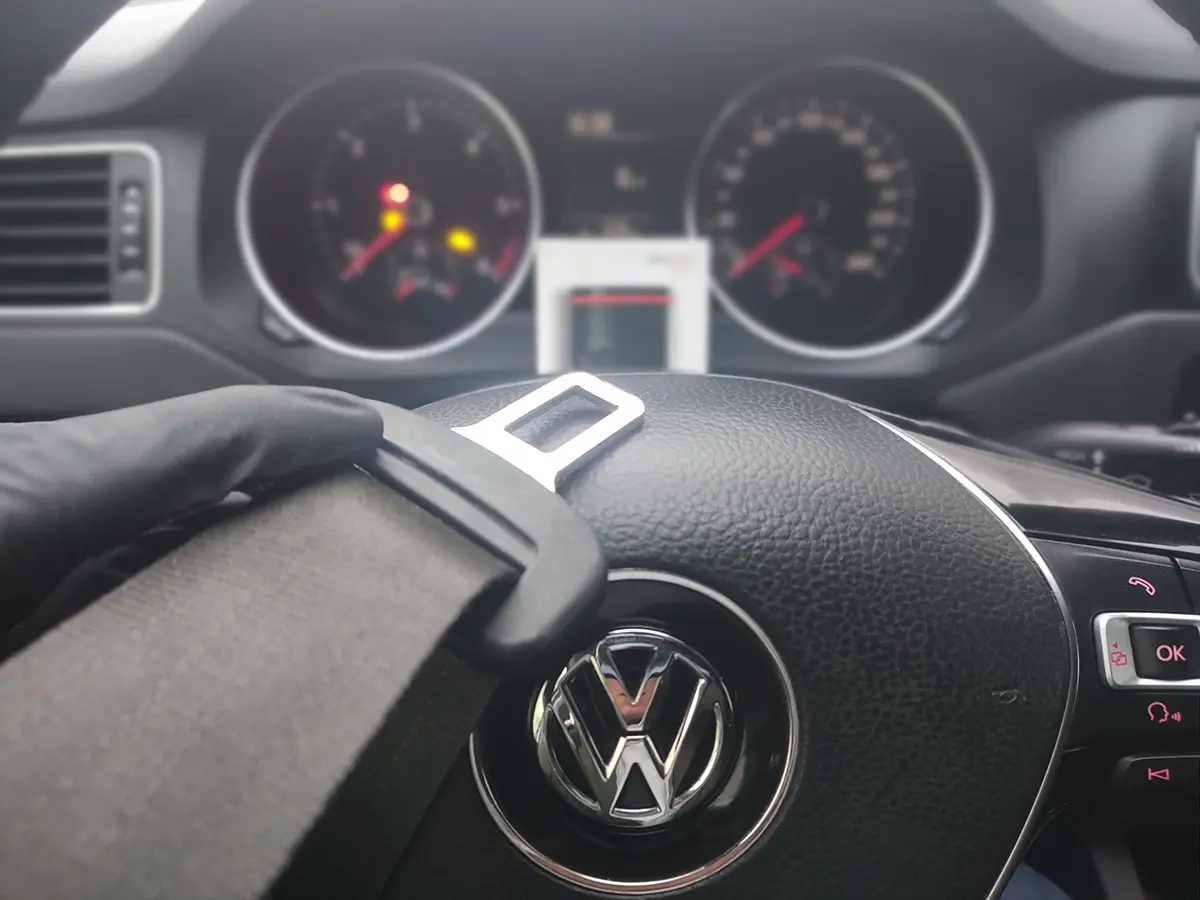
Video: How to disable seatbelt warning in VW / Audi
This video shows how to disable the seatbelt warning chime using an OBD diagnostic scanner on compatible Volkswagen and Audi vehicles.
Technical overview
| Item | Details |
|---|---|
| Vehicle | Volkswagen / Audi vehicles with instrument cluster module |
| Supported years | ~2004 – 2018+ |
| System | Instrument cluster |
| Procedure type | Coding |
| Difficulty | Easy |
| Time required | ~3 minutes |
| Prerequisites | OBD2 diagnostic scanner with coding capability |
Supported vehicles
| Vehicle |
|---|
| most vag models |
Step-by-step procedure
Connect your OBD scanner
Locate the OBD2 port, which is usually under the dashboard on the driver’s side.
On some older vehicles it may be located in the center console or behind the fuse panel.
Connect your diagnostic tool and open the scanner application.
Turn the ignition ON
Turn the ignition ON without starting the engine.
Most coding procedures require the ignition to be on.
Make sure the vehicle battery is sufficiently charged before performing any coding.
Open the instrument cluster (module 17)
Open the control module list in your diagnostic software and select:
Dashboard / Instruments
Control module 17
This module manages the instrument cluster settings.
Disable the seatbelt warning
Depending on the vehicle, the setting may be located either in Long Coding or Adaptations.
Method 1 — Long Coding
Control module: 17 – Instruments
Long Coding
Seatbelt warning
Change the value:
Yes → No
Method 2 — Adaptations
Control module: 17 – Instruments
Adaptations
Deactivate seatbelt warning
Change the value:
No → Yes
Only one of these methods will usually be available depending on the cluster version.
Alternative tools
 ToolMucar 892BTMucarOfficial website ›Check on Amazon ›Read review
  ToolYoucanic UCAN-II full-systemYoucanicOfficial website ›Read review
  ToolThinkscan 689 (wired)ThinkcarOfficial website ›Check on Amazon ›Read review
  ToolThinkdiag2ThinkcarOfficial website ›Check on Amazon ›Read review
  ToolXTool D8sXToolOfficial website ›Check on Amazon ›Read review
  Roundup5 Best OBD2 Scanners for VW/Audi/Skoda/Seat (Tested on Real VAG Cars)Read the guide
 Legal & safety notice
This procedure modifies vehicle system settings through the control module. Incorrect use may cause faults or warning lights. Always ensure the vehicle is secured and follow proper safety procedures.
Most popular OBD2 guides





More procedures like this
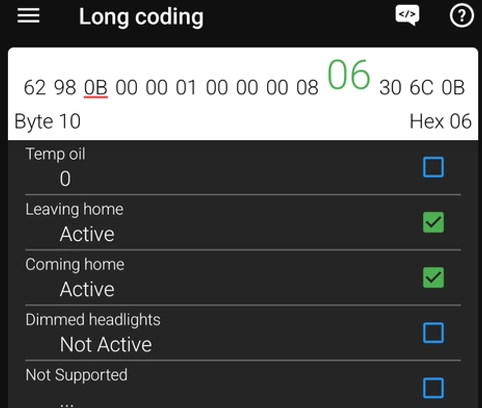
How to Enable Coming Home & Leaving Home Lights (VAG Coding Guide)
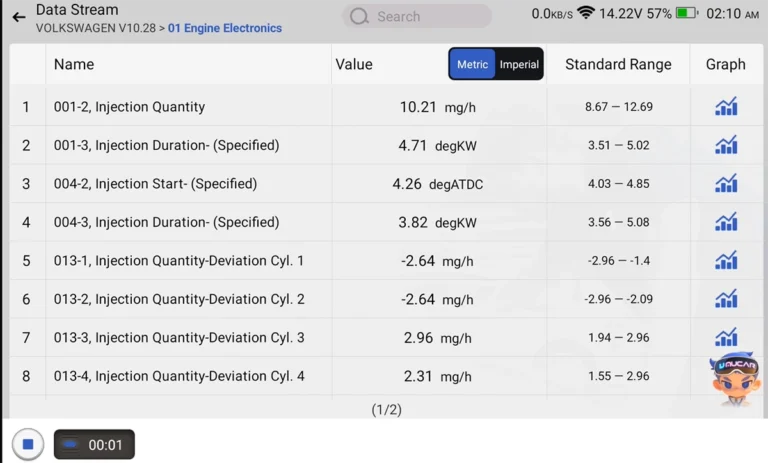
How to Check Diesel Fuel Injectors (VW / Audi / Skoda / Seat) Using OBD2 Scanner
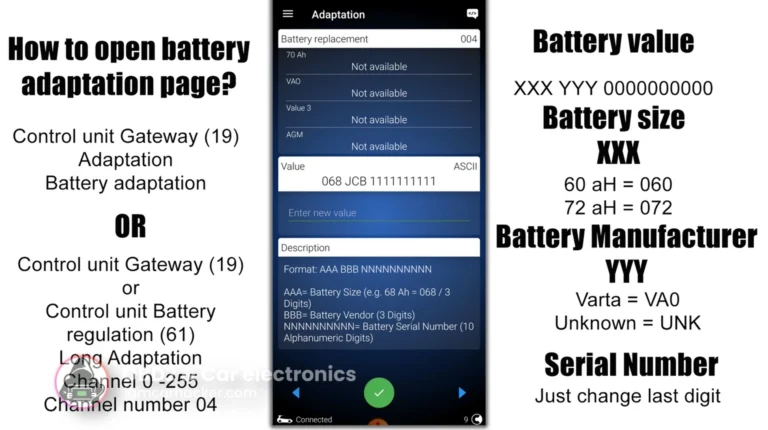
How to adapt a new battery in VW / Audi / Skoda / Seat (VAG battery coding guide)
How to activate US-style turn signals for VAG / Volkswagen / Skoda / Seat / Audi
How to adapt remote key fob on VW / Audi / Skoda / Seat (VAG)
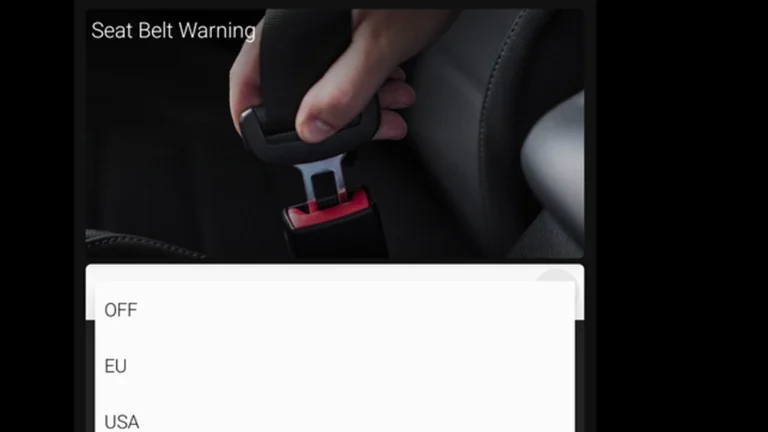
How to deactivate the seatbelt warning chime on Skoda Octavia 4 (NX)
Most popular OBD2 guides

I'm Juraj Lukacko and I work as an auto electrician. On this site I share what I learn from real work on real cars, to help you pick the right tools for diagnostics, programming and tuning and get the job done.
More about me →