 By Juraj · Last updated August 15, 2026
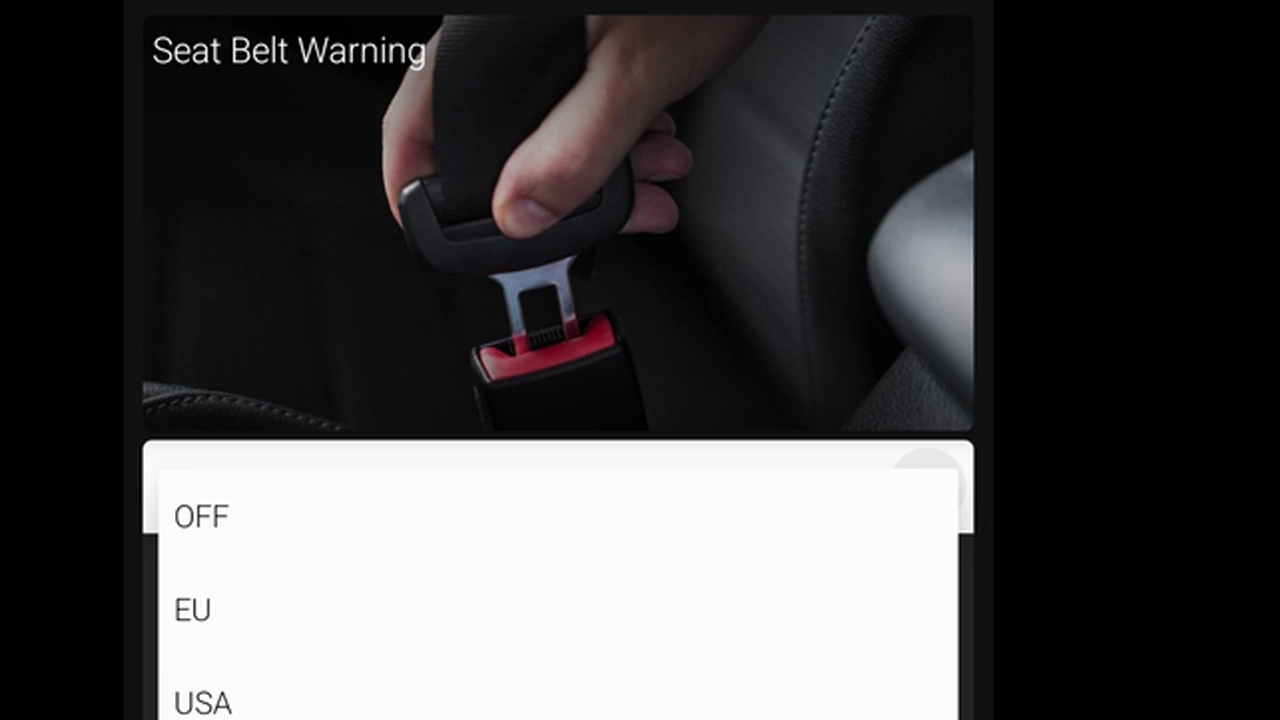
This guide shows how to silence the seatbelt warning chime and the corresponding warning icon in the Virtual Cockpit on a Skoda Octavia 4 (NX, 2020+). After coding, the car no longer beeps or flashes the icon when you're driving without a fastened seatbelt — a single adaptation in module 17 (Instruments) flips it off.
I earn from qualifying purchases and sometimes get tools for free (full disclosure). It never affects my scoring.
Used tool in this guide
Video: How to turn off the seatbelt warning chime on Skoda Octavia 4 NX (OBDeleven one-click app)
The video walks through doing this with OBDeleven's one-click app. The 7 manual steps below are what's happening underneath if you'd rather do it through the adaptation menu in OBDeleven Pro or VCDS.
Supported vehicles
| Vehicle |
|---|
| octavia-mk4 |
Technical overview
| Vehicle | Skoda Octavia 4 |
|---|---|
| Year | 2020 |
| System | 17 – Instruments (digital cockpit / Virtual Cockpit) |
| Procedure type | Adaptation (single channel, multiple variants) |
| Difficulty | Easy |
| Time required | ~5 minutes |
| Prerequisites | OBDeleven Pro/Ultimate or VCDS, SFD unlock, ignition ON, |
Step-by-step procedure
Connect OBDeleven or VCDS
Engine off, ignition off. Plug your OBDeleven dongle (or VCDS cable) into the OBD2 port under the dashboard on the driver's side.
Switch the ignition on
Switch the ignition on and open OBDeleven or VCDS.
Select control module 17 – Instruments
Open Adaptation – 10
Unlock SFD protection
Unlock SFD protection. In OBDeleven this is under the SFD menu and requires you to be signed into your account; in VCDS it's the SFD flow under "Security Access".
Select the channel
From the top dropdown, select the channel Deactivate_belt_warning.
Set it to Yes and save
From the bottom dropdown, select Yes and validate.
That's it. Cycle the ignition off → wait a few seconds → on. The next time you drive, no chime, no flashing belt icon.
If you change your mind, repeat steps 1–6 and select No in step 7.
Additional information & compatibility notes
A few things specific to this procedure:
- Disables the warning for the driver and front passenger seats. Once written, neither position will trigger the chime or the icon. Rear seat belt monitoring on this platform is purely informational (no chime), so it isn't affected.
- The seatbelt itself still works. This is purely a UI change — pretensioners, airbag interaction with seatbelt status, and crash data recording all continue to function normally. You're only suppressing the warning, not the safety system.
- Reversible. Set
Deactivate_belt_warningback toNoto bring the chime back. No fault codes generated either way. - SFD unlock is per-session. Each time you reconnect to write to module 17 you'll need to unlock SFD again. Reading channels works without it.
- Legal & inspection considerations. In the EU, an active seatbelt warning is part of the vehicle's type approval (UN/ECE R16). Disabling it can be flagged at periodic technical inspection (STK / TÜV / MOT depending on country) and may also affect insurance in the event of a claim. Check your local rules before deciding whether to apply this — in some countries this exact change is grounds for failing inspection. The coding is reversible, so a common workflow is to switch it off for daily use and reverse it before inspection.
Alternative tools

Legal & safety notice
More procedures like this
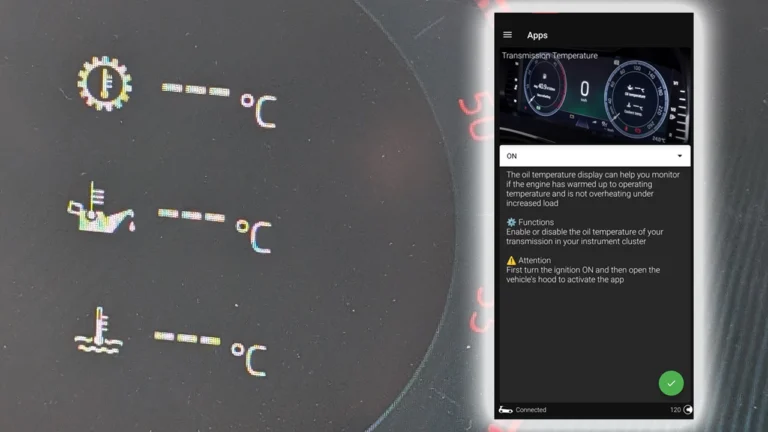
How to display gearbox, oil and coolant temperatures in the Virtual Cockpit on Skoda Octavia 4 (NX)
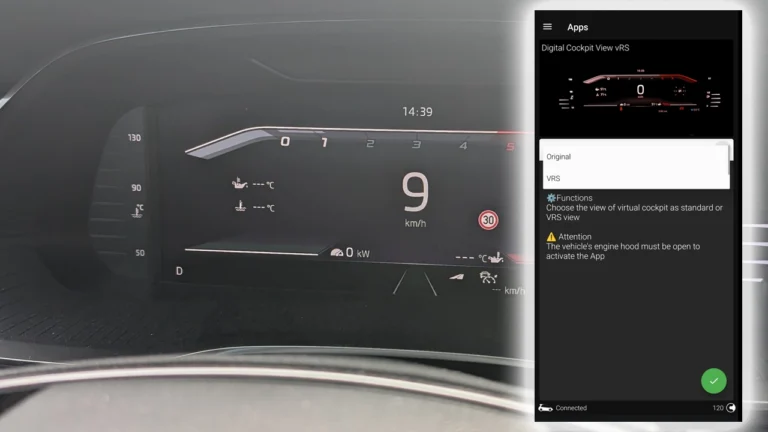
How to enable VRS sport display in the Virtual Cockpit on Skoda Octavia 4 (NX)
How to activate 30-color ambient lighting on Skoda Octavia 4 (NX)
How to disable seatbelt warning in VW/Audi/Skoda/Seat
Škoda Kodiaq 2023: How to Disable the Seatbelt Warning Chime
How to disable seatbelt chime on Mercedes C-Class W204 2008
Most popular OBD2 guides






I'm Juraj Lukacko and I work as an auto electrician. On this site I share what I learn from real work on real cars, to help you pick the right tools for diagnostics, programming and tuning and get the job done.
More about me →