 By Juraj · Last updated August 15, 2026
This guide shows how to enable Coming Home and Leaving Home lights using long coding and adaptation in VAG vehicles (VW, Audi, Skoda, Seat).
I earn from qualifying purchases and sometimes get tools for free (full disclosure). It never affects my scoring.
Used tool in this guide
Video: How to Enable/Disable Coming Home & Leaving Home Lights
This video shows how to enable or disable Coming Home and Leaving Home lights step by step using long coding and adaptation in VAG vehicles.
Supported vehicles
| Vehicle |
|---|
| most vag models |
Technical overview
| Vehicle | Most VAG vehicles |
|---|---|
| Year | 2005+ (varies by BCM) |
| System | 09 (central electrics) |
| Procedure type | Coding / Adaptation |
| Difficulty | Easy |
| Time required | ~5 minutes |
| Prerequisites | ⚠️ Vehicle must have headlight switch with AUTO position. |
Step-by-step procedure
Open Central Electronics (module 09)
Connect your diagnostic tool and open Central Electronics (module 09).
Go to Long Coding
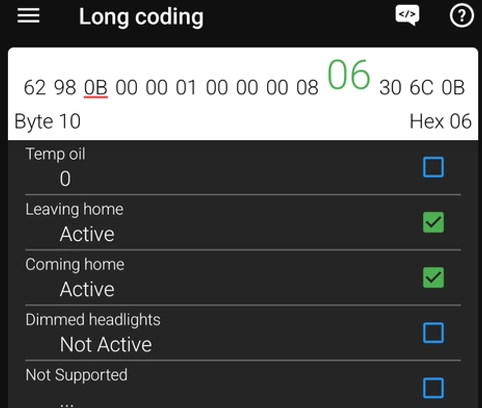
Activate Leaving and Coming home (byte 10)
Open Byte 10 and activate both Leaving home and Coming home. In your example, Byte 10 changed from 00 to 06 after enabling both functions.
Change the variant (byte 13)
Open Byte 13 and change the Coming/Leaving Home variant. In your example, the value changed from 0B to 4B, which switched the variant from Fog lights to Low beam.
Save the long coding
Go to Adaptation
Set Coming home time
Find Coming home time and set the desired value. In your example, it was changed from the default 15 seconds up to 60 seconds.
Set Leaving home time
Find Leaving home time and set the desired value. In your example, the default value was 15 seconds and can also be increased up to 60 seconds.
Save the adaptation changes
Test the function
Test the function by locking and unlocking the vehicle. The lights should activate automatically.
Alternative tools
 ToolMucar 892BTMucarOfficial website ›Check on Amazon ›Read review
 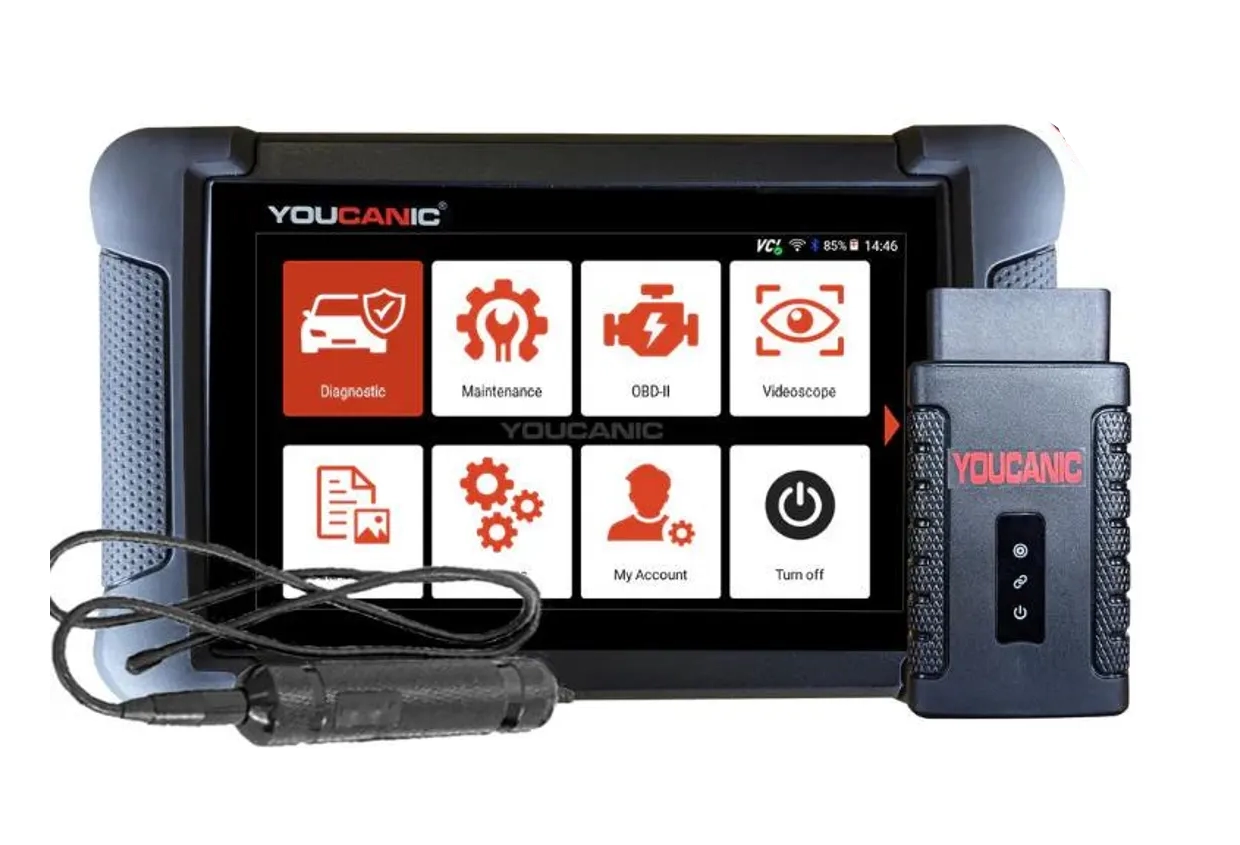 ToolYoucanic UCAN-II full-systemYoucanicOfficial website ›Read review
  ToolThinkdiag2ThinkcarOfficial website ›Check on Amazon ›Read review
 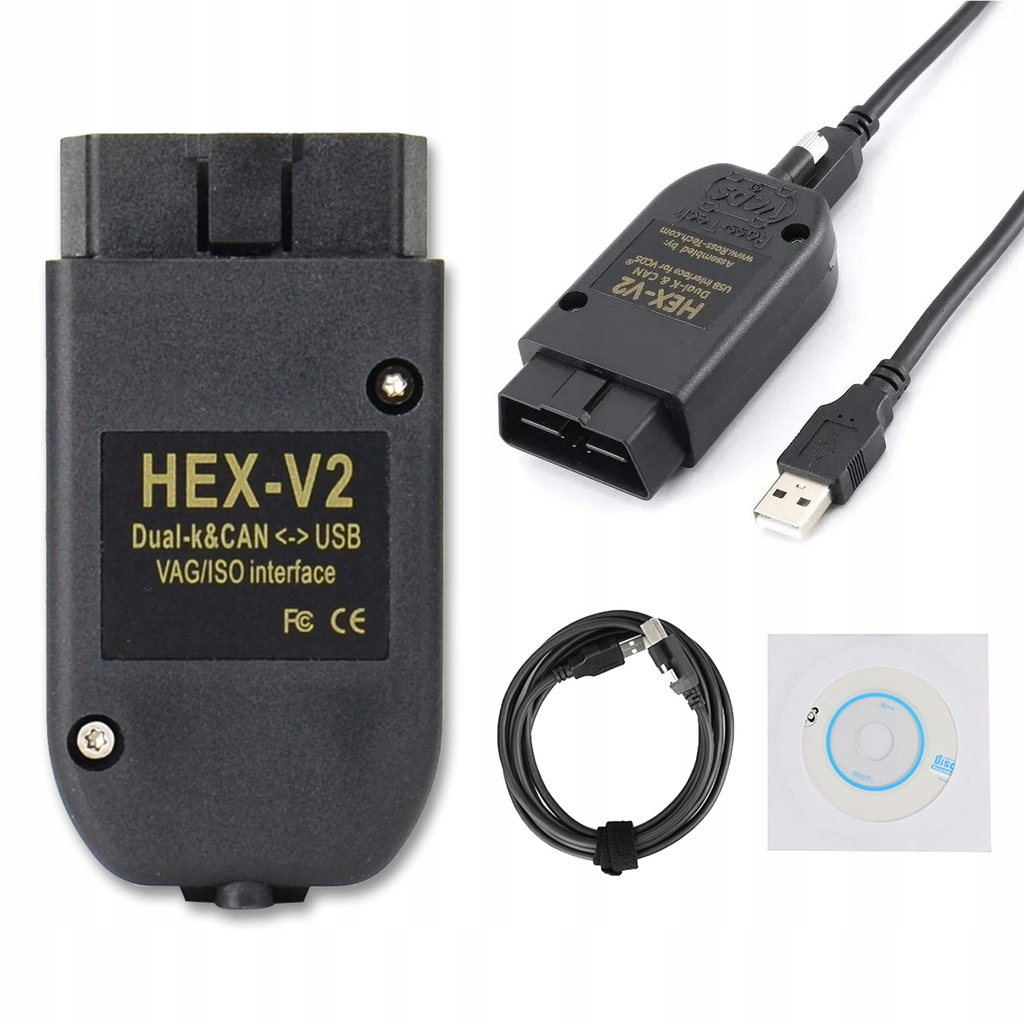 ToolVCDS cloneRoss TechAliExpress ›Read review
 Legal & safety notice
More procedures like this
How to disable seatbelt warning in VW/Audi/Skoda/Seat
How to activate US-style turn signals for VAG / Volkswagen / Skoda / Seat / Audi
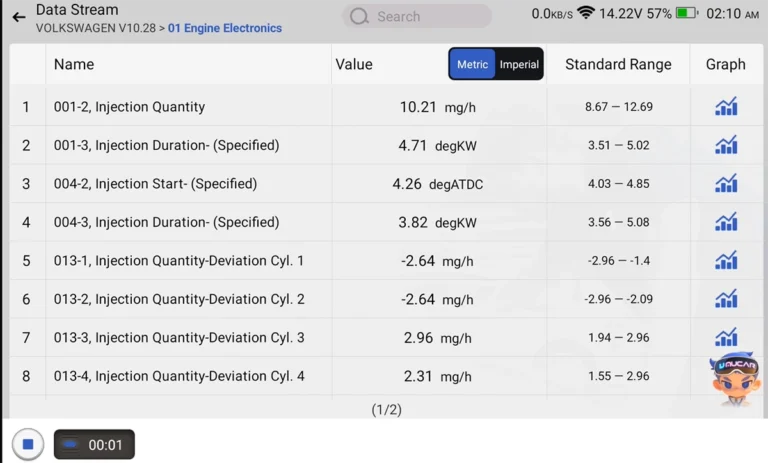
How to Check Diesel Fuel Injectors (VW / Audi / Skoda / Seat) Using OBD2 Scanner
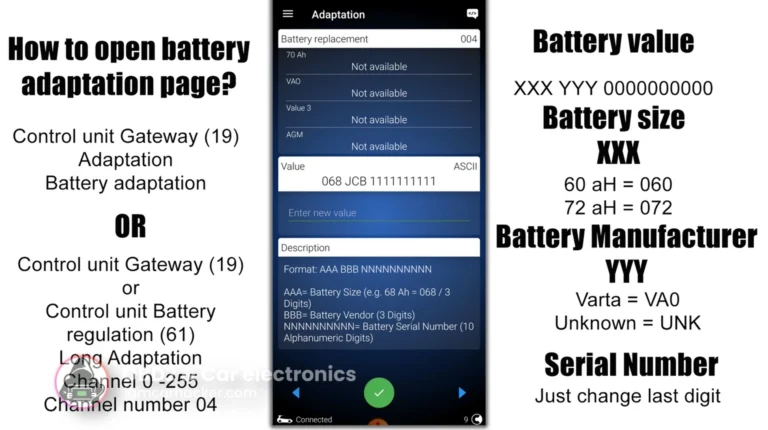
How to adapt a new battery in VW / Audi / Skoda / Seat (VAG battery coding guide)
How to adapt remote key fob on VW / Audi / Skoda / Seat (VAG)
How to activate 30-color ambient lighting on Skoda Octavia 4 (NX)
Most popular OBD2 guides







I'm Juraj Lukacko and I work as an auto electrician. On this site I share what I learn from real work on real cars, to help you pick the right tools for diagnostics, programming and tuning and get the job done.
More about me →