 By Juraj · Last updated August 15, 2026
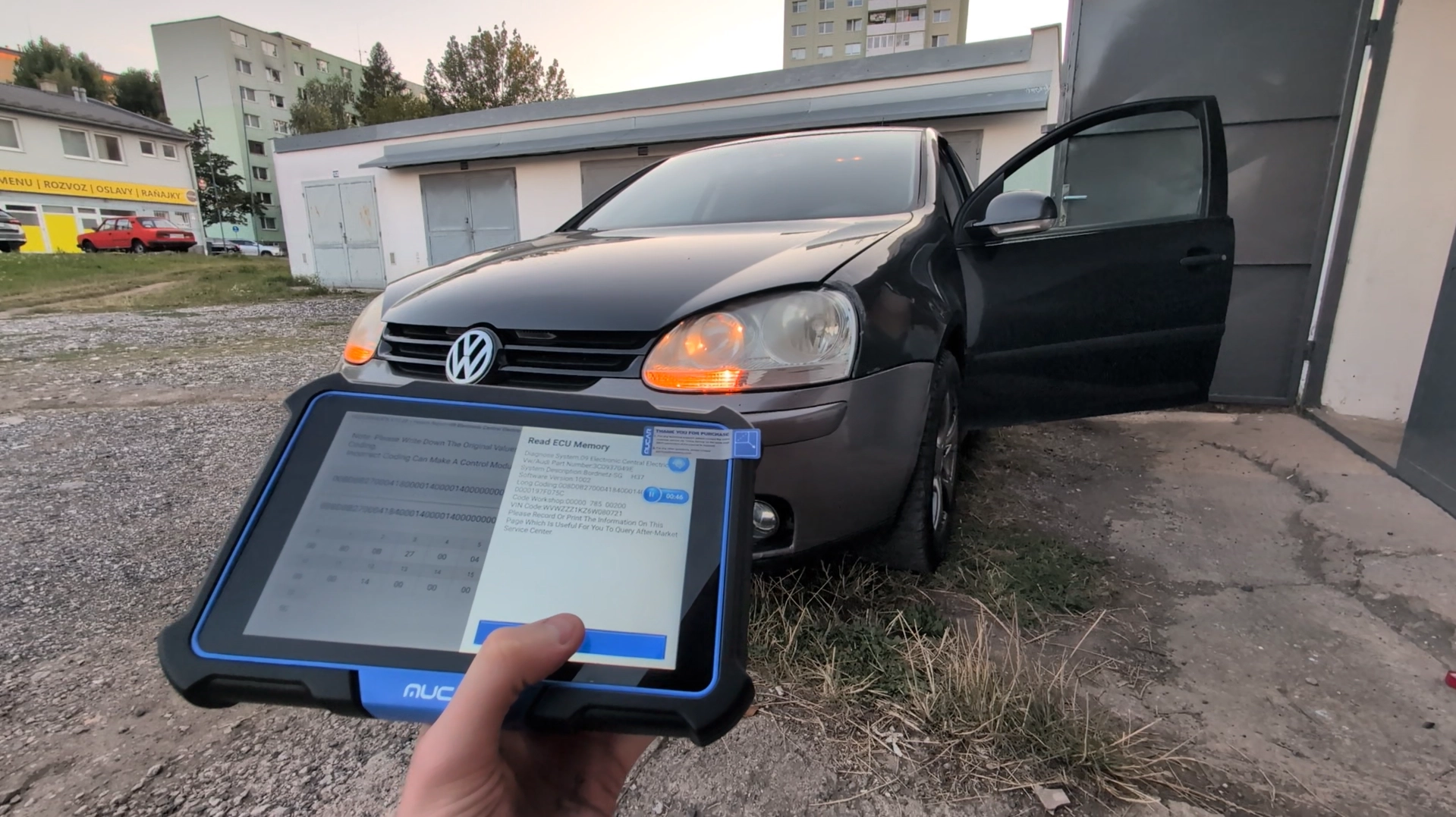
This is complete step-by-step procedure for activating US-style turn signals (parking lights in indicators) on VW Golf MK5 using coding in Central Electronics module.
I earn from qualifying purchases and sometimes get tools for free (full disclosure). It never affects my scoring.
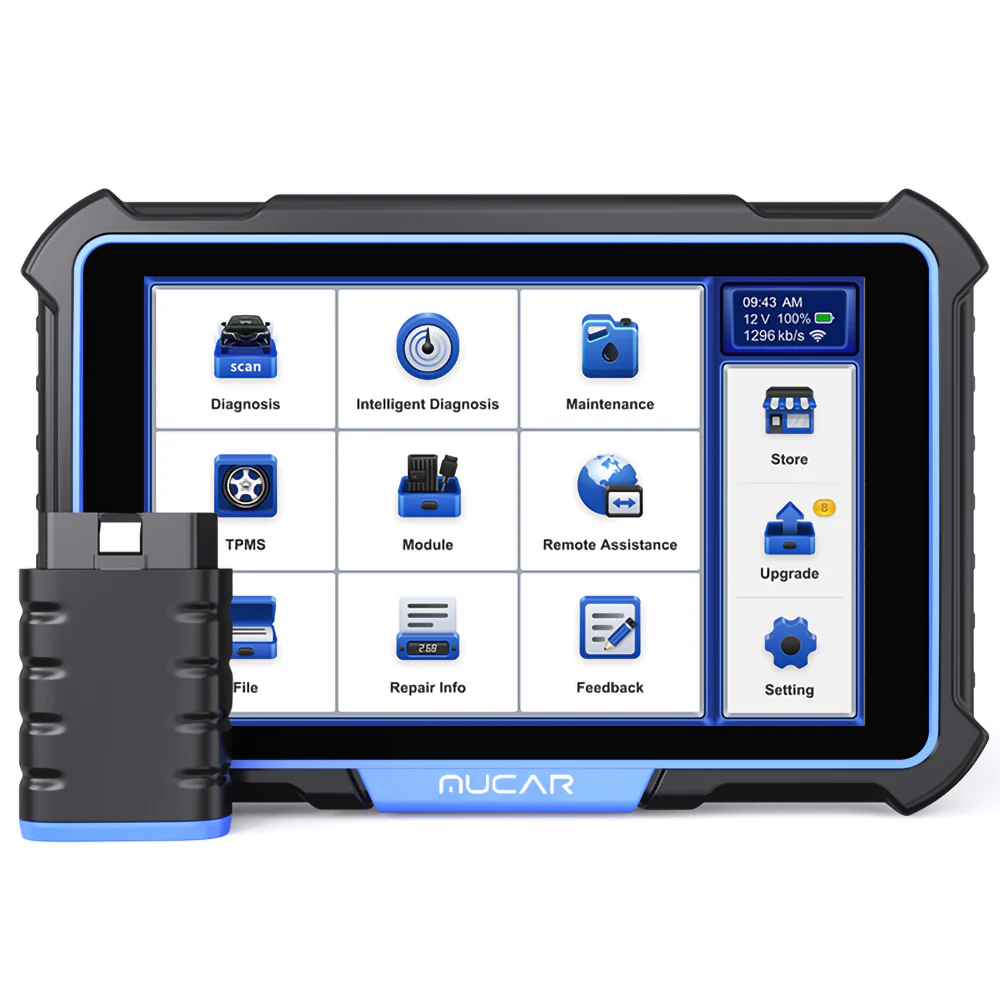
Used tool in this guide
Video: How to code permanent turn signals and adjust brightness for Golf MK5
This video shows how to code permanent turn signals and adjust brightness for Golf MK5
Technical overview
| Vehicle | VW Golf MK5 (platform PQ35) |
|---|---|
| System | Central Electronics (Module 09) |
| Difficulty | Easy–Medium |
| Time required | ~3–5 minutes |
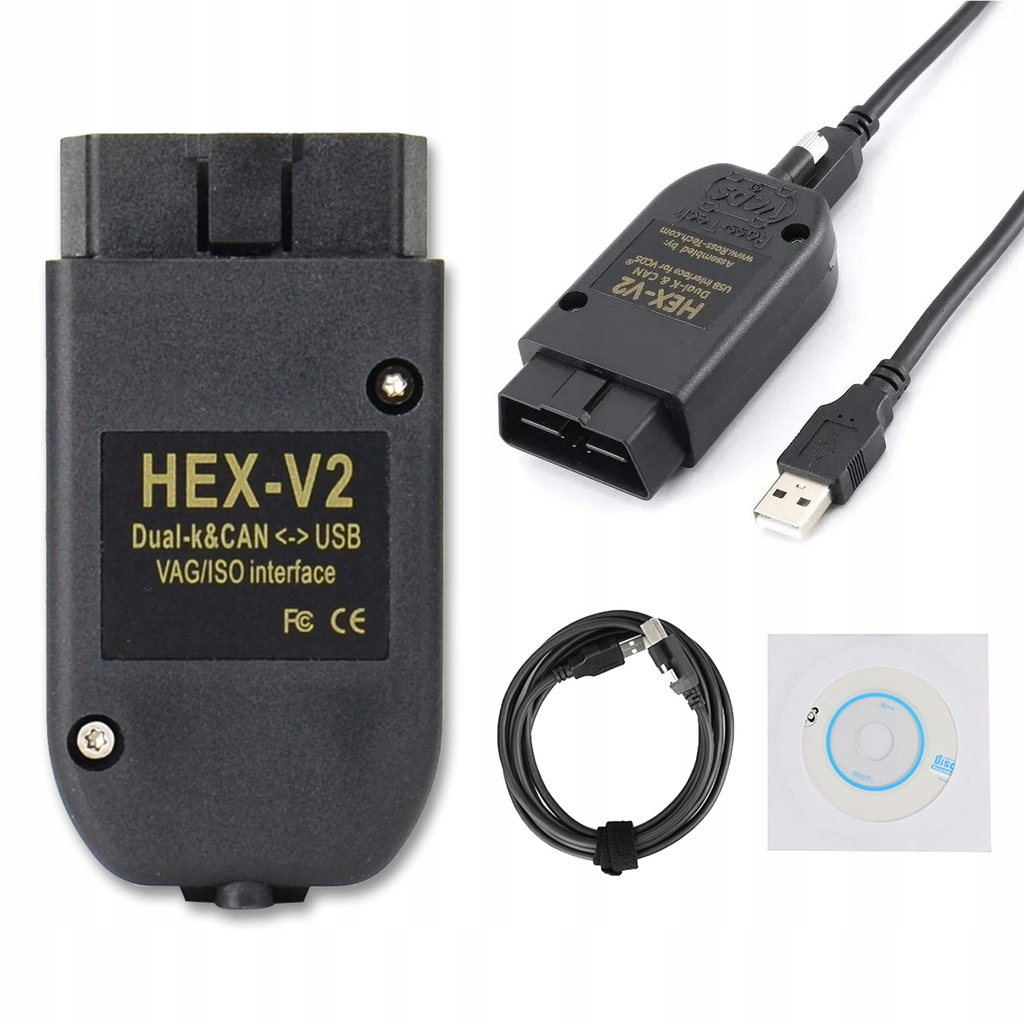
| Prerequisites | Compatible diagnostic tool with long coding support |
Step-by-step procedure
Connect diagnostic tool
- Ignition ON
- Connect to vehicle
- Enter control units
Open module
Go to:
09 – Central Electronics
Enter coding
Open:
Long Coding
Navigate to byte
Go to:
Byte 7
This byte controls parking light behavior in turn signals.
Set brightness value
Value determines how bright the indicator glows when used as parking light.
Example from video:
- Hex value: 40 → about 25% brightness
✅ Brightness table
| Brightness | Hex value |
|---|---|
| 0% (disabled) | 00 |
| 10% | 19 |
| 20% | 33 |
| 30% | 4C |
| 40% | 66 |
| 50% | 80 |
| 60% | 99 |
| 70% | B3 |
| 80% | CC |
| 90% | E6 |
| 100% | FF |
✔ Recommended values
- 30–40% → OEM-style look
- 50%+ → very bright, may look aftermarket
- >70% → often too bright for daily use
Save coding
- Confirm coding
- Exit module
- Cycle ignition
Test
- Turn on parking lights
- Indicators should glow dimly
- Turn signal should still flash normally
Additional information & compatibility notes
- Applicable models: Golf V, Jetta, Touran, Audi A3, Octavia II, other PQ35 cars with compatible Central Electronics module
Alternative tools

Legal & safety notice
This modification may not be road-legal in all countries. Always check local regulations before enabling US-style lighting. Incorrect coding may cause lighting malfunctions or error messages. Always save original coding before making changes.
More procedures like this
How to Enable Coming Home & Leaving Home Lights (VAG Coding Guide)
How to adapt remote key fob on VW / Audi / Skoda / Seat (VAG)
How to Enable Daytime Running Lights via Fog Lights on VW Golf MK5 2006
How to disable seatbelt warning in VW/Audi/Skoda/Seat
How to Check Diesel Fuel Injectors (VW / Audi / Skoda / Seat) Using OBD2 Scanner
How to adapt a new battery in VW / Audi / Skoda / Seat (VAG battery coding guide)
Most popular OBD2 guides






I'm Juraj Lukacko and I work as an auto electrician. On this site I share what I learn from real work on real cars, to help you pick the right tools for diagnostics, programming and tuning and get the job done.
More about me →