 By Juraj · Last updated August 15, 2026
This is complete step-by-step procedure for registering or adapting a new battery in VAG vehicles after replacement, so the charging system, IBS, and energy management work correctly and the battery does not get over- or under-charged.
I earn from qualifying purchases and sometimes get tools for free (full disclosure). It never affects my scoring.
Used tool in this guide

Video: How to adapt new battery in VAG car
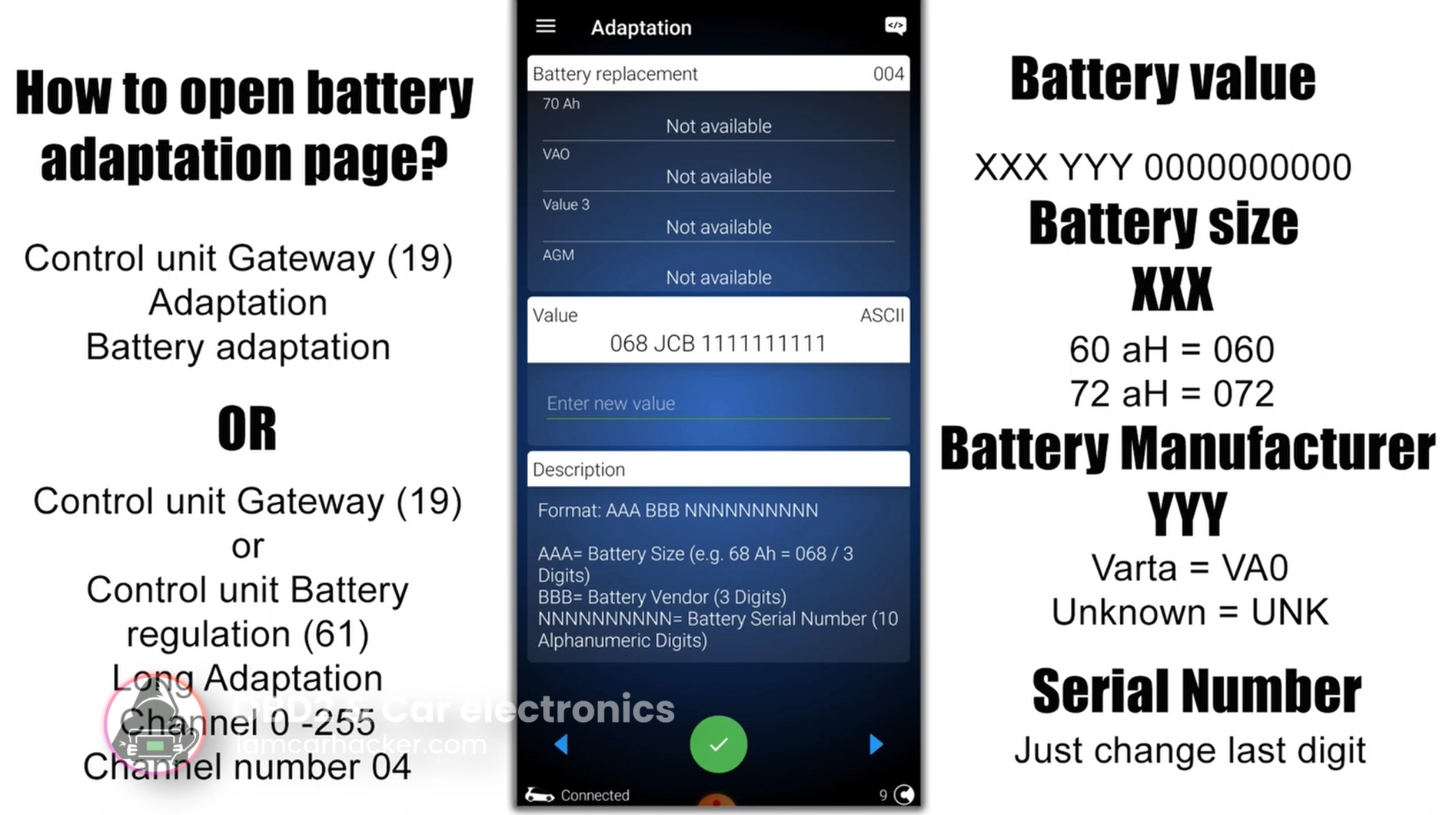
This video shows how to open battery adaptation, change battery values and save coding in real diagnostic tool.
Technical overview
| Vehicle | VW / Audi / Skoda / Seat (VAG vehicles with energy management system) |
|---|---|
| System | Gateway (19) / Battery regulation module (61) |
| Difficulty | Easy |
| Time required | ~5–10 minutes |
| Prerequisites | New battery installed, ignition ON |
Step-by-step procedure
✅ Do you NEED to adapt the battery?
✔ Cars that usually REQUIRE battery adaptation
Examples:
- VW Golf 6 / 7 / 7.5
- Passat B6 / B7 / B8
- Audi A4 B8 / A5 / A6 C7
- Skoda Octavia 2 facelift / Octavia 3
- Superb 2 / 3
- Seat Leon 2 facelift / Leon 3
👉 If the car has:
- start-stop
- intelligent charging
- IBS sensor on battery
- battery in trunk
→ it almost always needs coding.
❌ Cars that usually DO NOT require adaptation
Examples:
- VW Golf 4 / early Golf 5
- Passat B5
- Audi A3 8L
- older Skoda Fabia / Octavia 1
- small VAG cars without energy management
👉 These use classic alternator control → no battery coding.
✅ How to open battery adaptation page
There are two common ways depending on vehicle.
✔ Method 1 — Gateway module (most common)
- Connect diagnostic tool
- Select control unit:
19 – CAN Gateway
- Open:
Adaptation
- Find channel:
Battery adaptation (channel 04)
✔ Method 2 — Battery regulation module
Used on some Audi / newer models.
- Select control unit:
61 – Battery Regulation
- Open:
Adaptation
- Choose:
Channel 04 (Battery adaptation)
✅ How to enter new battery values
Battery coding string usually has format:
XXX YYY ZZZZZZZZZZ
Where:
- XXX = battery size
- YYY = manufacturer code
- ZZZZZZZZZZ = serial number
✔ Battery size codes
| Capacity | Code |
|---|---|
| 60 Ah | 060 |
| 68 Ah | 068 |
| 70 Ah | 070 |
| 72 Ah | 072 |
| 74 Ah | 074 |
| 80 Ah | 080 |
| 92 Ah | 092 |
| 95 Ah | 095 |
| 105 Ah | 105 |
| 110 Ah | 110 |
✔ Manufacturer codes
| Brand | Code |
|---|---|
| Varta | VA0 |
| Bosch | BO0 |
| Moll | MO0 |
| Banner | BA0 |
| Exide | EX0 |
| Johnson Controls | JC0 |
| Unknown | UNK |
If your battery brand is not listed → use UNK.
✔ Serial number
Two options:
Option A — enter real battery serial
(best but not required)
Read serial from battery label and enter it.
Option B — easiest method (most mechanics use this)
👉 Keep original coding
👉 Change only last digit
Example:
Old: 072 VA0 1234567890
New: 072 VA0 1234567891
This tells ECU:
✔ new battery installed
✔ resets charge history
✔ works perfectly
✅ Battery TYPE coding (Long Coding)
Some cars require setting battery type in long coding.
✔ AGM battery long coding
Typical values:
Byte 02 = Hex 18
Used for:
- AGM batteries
- start-stop systems
- higher energy demand
✔ EFB battery long coding
Typical values:
Byte 02 = Hex 78
Used for:
- EFB batteries
- mid-range start-stop vehicles
✔ Standard lead-acid battery
On some cars:
Byte 02 = Hex 08
(or default value)
but these are most common working examples.
✅ How to save the coding
- Enter new battery string
- Confirm adaptation
- Save coding
- Turn ignition OFF for 30 seconds
- Start engine
Energy management resets automatically.
✅ What happens if you DON’T adapt battery?
Possible issues:
- battery overcharging
- battery undercharging
- shorter battery life
- start-stop not working
- charging faults stored in ECU
Additional information & compatibility notes
- Applicable models: Most VAG cars ~2007+ with battery monitoring (IBS / BEM system)
Alternative tools
 ToolMucar 892BTMucarOfficial website ›Check on Amazon ›Read review
 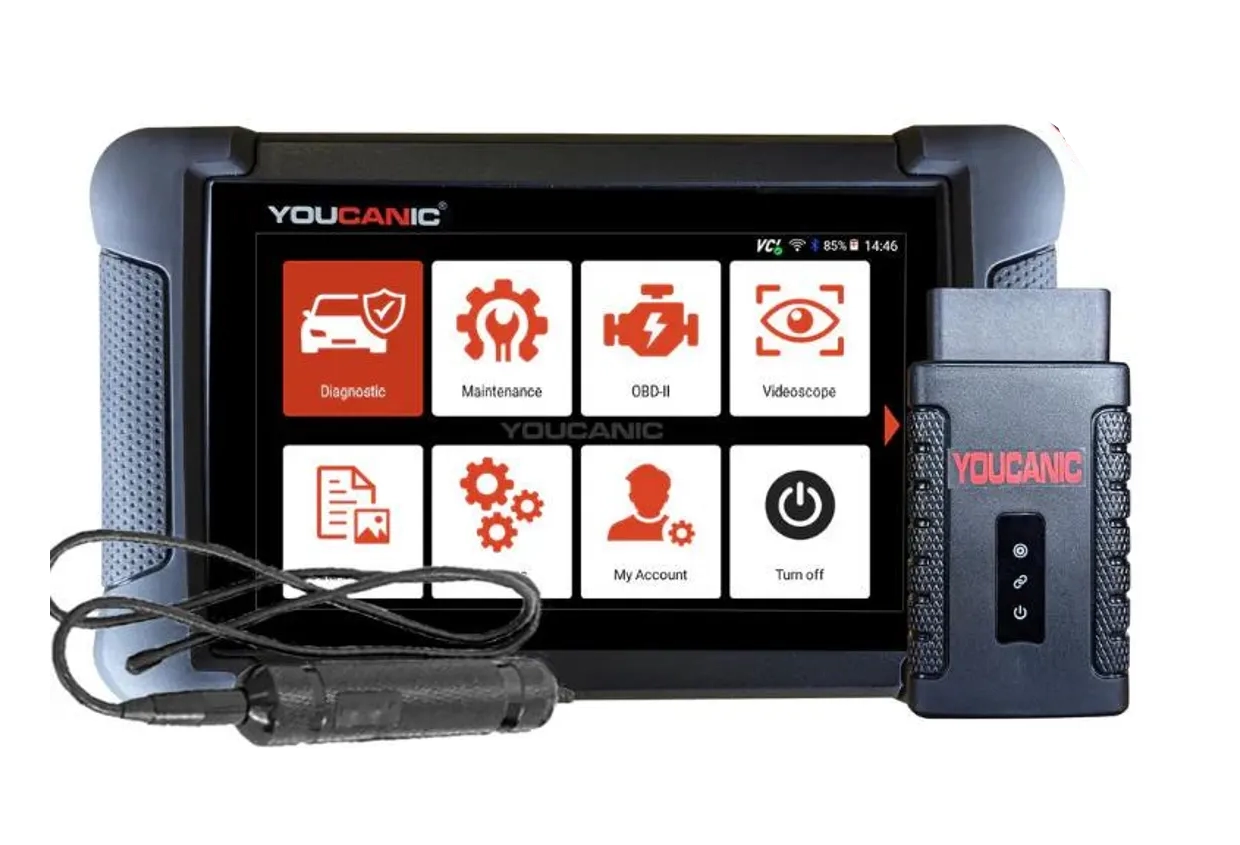 ToolYoucanic UCAN-II full-systemYoucanicOfficial website ›Read review
 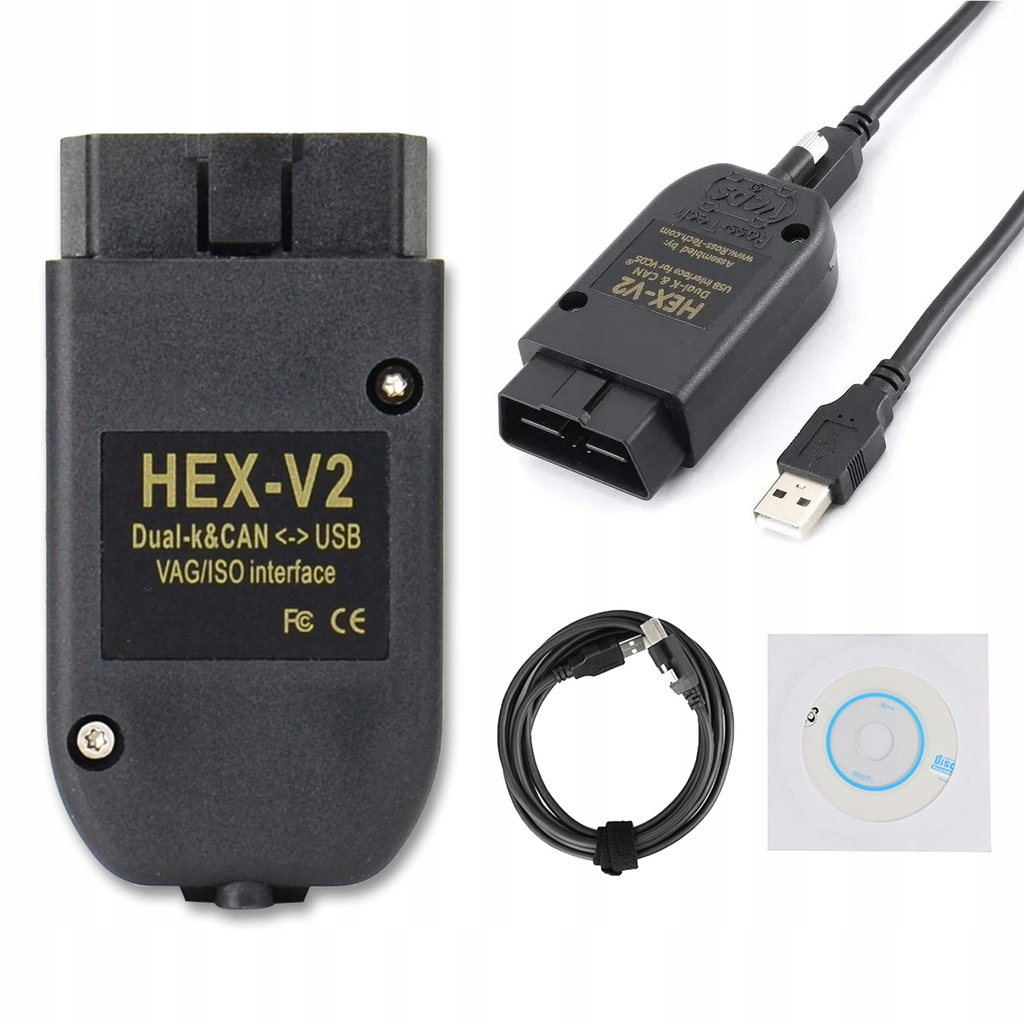 ToolVCDS cloneRoss TechAliExpress ›Read review
  Roundup5 Best OBD2 Scanners for VW/Audi/Skoda/Seat (Tested on Real VAG Cars)Read the guide
  RoundupThe 5 Bi-Directional Scanners I Actually Reach For (Out of 50+ Tested)Read the guide
  RoundupThe 5 OBD2 Scanners I Actually Use After 4 Years of TestingRead the guide
 Legal & safety notice
This procedure modifies vehicle control unit settings. Incorrect coding may cause charging system errors, warning lights or improper battery management. Always confirm correct battery capacity and type before saving values. If unsure, consult service documentation or qualified technician.
More procedures like this
How to Enable Coming Home & Leaving Home Lights (VAG Coding Guide)
How to disable seatbelt warning in VW/Audi/Skoda/Seat
How to Check Diesel Fuel Injectors (VW / Audi / Skoda / Seat) Using OBD2 Scanner
How to adapt remote key fob on VW / Audi / Skoda / Seat (VAG)
How to activate US-style turn signals for VAG / Volkswagen / Skoda / Seat / Audi
Oil service reset & interval change – Passat B6 2.0 TDI (2008)
Most popular OBD2 guides




I'm Juraj Lukacko and I work as an auto electrician. On this site I share what I learn from real work on real cars, to help you pick the right tools for diagnostics, programming and tuning and get the job done.
More about me →