 By Juraj · Last updated August 15, 2026
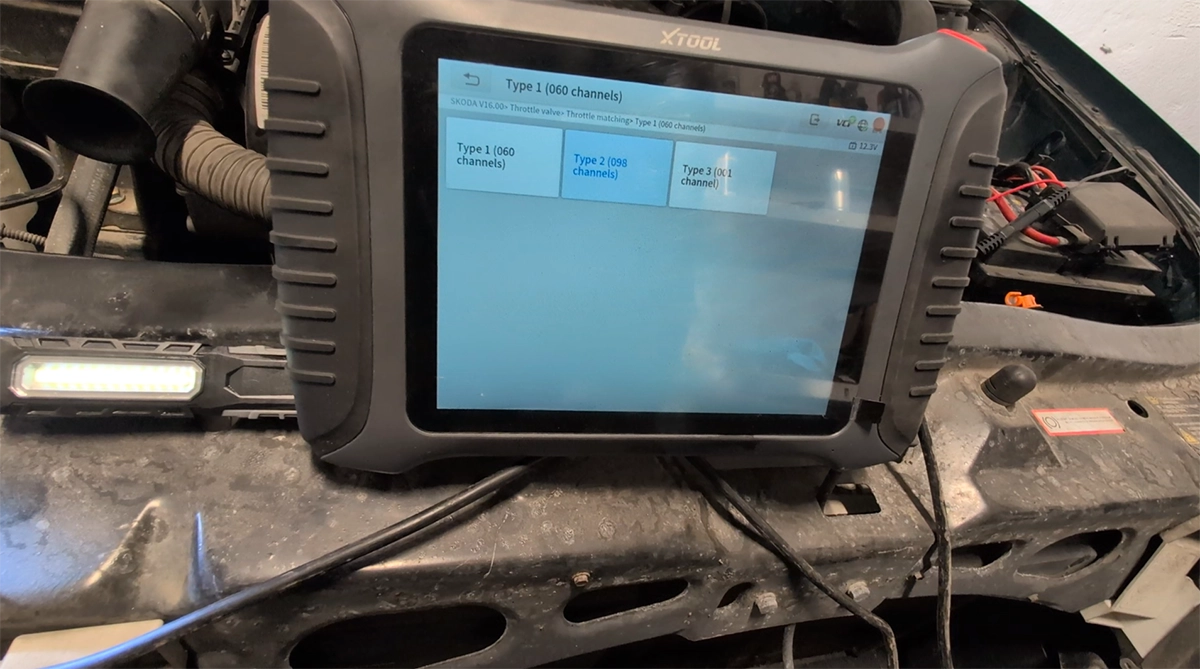
This guide shows how to perform throttle body adaptation (throttle matching) on Škoda Octavia Mk1 1.6 using a diagnostic tool.
This procedure recalibrates the throttle valve after cleaning, battery disconnect or fault code reset.
I earn from qualifying purchases and sometimes get tools for free (full disclosure). It never affects my scoring.
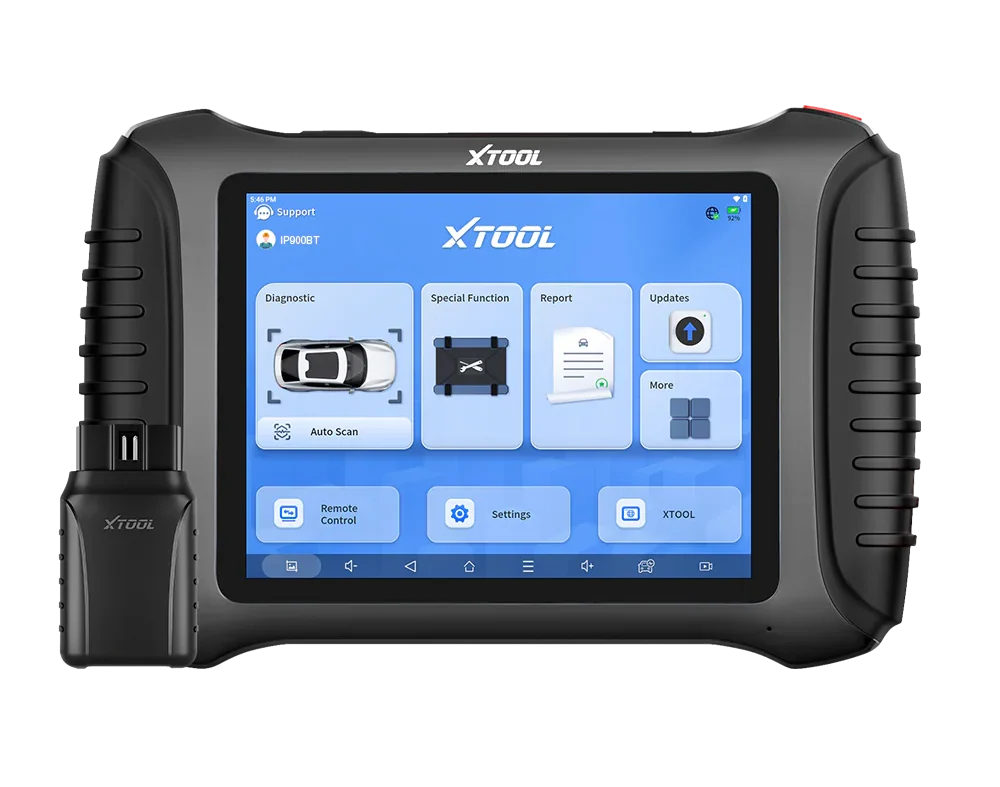
Used tool in this guide
Video: How to do throttle matching Škoda Octavia 1U
This video shows how to perform throttle adaptation step-by-step using a diagnostic tool.
Supported vehicles
| Vehicle |
|---|
| octavia-mk1 |
Technical overview
| Vehicle | Škoda Octavia Mk1 |
|---|---|
| Year | ~1996–2010 |
| System | Electronic throttle |
| Procedure type | Adaptation / calibration |
| Difficulty | Easy |
| Time required | ~2–5 minutes |
| Prerequisites | No active faults, ignition ON |
Step-by-step procedure
Open throttle function
Connect the scanner and erase all stored fault codes.
Go to:
Special Functions → Throttle / Throttle Matching
Select vehicle
Choose:
Škoda → Octavia
Enter VIN manually
If VIN is not detected automatically, enter it manually.
Select adaptation channel
The scanner will show multiple options:
- Type 1 (060 channels)
- Type 2 (098 channels)
- Type 3 (001 channel)
👉 This is normal on older VAG systems.
Different ECUs use different adaptation channels, so not every option works on every car.
Perform adaptation
After selecting a channel:
- ignition ON (engine OFF)
- do NOT press the accelerator
- wait a few seconds
👉 You should hear the throttle valve moving (clicking or buzzing sound).
Repeat for all types
Run all available types one by one:
- Type 1 (060) → most commonly used
- Type 2 (098) → alternative for some ECUs
- Type 3 (001) → basic initialization / fallback
👉 Running all of them is the correct approach.
Finish
👉 In most cases, there is NO “success” message.
This is normal.
✔ If you heard the throttle moving → adaptation was completed successfully
Alternative tools
 ToolXTool A30MXToolOfficial website ›Check on Amazon ›Read review
  ToolMucar 892BTMucarOfficial website ›Check on Amazon ›Read review
 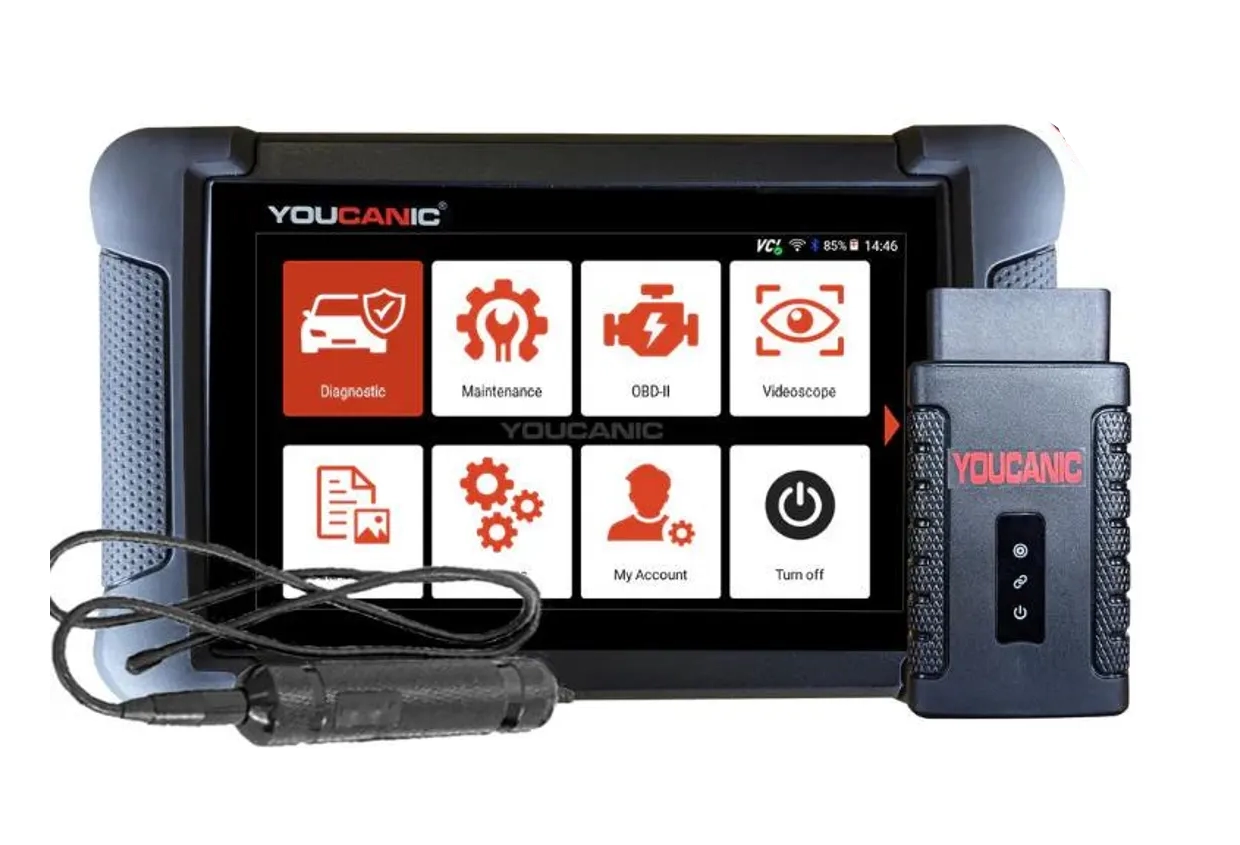 ToolYoucanic UCAN-II full-systemYoucanicOfficial website ›Read review
  ToolOBDeleven 3OBDelevenOfficial website ›Check on Amazon ›Read review
  RoundupThe 5 Bi-Directional Scanners I Actually Reach For (Out of 50+ Tested)Read the guide
 Legal & safety notice
More procedures like this
How to do odometer correction for Skoda Octavia MK1 with OBD2 scanner
How to fix DPF warning, glow plug blinking and limp mode on Skoda Rapid 1.6 TDI (2014)
How to adapt a new battery in VW / Audi / Skoda / Seat (VAG battery coding guide)
Škoda Fabia Mk3 (2020) Oil Service Reset with OBD2 scanner
Škoda Kodiaq 2023: How to Disable the Seatbelt Warning Chime
How to display gearbox, oil and coolant temperatures in the Virtual Cockpit on Skoda Octavia 4 (NX)
Most popular OBD2 guides






I'm Juraj Lukacko and I work as an auto electrician. On this site I share what I learn from real work on real cars, to help you pick the right tools for diagnostics, programming and tuning and get the job done.
More about me →