

Published: July 21, 2025 · Last updated: June 4, 2026
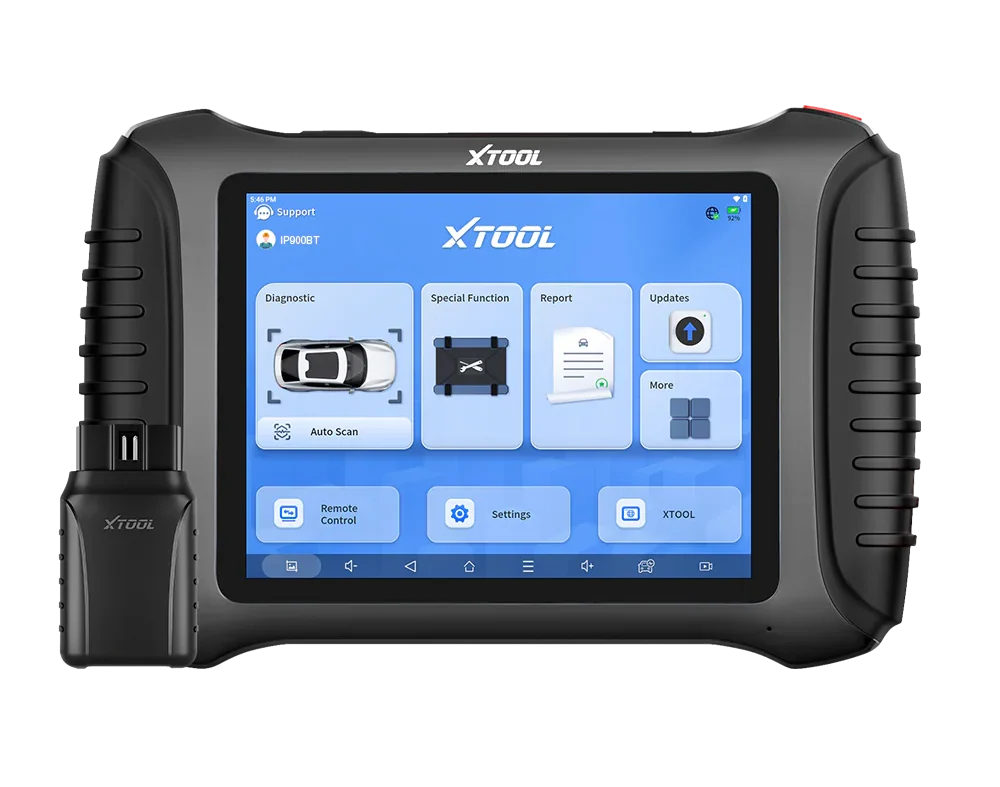
The XTool IP900BT is a pro-style full-system Bluetooth tablet from Xtool’s ecosystem, with bidirectional tests, partial coding and a deep list of special functions. What sets it apart in my testing is how well the complex service procedures actually work, the airbag repair, TPMS and odometer functions did what other tools just refuse to do. I ran it on a Passat B5.5, an Alfa 147, a Toyota, a 2019 Octavia and a Golf. It’s not the fastest tool, but it’s one of the most capable for service work. Read on for what it does and where it lags.
I earn from qualifying purchases and sometimes get tools for free (full disclosure). It never affects my scoring.
What This Tool Actually Is
XTool IP900BT
The XTool IP900BT is full-system tablet from xtool pro ecosystem with bidirectional and partial coding support.

- Full system access
- Part of XTool's pro ecosystem
- Good for complex service resets
- Worse UX than mucar/thinkcar
Service functions (27+)
Scores
Specs
| Tool type | Standalone device |
| User level | Advanced |
| Vehicle focus | All makes |
| Free updates | 3 years |
| Update price | $190/yr |
| Subscription | Not required, but updates are paid ⚠ Paid updates can still lock some features |
| Locked features | features that needs internet connection |
What it’s actually good at
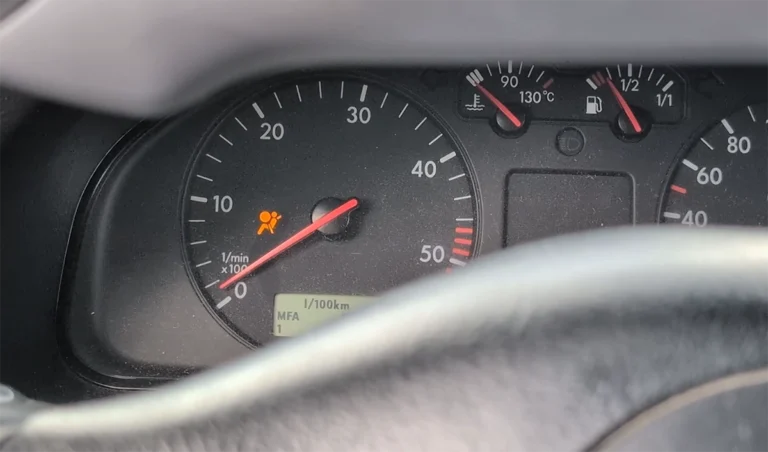
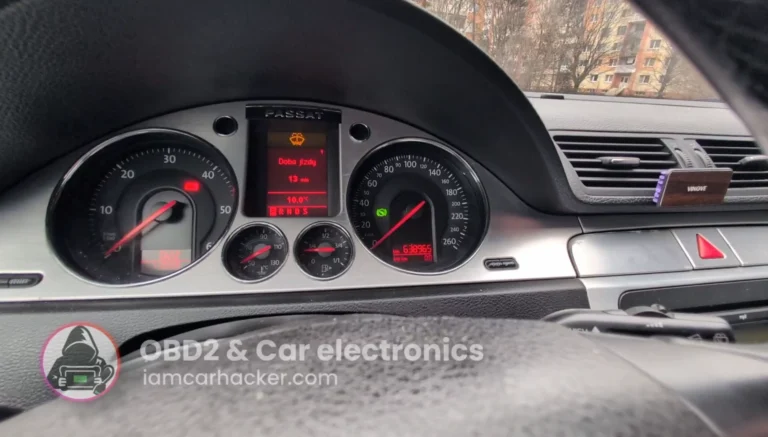
The special functions are the reason to own this, and they genuinely work where other tools fail. The standout was an airbag repair on my Passat B5.5: it had a permanent airbag fault the module reported as faulty, the kind that won’t clear with a normal “erase codes.” I ran the airbag repair procedure (OBD repair, VW option) and the light went off and stayed off, next day’s scan showed no airbag codes. That wasn’t DTC clearing, it was a proper repair function fixing the module. That’s the difference good software makes.
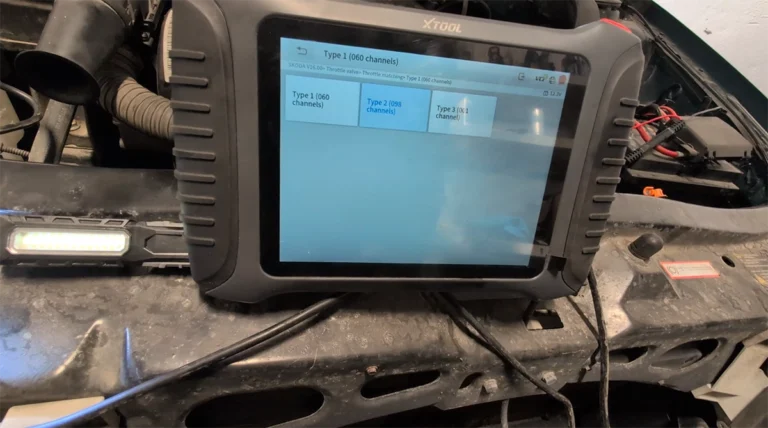
It’s a real used-car inspection tool, even if it’s not the fastest at it. On a friend’s 2019 Octavia I scanned all 48 modules, checked DPF soot loading (around 60%), compared specified versus actual turbo boost on a test drive, and re-scanned afterward. Everything clean except expected DPF load, so I told him to buy it. On a cheap Golf I also verified catalyst health by graphing the upstream and downstream O2 sensors, the downstream sensor stayed steady under load, which meant the cat was still doing its job (and a new cat would’ve cost more than the car).
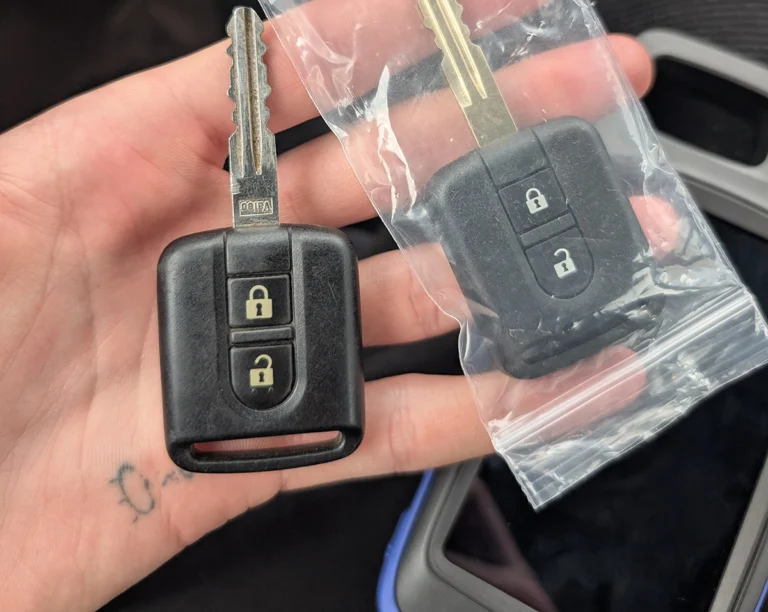
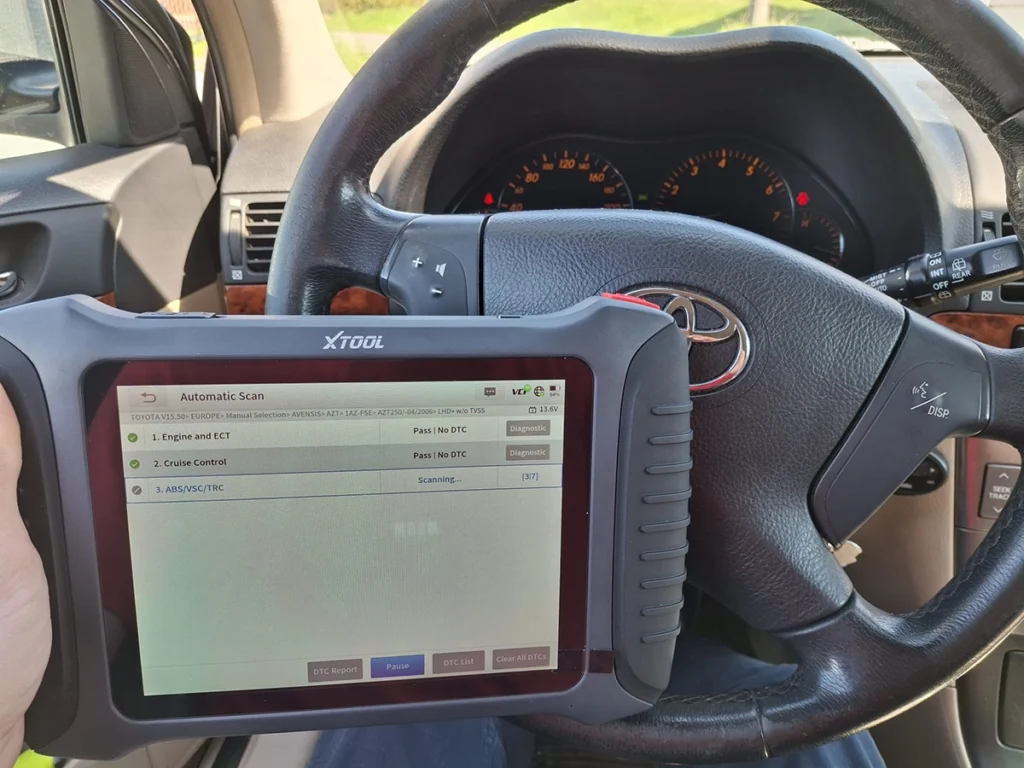
It’s a genuine full-system bidirectional tool: TPMS reset and ID coding (fixed a Toyota after a wheel change), bidirectional tests in every module, and clean pre/post-scan PDF reports with your shop details. Across everything, Xtool’s service-function software is the best I’ve used for things actually working.
Where it falls short
It’s slow on full scans, and that hurts most where speed matters. On the 2019 Octavia with ~40 modules the full scan took a long time. It works, but it’s not the tool I’d grab for pre-purchase inspections when you’re under time pressure in a seller’s driveway. For used-car checking as a business, I’d pick something faster.
The UX trails Mucar and Thinkcar. It does everything, but the interface isn’t as smooth or quick to navigate as those, you feel it on a tool you use all day.
The update situation is worth knowing: 3 years of updates included, then paid after that. Most core functions keep working on the last version, but factor the long-term cost in. And as always, use a stable power supply during odometer, coding and module-level functions, low voltage can damage modules.
Who should buy this
Yes, buy it if:
- You want complex service functions (airbag repair, TPMS, odometer, adaptations) that actually work, not just “not supported” messages
- You’re already in or happy to join Xtool’s pro ecosystem
- You do real service and repair work rather than mainly fast used-car checks
No, look elsewhere if:
- You mainly check used cars under time pressure, the slow full scan works against you
- You want the smoothest, fastest UX, Mucar and Thinkcar feel nicer day to day
- You want lifetime free updates rather than 3 years then paid
XTool IP900BT
 XTool D8s
XTool IP900BT
XTool D8s
XTool IP900BT
 Mucar 892BT
XTool IP900BT
Mucar 892BT
XTool IP900BT
 XTool D7
Still deciding rather than chasing an IP900BT deal? I line up the full-system tablets I’ve tested in my [best bidirectional OBD2 scanners] roundup. The short version: the IP900BT is hard to beat for service functions that actually work, but the roundup shows where a faster Mucar or a different Xtool fits you better.
Final word
The XTool IP900BT is a pro-style full-system tablet whose special functions genuinely work, it repaired a permanent airbag fault on my Passat that wouldn’t clear any other way, handled TPMS and odometer cleanly, and covers proper used-car inspection. The trade-offs are slow full scans and a UX that trails Mucar and Thinkcar, plus 3 years of updates then paid. If you do real service work and want functions that land instead of failing, it’s one of the most capable tools I’ve used.
Most popular OBD2 guides







I'm Juraj Lukacko and I work as an auto electrician. On this site I share what I learn from real work on real cars, to help you pick the right tools for diagnostics, programming and tuning and get the job done.
More about me →