 By Juraj · Last updated August 15, 2026
This guide shows how to enable the Daytime Running Lights via Fog Lights function on a VW Golf MK5 (1K) by changing a single bit in the long coding of the Electronic Central Electric module (09). Once enabled, the front fog lights come on automatically (typically at reduced intensity) whenever the car is running and the main lights are off, acting as DRLs.
I earn from qualifying purchases and sometimes get tools for free (full disclosure). It never affects my scoring.
Used tool in this guide

Video: How to enable DRL via fog lights on VW Golf MK5
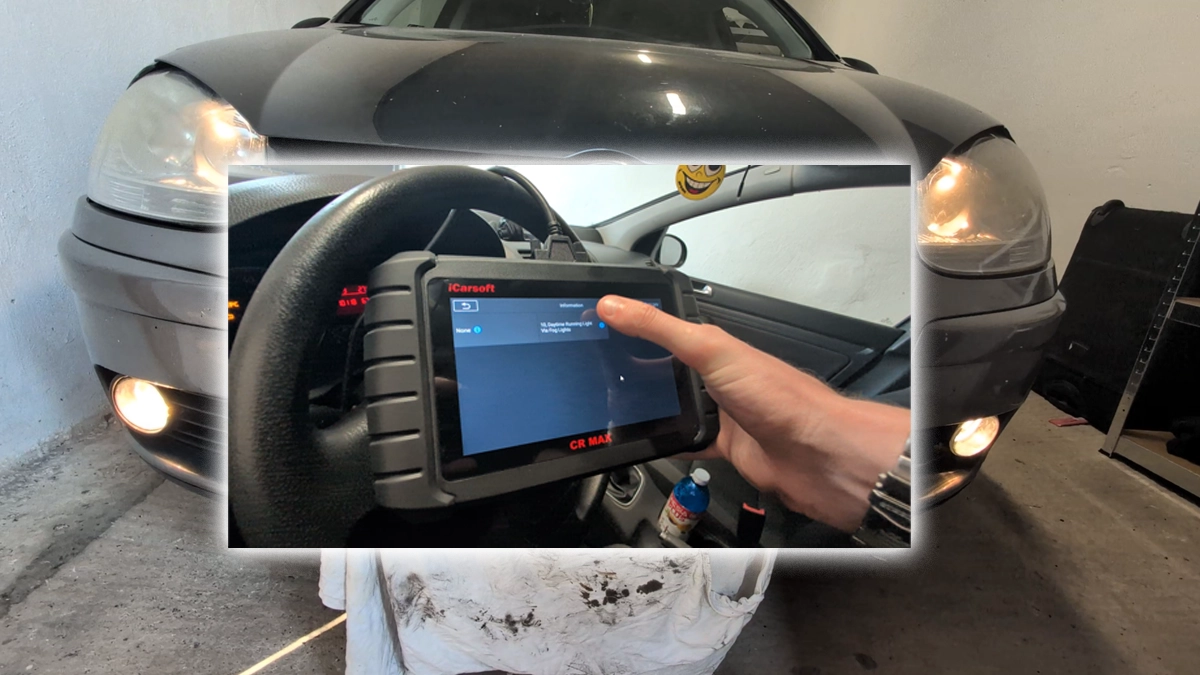
This video shows how to activate Daytime Running Lights via the front fog lights on a VW Golf MK5 (1K) using the iCarsoft CR Max, by setting bit 4 of byte 18 in the long coding of control module 09 – Electronic Central Electric.
Supported vehicles
| Vehicle |
|---|
| golf-mk5 |
Technical overview
| Vehicle | VW Golf MK5 (1K) |
|---|---|
| Year | 2006 |
| System | 09 – Electronic Central Electric (BCM / Bordnetz) |
| Procedure type | Long coding – single bit change |
| Difficulty | Easy |
| Time required | ~5 minutes |
| Prerequisites | VAG diagnostic tool with long coding support, 12 V battery in good condition, ignition ON |
Step-by-step procedure
Connect the diagnostic tool
Plug the diagnostic tool into the OBD2 port. On the Golf MK5, the port is located under the dashboard on the driver's side, behind a small flap below the steering column.
Switch the ignition ON
without starting the engine. Make sure the battery is in good condition — coding writes that drop out due to low voltage can leave the module in an inconsistent state.
Identify the vehicle
Open the iCarsoft CR Max, select VW and let it identify the vehicle / select Golf MK5.
Open 09 – Central Electrics
Open the control unit list and select 09 – Electronic Central Electric (sometimes labelled Central Electrics or Bordnetz).
Open Coding / Long Coding
The tool will read the current software coding and display it as a long hex string (e.g. 098D0F27 00 41 80 00 14 00 00 14 00 00 00 01 97 07 5C FF).
Save the original coding
Write down or photograph the original coding string. This is your fallback if anything goes wrong — you can always restore the car to its original state by writing this exact value back.
Tick byte 18, bit 4
Locate byte 18 in the long coding and tick bit 4 – Daytime Running Lights Via Fog Lights. In the iCarsoft helper this option is shown as "10, Daytime Running Lights Via Fog Lights" — the "10" is just the option index in the iCarsoft list, the actual location in the coding is byte 18, bit 4.
Confirm the new coding
Confirm the change. The tool will calculate the new coding string and ask The new code: … Are you sure to set the new code? — press Yes.
Wait for the confirmation
Wait for the "coding successful" confirmation, then exit the module and switch the ignition off.
Test the DRL
Switch the ignition back on (or start the engine) with the headlight switch in the OFF (or AUTO) position. The front fog lights should now come on as DRLs. With dipped beam or full beam selected, the fog lights drop out of DRL mode and behave normally again.
Alternative tools

Legal & safety notice
More procedures like this
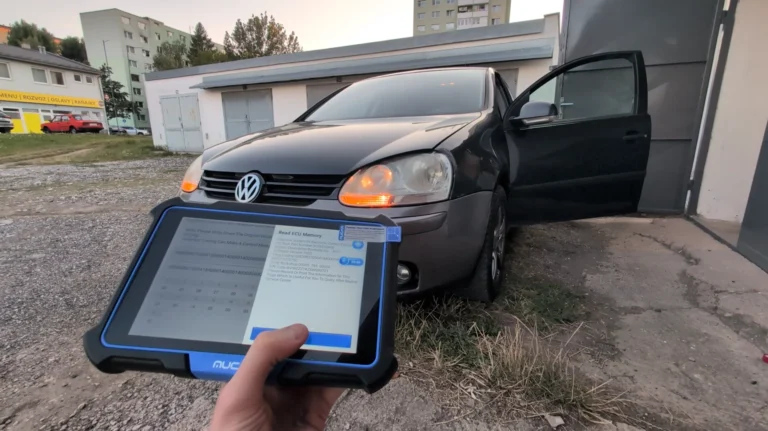
How to activate US-style turn signals for VAG / Volkswagen / Skoda / Seat / Audi
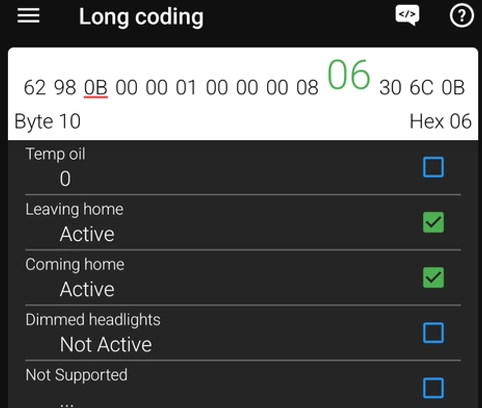
How to Enable Coming Home & Leaving Home Lights (VAG Coding Guide)
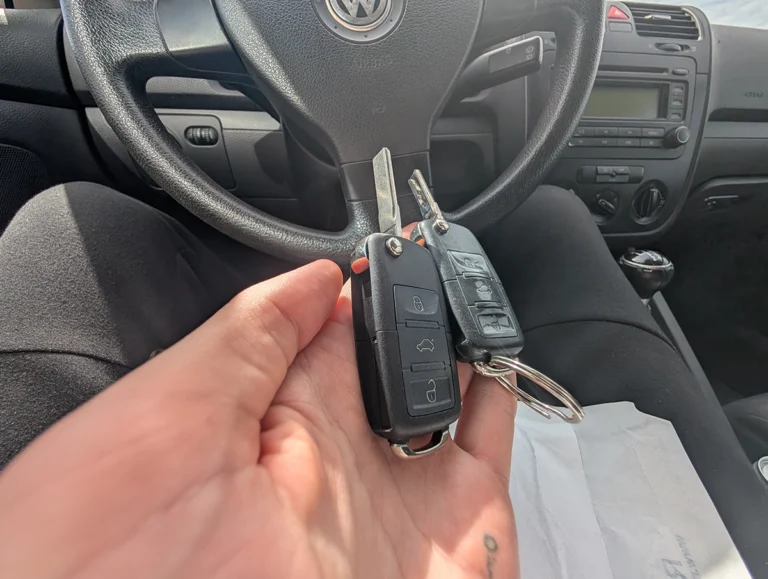
How to adapt remote key fob on VW / Audi / Skoda / Seat (VAG)
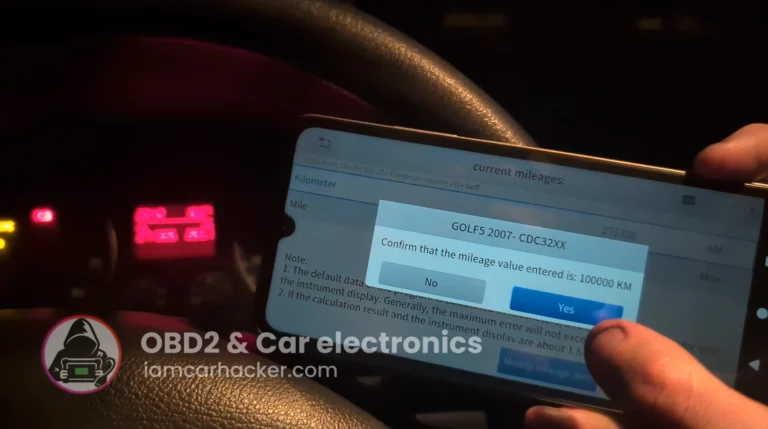
Volkswagen Golf MK5 2006 Odometer correction with OBD2 scanner
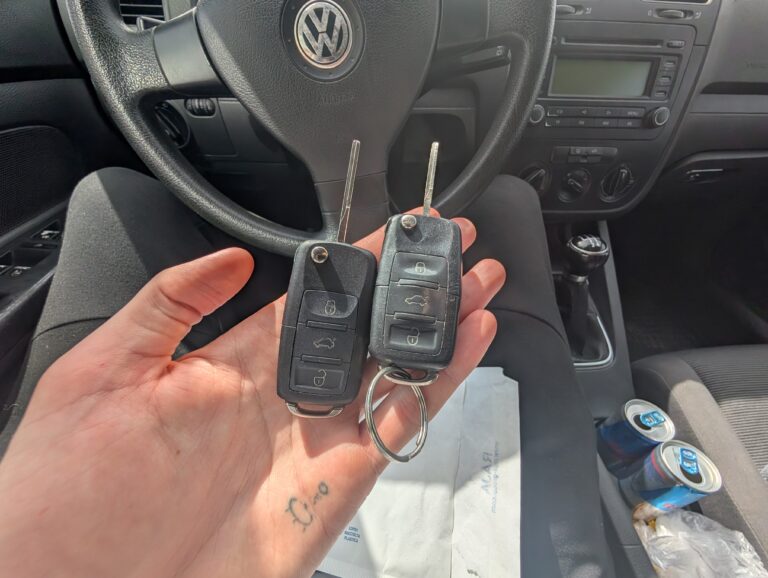
How to add a new key – Volkswagen Golf MK5 (2006)
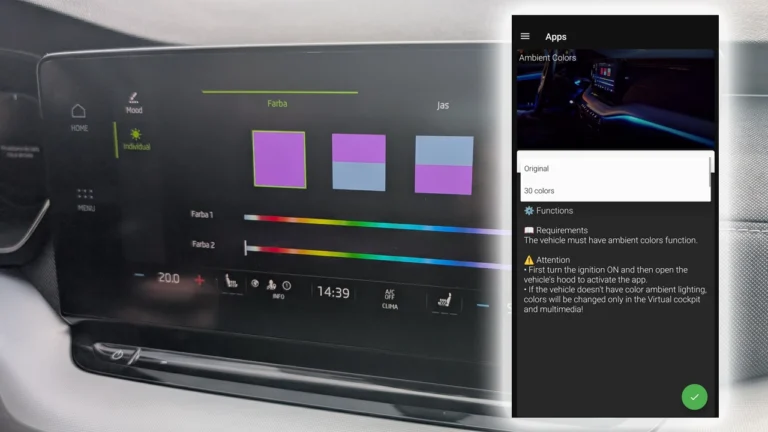
How to activate 30-color ambient lighting on Skoda Octavia 4 (NX)
Most popular OBD2 guides






I'm Juraj Lukacko and I work as an auto electrician. On this site I share what I learn from real work on real cars, to help you pick the right tools for diagnostics, programming and tuning and get the job done.
More about me →