

Published: September 28, 2025 · Last updated: June 3, 2026
The XTool KC100 is a key programming addon for Xtool scanners, not a standalone tool. It reads and writes immobiliser data so you can add keys and make dealer keys, but only when paired with a compatible Xtool tablet. I used it to add a spare key to my VW Golf Mk5, and once I’d enabled the right setting, it did the job without drama. Read on for how that went and the one thing to know before you buy.
I earn from qualifying purchases and sometimes get tools for free (full disclosure). It never affects my scoring.
XTool KC100 overview
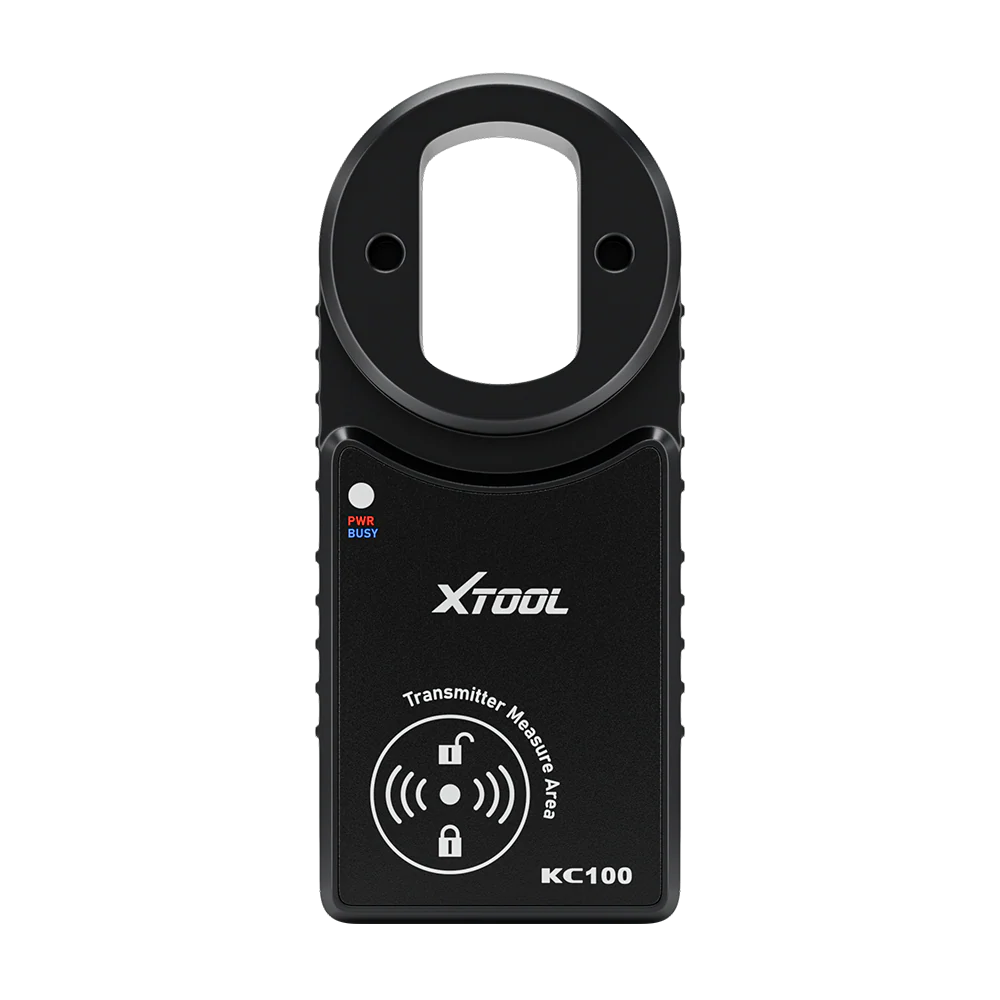
Xtool KC100
The Xtool KC100 is iMMO key programmer accessory that works with compatible XTool scanners for key adding and IMMO functions.

- Successfully programmed spare key to VW Golf Mk5
- Reads/writes IMMO data when scanner supports it
- Makes dealer key (pre-coding) before adaptation
- Simple and reliable once Expansion Mode is enabled
- NOT standalone
- Requires compatible XTOOL scanner
- Coverage depends fully on scanner software
Service functions (1+)
Scores
Specs
| Tool type | Standalone device |
| User level | Professional |
| Vehicle focus | All makes |
| System focus | key |
| Free updates | Lifetime |
| Subscription | Not required |
Real-world procedures tested with this tool
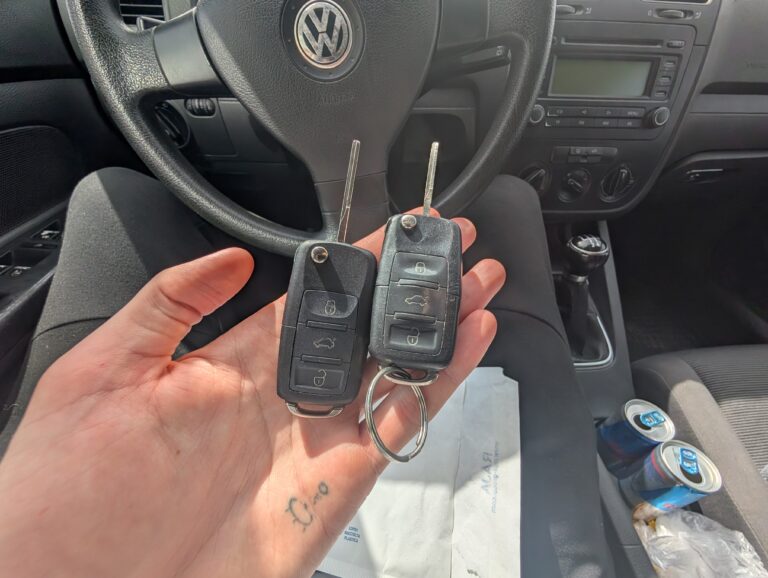
How to make new car key with KC100
What it’s actually good at
It does its one job, key programming, simply and reliably once it’s set up right. I added a spare key to my Golf Mk5 with a cut but unprogrammed key. Into the Xtool scanner’s IMMO function, picked the Golf, read the immobiliser data, made a dealer key, then added the new key directly. Immobiliser light off, engine started. Done.
The workflow is clean because the scanner walks you through it in numbered steps: back up, read immo data, make dealer key (the pre-programming stage), then add the key. The “make dealer key” step is genuinely useful, it pre-codes the key before the final adaptation, which is how the job actually completes.
One thing that catches everyone, including me: you have to enable Expansion Mode first. When it asked me to connect the KC100 it wouldn’t recognise it, because in the USB settings you have to turn on Expansion Mode to allow third-party devices. Once that’s on, the scanner sees it instantly. Flag this so you don’t waste ten minutes thinking it’s broken like I nearly did.
Where it falls short
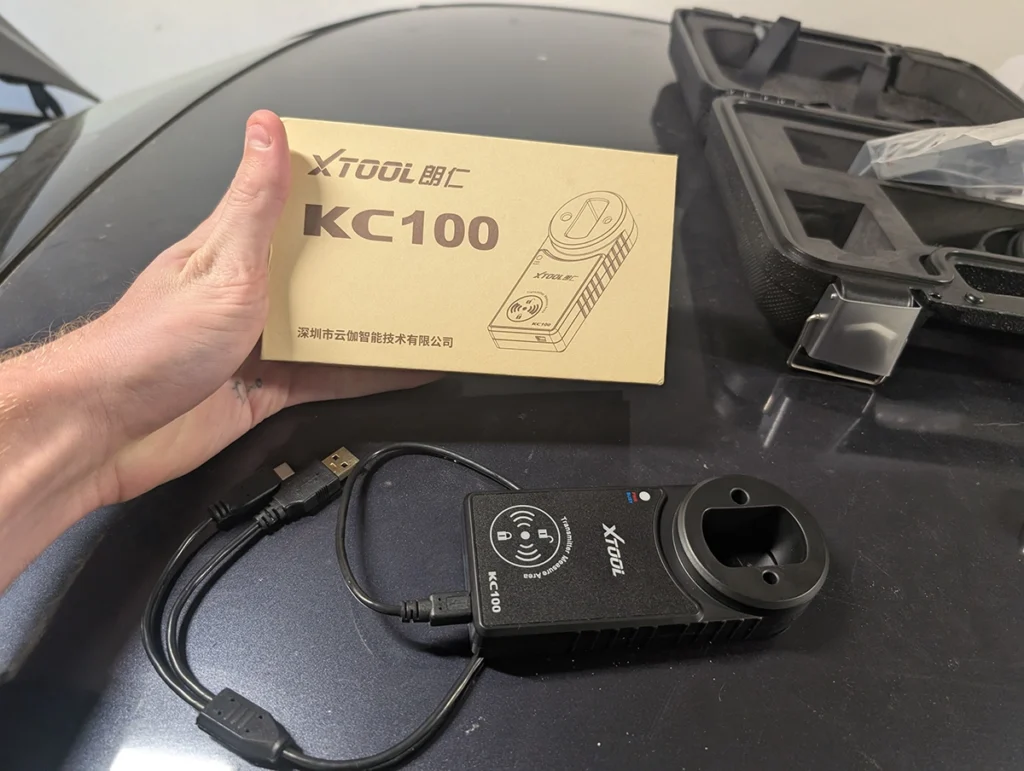
It’s not standalone, and that’s the whole catch. The KC100 does nothing on its own. It’s an accessory that needs a compatible Xtool scanner to function, so you’re really buying into the Xtool ecosystem, not buying a key tool you can use anywhere.
Coverage depends entirely on the scanner’s software, not the KC100. Whether it can do your car is down to what your Xtool tablet supports, not the addon itself. So before buying, check your exact model. Xtool’s website has live support that will tell you if the KC100 plus your scanner can program your specific car.
Who should buy this
Yes, buy it if:
- You already own a compatible Xtool scanner and want to add key programming to it
- You want a simple, reliable way to add keys and make dealer keys on supported cars
- You’ve confirmed your exact car is covered by your scanner’s software
No, look elsewhere if:
- You don’t own an Xtool scanner, this can’t work on its own, so factor in the tablet too
- You want a standalone key tool you can use across different setups
- Your car isn’t supported by the Xtool software, the addon won’t change that
Final word
The XTool KC100 is a key programming addon that, paired with the right Xtool scanner, makes adding keys and dealer keys straightforward, as it did on my Golf Mk5. Just remember two things: it’s not standalone, and coverage rides entirely on the scanner’s software, so check your car first. If you’re already in the Xtool ecosystem and want key programming, it’s a simple, reliable add-on.
Most popular OBD2 guides







I'm Juraj Lukacko and I work as an auto electrician. On this site I share what I learn from real work on real cars, to help you pick the right tools for diagnostics, programming and tuning and get the job done.
More about me →