 By Juraj · Last updated August 15, 2026
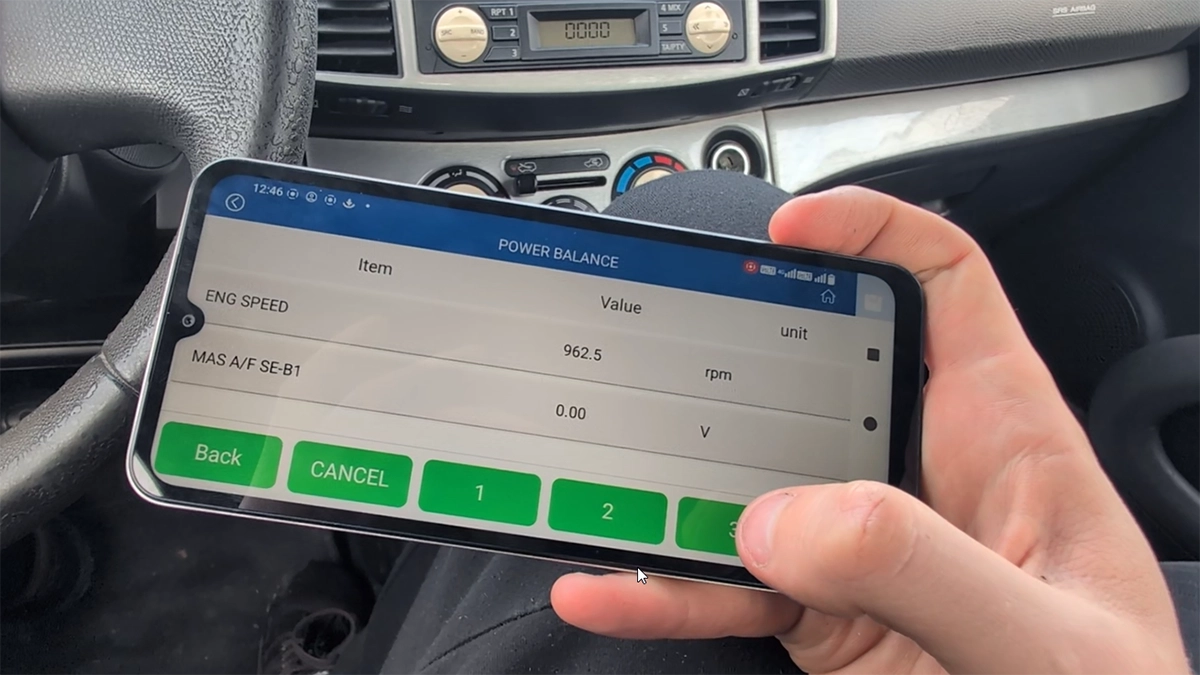
This guide shows how to perform a power balance test on Nissan Micra K12 using a budget OBD2 scanner. This test allows you to disable individual cylinders and monitor RPM drop to identify weak or non-functioning cylinders.
I earn from qualifying purchases and sometimes get tools for free (full disclosure). It never affects my scoring.
Used tool in this guide

Konwei Kdiag
Ultra-budget bi-directional full-system scanner.
Video: How to perform power balance test on Micra K12
This video shows how to access actuation tests and run a power balance test using KONWEI KDIAG on Nissan Micra.
Supported vehicles
| Vehicle |
|---|
| micra-k12 |
Technical overview
| Vehicle | Nissan Micra K12 |
|---|---|
| Year | ~2002–2010 |
| System | Engine control module |
| Procedure type | Actuation test |
| Difficulty | Easy |
| Time required | ~2–5 minutes |
| Prerequisites | Engine running |
Step-by-step procedure
Connect OBD2 scanner to the vehicle
Turn ignition ON and start the engine
Open diagnostic app (KDIAG)
Go to Professional Diagnostics
Select Nissan
Select the vehicle
Choose:
- Auto search or
- Manual model selection (Micra K12)
Enter Engine control module
Open Actuation Tests
Select Power Balance Test
Monitor engine RPM (baseline idle)
Use buttons for each cylinder
- Disable cylinder 1 / 2 / 3 / 4
- Observe RPM drop after each deactivation
How to interpret results
- Normal cylinder → noticeable RPM drop when disabled
- Weak cylinder → small RPM drop
- Dead cylinder → almost no RPM change
👉 This helps quickly identify:
- misfires
- injector issues
- ignition coil problems
Alternative tools
 ToolXTool A30MXToolOfficial website ›Check on Amazon ›Read review
  ToolMucar 892BTMucarOfficial website ›Check on Amazon ›Read review
 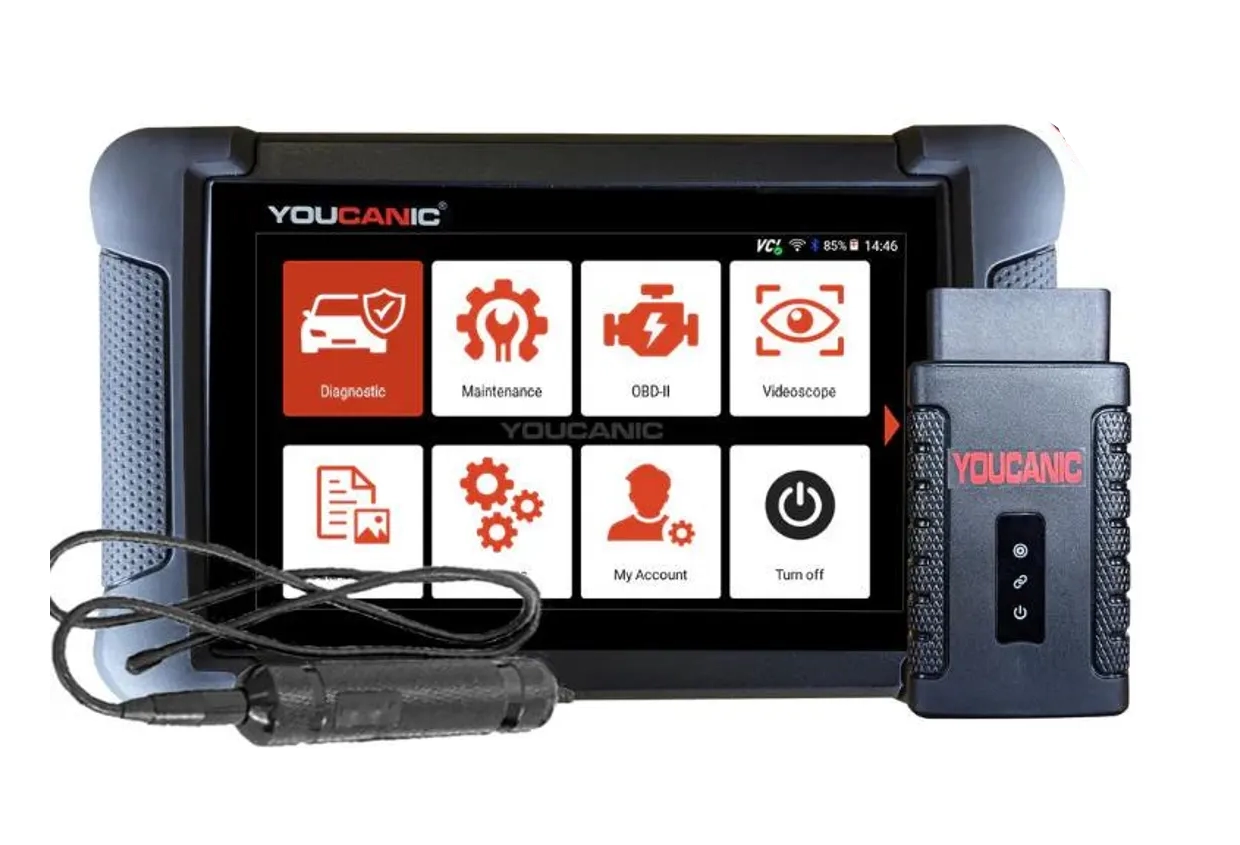 ToolYoucanic UCAN-II full-systemYoucanicOfficial website ›Read review
  RoundupThe 5 Bi-Directional Scanners I Actually Reach For (Out of 50+ Tested)Read the guide
 Legal & safety notice
This procedure modifies vehicle system settings through the control module. Incorrect use may cause faults or warning lights. Always ensure the vehicle is secured and follow proper safety procedures.
More procedures like this
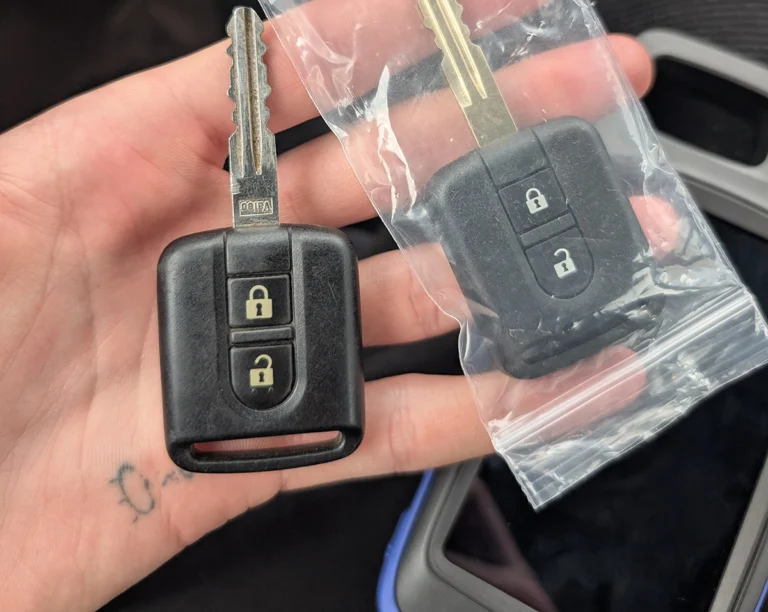
Nissan Micra K12 Key Programming (Add / Relearn Keys)
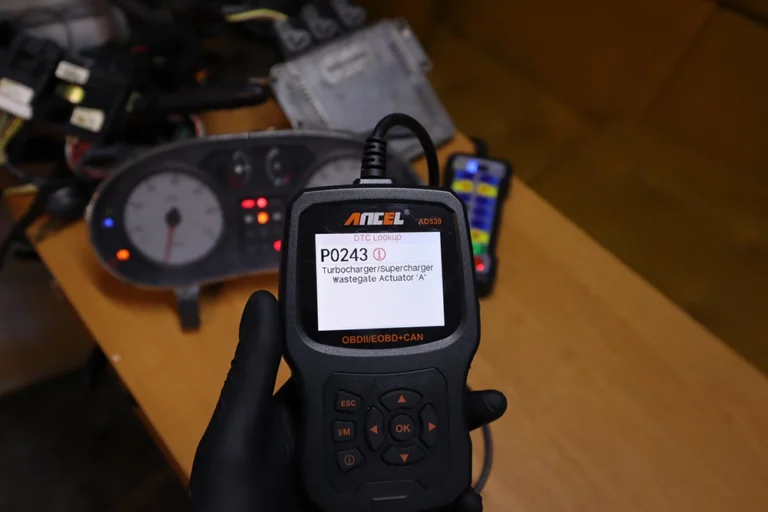
How to Test a Turbocharger With an OBD2 Scanner (Live Data Method)
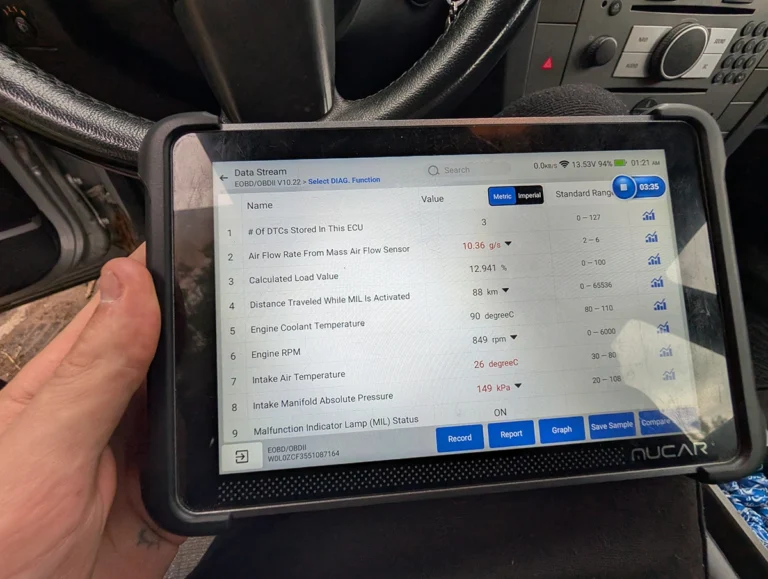
Opel Vectra C 2.2 DTI Limp Mode Fix: Stuck T-MAP Sensor Found With Live Data
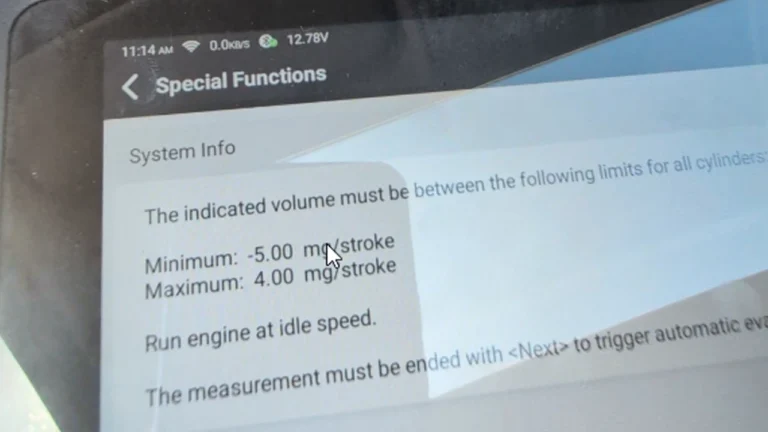
How to Check Fuel Injectors on BMW 5 Series E61 530d (2008) with OBD2 Scanner
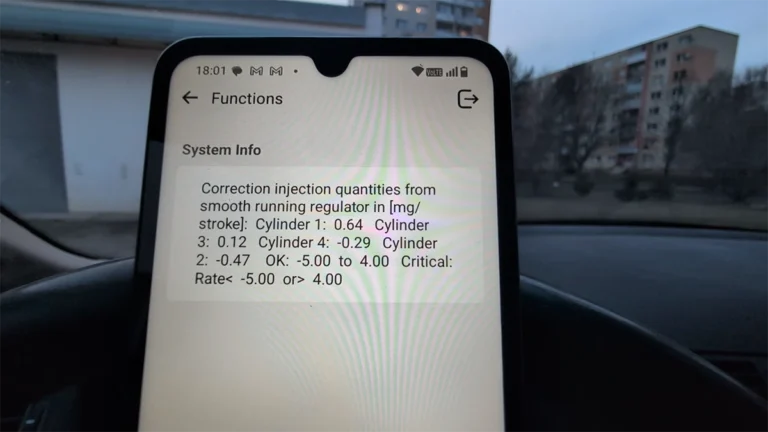
How to check diesel fuel injectors on BMW E46 using OBD2 scanner
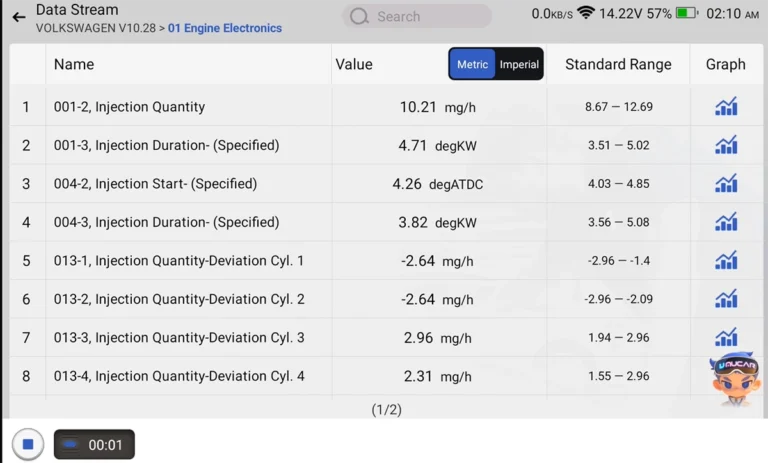
How to Check Diesel Fuel Injectors (VW / Audi / Skoda / Seat) Using OBD2 Scanner
Most popular OBD2 guides
My personal favourites

Best Overall
Most Popular

Bluetooth

Best Value

Free lifietime updates

Most versatile
Bi-Directional Scan tools (+mobile)

Juraj
I'm Juraj Lukacko and I work as an auto electrician. On this site I share what I learn from real work on real cars, to help you pick the right tools for diagnostics, programming and tuning and get the job done.
More about me →