 By Juraj · Last updated August 15, 2026
This guide shows how to program a new key for Nissan Micra K12 using an OBD2 diagnostic scanner.
There are two methods available:
- Glove box code method (works with budget scanners like XTool)
- Direct key programming (works with advanced tools like Autel IM608 without PIN code)
Both methods will erase all stored keys and relearn them again.
I earn from qualifying purchases and sometimes get tools for free (full disclosure). It never affects my scoring.
Used tools in this guide
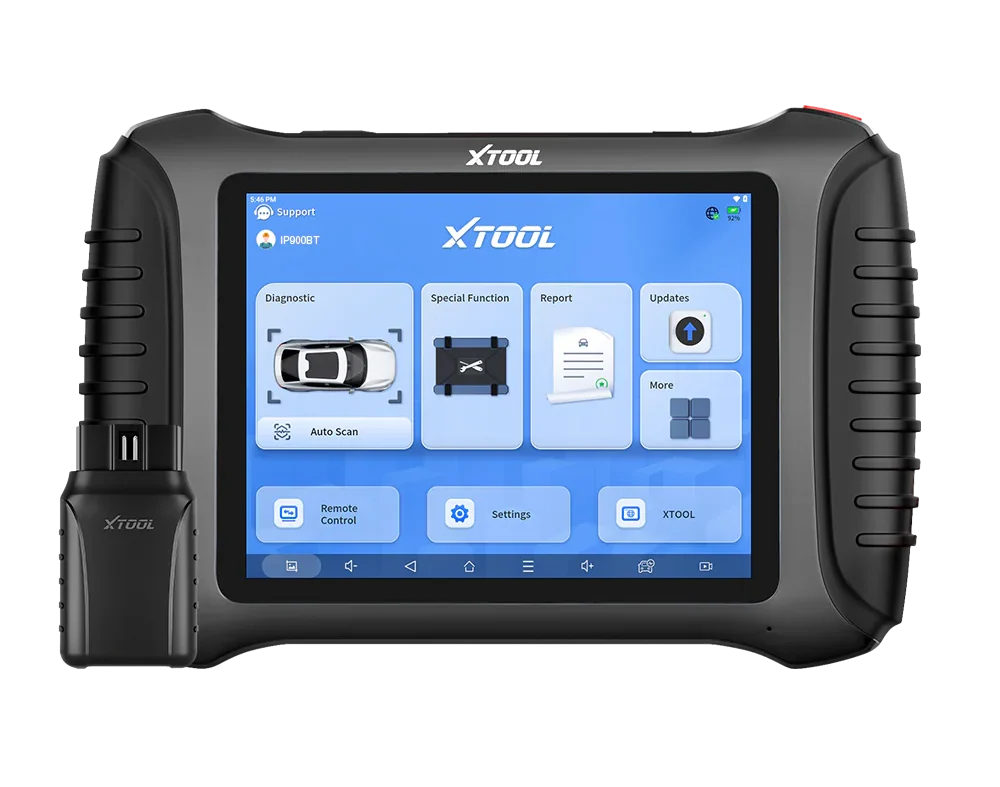

XTool IP900BT needs the glove box code. Autel IM608 works without it.
Video: How to program Nissan Micra K12 key (glovebox method)
This video shows the full process of programming a new key for Nissan Micra K12 using an OBD2 scanner and the glove box code method.
Supported vehicles
| Vehicle |
|---|
| micra-k12 |
Technical overview
| Vehicle | Nissan Micra K12 |
|---|---|
| System | Immobilizer |
| Procedure type | Key programming |
| Difficulty | Medium |
| Time required | ~5 minutes |
| Prerequisites | At least one working key, new key cut to vehicle |
Step-by-step procedure
Choose your method
There are two ways to program a key on Nissan Micra K12 depending on the diagnostic tool used.
Method 1 – Glove Box Code (Budget method)
Requires reading the code from the glove box and entering it into the scanner.
Method 2 – Direct Programming (Advanced method)
No glove box code required. The scanner handles security access automatically.
| Method | Tool | PIN required | Difficulty | Time |
|---|---|---|---|---|
| Glove Box Code | XTool / budget scanners | ✅ Yes | Medium | ~10 min |
| Direct Programming | Autel IM608 / IM508 | ❌ No | Easy | ~3–5 min |
Check the new key before you start
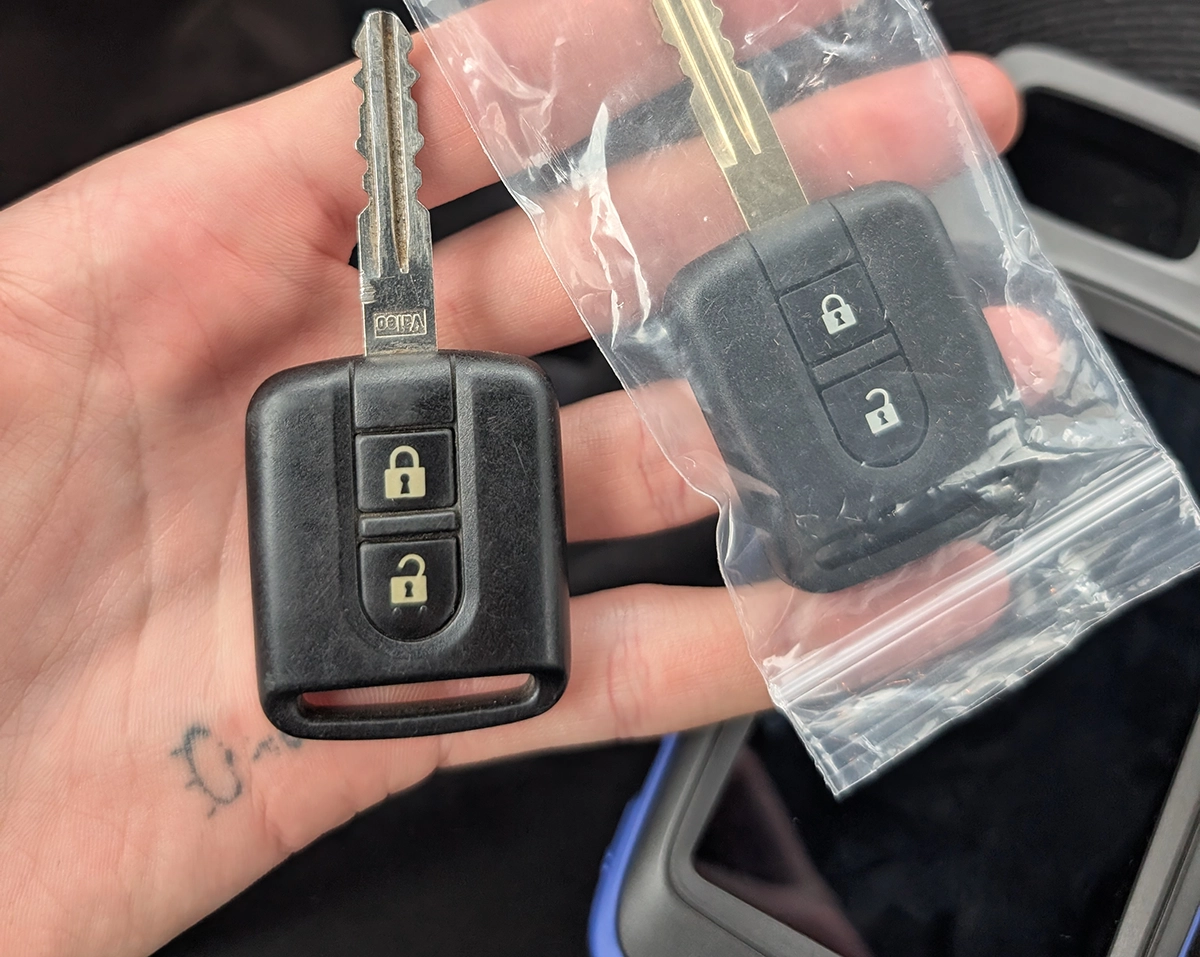
When buying a replacement key for Nissan Micra K12, make sure it has:
- 433 MHz frequency
- PCF7946A chip
- Hitag 2 / ID46 immobilizer
- compatible PCB marked 5WK4 876 or 5WK4 818
- key blade that can be cut to match the original key
Notes about programming
This type of key uses a combined remote + transponder chip (PCF7946A).
That means:
- remote locking is programmed automatically
- immobilizer chip is programmed during the same key learning procedure
No separate remote pairing is required.
Tested key used in this procedure: https://s.click.aliexpress.com/e/_c4dOBUtN
Method 1: Glove box code (XTool / budget scanners)
-
Insert the original key into the ignition and switch ignition ON.
-
Open the diagnostic scanner and navigate to:
Special Functions → IMMO → Nissan → Free PIN Code
This function allows programming keys without manually calculating the immobilizer PIN.
-
The scanner will ask for the Glove Box Code.
Locate the 12-digit code on the sticker inside the glove box.
Use the middle number from the sticker.
Enter the code into the scanner.
-
Follow the instructions on the scanner screen.
Insert the key and switch ignition ON, then press OK.
-
The scanner will ask:
“Is the immobilizer indicator off?”
If the immobilizer light is no longer flashing, select YES.
-
Switch ignition OFF when requested and press OK.
-
The scanner will ask if you want to program another key.
Insert the new key, switch ignition ON, and confirm.
Repeat the process for each key.
-
After the last key is programmed, the scanner will display:
Programming complete
Turn ignition off and test all keys.
Method 2: Direct key programming (Autel IM608, no PIN)
This method uses an advanced key programming tool (Autel IM608) which can perform key learning without requiring the glove box code.
The tool automatically handles immobilizer security access, making the process faster and easier.
https://vimeo.com/1178016624/858a7346b6
-
Connect the diagnostic tool and select automatic vehicle detection.
-
Navigate to:
IMMO → Nissan → Key Learning -
Follow on-screen instructions:
- Turn ignition OFF
- Turn hazard lights ON
- Open and close the driver door once
-
Insert the key to be programmed and turn ignition ON.
Wait approximately 5 seconds.
-
Confirm that the security indicator light turns OFF.
If yes, continue.
-
Turn ignition OFF and remove the key.
-
Insert the next key and repeat the process.
-
After programming all keys, finish the process.
The tool will display:
Learning completedAfter programming:
- Test remote locking/unlocking
- Start the engine with each key
- Ensure both keys are fully functional
Additional information & compatibility notes
Why advanced tools make this easier
When using budget scanners, key programming depends on having the correct glove box code.
If the code is missing, the procedure cannot be completed.
Advanced tools like Autel IM608 can bypass this requirement by handling immobilizer authentication automatically.
This makes the process:
- faster
- more reliable
- possible even without additional codes
In practice, this can turn a failed job into a quick 5-minute procedure.
- Supported years: ~2003 – 2010
This procedure performs a full key relearn.
When the process starts:
- All previously stored keys are erased
- Every key must be programmed again during the same session
If a key is not relearned, it will no longer start the vehicle.
Some scanners may also support PIN code programming instead of glove box code, but the glove box method is the easiest for most vehicles.
Alternative tools


Legal & safety notice
More procedures like this
Nissan Micra K12 Power Balance Test with OBD2 Scanner
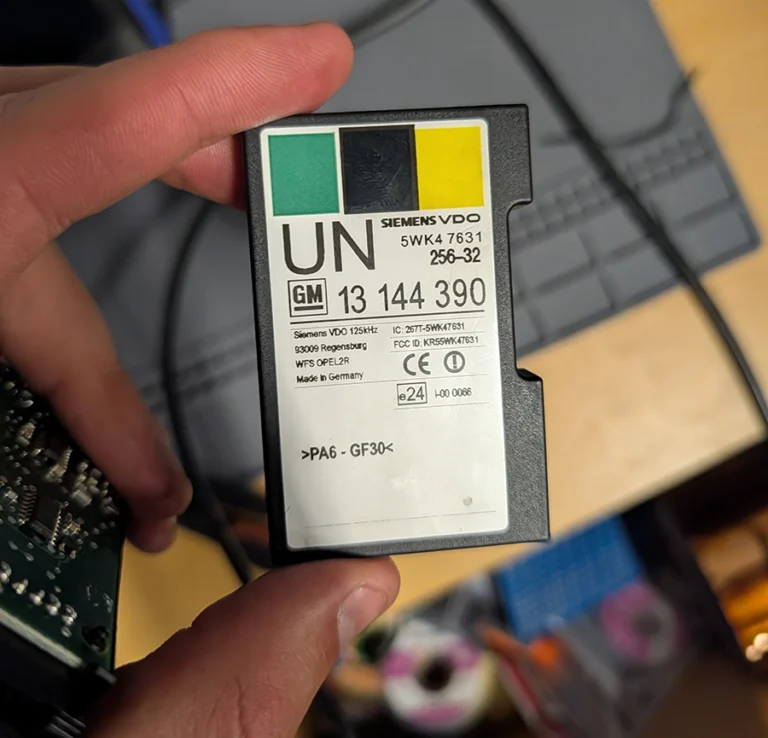
How to Read the Immo Code (Car Pass) from an Opel / Vauxhall Immo 2
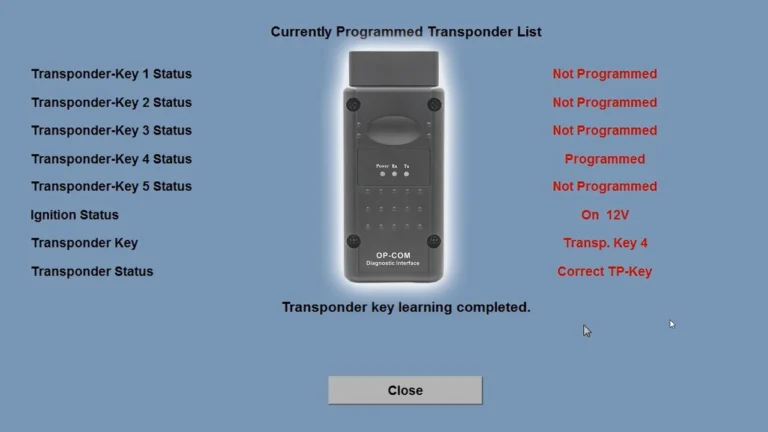
Opel Corsa C 2006 Key Programming steps with Opcom
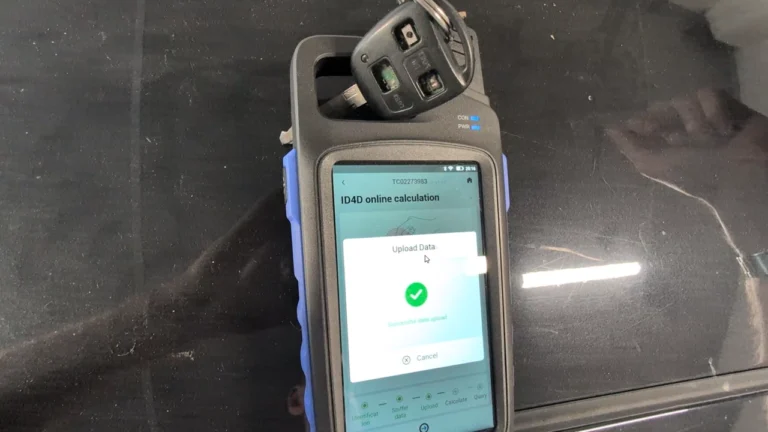
Toyota Avensis 2006 Add new key/Key Cloning: Car Starts, Remote Doesn’t (Full Job)
How to Add a Key / Perform AKL on BMW E46
Honda FRV 2006 Key programming / Add new key
Most popular OBD2 guides







I'm Juraj Lukacko and I work as an auto electrician. On this site I share what I learn from real work on real cars, to help you pick the right tools for diagnostics, programming and tuning and get the job done.
More about me →