 By Juraj · Last updated July 7, 2026
This guide shows how to find which sensor is causing diesel limp mode when the scanner throws several intake-side codes at once, using live data graphs.
I earn from qualifying purchases and sometimes get tools for free (full disclosure). It never affects my scoring.
Used tool in this guide

Video
The video shows every menu step and the values moving live. The written procedure below is complete on its own.
Technical overview
| Vehicle | Opel Vectra C 2.2 DTI |
|---|---|
| Year | 2005 |
| System | Engine management, intake side (T-MAP + MAF) |
| Procedure type | Diagnostics with live data |
| Difficulty | Medium |
| Time required | ~30 to 45 min |
| Prerequisites | Scanner with generic OBD live data + graphing, contact cleaner |
Step-by-step procedure
Read codes
Full system scan returned a cluster of intake-side codes at once: MAP / boost pressure, intake air temperature, and MAF.
Several intake sensors flagged together usually points to one shared cause, not several dead sensors. Do not order parts yet.
Full-system live data frozen
Live data through the full system (manufacturer) menu sat frozen, values not updating.
Switch to Global OBD live data
Back out, open Global OBD (generic EOBD, Mode 1) live data. Values flow.
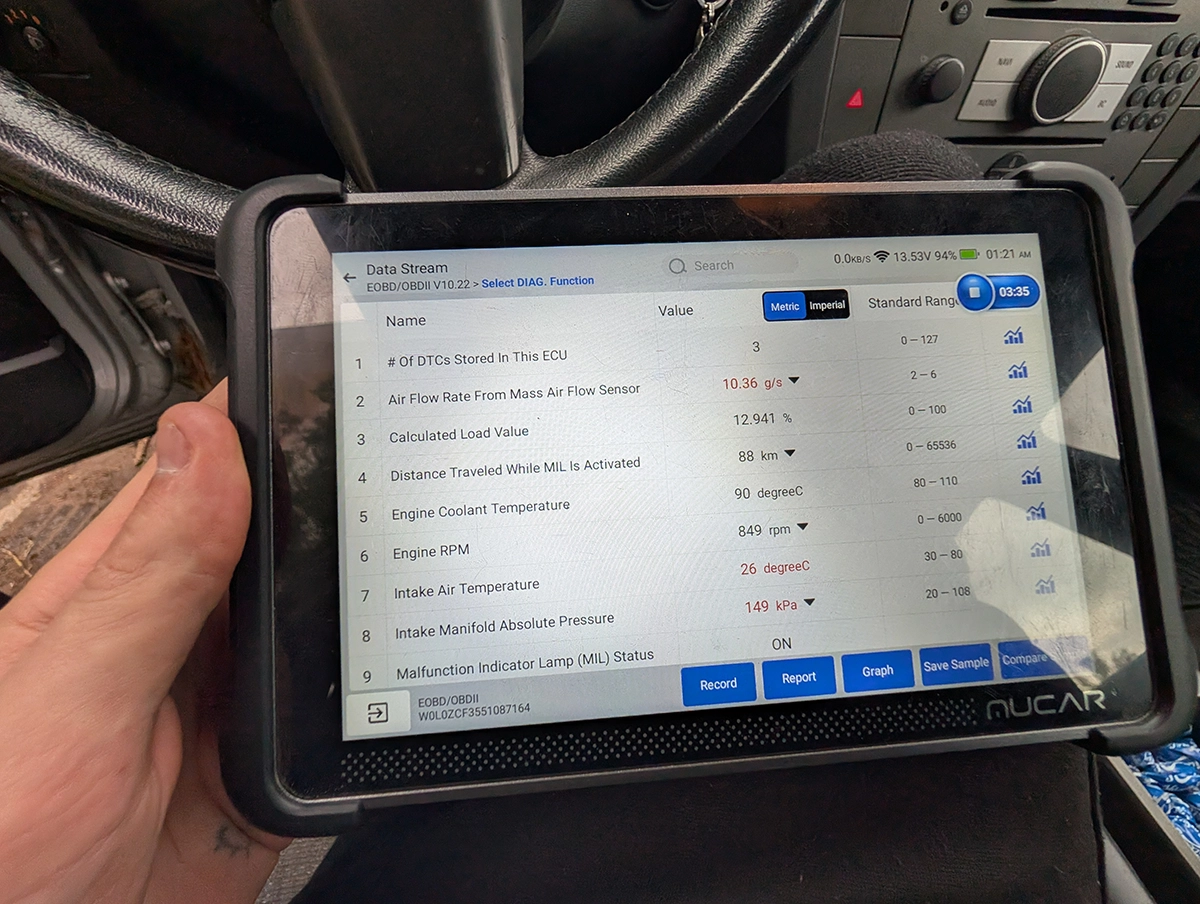
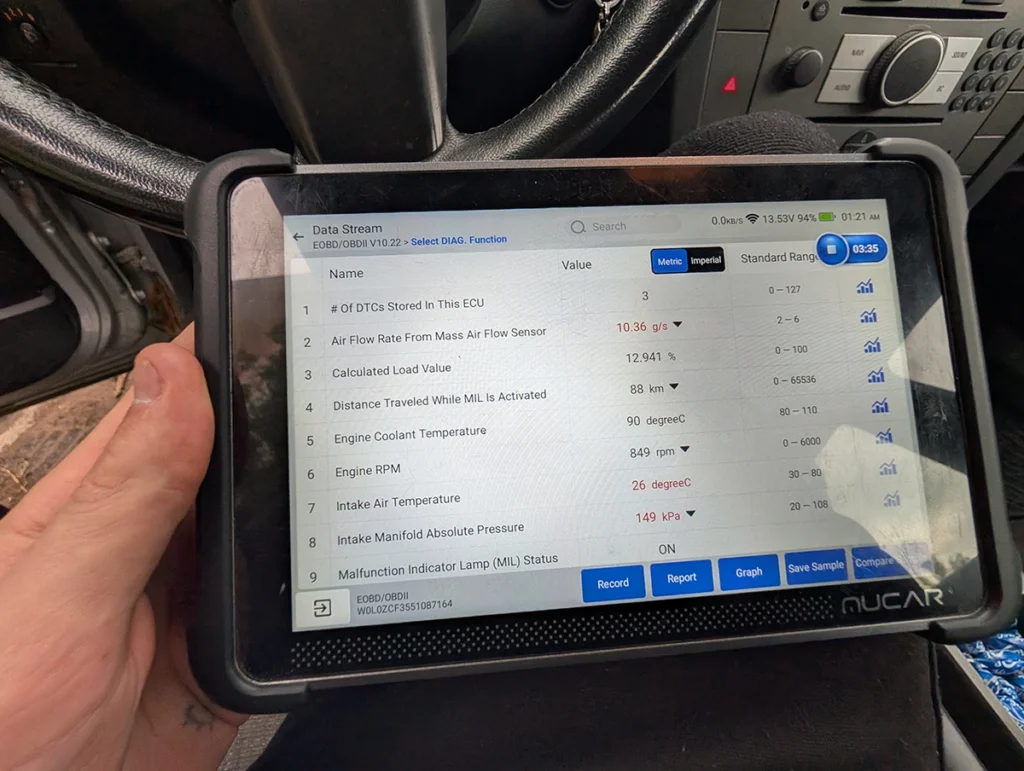
At idle: MAF 10.36 g/s (range 2 to 6), MAP 149 kPa (range 20 to 108). Both red. 149 kPa at idle is impossible (atmosphere is ~100 kPa).
Graph MAF vs RPM
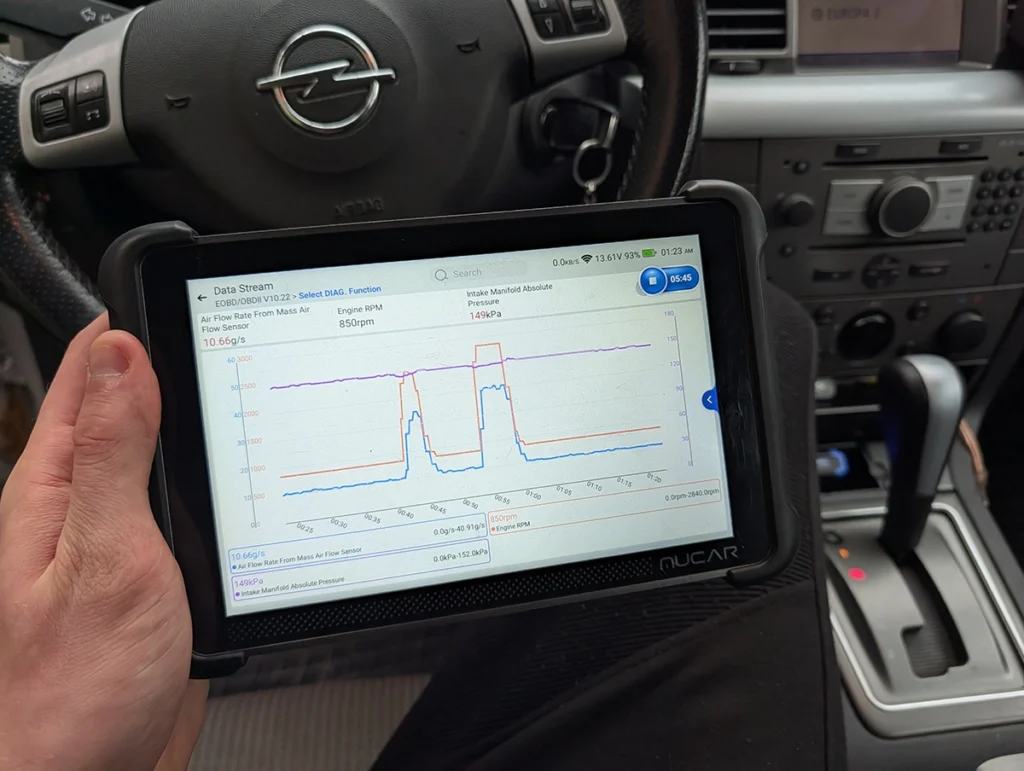
Put MAF and RPM on one graph, blip the throttle. MAF tracks RPM: up on revs, down at idle. MAF is healthy and comes off the suspect list, code or no code.
Add MAP to the graph
Add Intake Manifold Absolute Pressure to the same graph, blip the throttle. MAP stays flat around 149 kPa and does not react to the pedal while MAF and RPM jump.
Stuck, implausible MAP is the fault. ECU sees airflow from MAF but boost from MAP that is not physically there, plausibility check fails, engine drops to limp.
Unplug the sensor, count pins
Unplug the MAP connector: 4 pins. Four pins means a combined T-MAP (pressure + intake air temp in one body), which is why the intake-temp code sat next to the MAP/boost code. Same sensor.
Clean and reseat
Clean the sensor and connector pins with contact cleaner, reseat the plug until it clicks. On these years an oxidised or intermittent contact alone makes the sensor read garbage.
Clear codes and test drive
Clear codes, drive under load (repeated high-RPM pulls outside town). MAP now tracks RPM, no limp, no codes return.
Additional information & compatibility notes
- Fault: Limp mode, intake-side plausibility codes
Alternative tools
Legal & safety notice
More procedures like this
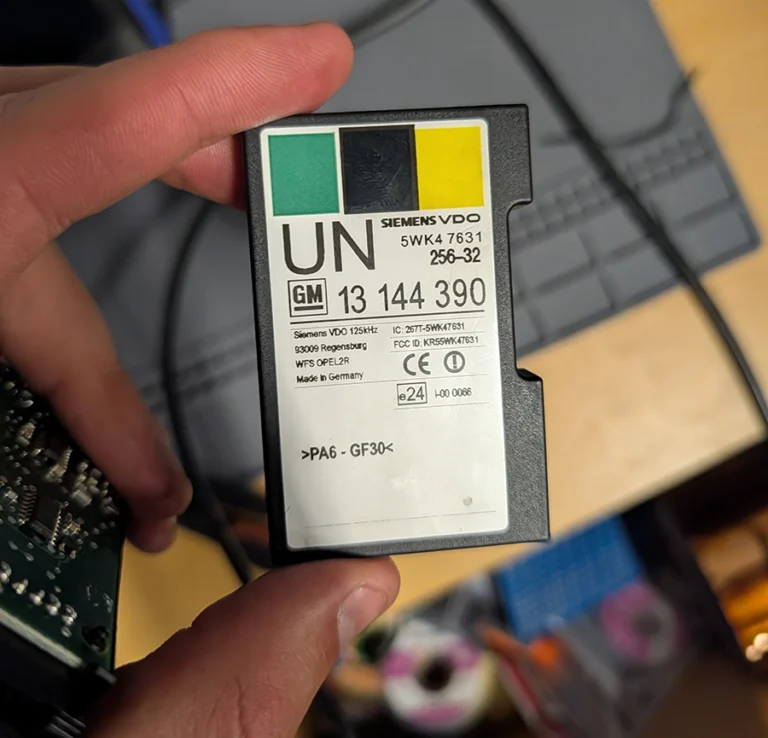
How to Read the Immo Code (Car Pass) from an Opel / Vauxhall Immo 2
Opel Corsa C 2006 Key Programming steps with Opcom
Opel Corsa C 2006 Instrument Cluster Swap and Programming
How to Check Diesel Fuel Injectors (VW / Audi / Skoda / Seat) Using OBD2 Scanner

Thinkscan 689BT and Mucar 892BT: Set a Custom Wallpaper With Your Own Logo
How to Test a Turbocharger With an OBD2 Scanner (Live Data Method)
Most popular OBD2 guides







I'm Juraj Lukacko and I work as an auto electrician. On this site I share what I learn from real work on real cars, to help you pick the right tools for diagnostics, programming and tuning and get the job done.
More about me →