
Published: November 24, 2024 · Last updated: June 1, 2026
Two hundred dollars is the sweet spot where budget scanners stop being toys. This is the bracket where you start getting full-system access, real bidirectional control, and coding that genuinely competes with tablets costing two or three times more.
But it’s also where the marketing gets loudest, and where a few tools coast on a brand name while doing less than a $60 adapter. I ran a stack of them on real cars to sort the ones that punch above their price from the ones that just look the part.
Here’s what earned a spot, what each one is actually for, and which to walk past.
I earn from qualifying purchases and sometimes get tools for free (full disclosure). It never affects my scoring.
Quick picks – best OBD2 scanners under $200

XTool A30M 9.1 / 10
Best overall value for money for Bluetooth OBD2 scanner.
- ✓Amazing value for money
- ✓Adapter has built-in flashlight to help you see obd2 port
- ✓One of my personal favourite tools
- ✓Free updates
- ✕Can only use landscape mode

Thinkdiag2 8.5 / 10
most advanced bluetooth OBD2 scanner for smartphone users with full-system access and coding
- ✓Most advanced scanner to use with smartphone
- ✓1-year free updates/subscription
- ✓Can unlock hidden features in many brands
- ✓Never failed to connect (I am using it for 4 years already)
- ✓Comparable to $400-600 scan tool tablets
- ✕Yearly subscription

Thinkcar Thinkscan 662 5.9 / 10
4-system scanner with bidirectional identical to Dollarfix DF65 at a very affordable price
- ✓Identical to Dollarfix DF65
- ✓4-system bi-directional
- ✓Very affordable
- ✕Not a full-system scanner
- ✕Limited reset functions

OBDLink MX+ 6.8 / 10
best one adapter to connect to literally hundreds of different diagnostic and coding apps/laptop software
- ✓Clean app
- ✓Fast adapter
- ✓Wide range of software to pair
- ✕Too expensive just for basic engine diagnostics - buy if you have specific software to use it with in mind
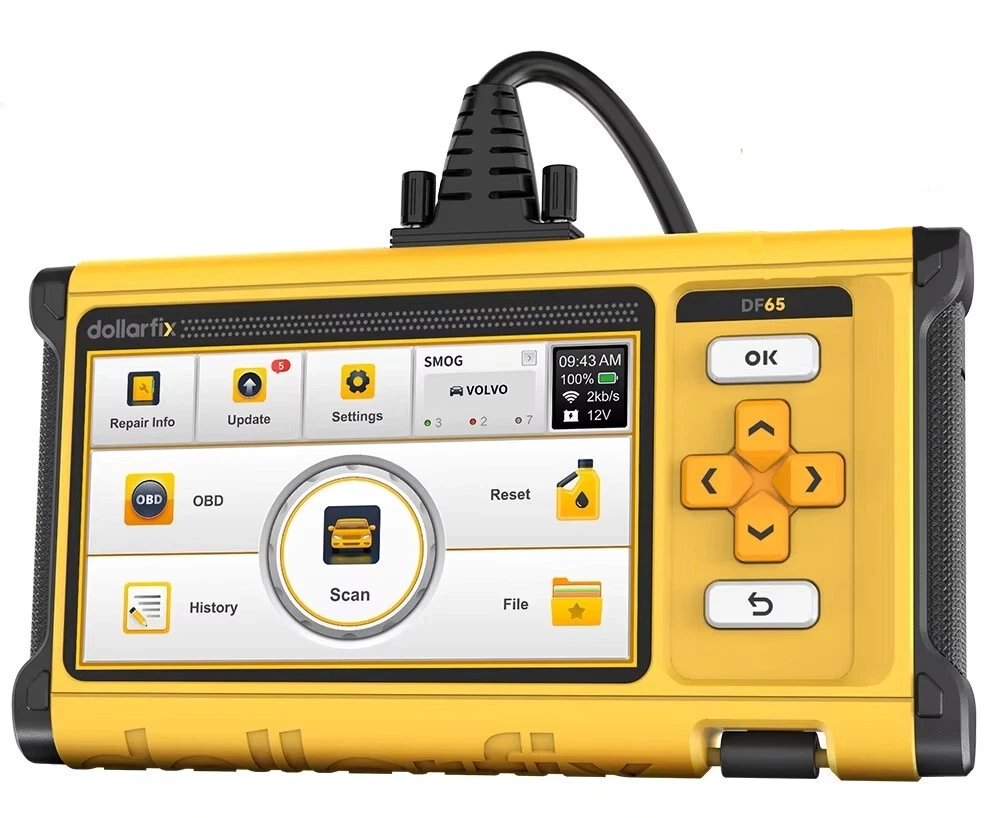
Dollarfix DF65 6 / 10
budget 4-system scanner with real bidirectional tests offering surprising value at its price point
- ✓4-system bidirectional at budget price
- ✓Same platform as ThinkScan 662
- ✓No subscription
- ✕Not full-system
- ✕Limited service resets
- ✕Basic interface
XTool A30M
Thinkdiag2
Thinkcar Thinkscan 662
OBDLink MX+
Dollarfix DF65

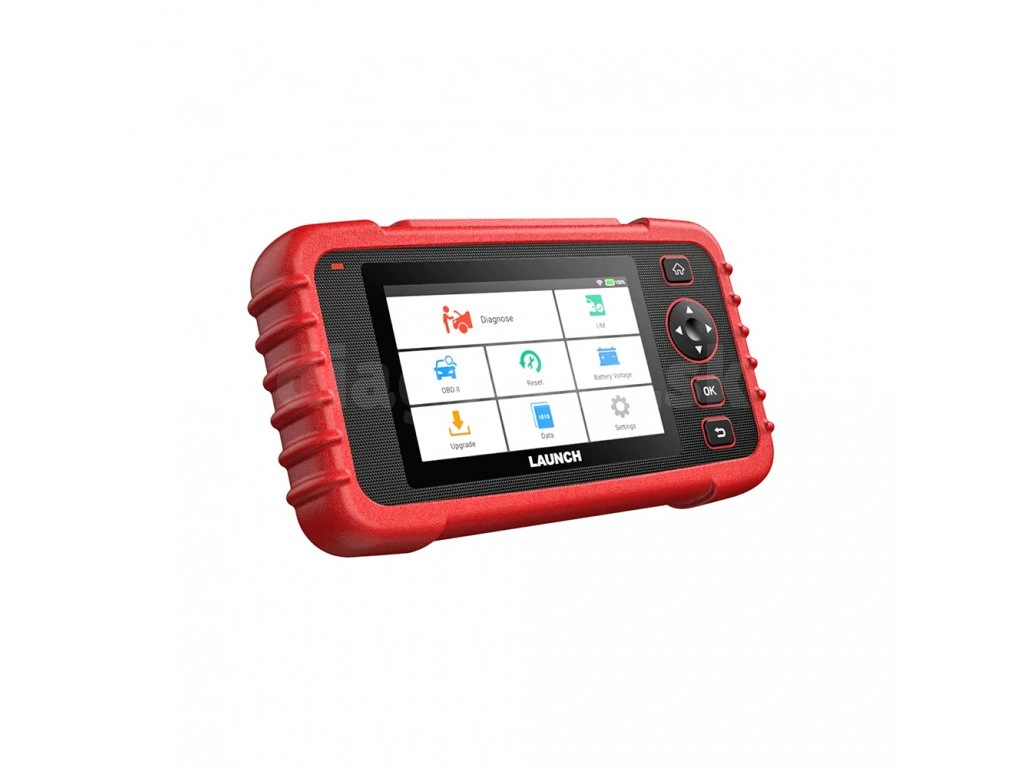
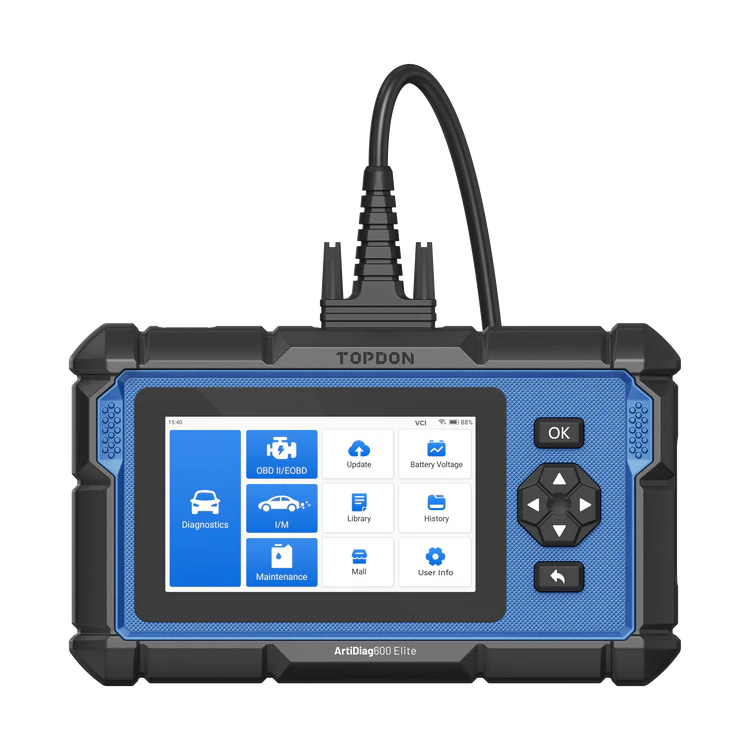
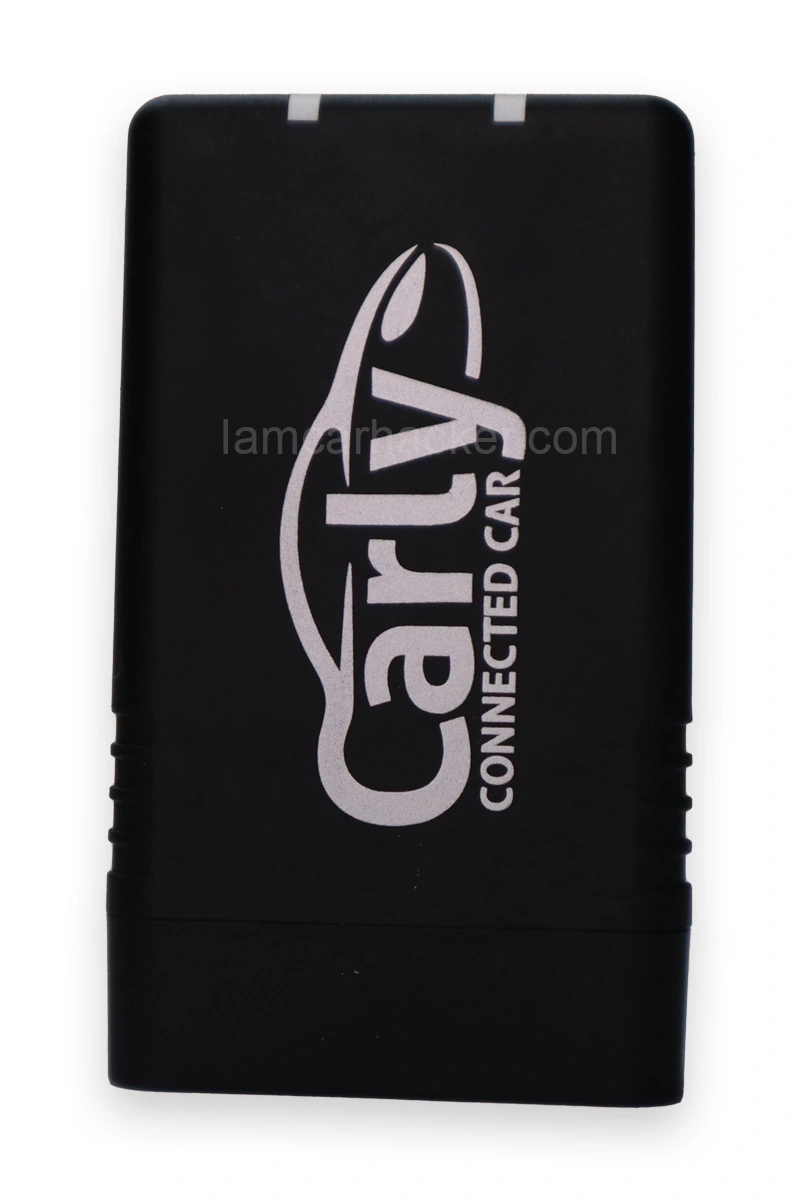
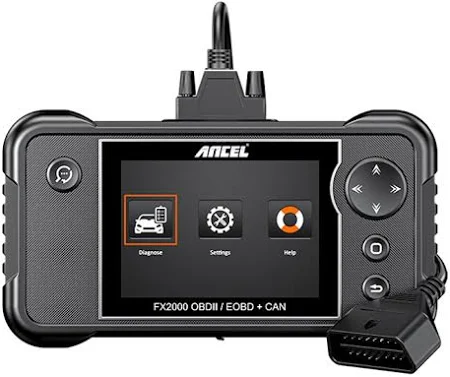
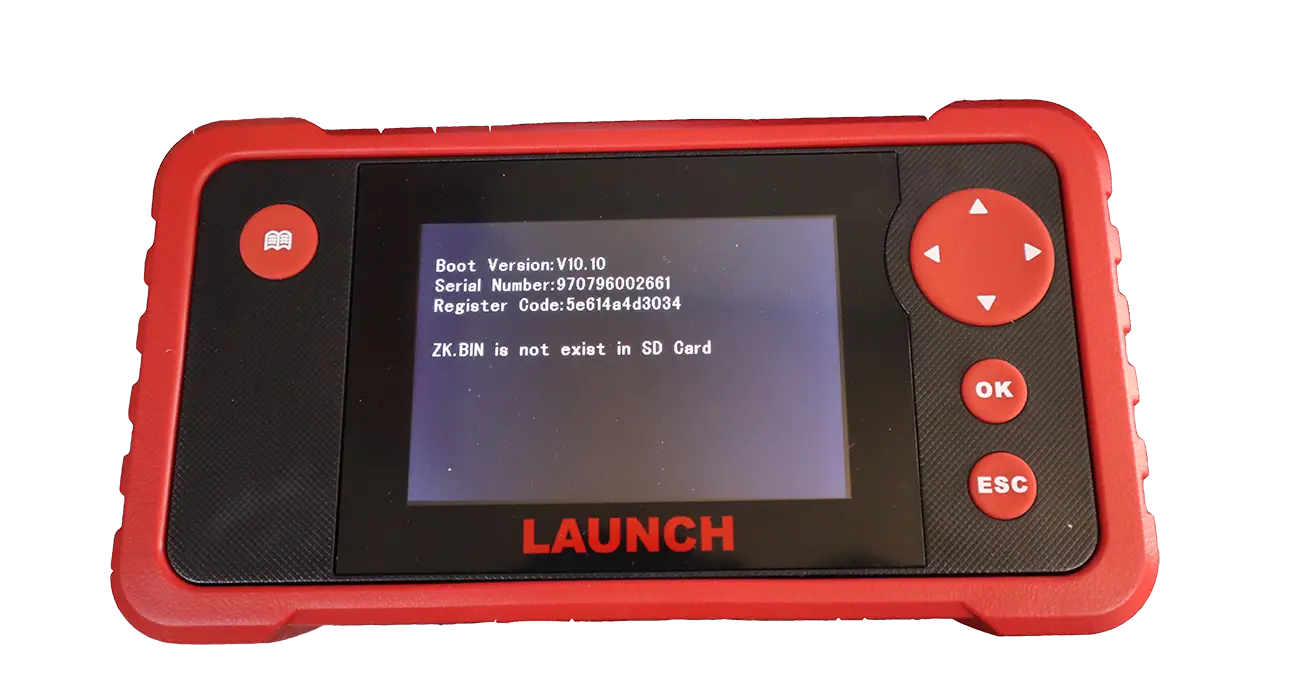
Five tools made this list, but they’re not interchangeable. Different jobs, different buyers. Here’s how I actually rank them and who each one’s for.
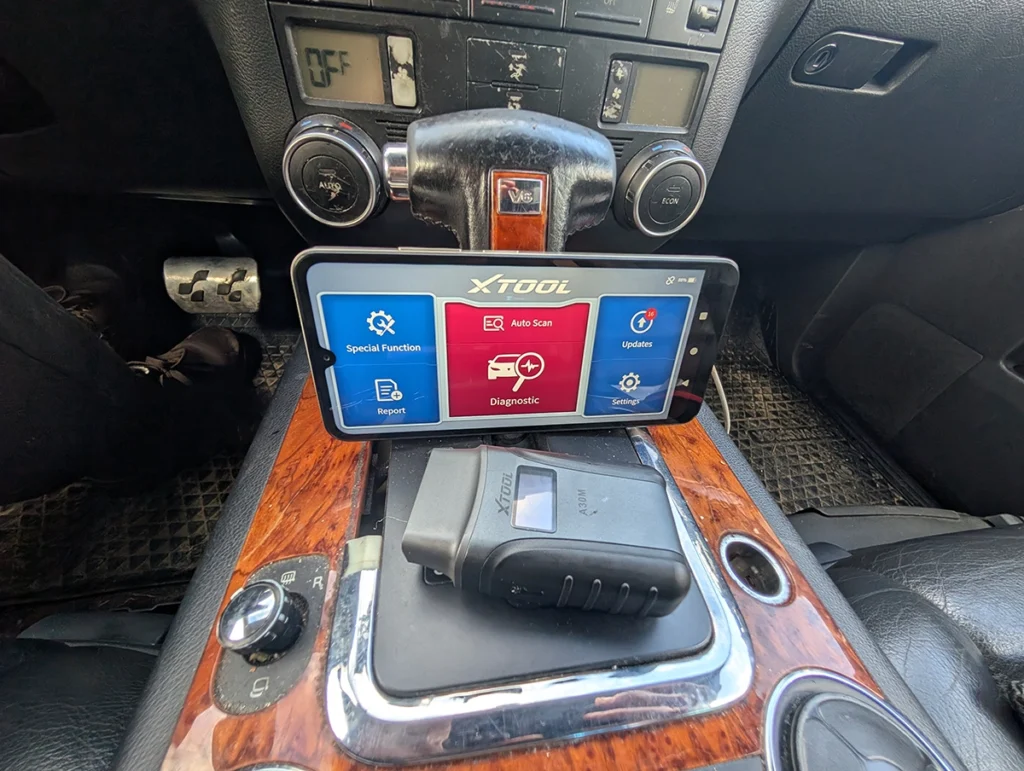
The XTool A30M is my value pick, and it’s not close. It scored a 9.1 in my testing, the highest on this page, and it’s one of my personal favourite tools full stop. Around $140 gets you full-system access, solid bidirectional, free lifetime updates, and a build that feels better than the price. There’s even a flashlight in the adapter so you can actually find the OBD port under the dash. The only thing that mildly annoys me is it’s landscape-only on the phone. That’s the whole list of complaints.
→ Read full review of XTool A30M
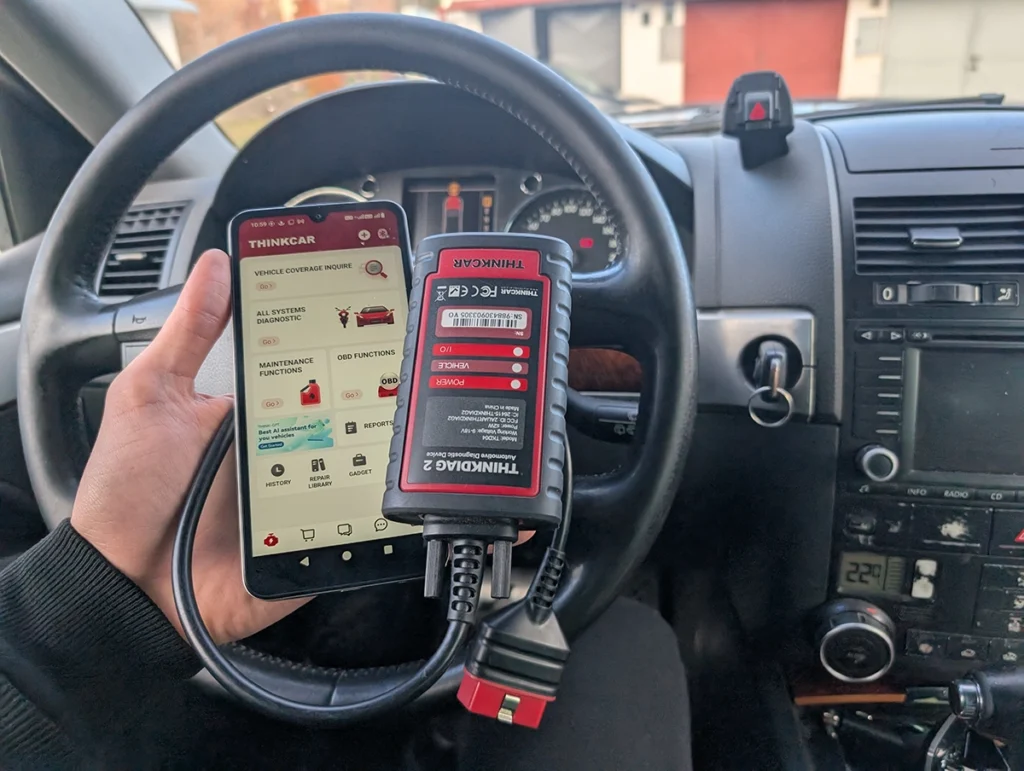
The Thinkdiag2 is the one I’d pick for features, and I can vouch for it the long way: I’ve been running it for four years and it has never once failed to connect. That reliability is the headline. It’s the most capable smartphone-based tool here, full-system, coding, the ability to unlock hidden features across a lot of brands, genuinely comparable to $400 to $600 tablets. The catch is the yearly subscription after the first free year. If you’ll use it enough, it’s worth it. If you scan twice a year, it isn’t.
→ Read full review of Thinkdiag2

The OBDLink MX+ is the most popular adapter here, but buy it for the right reason. As a basic engine scanner it’s overpriced, and my diagnostic score reflects that. What it actually is, is the best bridge adapter on the market: fast, rock-solid build, a clean app, and it pairs with hundreds of diagnostic and coding programs and laptop software. So the rule is simple. Don’t buy the MX+ to read codes. Buy it when you already have specific software in mind that you want a reliable adapter for. In that role nothing beats it.
→ Read full review of OBDLink MX+
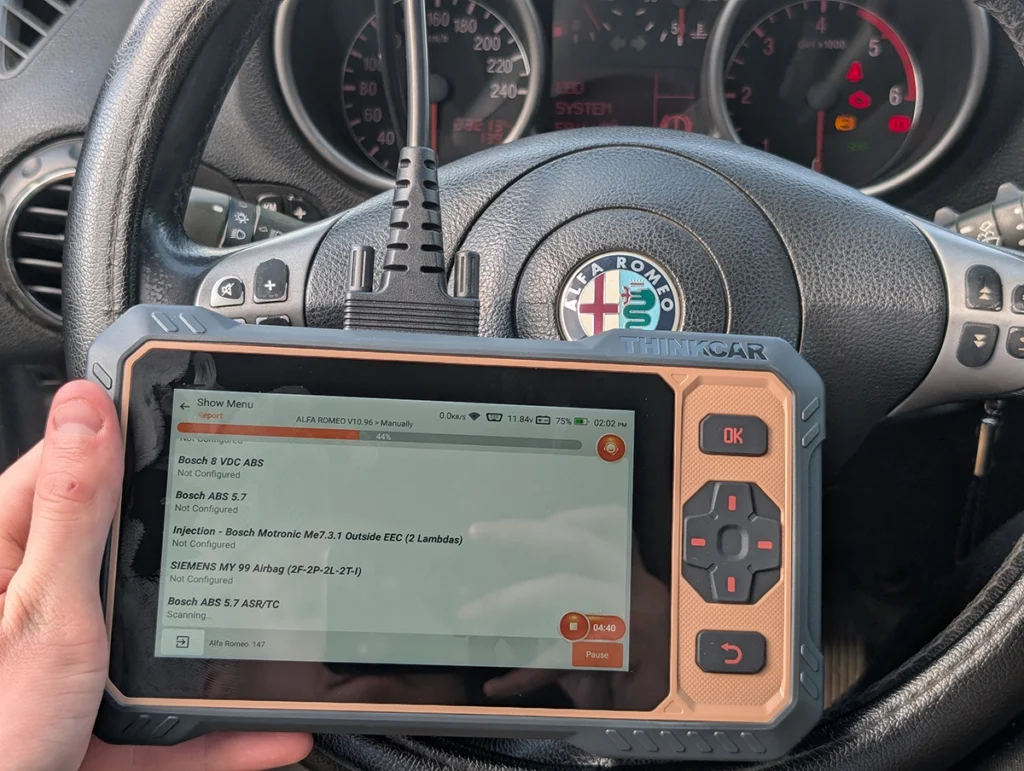
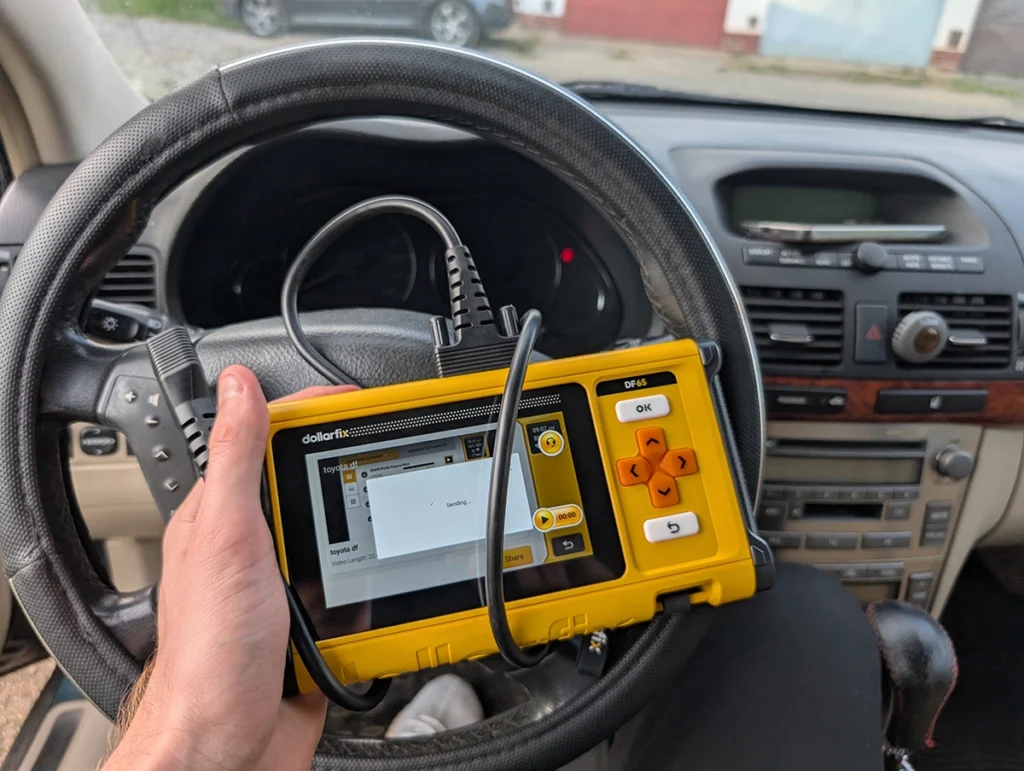
The ThinkScan 662 and the Dollarfix DF65 are almost the same tool wearing two badges, so I’ll cover them together. Both are 4-system scanners with real bidirectional tests at a budget price, and both are honestly the entry point, not the destination. They’ll read engine, transmission, ABS and airbag and command a few tests, with no subscription. What they won’t do is full-system access or a deep reset list. I’d hand one to a beginner who wants real bidirectional on a tight budget and knows they’re getting four systems, not the whole car. Pick whichever is cheaper on the day, they’re the same platform underneath. → Read full review of ThinkScan 662
One thing worth saying about this whole bracket: the software decides the tool, not the hardware. Most of these adapters can physically talk to your car fine. What separates a 9.1 from a 6.0 is how many systems the app unlocks, how good the bidirectional coverage is on your specific car, and whether you’re renting it through a subscription or owning it outright. So check coverage for your exact make, model and year before you buy, not just the brand on the box.
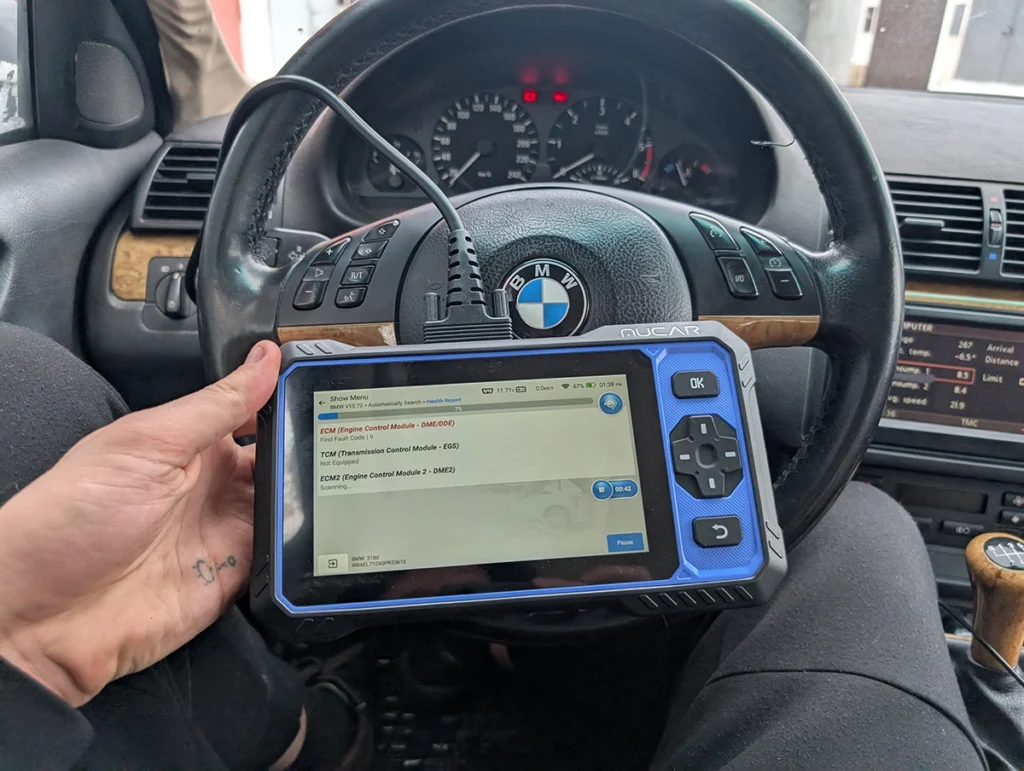
If you can stretch your budget a little, the Mucar 682 is the one I’d reach for next. It lands around $260, just over the limit for this list, but for that you get a full-system bidirectional tablet with free lifetime updates and no subscription, which is rare at this price. If the extra sixty bucks isn’t a dealbreaker, it’s the natural step up from everything here.
→ Read full review of Mucar 682
And when would I skip everything here? If you only ever read the odd check engine light, this is more tool than you need, a $60 adapter from my under-$100 list does that. The tools on this page earn their money the moment you want full-system access, bidirectional control, or coding. If you don’t need those three things, don’t pay for them.
Most popular OBD2 guides







I'm Juraj Lukacko and I work as an auto electrician. On this site I share what I learn from real work on real cars, to help you pick the right tools for diagnostics, programming and tuning and get the job done.
More about me →