
Published: April 17, 2023 · Last updated: June 5, 2026
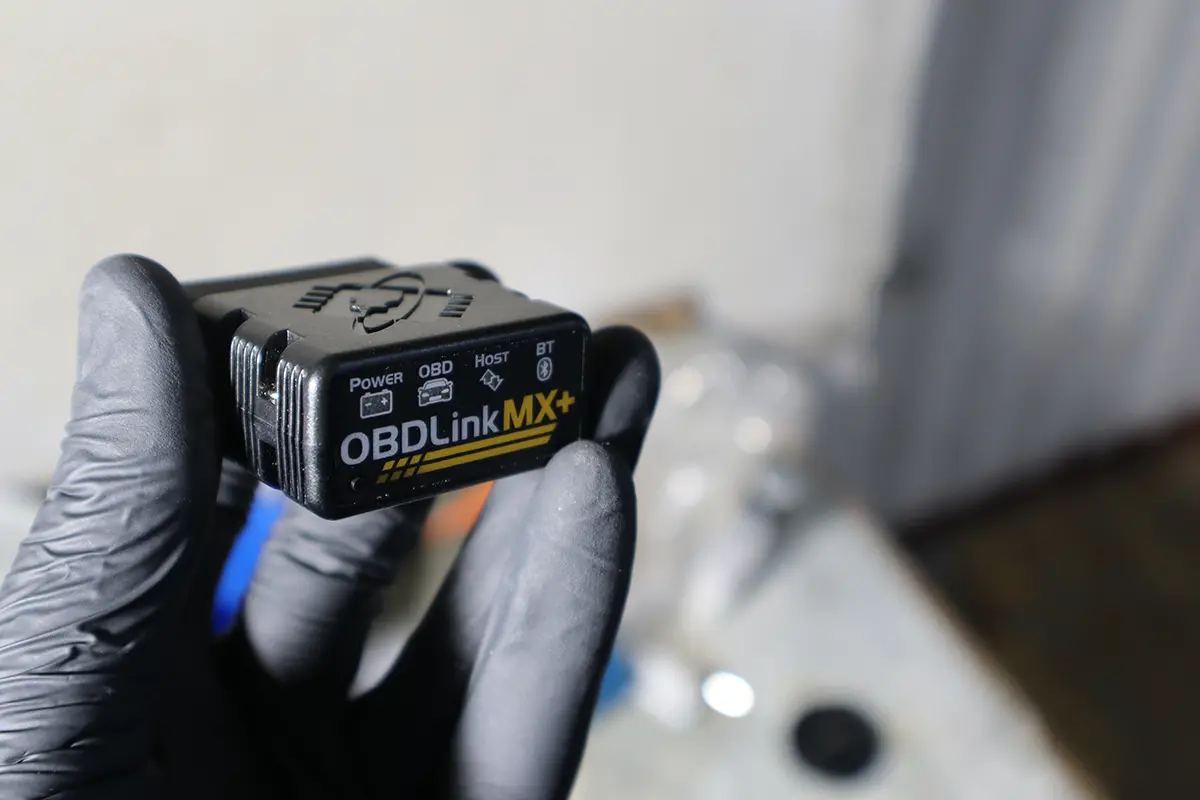
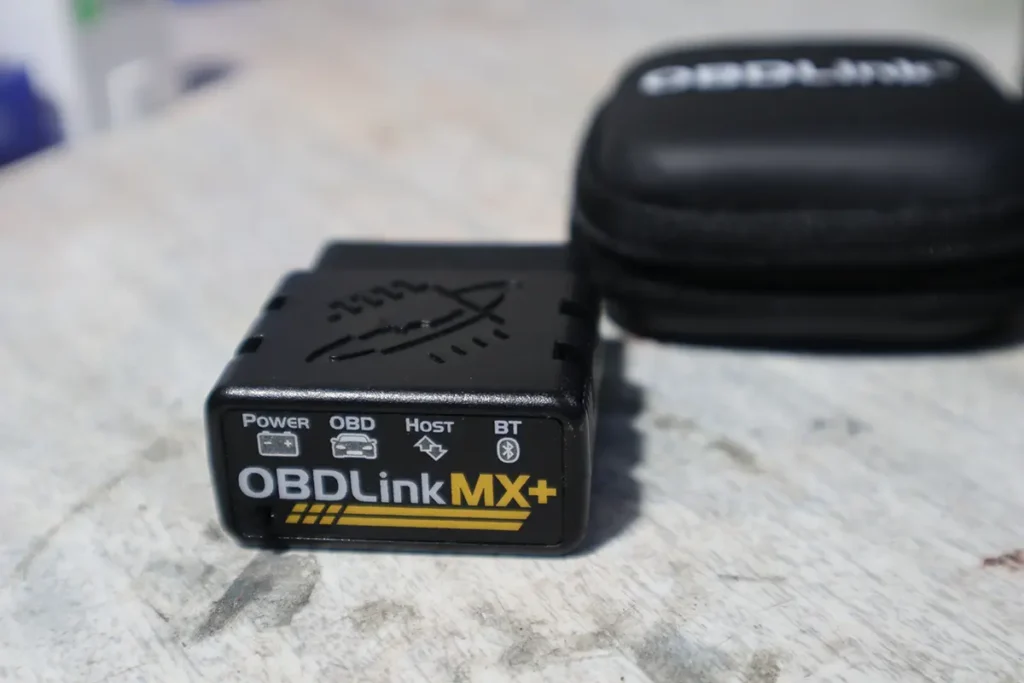
The OBDLink MX+ is one of the best Bluetooth OBD2 adapters: very fast, works with hundreds of apps and laptop software, has a sleep function to protect your battery, and supports every OBD2 protocol. I tested it across cars and software. It’s the fastest ELM327 adapter I’ve measured and one of the few that connects to a laptop as well as a phone, but it’s expensive, so only buy it if you have specific software in mind. Read on.
I earn from qualifying purchases and sometimes get tools for free (full disclosure). It never affects my scoring.
OBDLink MX – My Quick Rating

OBDLink MX+
The OBDLink MX+ is best one adapter to connect to literally hundreds of different diagnostic and coding apps/laptop software.

- Clean app
- Fast adapter
- Wide range of software to pair
- Too expensive just for basic engine diagnostics - buy if you have specific software to use it with in mind
Scores
Specs
| Tool type | Standalone device |
| User level | Beginner friendly |
| Vehicle focus | All makes |
| Free updates | Lifetime |
| Subscription | Not required |
What it’s actually good at
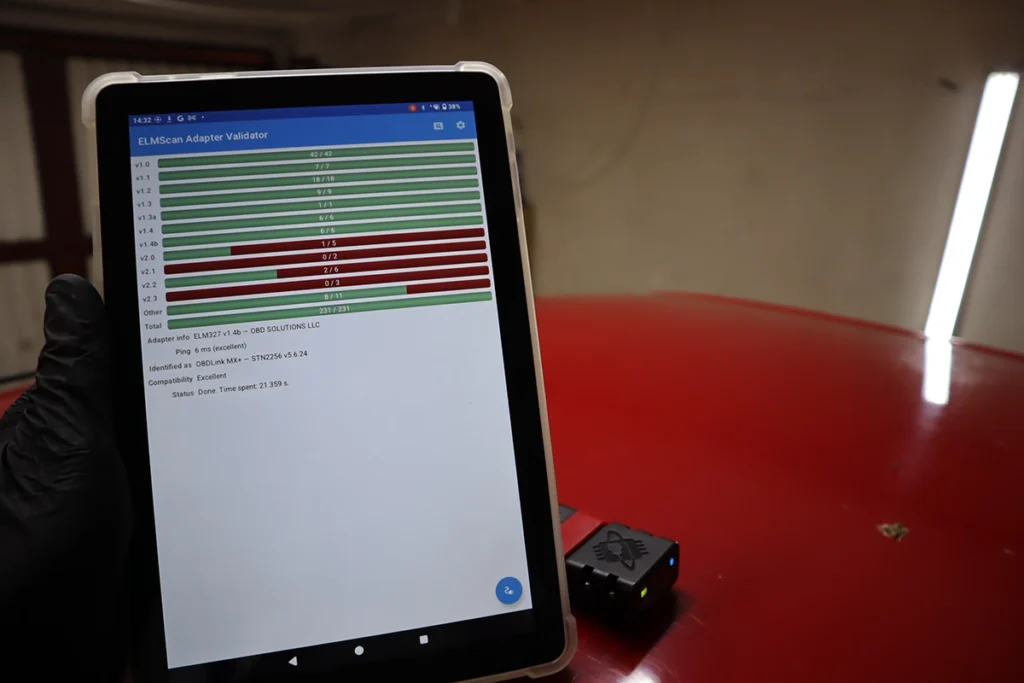
Speed is the headline, and it’s not close. In my speed test the MX+ was roughly three times faster than an already-good adapter like a Vgate. That matters most for live data and dashboards, where the values update smoothly and instantly, and for coding, where a secure, encrypted connection that won’t drop mid-process protects your modules from damage. It has a proper sleep function too, leave it plugged in for as long as you like without draining the battery.
It connects to a laptop as well as a phone, which few adapters do. Buy it and you get both the OBDLink app and the OBDwiz laptop software free, and it works with hundreds of third-party apps: Car Scanner, Bimmercode, Carista, Torque and more. The app reads and clears codes (including some non-engine modules like transmission and ABS depending on the car), shows freeze frame, graphs up to four live-data values at once, builds fully customizable gauge dashboards, mirrors as a head-up display, and maps your drives. Build quality is excellent and it comes with a 3-year warranty.
Where it falls short
It’s expensive for basic engine diagnostics, and that’s the honest catch. If all you want is to read and clear codes and look at live data occasionally, this is overkill, a cheap Veepeak does that for a fraction of the price. The MX+ only makes sense if you have a specific reason for its speed and laptop support: heavy live-data work, coding through Bimmercode or Carista, or FORScan-style logging.
As an adapter, it’s still engine-focused for deep work and app-dependent. It’s an ELM327 at heart, so full-system depth, bidirectional and coding all come from the app you pair it with, not the adapter itself. You’re paying for the best hardware, not for built-in scanner features.

Who should buy this
Yes, buy it if:
- You have specific software in mind (Bimmercode, Carista, FORScan, Car Scanner) and want the fastest, most stable adapter for it
- You want one adapter that works on both phone and laptop, with coding-grade reliability
- You value top speed, encrypted connection and a 3-year warranty for serious app-based work
No, look elsewhere if:
- You only want basic engine diagnostics, it’s expensive overkill, a Veepeak does that cheaply
- You don’t have a particular app or coding use in mind, the speed is wasted
- You want a full scanner out of the box, this is an adapter, capability comes from the app
OBDLink MX+
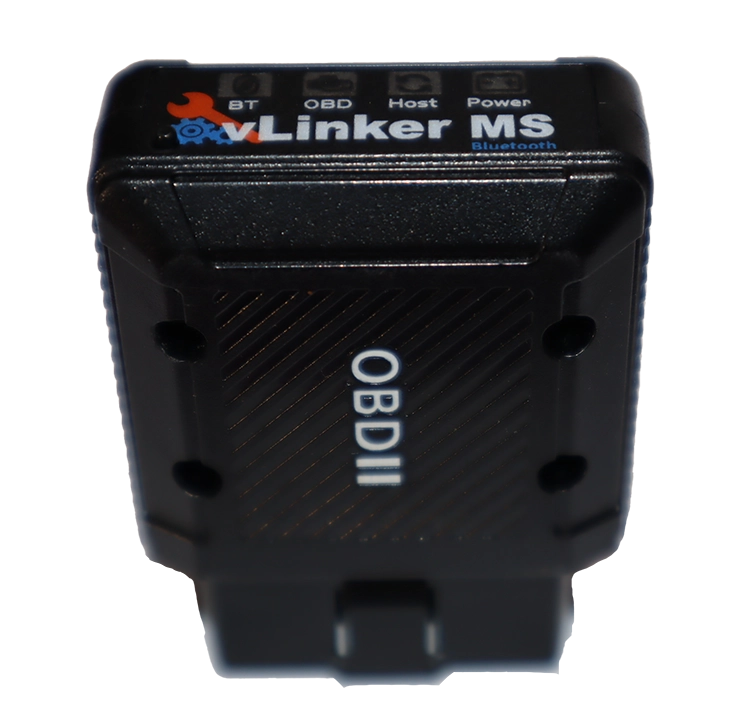 Vgate Vlinker MS
OBDLink MX+
Vgate Vlinker MS
OBDLink MX+
 Vgate iCar pro 2s
OBDLink MX+
Vgate iCar pro 2s
OBDLink MX+
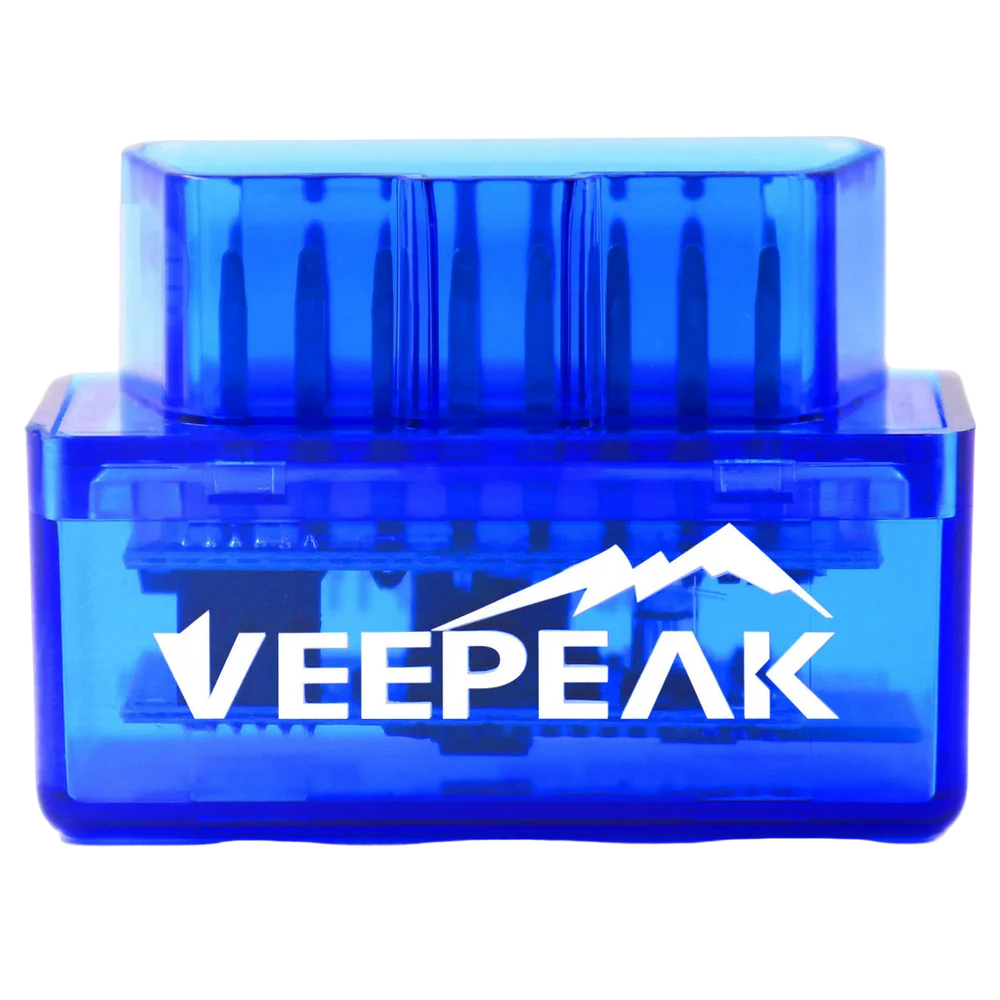 Veepeak Android
Final word
The OBDLink MX+ is the best and fastest ELM327 adapter I’ve tested: roughly three times faster than a good rival, connects to both phone and laptop, runs hundreds of apps, has a secure coding-grade connection and a sleep mode, and comes with free OBDLink and OBDwiz software. The honest catch is the price, it’s expensive for basic engine diagnostics, so only buy it if you have specific software (Bimmercode, Carista, FORScan) in mind. For serious app and coding use, it’s superb. For simple code reading, a cheap Veepeak or a vLinker MS makes more sense.
Most popular OBD2 guides







I'm Juraj Lukacko and I work as an auto electrician. On this site I share what I learn from real work on real cars, to help you pick the right tools for diagnostics, programming and tuning and get the job done.
More about me →