

Published: September 22, 2025 · Last updated: June 3, 2026
The Topdon Artidiag 600 Pro is a mid-range standalone tablet with full-system diagnostics, live data, a solid service-reset list, and now free updates. The scanner itself works well and Topdon’s reliability is real. But there’s one gap that holds it back at this price: it isn’t bidirectional, and rivals around the same money are. Read on for what it does well and why I’d look hard at the alternatives before buying.
I earn from qualifying purchases and sometimes get tools for free (full disclosure). It never affects my scoring.
Topdon artidiag 600 pro overview
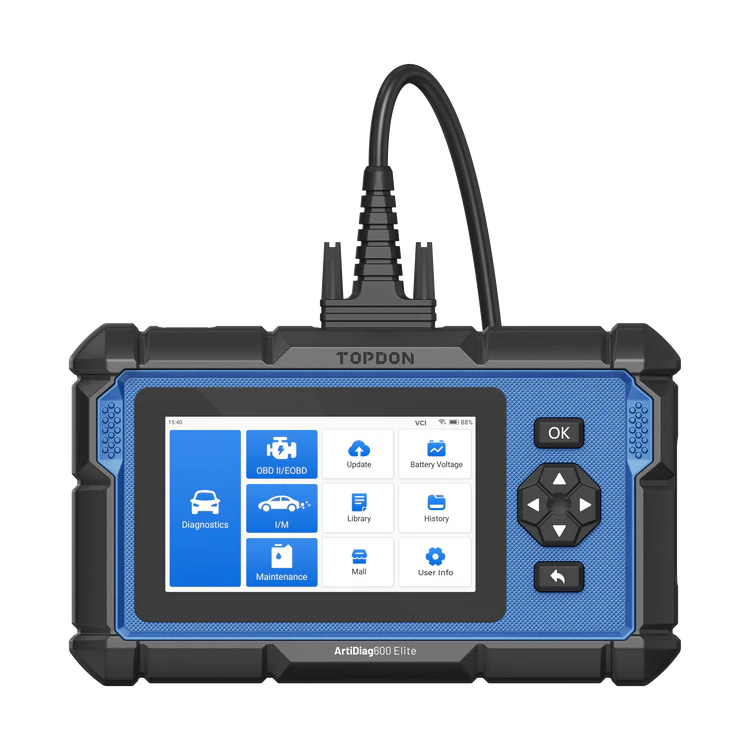
Topdon artidiag 600 pro
The Topdon artidiag 600 pro is mid-range topdon tablet with full-system diagnostics and a solid service reset list.

- Full-system access
- Good service reset list
- Standalone tablet
- Topdon reliability
- No bidirectional
- No coding
- Competitors offer more at this price
Service functions (13+)
Scores
Specs
| Tool type | Standalone device |
| User level | Intermediate |
| Vehicle focus | All makes |
| Free updates | 2 years |
| Update price | $?/yr |
| Subscription | Not required |
| Locked features | features that needs internet connection |
What it’s actually good at
It reaches every system in the car, which is the core job done right. I ran it on my Alfa 147, not an easy car to scan, and it auto-scanned every module without complaint, pulling all 27 fault codes across the faulty modules. From there you drop into any module to read ECU info, read and clear codes, and view live data.
Topdon’s diagnostic reports are the best-looking in the business, and that’s not just cosmetic. The PDF report is clean and professional, and you can include images. The tablet has no camera, but you can add screenshots or photos from your phone, so for used-car checks or customer printouts you can email a proper report straight from the tool.
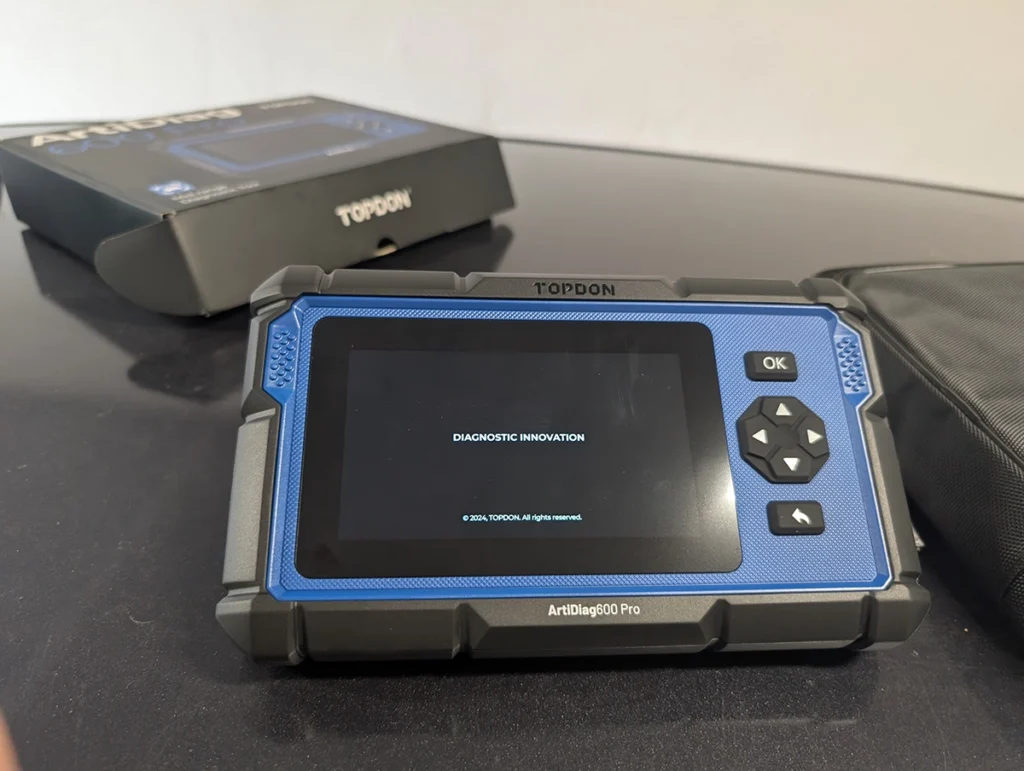
The live data is solid. On the Golf I built a custom PID page, viewed values as text or graphs, watched up to four parameters in one graph, and recorded a session to review later. The build quality is good too, and the wired connection means it charges off the car so you’re never hunting for a charger.

Where it falls short
The big one: it’s not bidirectional, and at this price that’s hard to forgive. You can read everything and run service resets, but you can’t actively command components, no fuel pump tests, no fan activation, no actuator tests. For a mid-range tablet at this money, I expect bidirectional control, and plenty of rivals include it.
It also doesn’t do coding, so no unlocking hidden features. That’s more forgivable at this level, but combined with the missing bidirectional it means the feature set trails the competition.
To be clear, none of this means it’s a bad scanner. It diagnoses reliably, the reports are excellent, and Topdon stands behind it. The problem isn’t the tool, it’s that the same money buys you more elsewhere.
Who should buy this
Yes, buy it if:
- You want reliable full-system diagnostics and the cleanest customer reports in the class, and you genuinely don’t need bidirectional
- You value Topdon’s build and reliability and prefer a wired tool you never charge
- You mostly read codes, check live data and run service resets rather than actively testing components
No, look elsewhere if:
- You want bidirectional control, which I’d argue you should at this price, a Mucar 682 includes it for similar money
- You want coding to unlock features, this doesn’t do it
- You’re buying purely on value, rivals pack more in for the same or less
Topdon artidiag 600 pro
 Mucar 682
Topdon artidiag 600 pro
Mucar 682
Topdon artidiag 600 pro
 Thinkcar Thinkscan 662
Still deciding rather than chasing a 600 Pro deal? I line up the mid-range tablets I’ve tested in my [best bidirectional OBD2 scanners] roundup. The short version: the Topdon is reliable with great reports, but the roundup shows where a Mucar or even a cheaper 4-system tool gets you bidirectional for the money.
Final word

The Topdon Artidiag 600 Pro is a reliable full-system tablet with the best-looking reports in its class and free updates, and the scanner itself does its job well. The catch is the missing bidirectional control, which I expect at this price, so for similar money a Mucar 682 gives you that plus more. It’s not a bad tool at all. It’s just not the best value in a crowded price bracket.
Most popular OBD2 guides







I'm Juraj Lukacko and I work as an auto electrician. On this site I share what I learn from real work on real cars, to help you pick the right tools for diagnostics, programming and tuning and get the job done.
More about me →