

Published: September 4, 2025 · Last updated: June 3, 2026
The Mucar BT200 Max is a tiny Bluetooth adapter that hides professional-grade software: full-system diagnostics, real bidirectional tests, about 15 service resets, and a built-in AI assistant, all for around €60 to €70. For the money it’s probably the best value Bluetooth scanner for DIY users right now. It doesn’t do coding, and the report layout is ugly, but what it does at this price is hard to believe. Read on for what it handles and where it gives ground.
I earn from qualifying purchases and sometimes get tools for free (full disclosure). It never affects my scoring.
Mucar BT200 Max overview

Mucar BT200 Max
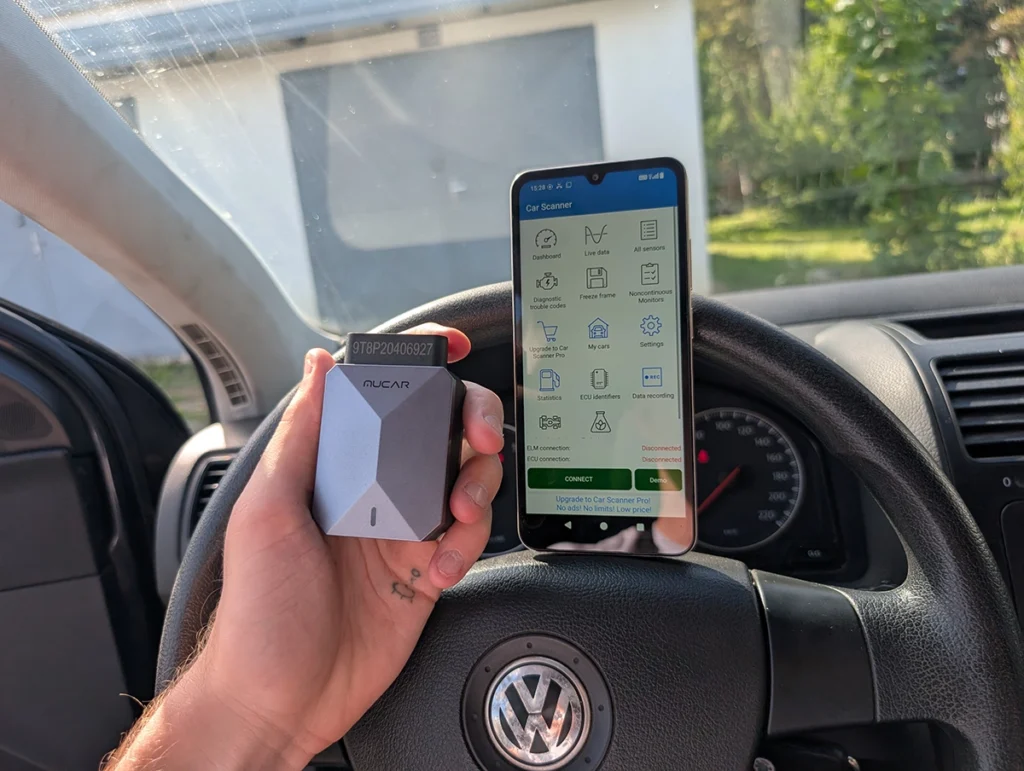
The Mucar BT200 Max is great budget full-system bi-directional bluetooth scanner. It also works with some elm327 apps like car scanner app..

- One of cheapest full-system scanners
- Free lifetime updates
- Service and bi-directional functions included
- Works with some other apps like Car scanner app
- Built-in AI assistant
- Diagnostic report layout could be better
- ELM327 compatibility is limited -- Carista and some other apps do NOT work with this adapter anymore
- No coding
Marketing vs reality
Checked in my workshopGood to know before you buy
- Needs a DollarFix account, the serial number and the 8-digit activation code from the Quick Start Guide
- On iPhone some brands do not work (Changan, GWM, BYD, Chery, Foton, Tata, Mahindra, Maruti, VAZ and more), use Android for them
- Full-system coverage according to Mucar: USA from 1996, Europe from 2000, Asia from 2008
- Active tests and resets depend on the car, check your VIN with the seller before buying
- FCA 2018+ gateway needs a paid AutoAuth account (yearly fee paid to AutoAuth)
- Carista and some ELM327 apps do not work with it, Car Scanner does
- Can stay plugged in thanks to sleep mode (according to Mucar)
Service functions (15+)
Scores
Specs
| Tool type | Standalone device |
| User level | Intermediate |
| Vehicle focus | All makes |
| Free updates | Lifetime |
| Subscription | Not required |
| App & platforms | DollarFix/Mucar · Android, iOS |
| Protocols | SAE J1850 VPW, SAE J1850 PWM, ISO 9141-2, KWP2000 (ISO 14230), CAN (ISO 15765), CAN FD, UDS, GM-LAN, Ford MS-CAN |
| Security gateway | FCA 2018+ via AutoAuth (yearly AutoAuth fee); Renault 2019+ gateway |
| Third-party apps | ELM327 apps: basic OBD only |
Support & resources
| Need help with tool? | Open tool support page ↗ |
| Will this work for my car? | Open coverage check page ↗ |
| Hardware specs |
|
| Supported languages |                      |
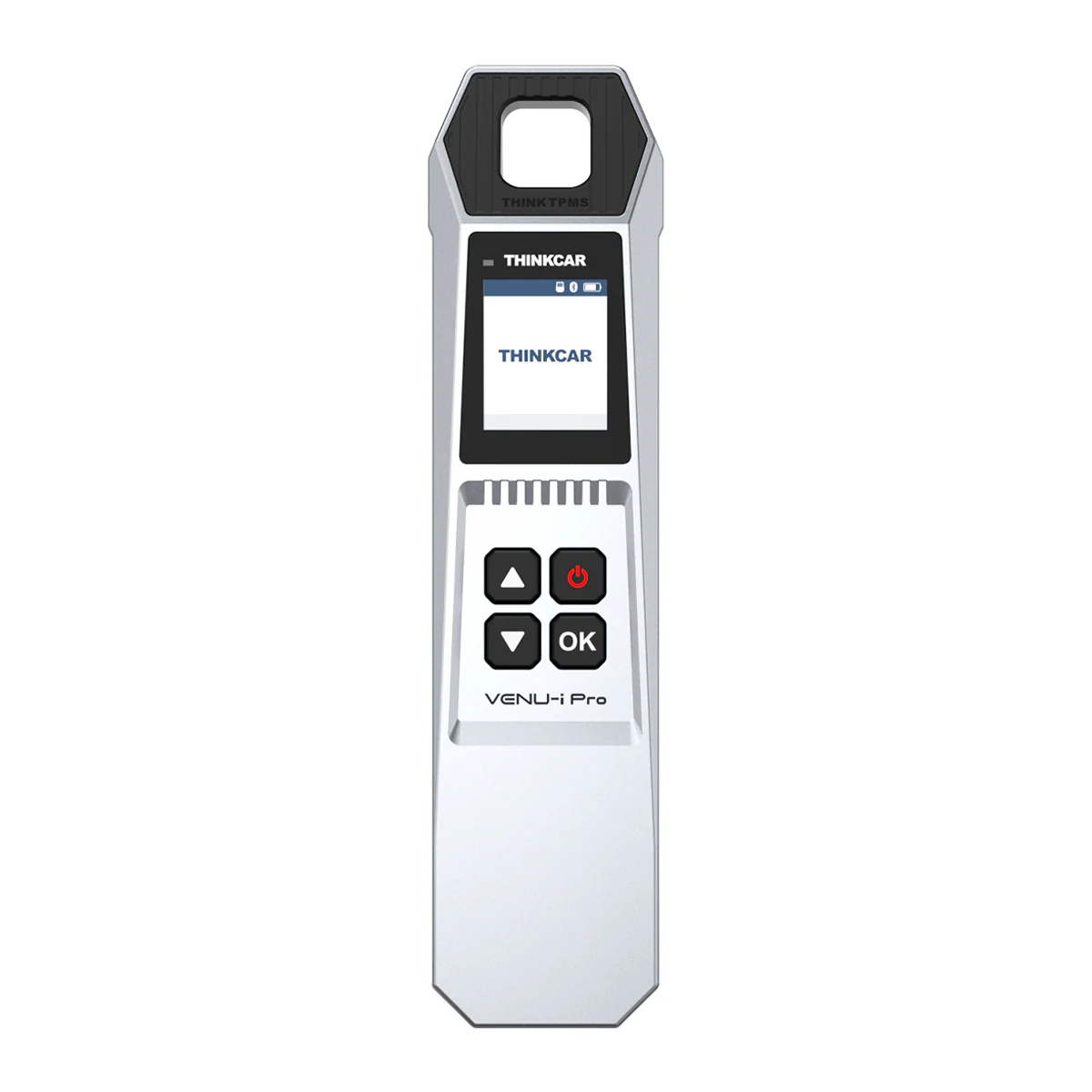
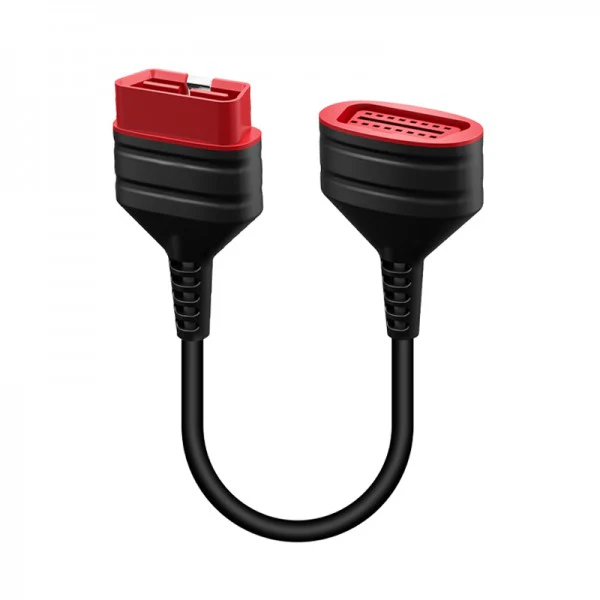
Addons & accessories
What it’s actually good at
Full-system access at this price is the headline, and it’s the real thing. I ran it on my VW Touareg, a hard car with 18 modules and slow communication, and it scanned every single one of them. The scan took 10 to 15 minutes, normal for any phone-based scanner on that car, but the point is it reached all 18 reliably, read the faults, and let me into each module.
The AI assistant genuinely earns its place, which surprised me. It explains fault codes in plain language and suggests basic diagnostic steps, and it’ll run an AI analysis of your whole report to flag the most important codes first. It’s not a gimmick. A reader from Poland commented that he plugged it into his Citroën C5 with an ABS problem, and the AI assistant pointed him to a brake pedal sensor fault and how to fix it. That’s real help for someone who isn’t deep into cars.
Bidirectional control is properly there too. On the Touareg’s engine module alone I had a long list, throttle body, engine fan, EGR valve, fuel pump relay, glow plug indicator, and with 18 systems each has its own tests. Cooling fan, turn signals, headlights and wipers all fire on command.
It also includes around 15 service resets with lifetime activation, works through the DAS+ app, and pairs with the Car Scanner app for better live data and dashboards. Portable enough to live in the glovebox so you always have a scanner ready.

Where it falls short
The diagnostic report layout is ugly and basic next to tablet tools. It’s not unusable, the per-code descriptions are solid and the exported PDF actually looks decent, but the in-app report design trails the nicer tablets. A cosmetic gripe more than a functional one.
VIN auto-scan isn’t reliable on all cars, especially older ones. When it misses you just select the brand manually or use OBD scan mode (works on any OBD2 car from 2001+), so it’s a minor annoyance, not a blocker.
Two real limits to know. There’s no coding, so you can’t unlock hidden features. And the ELM327 compatibility is limited, Carista and some other apps no longer work with this adapter, so don’t buy it assuming it’ll run every third-party app. Car Scanner does work, and that covers most needs.
Who should buy this
Yes, buy it if:
- You want full-system diagnostics and real bidirectional tests on your phone for around €70
- You’d actually use the AI assistant to understand fault codes and basic fixes
- You’re a DIY mechanic or used-car buyer who wants deep diagnostics cheap, with no subscription
No, look elsewhere if:
- You need ECU coding to unlock features, this doesn’t do it
- You rely on Carista or specific ELM327 apps, compatibility is limited now
- You want the polished report layout and smoother feel of a pricier too
Mucar BT200 Max
 XTool A30M
Mucar BT200 Max
XTool A30M
Mucar BT200 Max
 Thinkdiag2
Mucar BT200 Max
Thinkdiag2
Mucar BT200 Max
 Topdon Topscan (lite)
Reader questions (1)
Real questions from readers and viewers, answered from my workshop experience.
Mucar BT200 connects to the app but not to the car (2000 Jeep Grand Cherokee WJ). How do I fix it?
Hello, if the scanner cannot connect to your Jeep, try the following:
1. Make sure the ignition is ON (engine can stay off) when connecting.
2. If you use auto scan / auto VIN, select the brand and model manually instead.
3. If manual selection does not work, try Global or basic OBD (engine only). If that connects, either the Jeep software needs an update or your model is not supported in full system.
4. If basic OBD does not work either, try the Car Scanner app with the same adapter. If Car Scanner connects to the car, the Jeep software needs an update or your model is not supported.
5. If even Car Scanner does not connect, try a different scanner on the car. Since the lights on your adapter come on, power and ground at the OBD port are fine, but there may be a problem with the communication wires to the OBD port.
6. If another scanner works on your car, contact the store you bought the BT200 from and they will help you further.
Still deciding rather than chasing a BT200 Max deal? I line up the budget Bluetooth scanners I’ve tested in my [best bidirectional OBD2 scanners] roundup. The short version: the BT200 Max is the value champion, but the roundup shows where the A30M, a coding tool, or a cleaner app fits you better.
Final word
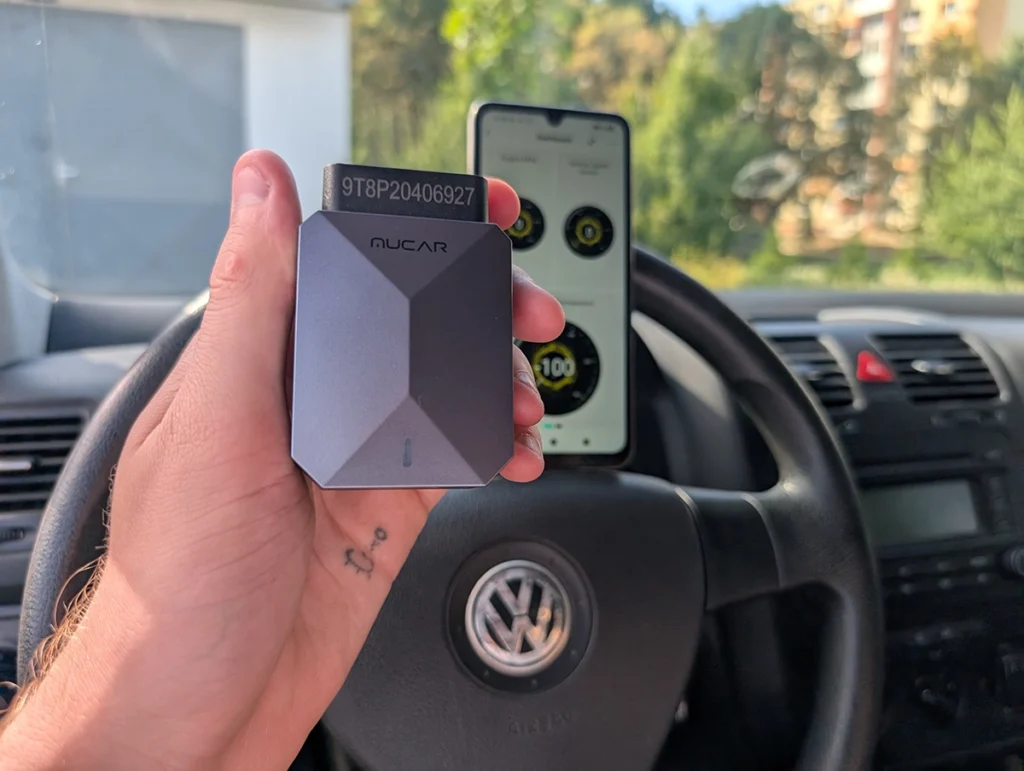
The Mucar BT200 Max squeezes full-system diagnostics, real bidirectional tests, around 15 service resets and a genuinely useful AI assistant into a €70 adapter, with free lifetime updates and no subscription. It reached all 18 modules on my Touareg, and the AI even helped a reader diagnose an ABS fault on his Citroën. The report’s ugly, there’s no coding, and ELM327 app support is limited, but for value in a Bluetooth scanner, this is about as much tool as €70 can buy.
Most popular OBD2 guides







I'm Juraj Lukacko and I work as an auto electrician. On this site I share what I learn from real work on real cars, to help you pick the right tools for diagnostics, programming and tuning and get the job done.
More about me →
thank you, I got one using the link the Mucar BT200.
I played with it a little, but curious about real mileage.
I could not find this, do you think is it there?
Hi mileage are stored inside different control modules and you can view them in live data inside modules. But not every module stores this and not every car stores it, so you cannot see on every car. A newer car is a better chance you have to find multiple mileage records.
Hi. At your suggestion I bought a device. I am not able to connect to car scanner or torque apps. Not really sure what I should do differently. Any suggestions?
Hi I tested few apps with that device but and thought all apps will work but appearently not. I heard about more apps that do not work with this. If that is a problem you can still return device if bought from my recommended store. (but car scanner app works and that can do everything that torque app)
What app you recommend for turning on/off “hidden” features on mini cooper with this adapter?
This adapter doesnt work with Carista anymore so cant be used for unlocking features. I recommend using different tool.
Greetings from Poland!
I bought this MUCAR BT200 OBD scanner for my CITROEN C5, because I have ABS problems lately. I plug in, done all registration, activation and configuration process and got simple answear! My break pedal has sensor malfunction! And the AI assistant from app told me how to repair it! God dang it! I might start mechanic workshop with this device!!!
Thanks man!
You’re welcome I am glad its helpful.