
Published: May 12, 2025 · Last updated: June 4, 2026
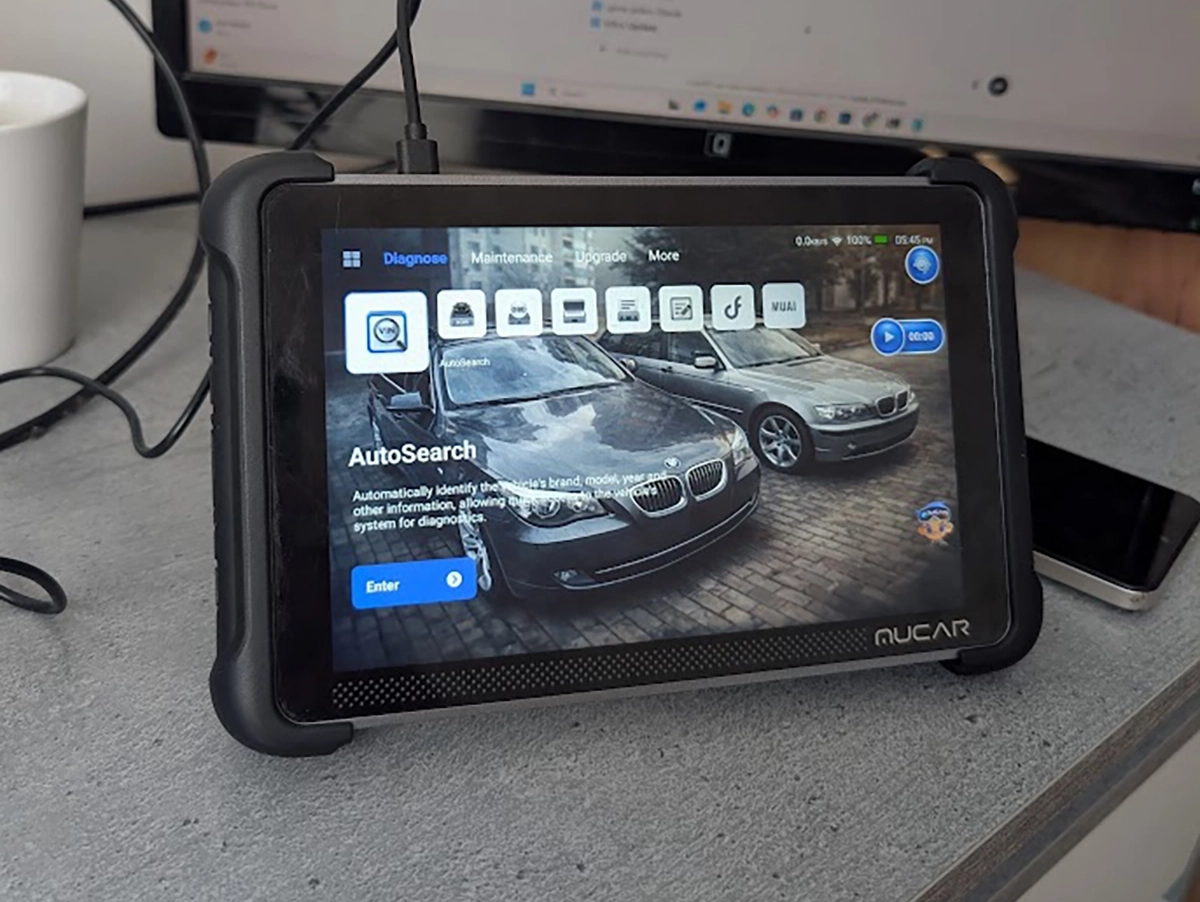
The Mucar 892BT is the scanner I reach for first. After testing it on VW, Alfa, Toyota and BMW for months, full scans, OEM coding, live data, bidirectional, TPMS, DPF, used-car checks, it became my main go-to for quick diagnostics and helping friends with service jobs. Out of hundreds of tools I’ve tested, this is the one I actually kept on my bench. It’s small, fast, codes well, and there’s almost nothing at this price I’d change. Read on for why it won me over and the one thing it’s still missing.
I earn from qualifying purchases and sometimes get tools for free (full disclosure). It never affects my scoring.
What This Tool Actually Is

Mucar 892BT
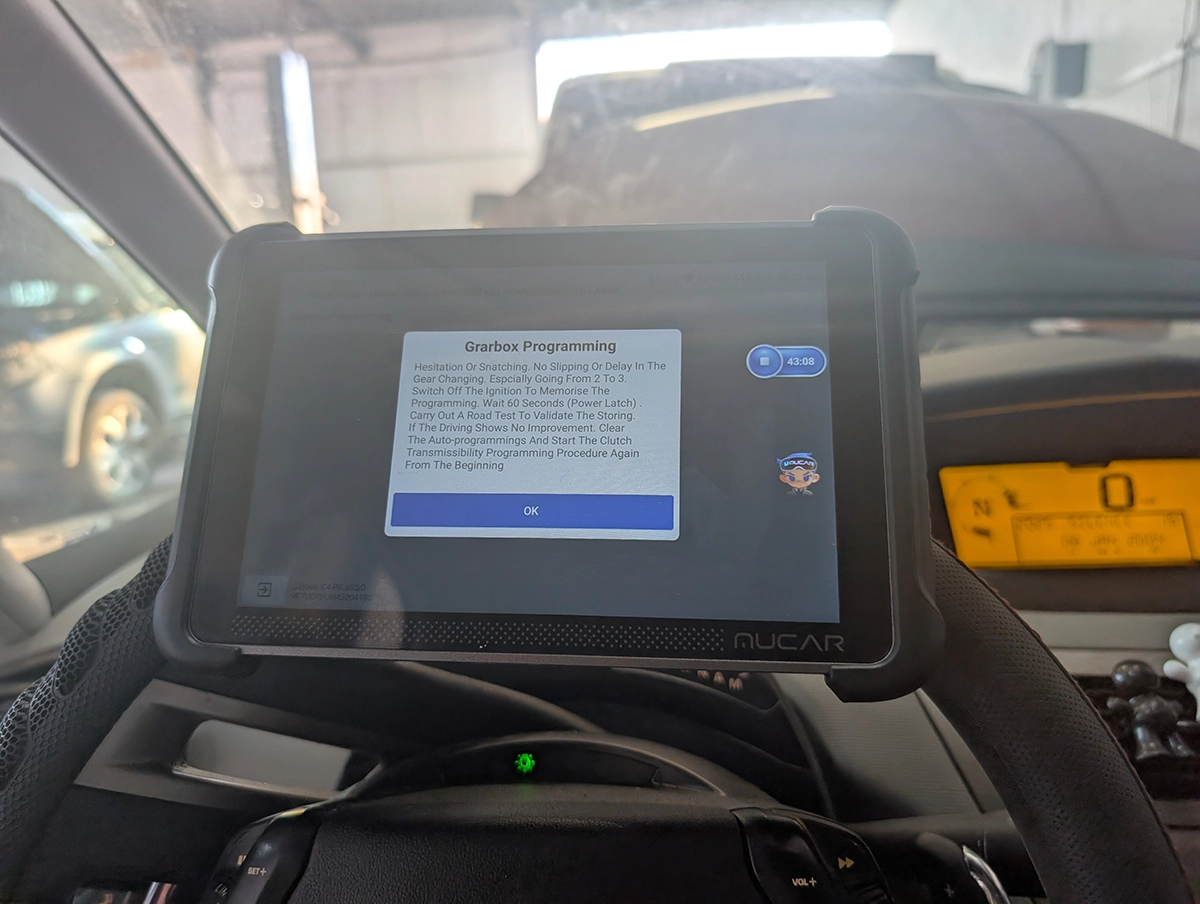
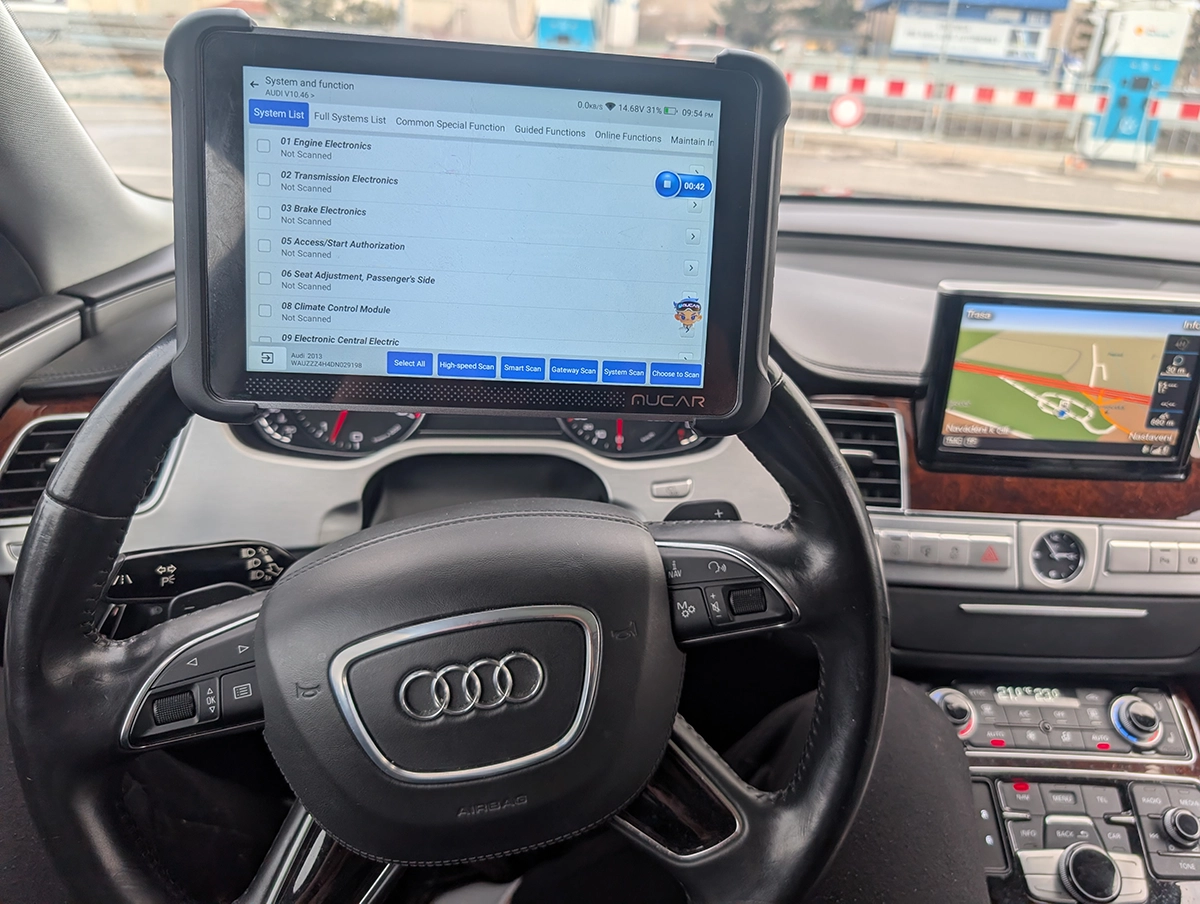
The Mucar 892BT is my personal favourite go-to scanner for diagnosing, checking used cars. service resets or even coding new features. Unless I need special tool I am using this one..

- Small for tablet scan tool so it's easy to carry around
- Good interface for coding features
- Overall great UX
- Magnetic handle for dongle on the back is gold = no need to always search for dongle
- Allows custom background image
- No topology yet (might come later with update)
Service functions (35+)
Scores
Specs
| Tool type | Standalone device |
| User level | Advanced |
| Vehicle focus | All makes |
| Free updates | Lifetime |
| Subscription | Not required |
Photos
Support & resources
| Need help with tool? | Open tool support page ↗ |
| Will this work for my car? | Open coverage check page ↗ |
| Hardware specs |
|
| Supported languages |                            |
Videos
Addons & accessories
Real-world procedures tested with this tool
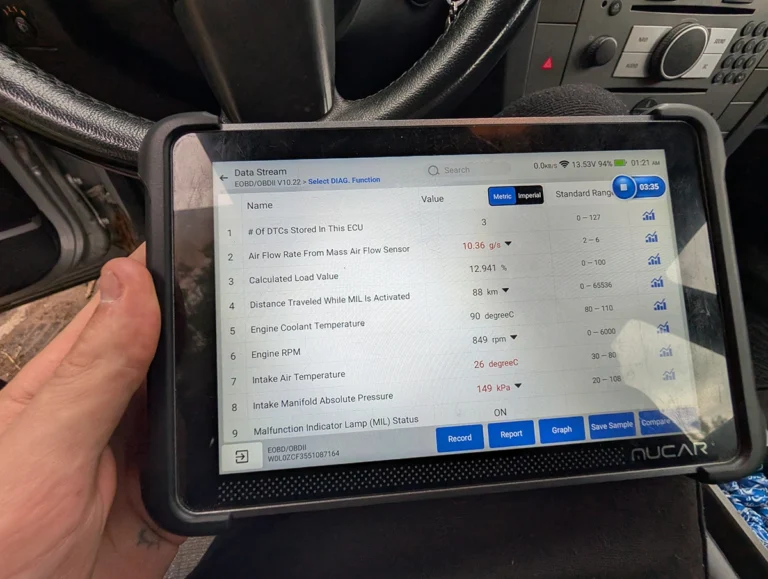
Opel Vectra C 2.2 DTI Limp Mode Fix: Stuck T-MAP Sensor Found With Live Data
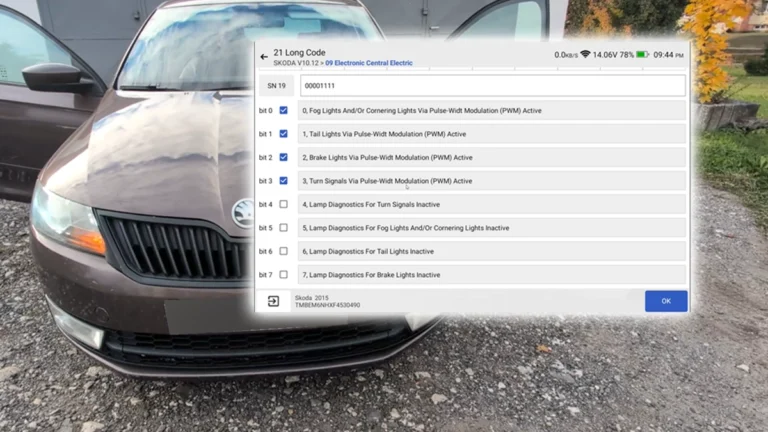
How to Disable Turn Signal Bulb-Out Warning on Škoda Rapid 2015 (NH)
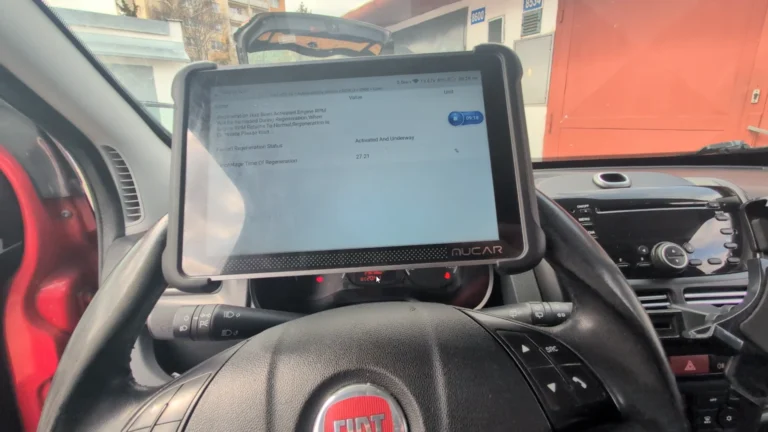
Fiat Doblo 2015 1.6 MJT DPF service regeneration
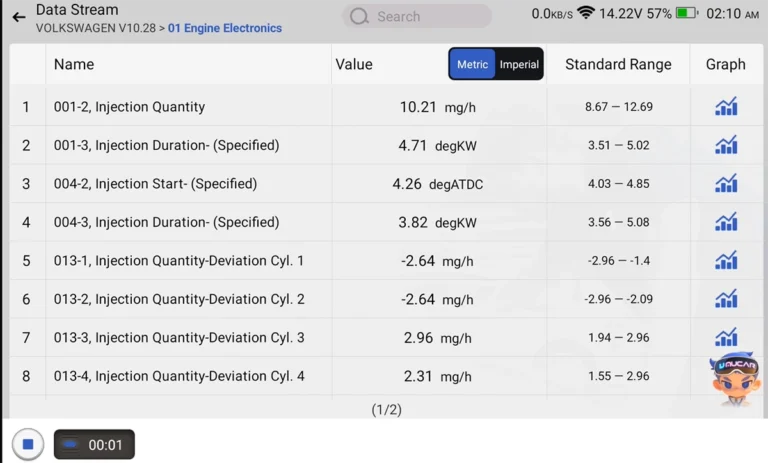
How to Check Diesel Fuel Injectors (VW / Audi / Skoda / Seat) Using OBD2 Scanner
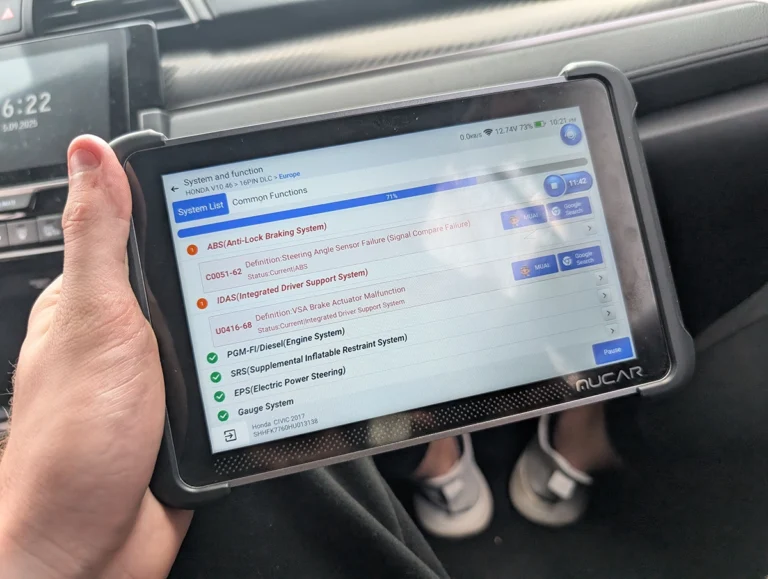
Steering Angle Sensor Calibration (SAS Reset) – Honda Civic 2017
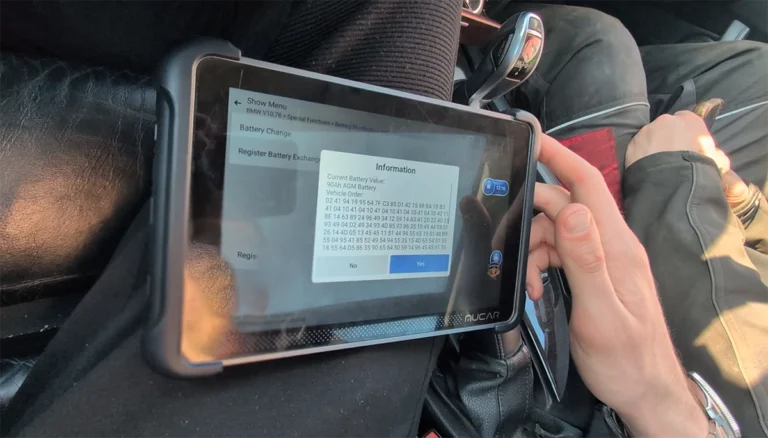
How to Register and Code a New Battery on BMW E60/E61 (Fix Battery Drain & Charging Issues)
What it’s actually good at
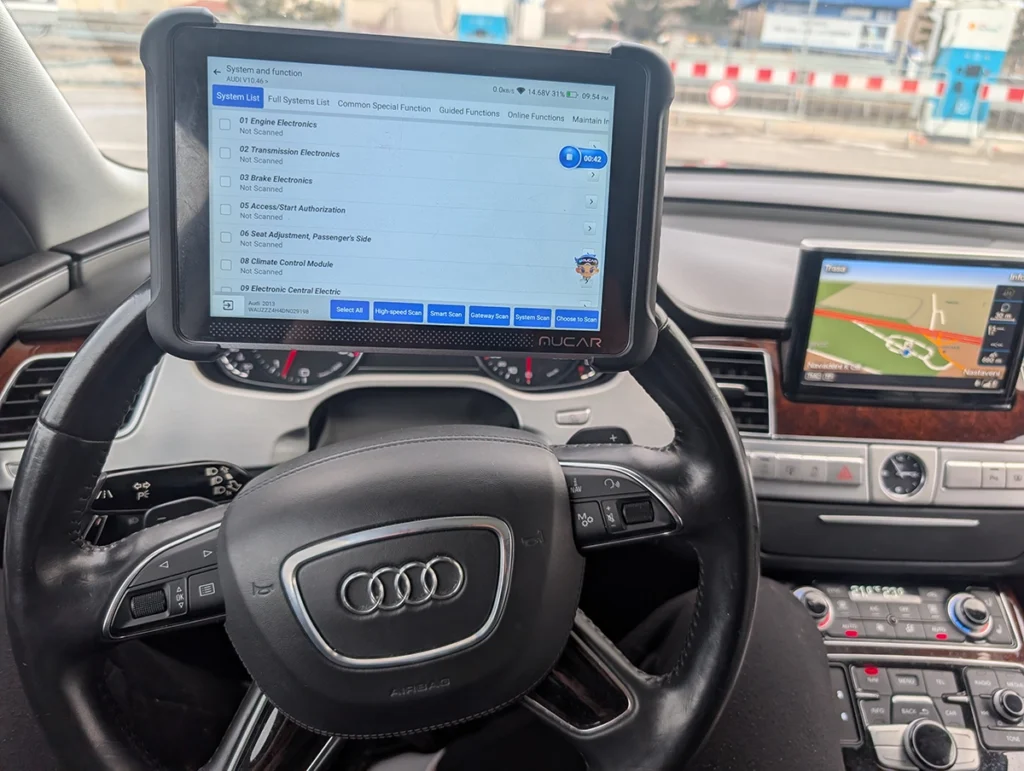
Speed and UX are what make it my daily driver, and that matters more than spec sheets suggest. Full-system scan on VW finished in under a minute on high-speed scan, where other scanners I tested on the same car (Xtool, iCarsoft, VDiagtool, OBDeleven) all took two to three minutes. The tablet itself is fast and light, faster than many Xtool tablets I’ve used lately, and easy to carry. For used-car checks, where you want to scan and read live data quickly, that speed is the whole game.
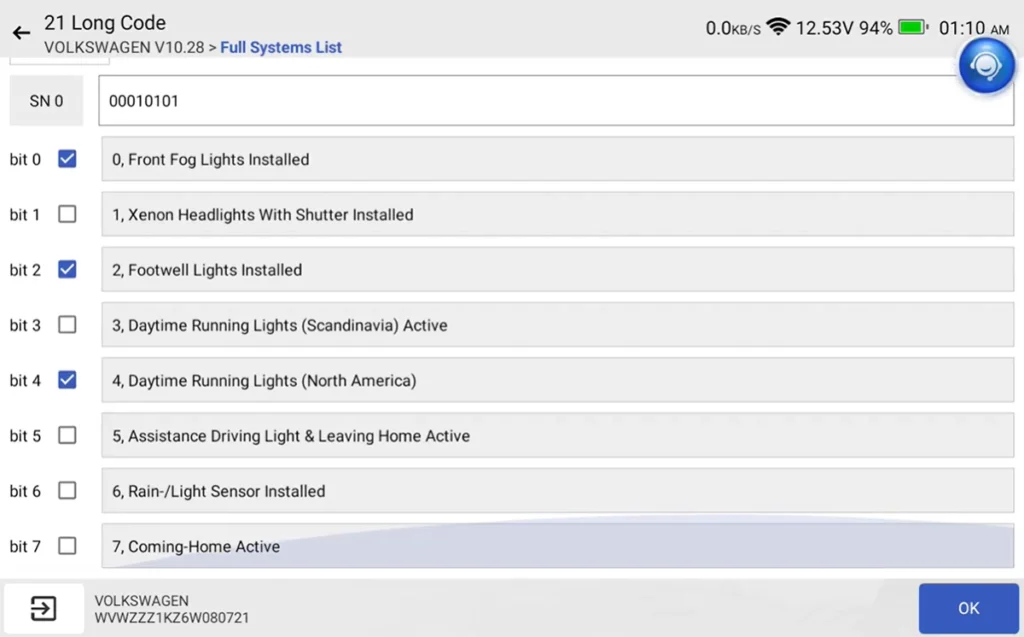
Coding is genuinely strong, and one job sums it up. On a VW I had a permanent footwell-light fault that wouldn’t clear, the car didn’t even have footwell lights. I simply coded that the car has no footwell lights, saved, and the permanent fault cleared instantly. That’s the difference real coding makes over just erasing codes. OEM coding menus worked cleanly on Toyota and BMW too, and on VAG you get adaptations and guided functions close to dealer level. I even re-adapted a non-working remote key with one adaptation.
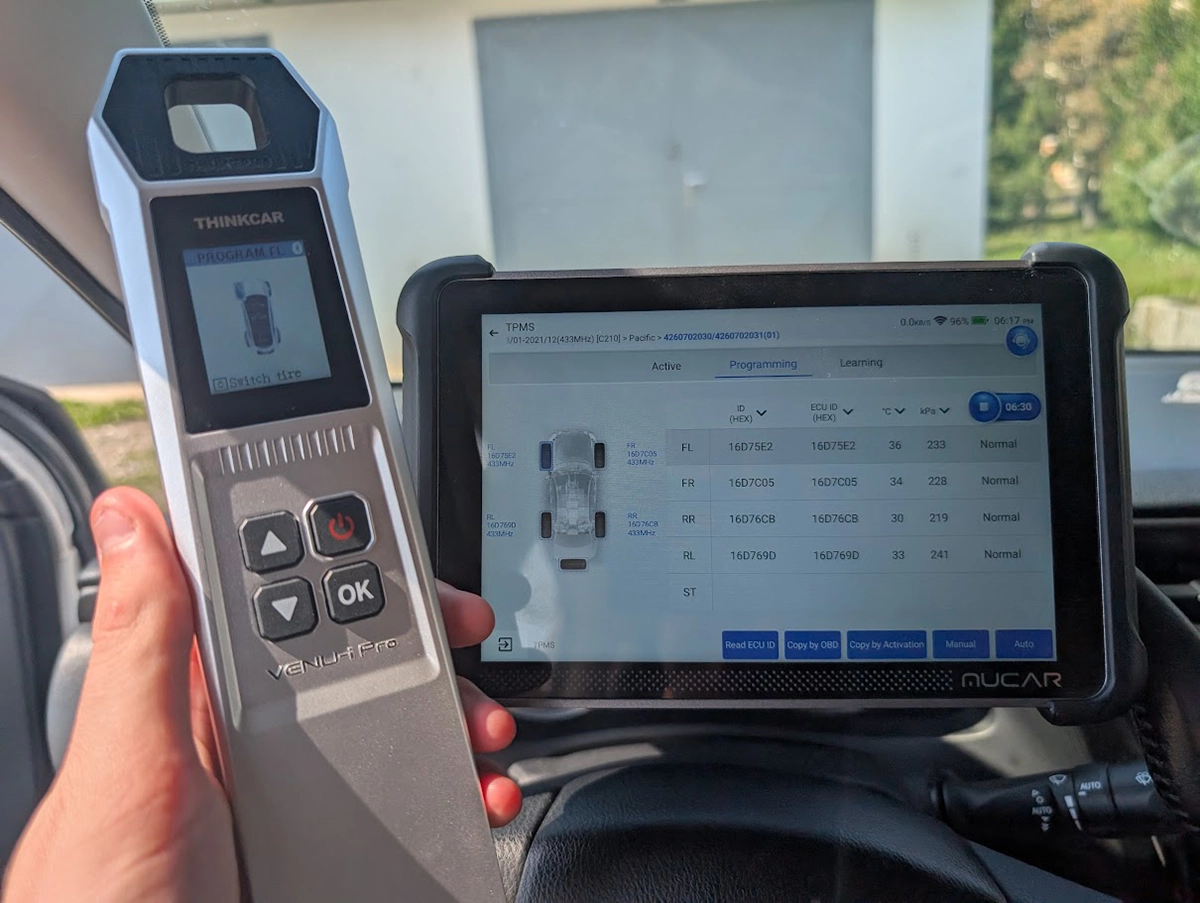
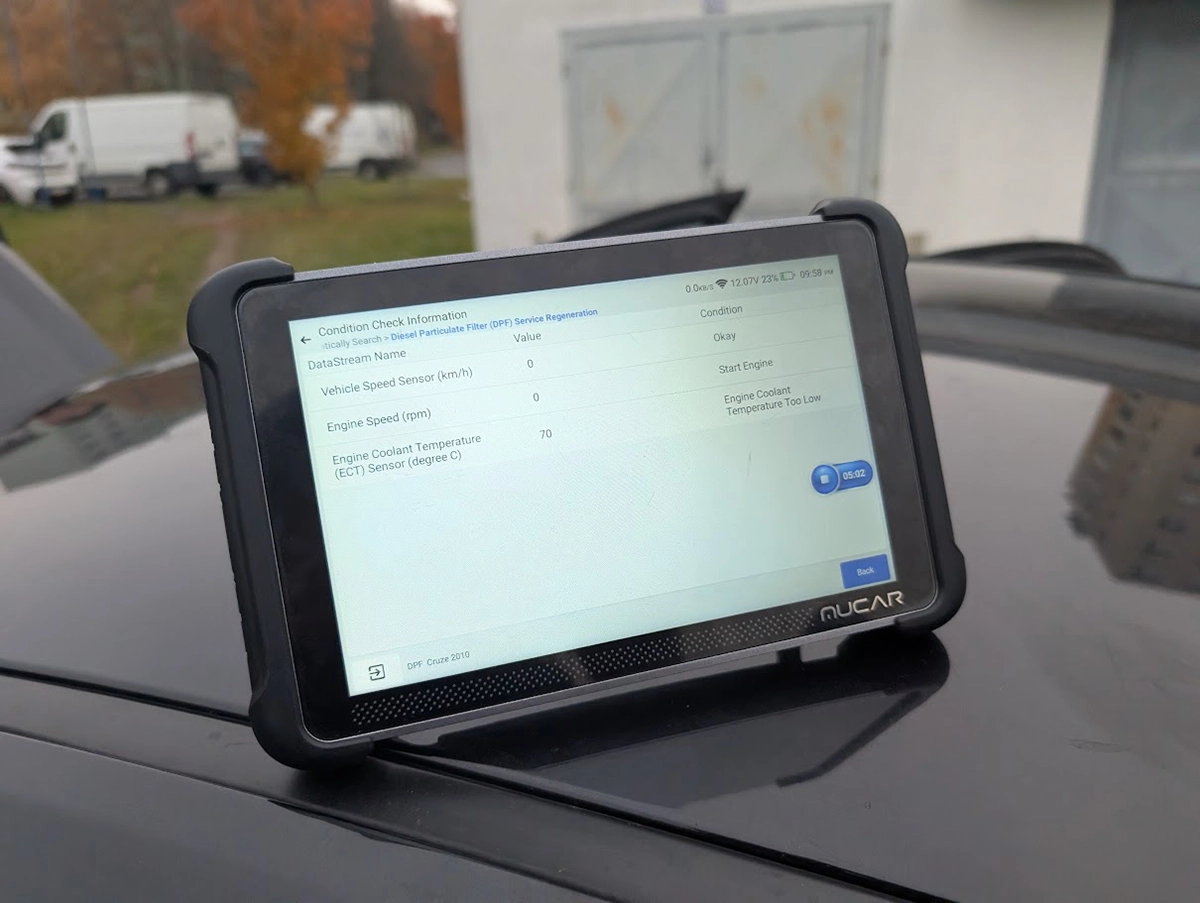
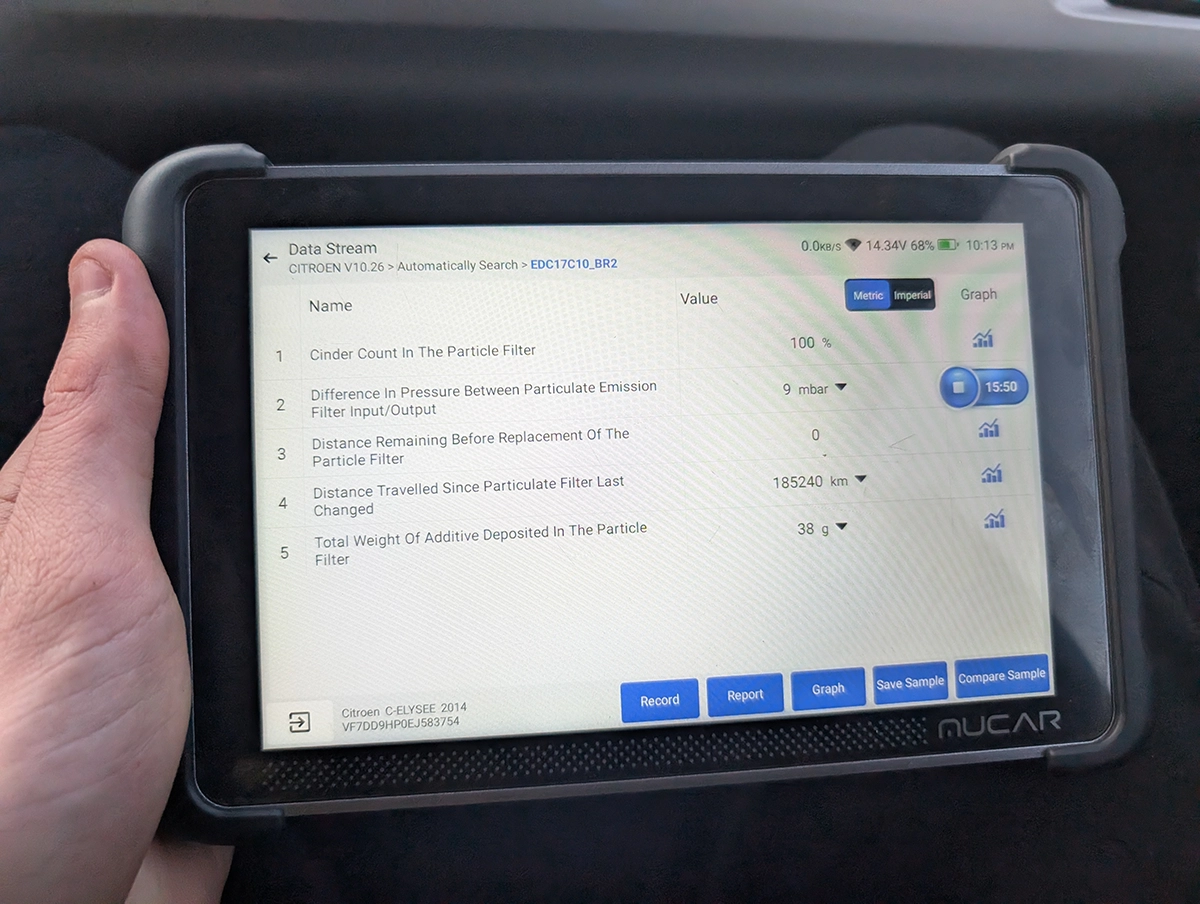
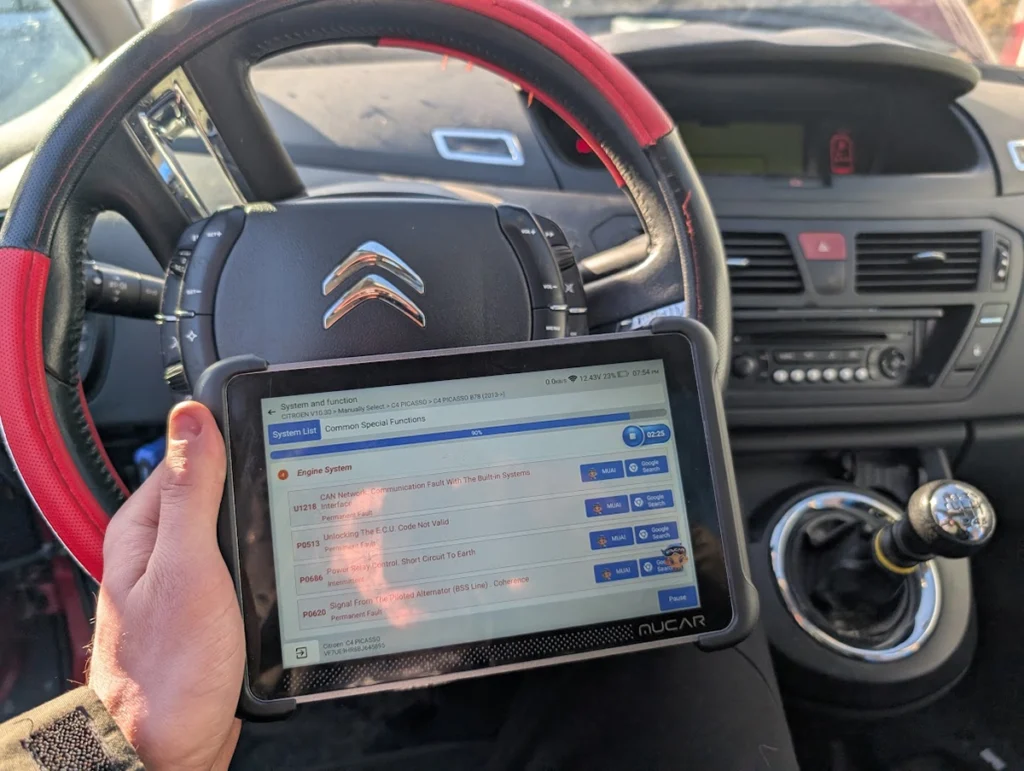
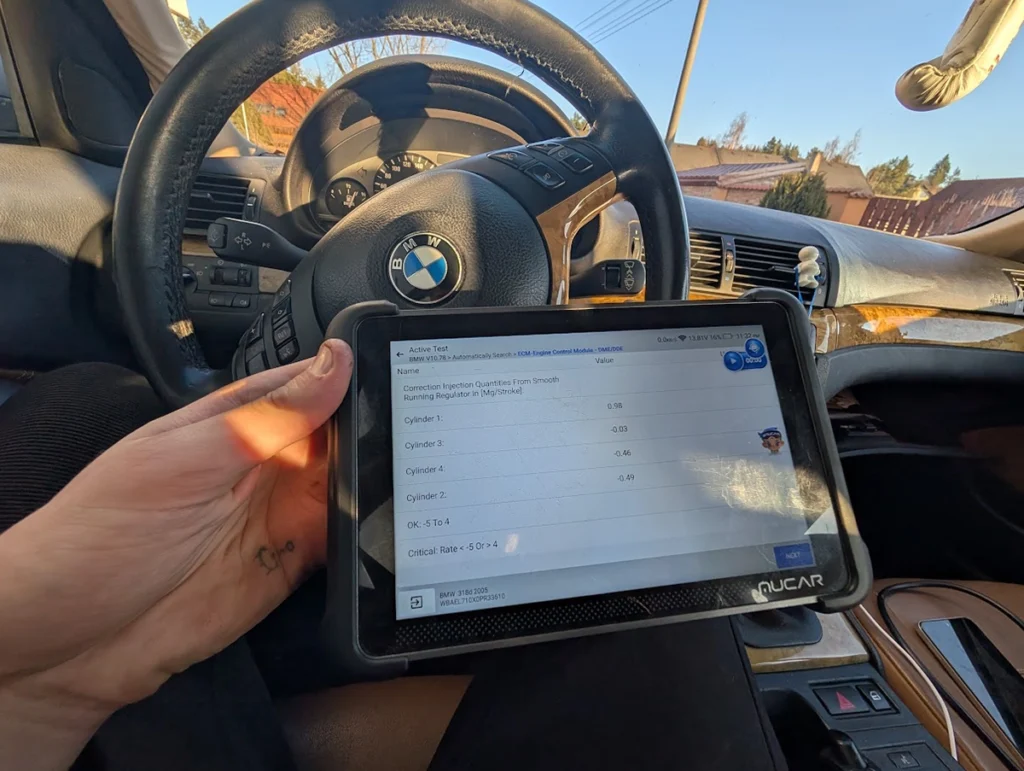
Bidirectional works across every module that supports it (lights, indicators, wipers, fans, fuel pump), and the live data is one of the best parts: I displayed 12 graphs at once and recorded them, where most tools cap at four. DPF regen, TPMS reset and sensor coding all worked normally.
One small touch I love: the magnetic handle that holds the VCI dongle on the back. No more hunting for where the dongle went, it’s a tiny thing that saves real annoyance day to day.
Where it falls short
No topology map yet. It’s the one feature missing versus some rivals like the Xtool D8S or Youcanic. Mucar may add it in an update, but right now if a topology view matters to you, this doesn’t have it. For most diagnostics it’s no loss, you read the same codes either way, but it’s worth knowing.
The honest service-reset reality applies as always. On my Alfa 147 the odometer write reported “success” but the cluster didn’t change. That Alfa has known IMMO and ECU issues and I don’t blame the tool, the same write failed on my Xtool too, but it’s a reminder that advanced functions depend on the car, not just the scanner.
And one connection note from testing: a Porsche 911 failed to pair at first. The fix was disconnecting and pushing the VCI in harder for better contact, which solved it. Minor, but worth flagging.
Who should buy this
Yes, buy it if:
- You want one fast, easy tool for diagnostics, coding and service work, and you’ll use it constantly
- You do a lot of used-car checks and value quick scans plus excellent live data
- You want strong VAG, Toyota and BMW coding without paying pro-tool money, with free lifetime updates
No, look elsewhere if:
- You specifically need a topology map, this doesn’t have it yet
- You need the absolute broadest pro coverage or ECU programming, that’s a higher tier
- You want old-car adapters for non-OBD2 connectors, the Mucar VO8 covers that
Mucar 892BT
 Thinkscan 689 BT
Mucar 892BT
Thinkscan 689 BT
Mucar 892BT
 XTool IP900BT
Mucar 892BT
XTool IP900BT
Mucar 892BT
 Mucar VO8
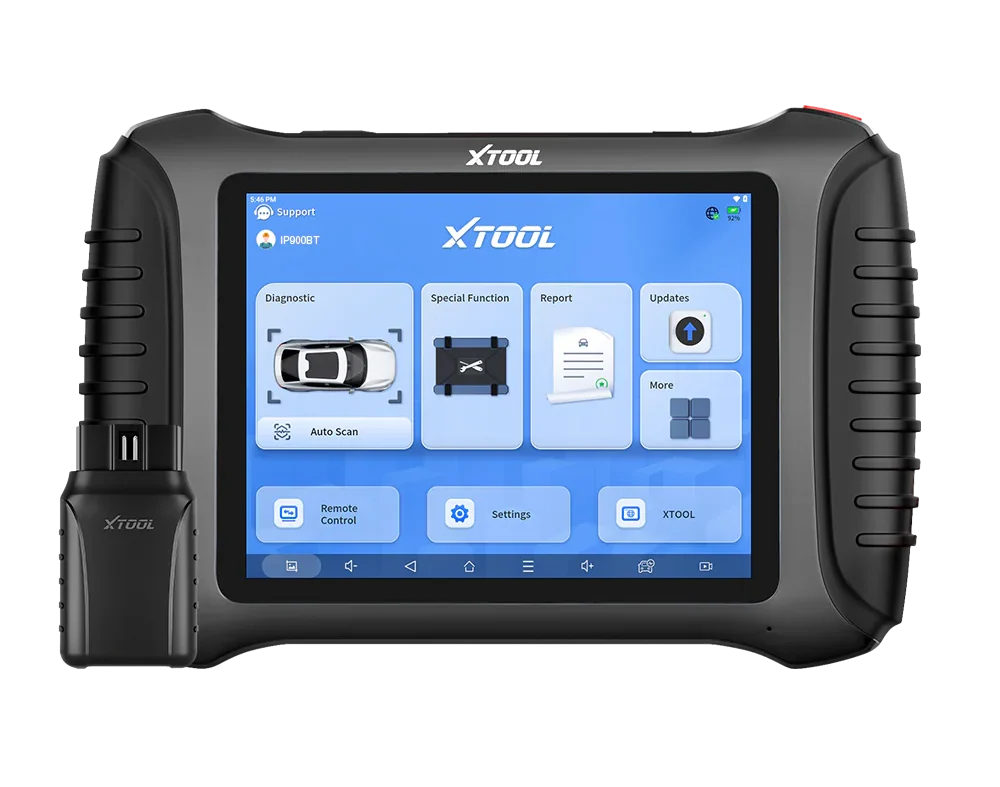
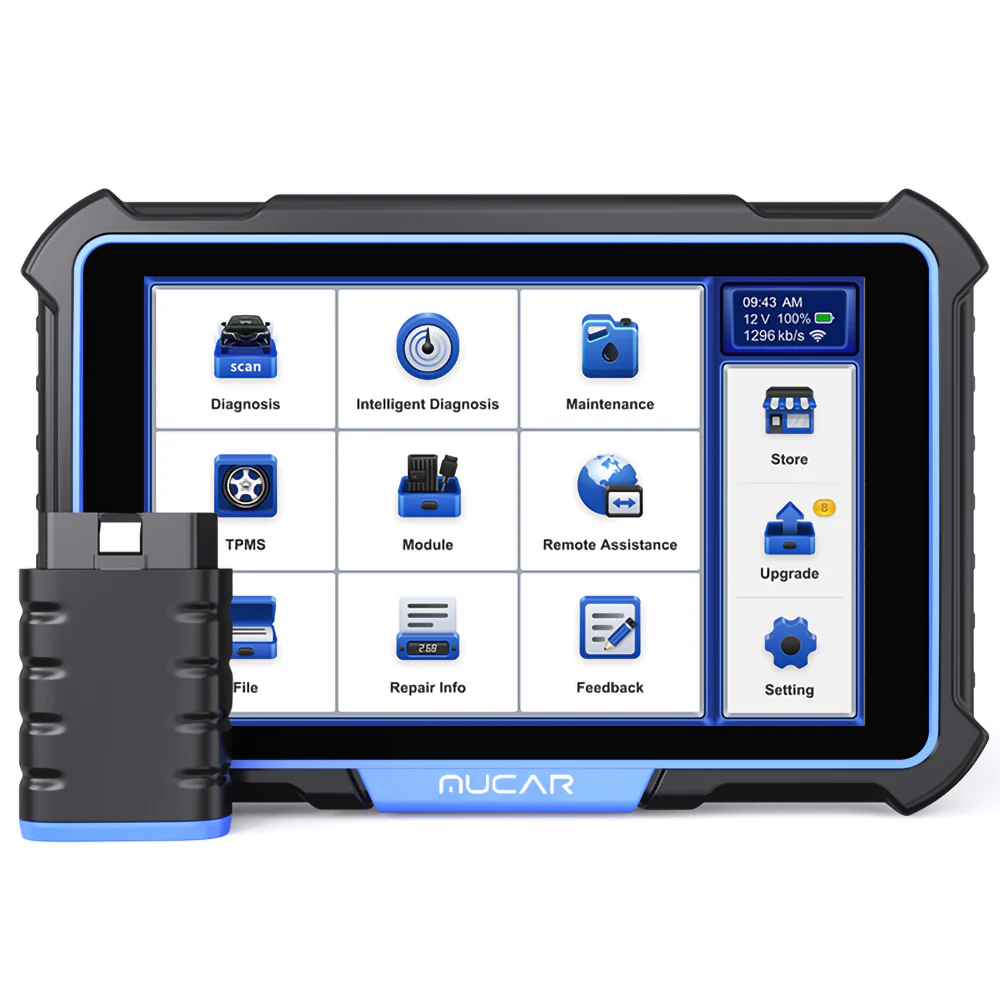
Still deciding rather than chasing an 892BT deal? I line up the full-system tablets I’ve tested in my [best bidirectional OBD2 scanners] roundup. The short version: the 892BT is my personal go-to, but the roundup shows where a Thinkscan, an Xtool or the bigger VO8 fits your work better.
Final word
The Mucar 892BT is the scanner I kept as my main tool after testing hundreds, and that’s the strongest thing I can say about it. It’s fast, codes brilliantly (it cleared a permanent footwell fault by coding the feature out), has superb live data, a genuinely useful magnetic dongle handle, and free lifetime updates. The only real gap is topology, which may come later. For everyday diagnostics, coding and used-car checks, this is the one I reach for first.
Most popular OBD2 guides







I'm Juraj Lukacko and I work as an auto electrician. On this site I share what I learn from real work on real cars, to help you pick the right tools for diagnostics, programming and tuning and get the job done.
More about me →