
Published: May 12, 2025 · Last updated: July 4, 2026
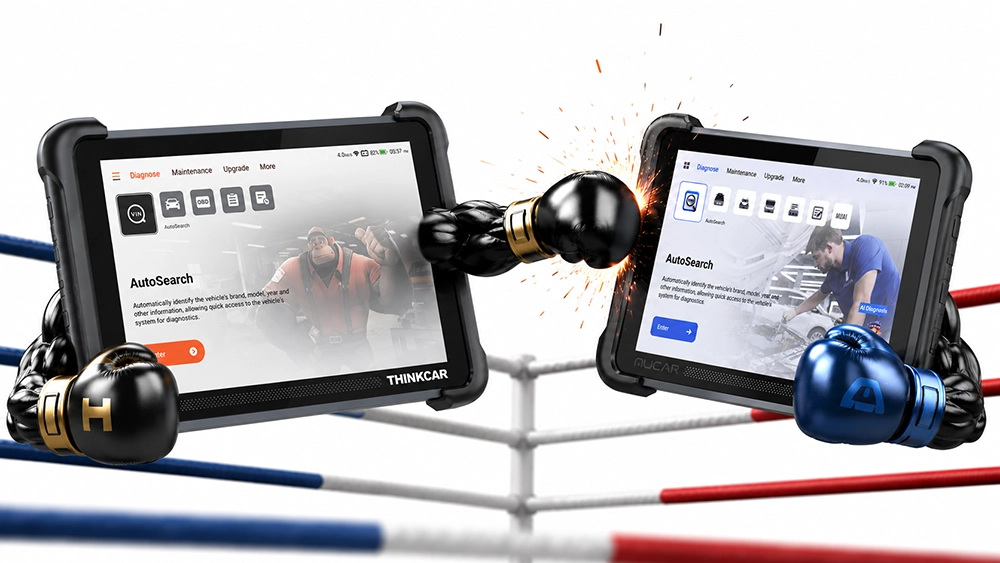
These two are essentially one scanner in two brand packages. Same hardware, same diagnostic guts, same lifetime updates with no subscription. Pay a little more for the Mucar and you get a few software extras on top. The Thinkscan is the budget side of the pair, and it even comes in a wired flavor that goes cheaper still.
I earn from qualifying purchases and sometimes get tools for free (full disclosure). It never affects my scoring.
Quick comparison


Same scanner underneath
Both come out of the same Thinkcar factory (Mucar is Thinkcar’s own sub-brand). Open either one on a car and you get the identical package: full-system diagnostics, ECU coding, bi-directional tests, 30-plus service resets, CAN-FD and DoIP, and the same 8 inch tablet. On the car, they diagnose the same. I run the Mucar 892BT as my daily tablet, and nothing in the Thinkscan spec sheet does the actual diagnostic job any differently.
Both also share the part that matters most long term: lifetime free updates, no yearly subscription. That alone puts both ahead of most Autel and Launch tools in the same price bracket.
What the Mucar adds
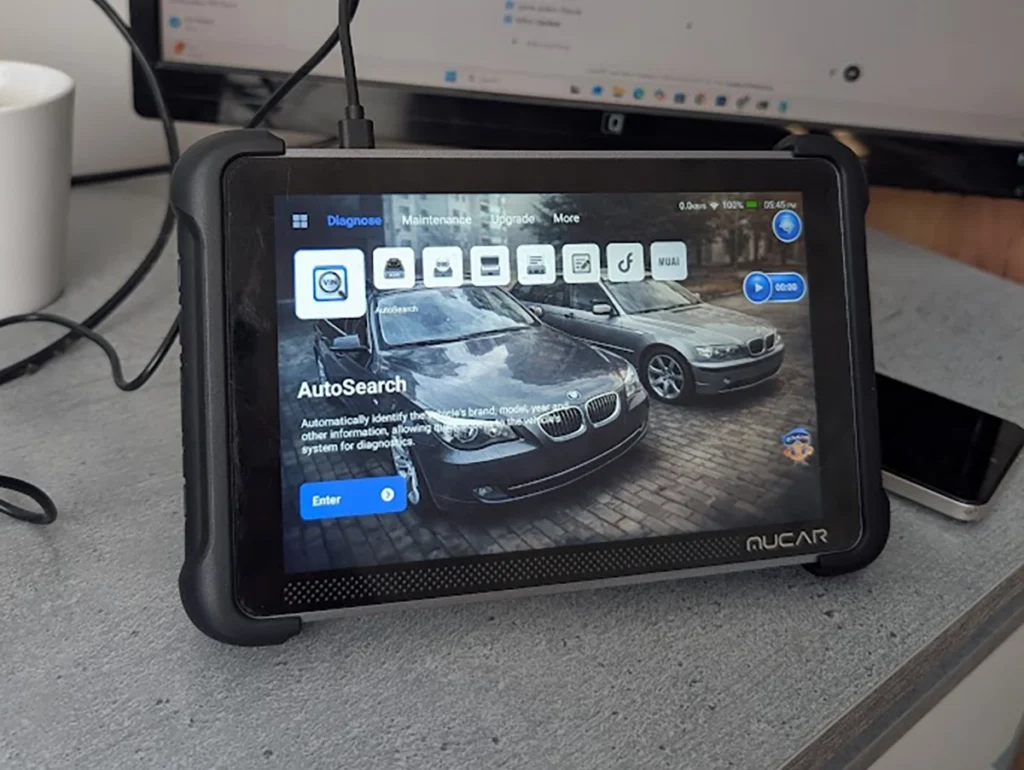
Three things, and none of them touch diagnostic power.
The AI assistant (MUAI). Feed it a fault code and it gives you plain-language analysis and back-and-forth Q&A. For a beginner staring at a P-code they have never seen, this is the one extra that can actually save you a forum search. The Thinkscan has no equivalent.
Custom wallpaper. Put your workshop logo or anything you like on the home screen. Nice, cosmetic, changes nothing about how it works.
Android apps and the technician community. Built-in PDF reader, YouTube, even games, plus an in-app community to share cases with other techs. Handy if you want one device for manuals and tutorials instead of reaching for your phone.
Where the Thinkscan wins

Price, in two steps.
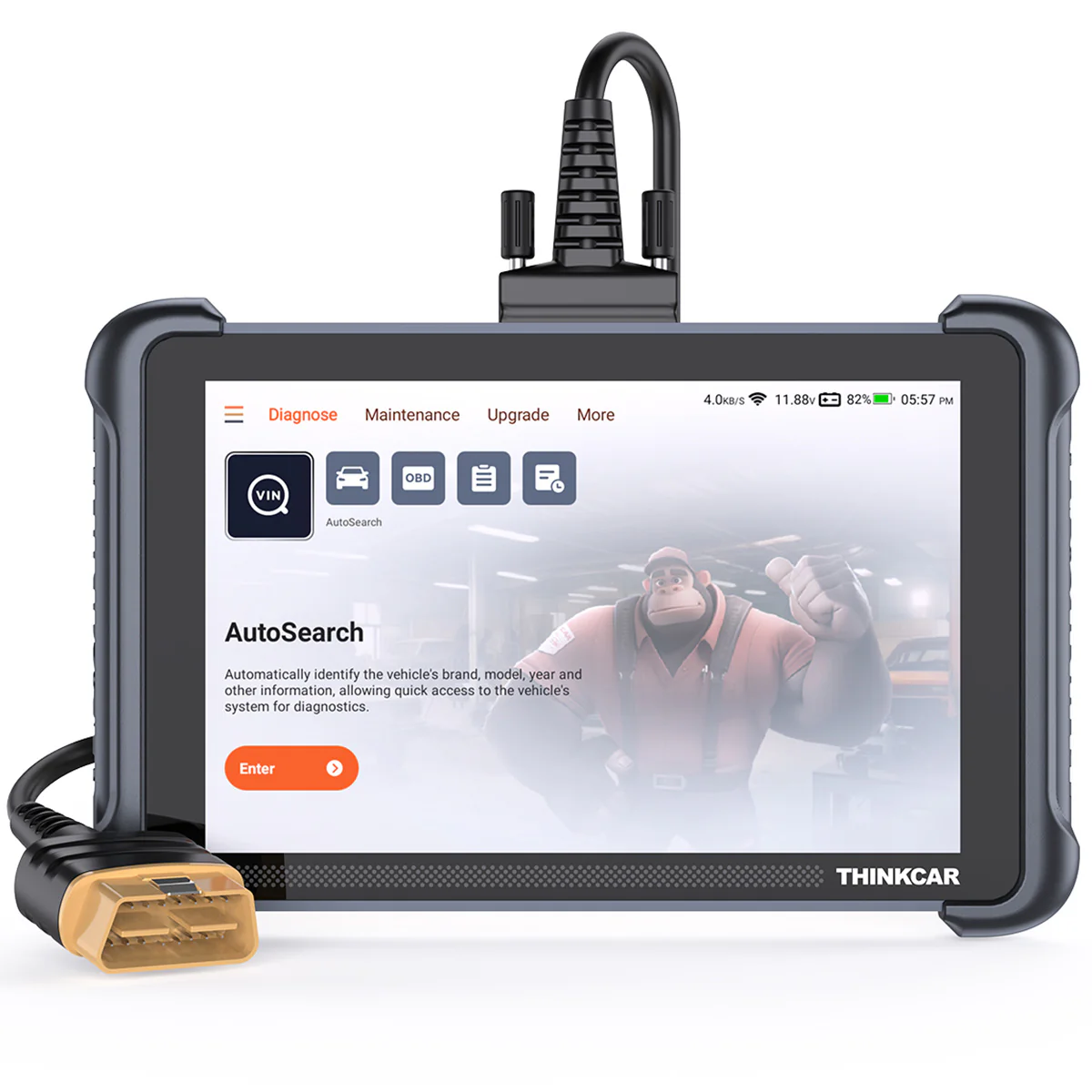
The Bluetooth Thinkscan 689BT is already around $30 under the Mucar for the identical diagnostic tool. The wired 689 goes cheaper still. It swaps the Bluetooth dongle for a plug-in cable, so there is no small dongle to lose and nothing extra to keep charged or pair up. For a home garage that mostly works in one spot, the wired version is the lowest-cost, least-fuss way into this scanner.
How to decide?
Three ways to go, and they all diagnose the same.
Mucar 892BT if the AI assistant, custom wallpaper, and app side appeal to you. For roughly $30 over the Bluetooth Thinkscan you get MUAI, which is the only extra with real day-to-day value. This is the one I actually reach for.
Thinkscan 689BT Bluetooth if you want the same diagnostics without paying for extras you will not use, but you still like moving around the car without a cable.
Thinkscan 689 wired if you want the cheapest route and the least hassle. No dongle to lose, nothing extra to manage, and you give up nothing on the diagnostic side.
→ Read the full Mucar 892BT review
→ Read the full Thinkscan 689BT review
Most popular OBD2 guides







I'm Juraj Lukacko and I work as an auto electrician. On this site I share what I learn from real work on real cars, to help you pick the right tools for diagnostics, programming and tuning and get the job done.
More about me →