 By Juraj · Last updated August 15, 2026
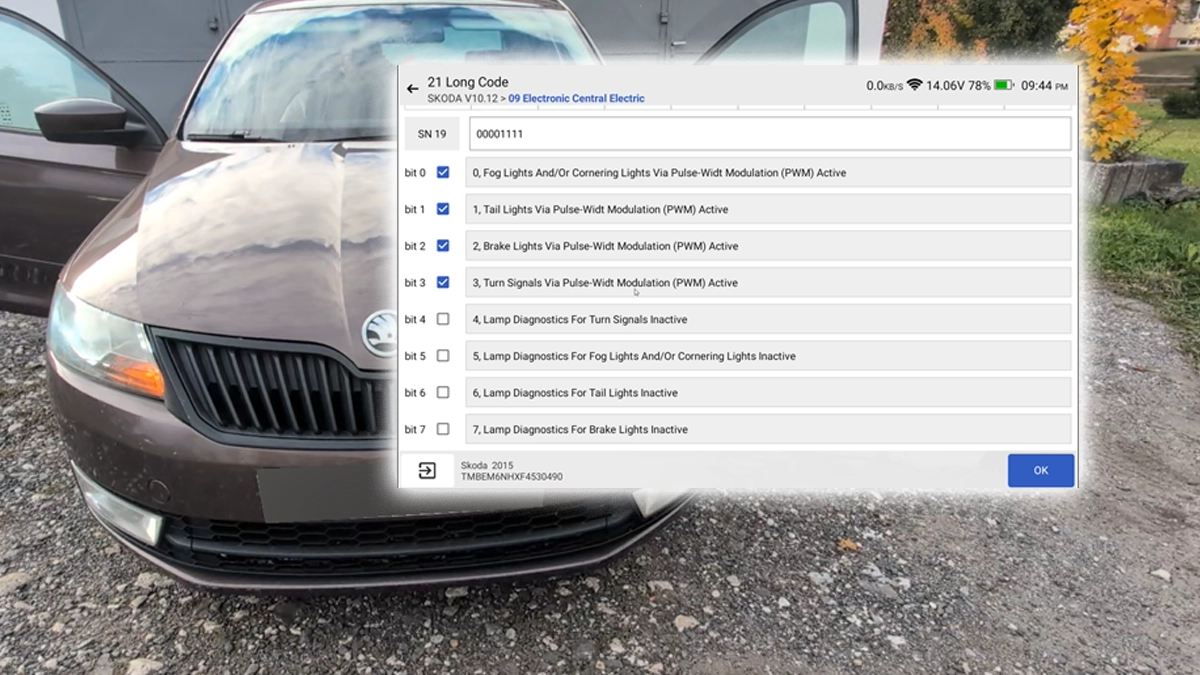
This guide shows how to disable the bulb-out warning specifically for the turn signals on a Škoda Rapid (NH) 2015 after retrofitting LED bulbs. The procedure modifies a single bit in the Electronic Central Electric module (09) long coding, so diagnostics for tail lights, brake lights and fog lights remain fully active — only the turn-signal lamp check is switched off.
I earn from qualifying purchases and sometimes get tools for free (full disclosure). It never affects my scoring.
Used tool in this guide

Video: How to disable turn signal bulb-out warning on Škoda Rapid 2015
This video shows how to disable the lamp diagnostics for turn signals on a Škoda Rapid (NH) 2015 using Mucar 892BT, by setting bit 4 of byte 19 in the central electrics module long coding.
Supported vehicles
| Vehicle |
|---|
| rapid-nh |
Technical overview
| Vehicle | Škoda Rapid (NH) |
|---|---|
| Year | 2015 |
| System | 09 – Electronic Central Electric (BCM) |
| Procedure type | Long coding |
| Difficulty | Easy |
| Time required | ~5 minutes |
| Prerequisites | VAG tool with long coding access, 12 V battery in good condition, ignition ON |
Step-by-step procedure
Connect the diagnostic interface
Plug the diagnostic interface into the OBD2 port. The port is located under the dashboard on the driver's side, just above the pedals.
Switch the ignition ON
The engine does not need to be running, but the battery should be in good condition to avoid voltage drops during coding.
Identify the vehicle
Open the OBDeleven app and let it identify the vehicle. Confirm the VIN matches your car (e.g. TMBEM6NH…).
Open 09 – Central Electrics
Open the control unit list and select 09 – Electronic Central Electric.
Open Long Coding
The app will read out the current coding string and present it as a list of bytes (SN 0, SN 1, … SN 22).
Locate byte SN 19
This byte controls the lamp diagnostics flags.
Tick bit 4
Tick the checkbox for bit 4 – Lamp Diagnostics For Turn Signals Inactive. Bits 0–3 (Fog, Tail, Brake, Turn signal PWM modes) should remain as they were. Do not touch bits 5 and 6 — those control fog and tail-light diagnostics, which you want to keep active so a real bulb failure on those circuits is still reported.
Apply the coding
Press OK to apply the new long coding. The app will write the value back to the module and confirm a successful response.
Cycle the ignition and test
Switch the ignition off, wait ~10 seconds, then switch on again. Activate the indicators on both sides and verify there is no "bulb out" message and the dash blinker rate is normal.
Check the other lamp diagnostics
Verify the other lamp diagnostics still work (e.g. pull a tail-light bulb briefly) — only the turn-signal warning should be suppressed.
- bit 0 – Fog Lights And/Or Cornering Lights Via Pulse-Width Modulation (PWM) Active
- bit 1 – Tail Lights Via Pulse-Width Modulation (PWM) Active
- bit 2 – Brake Lights Via Pulse-Width Modulation (PWM) Active
- bit 3 – Turn Signals Via Pulse-Width Modulation (PWM) Active
- bit 4 – Lamp Diagnostics For Turn Signals Inactive ← set this to 1
- bit 5 – Lamp Diagnostics For Fog Lights And/Or Cornering Lights Inactive
- bit 6 – Lamp Diagnostics For Tail Lights Inactive
Additional information & compatibility notes
The Škoda Rapid NH platform (2012–2019) shares the central electrics architecture with several other VAG models of the same generation, so the same byte/bit logic typically applies — but the exact byte index can differ between BCM hardware revisions, so always read the current long coding first and verify the labels in your app before changing anything.
Alternative tools

Legal & safety notice
More procedures like this
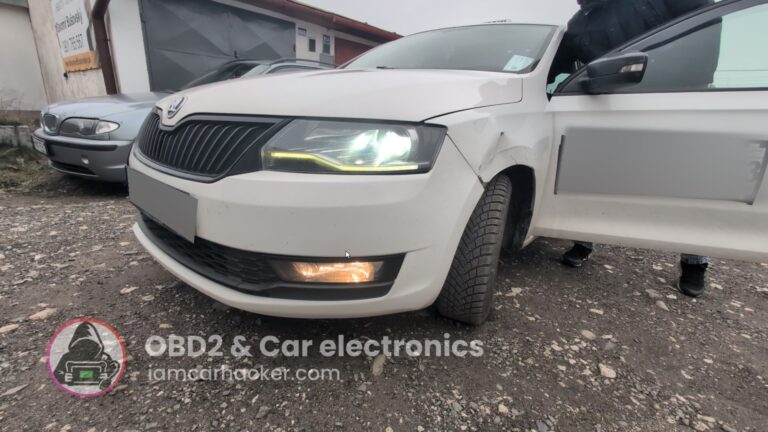
Activate Cornering Lights (Fog Lights) – Skoda Rapid 2019
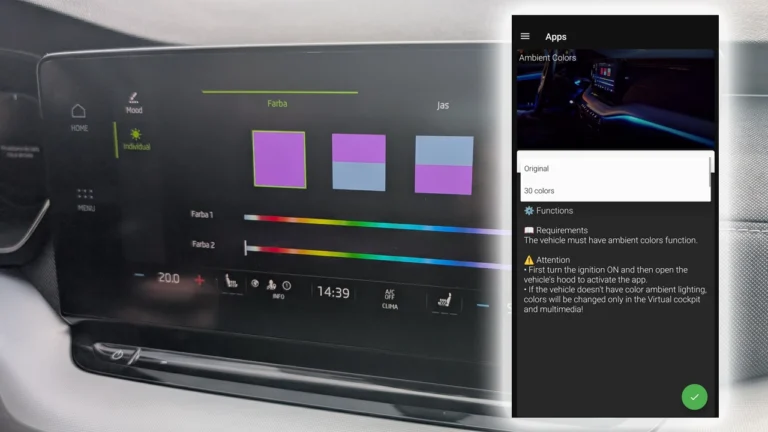
How to activate 30-color ambient lighting on Skoda Octavia 4 (NX)
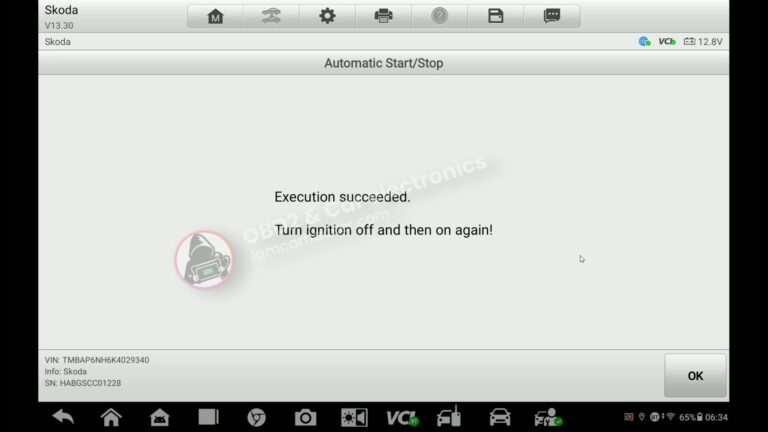
How to turn OFF Start/Stop – Skoda Rapid 2019
How to Enable Coming Home & Leaving Home Lights (VAG Coding Guide)
Activate Hill Start Assist – Skoda Rapid 2015
How to activate US-style turn signals for VAG / Volkswagen / Skoda / Seat / Audi
Most popular OBD2 guides






I'm Juraj Lukacko and I work as an auto electrician. On this site I share what I learn from real work on real cars, to help you pick the right tools for diagnostics, programming and tuning and get the job done.
More about me →