 By Juraj · Last updated August 15, 2026
Check real vehicle mileage by comparing values from multiple control modules and verifying hidden mileage stored in the engine control unit.
I earn from qualifying purchases and sometimes get tools for free (full disclosure). It never affects my scoring.
Used tool in this guide

Video: How to verify mileage with OBD2 scanner (Skoda/VAG)
This video shows how to erify the actual mileage on a Skoda Rapid by comparing values from multiple control modules and checking the distance stored inside the engine control unit.
Supported vehicles
| Vehicle |
|---|
| rapid-nh |
Technical overview
| Vehicle | Skoda Rapid |
|---|---|
| Year | ~2013–2020 |
| System | Multiple control modules |
| Procedure type | Mileage verification |
| Difficulty | Easy |
| Time required | ~2–5 minutes |
| Prerequisites | Ignition ON |
Step-by-step procedure
Connect and identify the vehicle
Connect the scanner to the OBD2 port, turn the ignition ON, and enter diagnostics. Select Skoda and use automatic vehicle detection.
Check mileage using Service function
From the main menu, open the Service section and select Odometer.
The scanner reads mileage values stored in multiple control modules.
On this vehicle, the values were:
- Engine control module: 488,059 km
- Instrument cluster: 488,059 km
- Power steering: 488,059 km
At this point, everything appears consistent.
Access engine control module
Go back to diagnostics, open Control Units, and enter the engine control module (01 – Engine).
Open live data and locate distance parameter
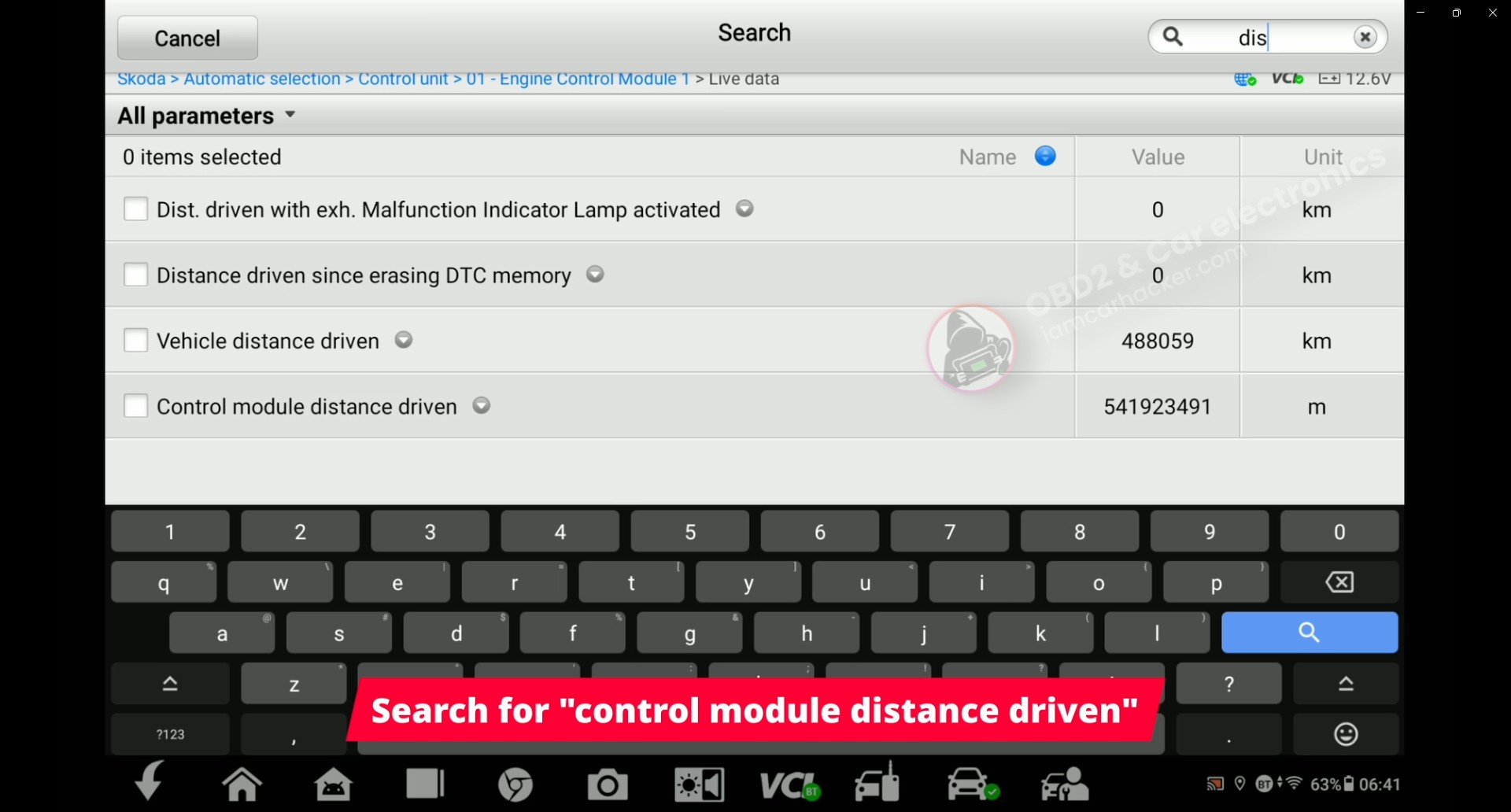
Enter Live Data and search for the parameter “control module distance driven”.
This parameter is not shown in the basic mileage function and must be accessed manually.
Read and interpret the value
The engine control module reports the distance in meters.
Value recorded in this case:
- 541,923,491 m
Converted to kilometers:
- 541,923 km
Compare values
Dashboard and service function:
- 488,059 km
Engine control module (live data):
- 541,923 km
Difference:
- Approximately 50,000 km
Result
The mileage stored inside the engine control unit is significantly higher than the value shown on the dashboard and in other modules.
This indicates that the displayed mileage has likely been altered.
Alternative tools
 ToolXTool A30MXToolOfficial website ›Check on Amazon ›Read review
  ToolMucar 892BTMucarOfficial website ›Check on Amazon ›Read review
 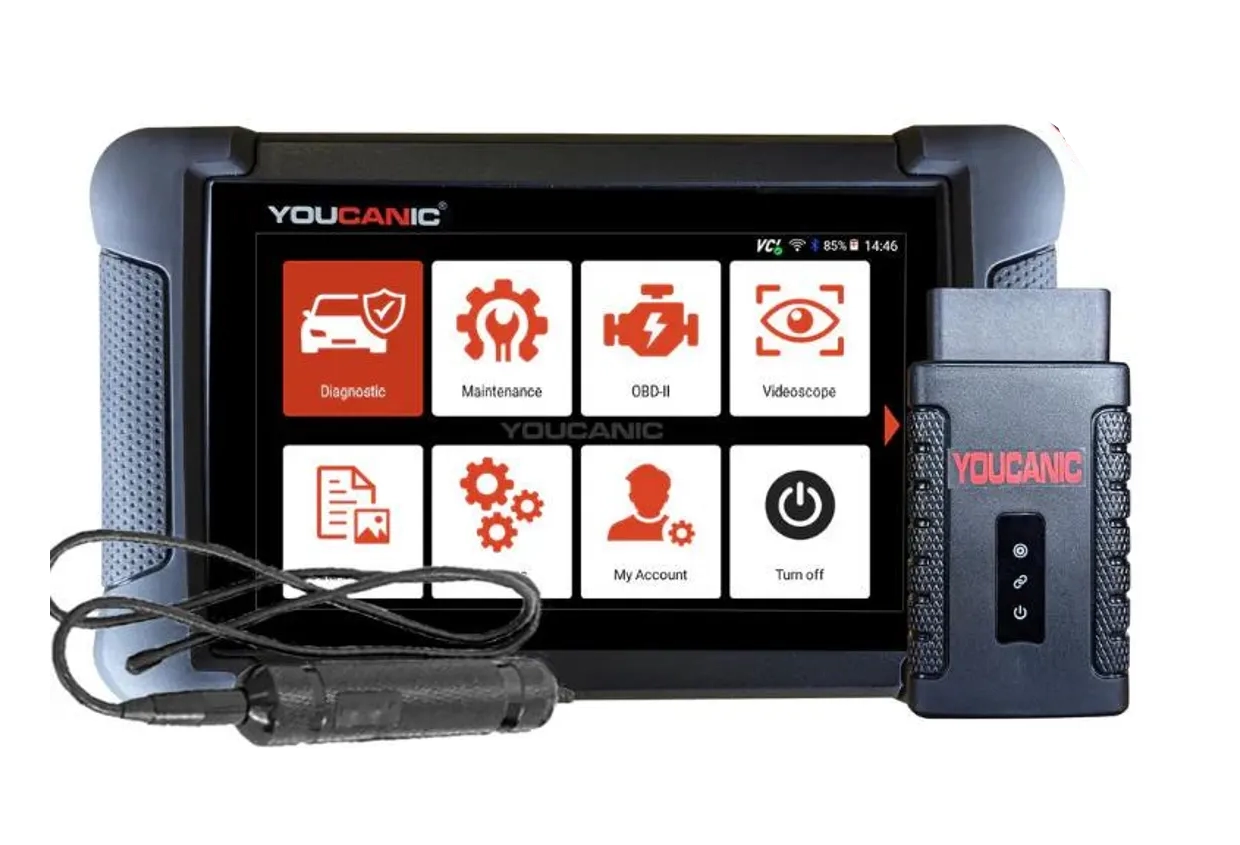 ToolYoucanic UCAN-II full-systemYoucanicOfficial website ›Read review
  ToolOBDeleven 3OBDelevenOfficial website ›Check on Amazon ›Read review
  RoundupThe 5 Bi-Directional Scanners I Actually Reach For (Out of 50+ Tested)Read the guide
  Roundup5 Best OBD2 Scanners for VW/Audi/Skoda/Seat (Tested on Real VAG Cars)Read the guide
 Legal & safety notice
More procedures like this
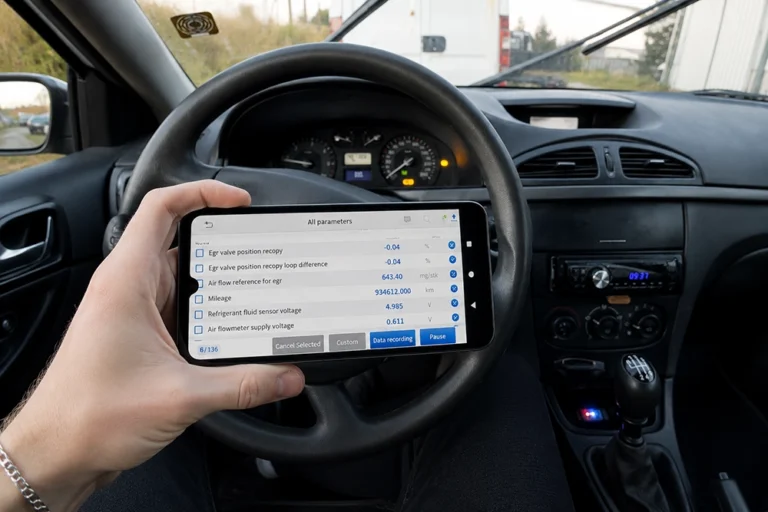
How to Check Real Car Mileage With an OBD2 Scanner
How to turn OFF Start/Stop – Skoda Rapid 2019
How to fix DPF warning, glow plug blinking and limp mode on Skoda Rapid 1.6 TDI (2014)
Verifying real mileage on Skoda Octavia MK3– case study using OBD2 live data
How to Disable Turn Signal Bulb-Out Warning on Škoda Rapid 2015 (NH)
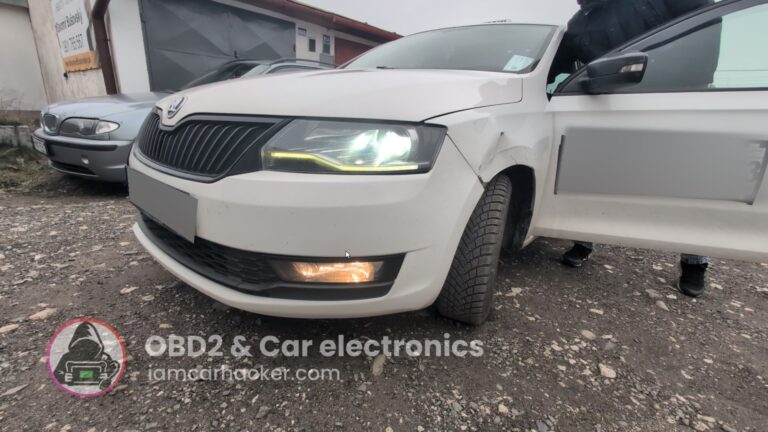
Activate Cornering Lights (Fog Lights) – Skoda Rapid 2019
Most popular OBD2 guides





I'm Juraj Lukacko and I work as an auto electrician. On this site I share what I learn from real work on real cars, to help you pick the right tools for diagnostics, programming and tuning and get the job done.
More about me →