 By Juraj · Last updated August 15, 2026
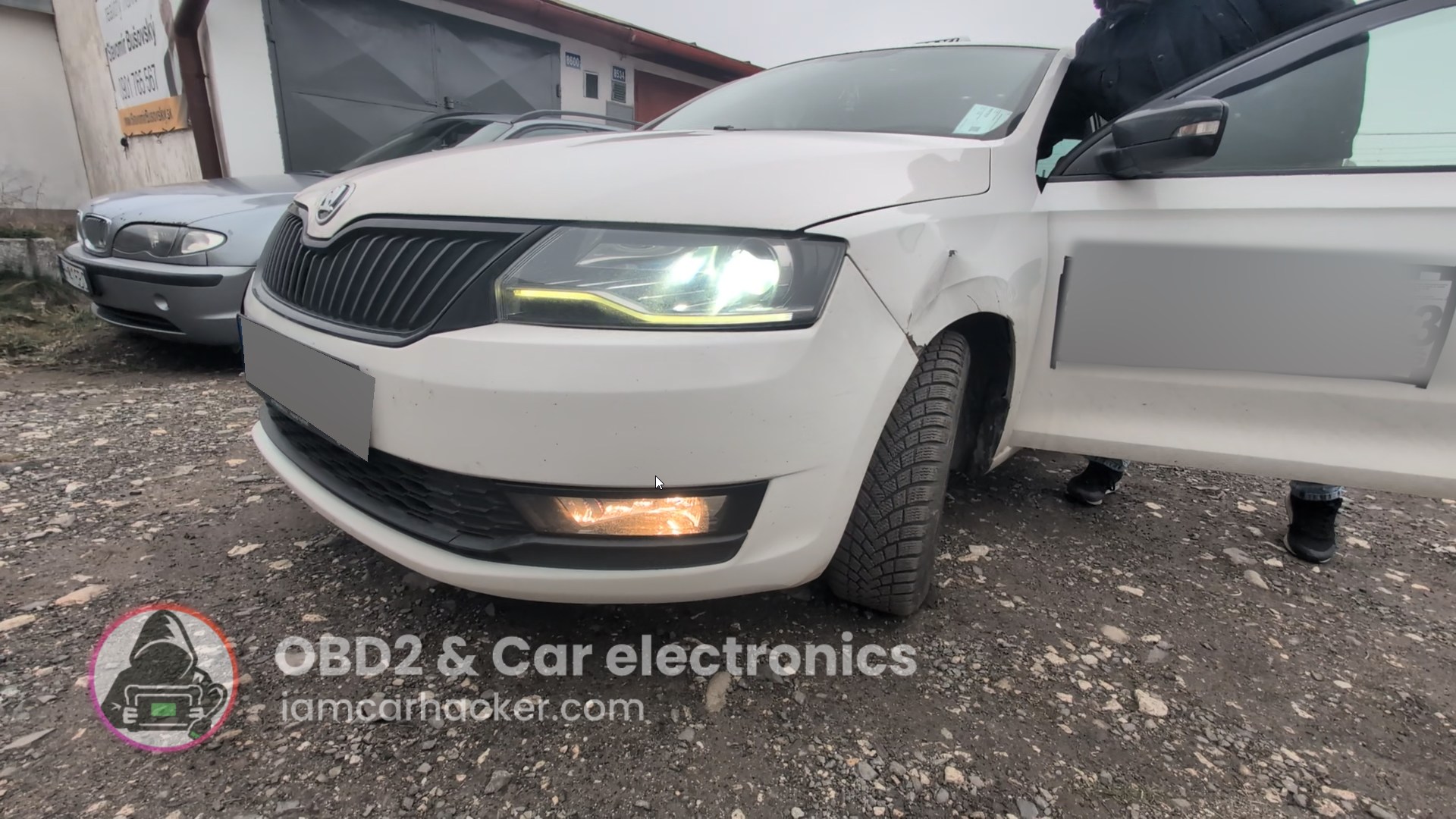
This guide shows how to activate cornering lights (fog lights turning on with steering) on a Skoda Rapid 2019 using an OBD2 scanner or coding.
I earn from qualifying purchases and sometimes get tools for free (full disclosure). It never affects my scoring.
Used tool in this guide
Video: How to activate cornering lights on Skoda (fog lights variant)
This video shows how to activate cornering lights using OBDeleven and coding methods
Supported vehicles
| Vehicle |
|---|
| rapid-nh |
Technical overview
| Vehicle | Skoda Rapid |
|---|---|
| Year | 2019 |
| System | Central Electronics (09) |
| Procedure type | Coding / Adaptation |
| Difficulty | Easy (One Click) / Medium (Manual coding) |
| Time required | ~2–5 minutes |
| Prerequisites | Ignition ON, compatible OBD2 scanner |
Step-by-step procedure
Method 1: OBDeleven One Click App (easiest)
- Connect OBDeleven to the vehicle
- Open the OBDeleven app
- Tap the hamburger menu (☰)
- Go to Apps
- Select Cornering Lights
- Set to ON
- Confirm and apply changes
Method 2: Manual coding (VCDS / other tools)
- Connect your diagnostic tool
- Turn ignition ON
- Go to:
- Select Control Module
- 09 – Central Electronics
- Enter:
- Coding – 07
- Open:
- Long Coding Helper
- Navigate to:
- Byte 12
- Enable:
- Bit 6 – Turn/Cornering Lights active
- Save coding
Additional information & compatibility notes
Cornering lights use fog lights to illuminate turns at low speeds
Function may depend on:
Vehicle equipment (fog lights required)
BCM version
In some vehicles, activation may also require:
Adaptation channels instead of long coding
If error appears after coding, revert changes or check related adaptations
Alternative tools
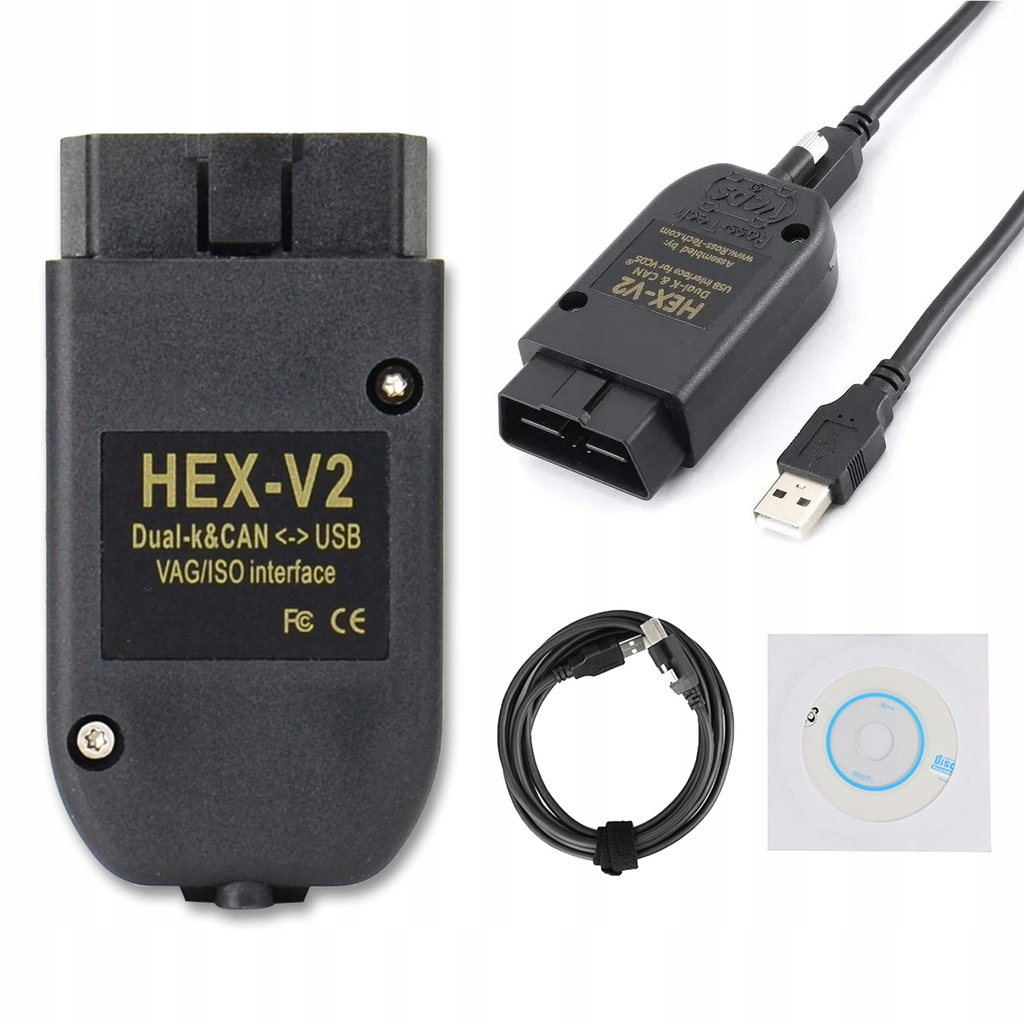 ToolVCDS cloneRoss TechAliExpress ›Read review
  ToolMucar 892BTMucarOfficial website ›Check on Amazon ›Read review
 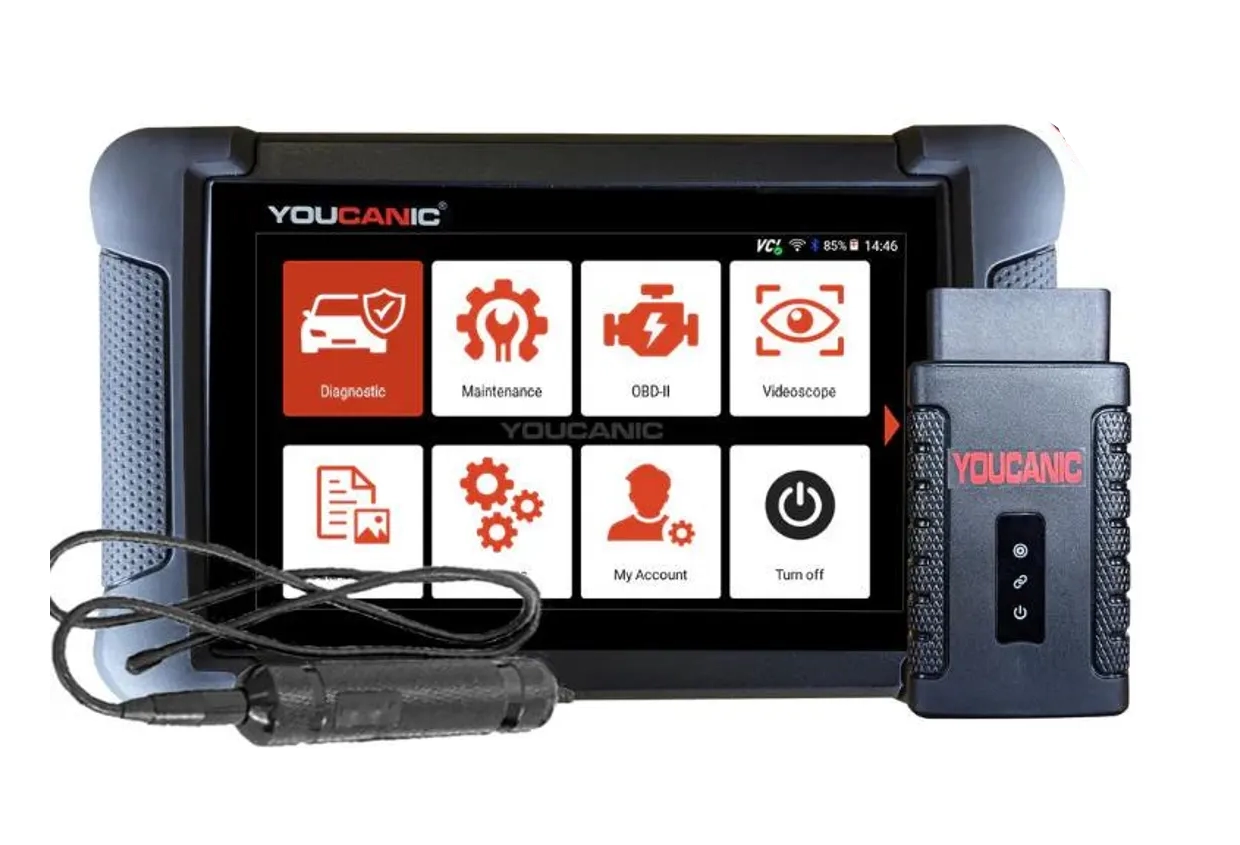 ToolYoucanic UCAN-II full-systemYoucanicOfficial website ›Read review
  Roundup5 Best OBD2 Scanners for VW/Audi/Skoda/Seat (Tested on Real VAG Cars)Read the guide
 Legal & safety notice
More procedures like this
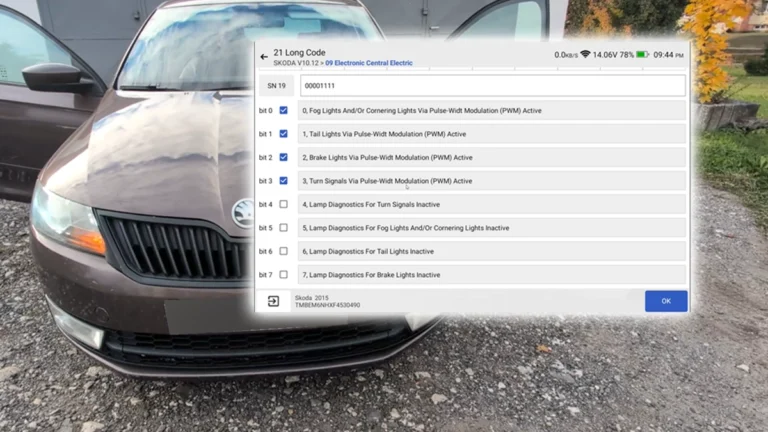
How to Disable Turn Signal Bulb-Out Warning on Škoda Rapid 2015 (NH)
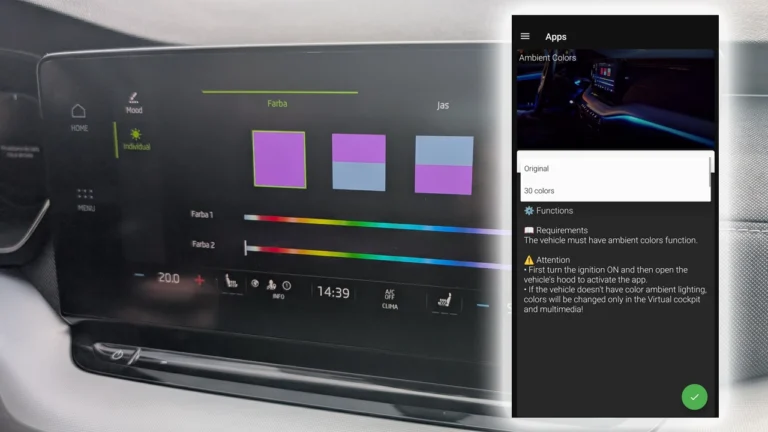
How to activate 30-color ambient lighting on Skoda Octavia 4 (NX)
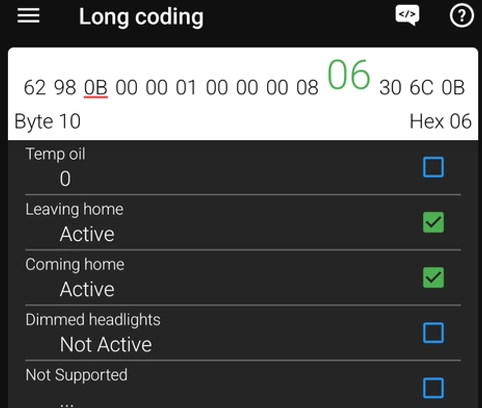
How to Enable Coming Home & Leaving Home Lights (VAG Coding Guide)
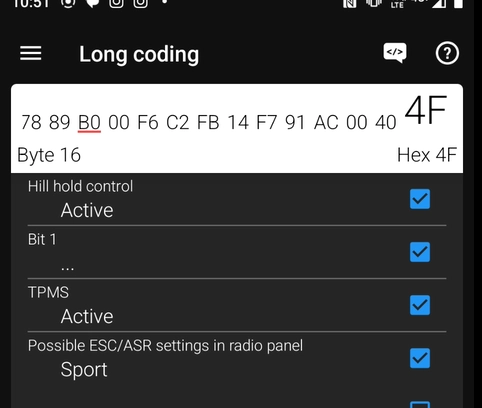
Activate Hill Start Assist – Skoda Rapid 2015
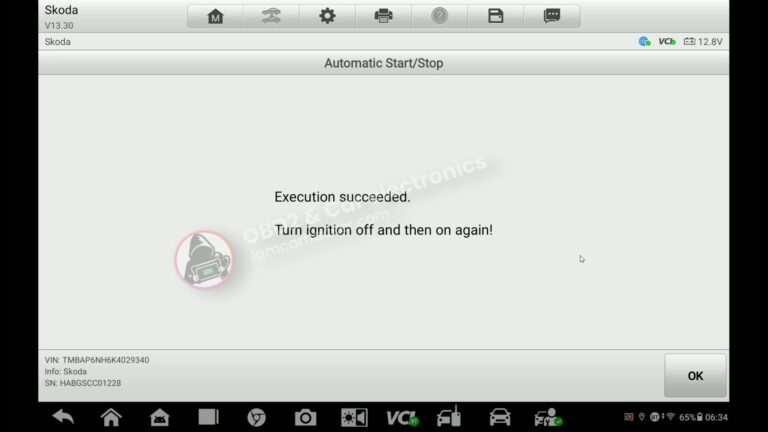
How to turn OFF Start/Stop – Skoda Rapid 2019
How to activate US-style turn signals for VAG / Volkswagen / Skoda / Seat / Audi
Most popular OBD2 guides






I'm Juraj Lukacko and I work as an auto electrician. On this site I share what I learn from real work on real cars, to help you pick the right tools for diagnostics, programming and tuning and get the job done.
More about me →