 By Juraj · Last updated August 13, 2026
Mileage isn't stored only on the dashboard. Some cars copy it into other control modules too. Compare those values to the dash and you can catch a rollback, if the car saved a second copy at all.
Read mileage from every control module you can reach, then compare each value to the dashboard. Close match, genuine. One module far higher, rolled back. If the car never stored a second copy anywhere, no scanner will show you one.
Quick answer
Real case: Renault at 467,000 km
Three scanners, same Renault, same session.
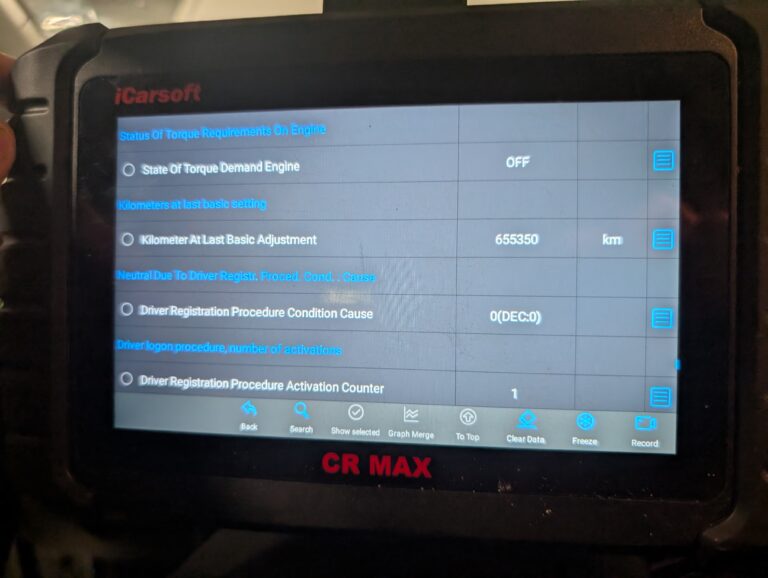
- iCarsoft, found nothing
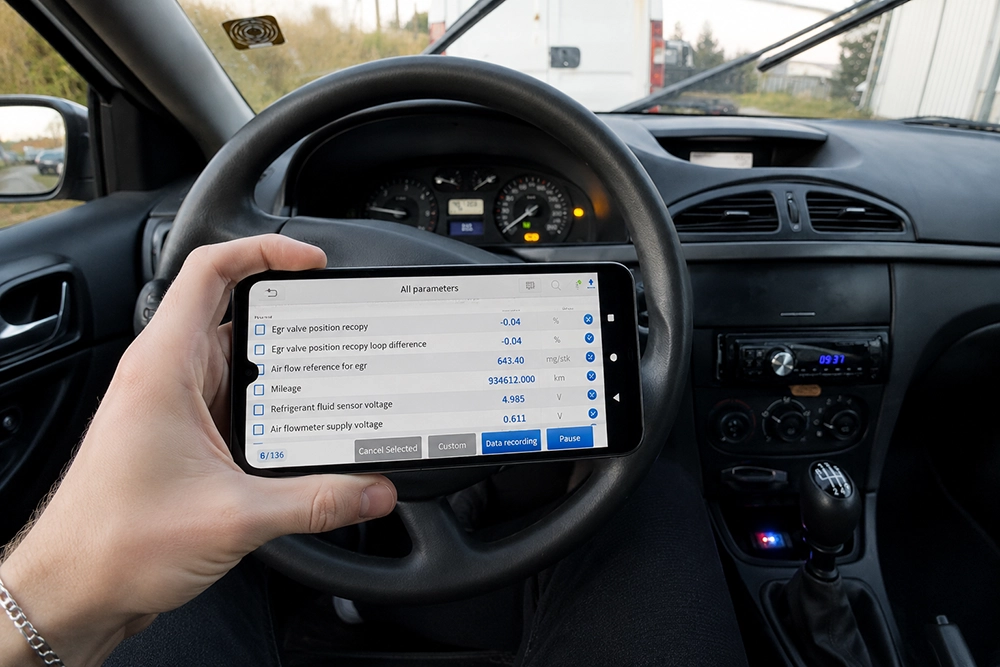
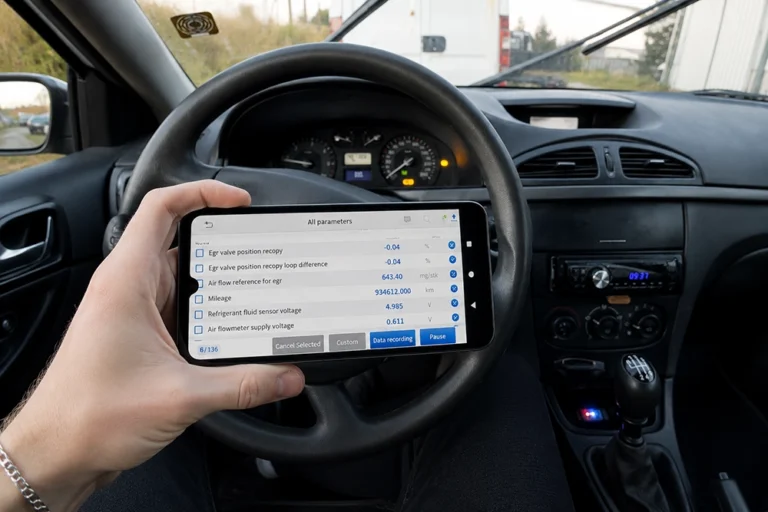
- XTool A30M, pulled 934,000 km from a control module
- Mucar, found nothing
I earn from qualifying purchases and sometimes get tools for free (full disclosure). It never affects my scoring.
Used tool in this guide

Video
Step-by-step procedure
Connect a full-system scanner
Connect a full-system scanner. Engine-only code readers can't open other modules, skip this entirely for them.
Go module by module
Go module by module: engine ECU, ABS, body control, steering, infotainment, transmission.
Find the mileage parameter
Look for a mileage or distance parameter in each. Naming varies by brand.
Compare with the dashboard
Compare every value found against the dashboard reading.
Try a second scanner
If nothing turns up anywhere, connect a second scanner from a different brand before concluding the car is clean.
No second module found: use engine hours
Divide dashboard mileage by total engine hours for a rough average speed.
Where OBD2 stops
Cluster EEPROM or ECU bin reads go deeper but need bench work and desoldering. Not realistic for a used car check in a parking lot. OBD module comparison is as far as a normal inspection goes, and it's usually enough.
Tools you'll need
Any full-system scanner with module-level live data. Engine-only readers can't do this job at all.
More procedures where I checked real mileage
Legal & safety notice
More procedures like this
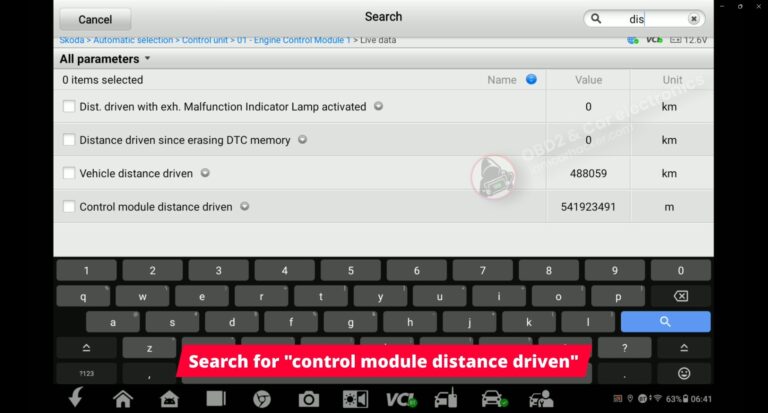
How to Check Real Mileage – Skoda Rapid 2019 (OBD2)
Verifying real mileage on Skoda Octavia MK3– case study using OBD2 live data
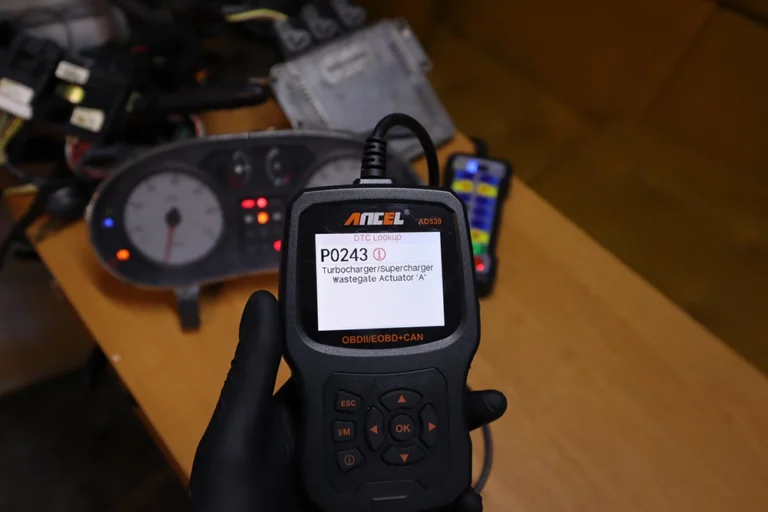
How to Test a Turbocharger With an OBD2 Scanner (Live Data Method)
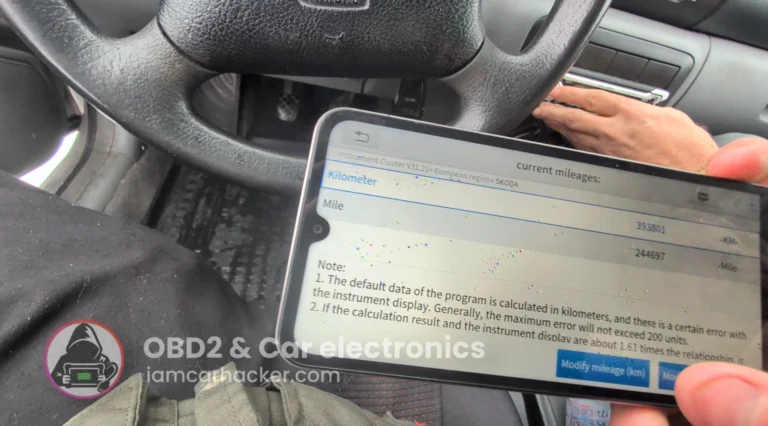
How to do odometer correction for Skoda Octavia MK1 with OBD2 scanner
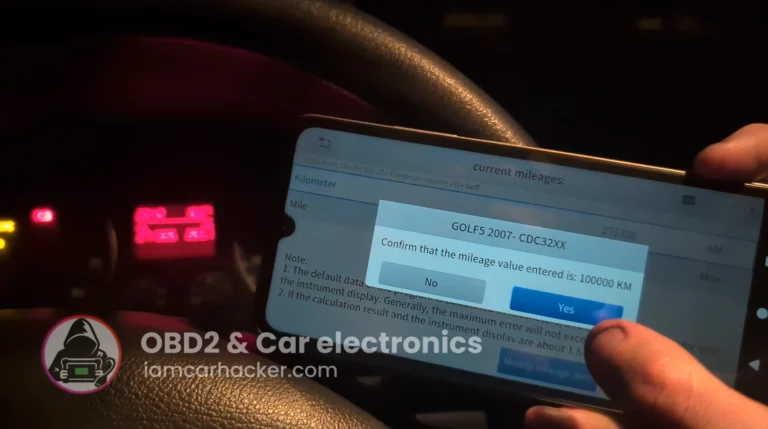
Volkswagen Golf MK5 2006 Odometer correction with OBD2 scanner
Most popular OBD2 guides







I'm Juraj Lukacko and I work as an auto electrician. On this site I share what I learn from real work on real cars, to help you pick the right tools for diagnostics, programming and tuning and get the job done.
More about me →