 By Juraj · Last updated August 15, 2026
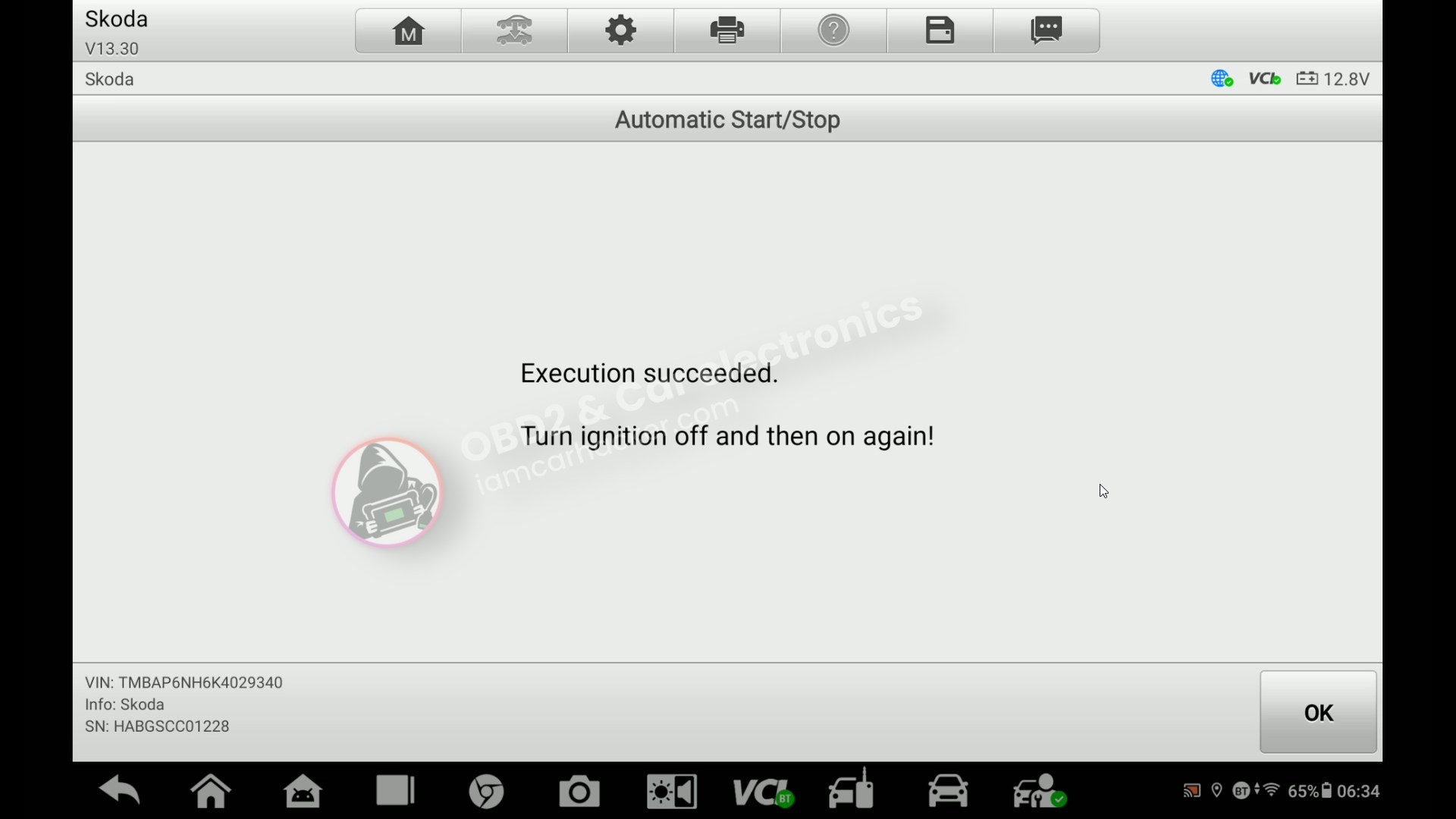
This guide shows how to disable the automatic start/stop system on Skoda Rapid using a service function - and how to fix the common error that appears after.
I earn from qualifying purchases and sometimes get tools for free (full disclosure). It never affects my scoring.
Used tool in this guide

Video: How to disable start/stop on Skoda
This video shows the exact step-by-step process inside the scanner, including module access and adaptation settings.
Supported vehicles
| Vehicle |
|---|
| rapid-nh |
Technical overview
| Vehicle | Skoda Rapid |
|---|---|
| Year | 2019 |
| System | Skoda Rapid |
| Procedure type | Engine Control Module (ECU) |
| Difficulty | Coding / Adaptation |
| Time required | ~3–5 minutes |
| Prerequisites | Battery voltage above 12V |
Step-by-step procedure
Disable Start/Stop via service function
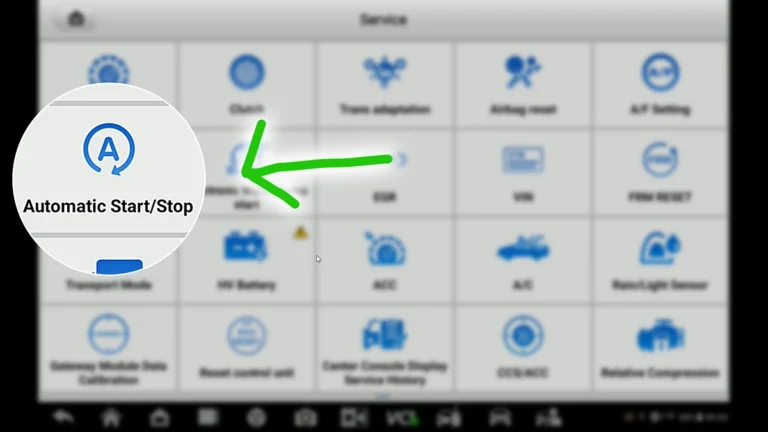
Open Service / Hot functions, select Start/Stop, choose Skoda, and run Turn OFF Start/Stop.
Check dashboard for error
After performing the function, you may see a Start/Stop error on the dashboard. This is normal on some vehicles.
Fix error via adaptation
Go to Diagnostics, select Engine Control Module, and open Adaptation.
Find Start/Stop adaptation
Locate parameter Activation of Start/Stop function.
Set adaptation correctly
Set the value to active.
Service function disables Start/Stop, but the adaptation must remain active. If you disable it here, the dashboard error will appear.
Confirm and cycle ignition
Apply the change, then turn ignition OFF and ON again.
Alternative tools
 ToolXTool A30MXToolOfficial website ›Check on Amazon ›Read review
  ToolMucar 892BTMucarOfficial website ›Check on Amazon ›Read review
 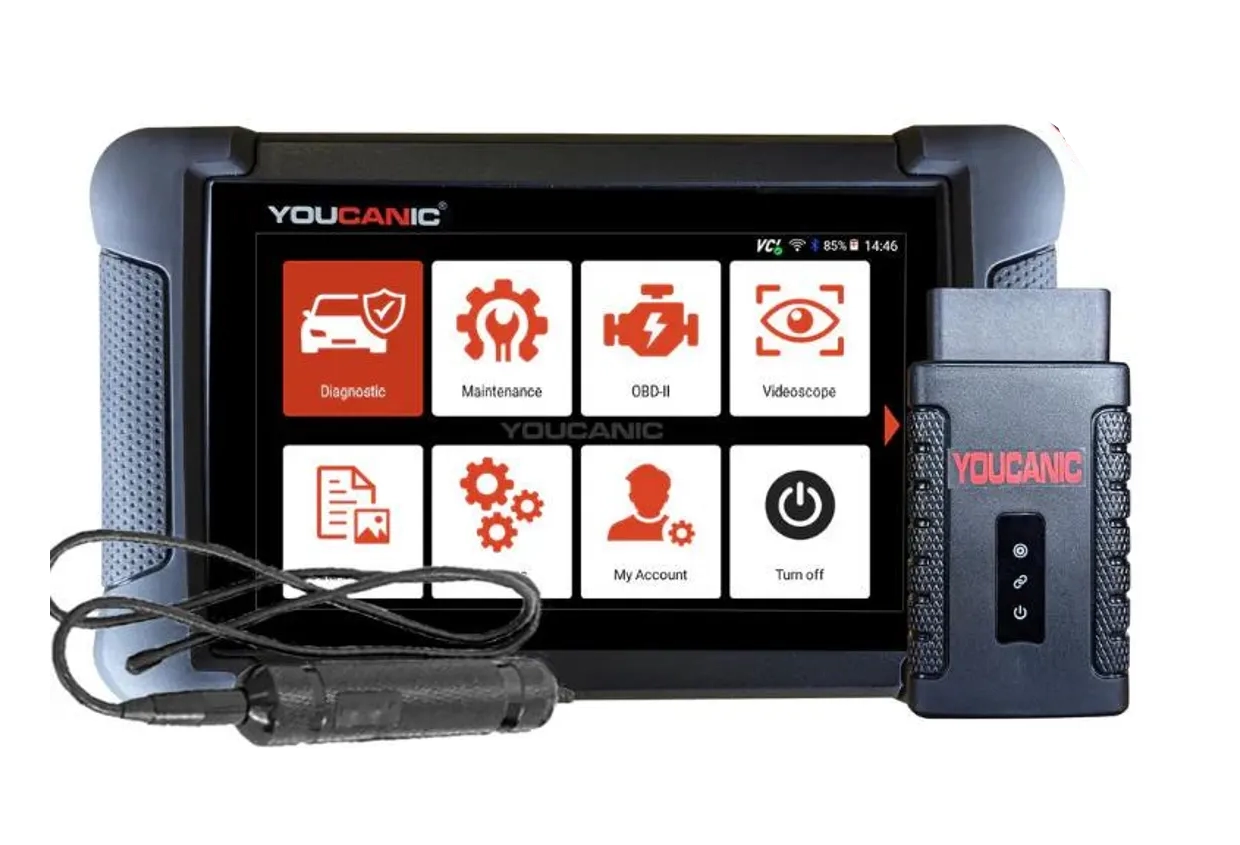 ToolYoucanic UCAN-II full-systemYoucanicOfficial website ›Read review
  ToolOBDeleven 3OBDelevenOfficial website ›Check on Amazon ›Read review
  RoundupThe 5 Bi-Directional Scanners I Actually Reach For (Out of 50+ Tested)Read the guide
 Legal & safety notice
More procedures like this
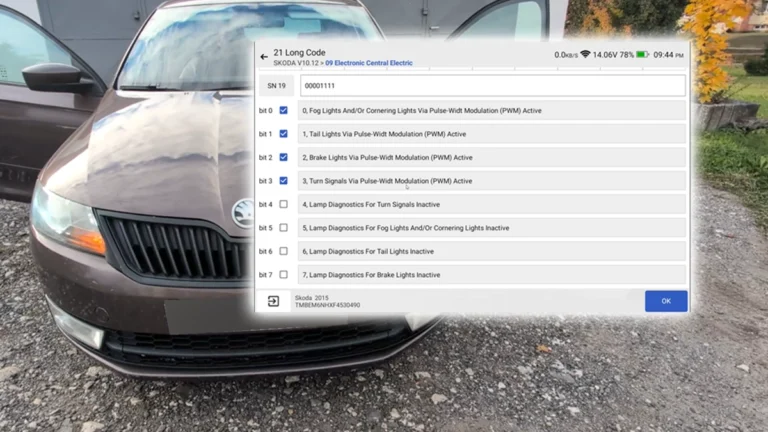
How to Disable Turn Signal Bulb-Out Warning on Škoda Rapid 2015 (NH)
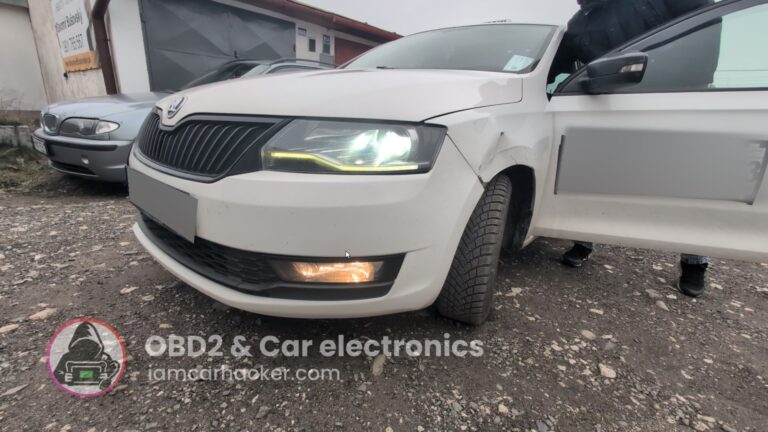
Activate Cornering Lights (Fog Lights) – Skoda Rapid 2019
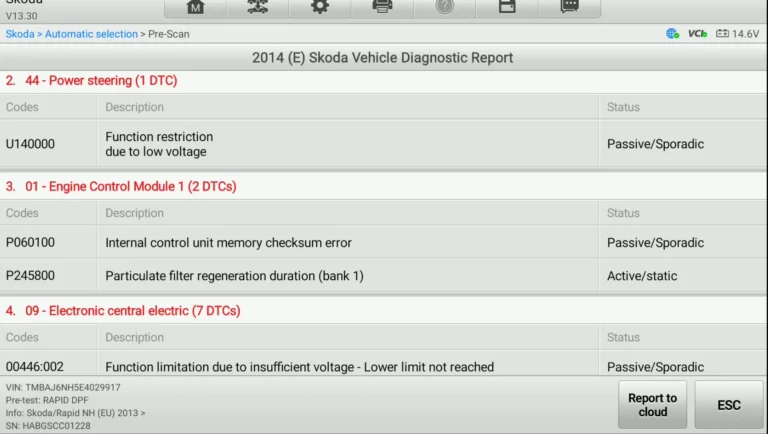
How to fix DPF warning, glow plug blinking and limp mode on Skoda Rapid 1.6 TDI (2014)
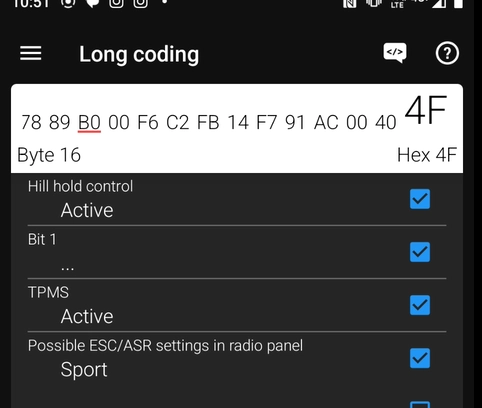
Activate Hill Start Assist – Skoda Rapid 2015
How to Deactivate Start/Stop System on VW Touran 2016 (Type 5T)
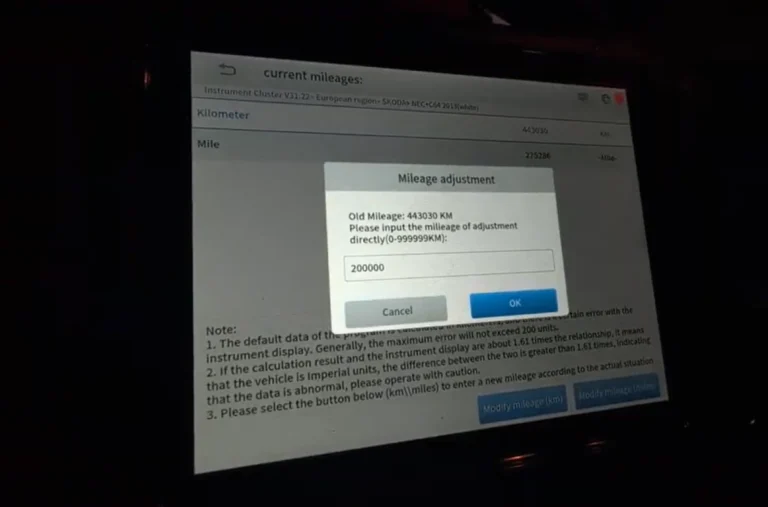
Skoda Rapid 2015 Odometer adjustment
Most popular OBD2 guides






I'm Juraj Lukacko and I work as an auto electrician. On this site I share what I learn from real work on real cars, to help you pick the right tools for diagnostics, programming and tuning and get the job done.
More about me →