
Mazda CX-7 2008 TPMS Relearn / Wheel Sensor Registration
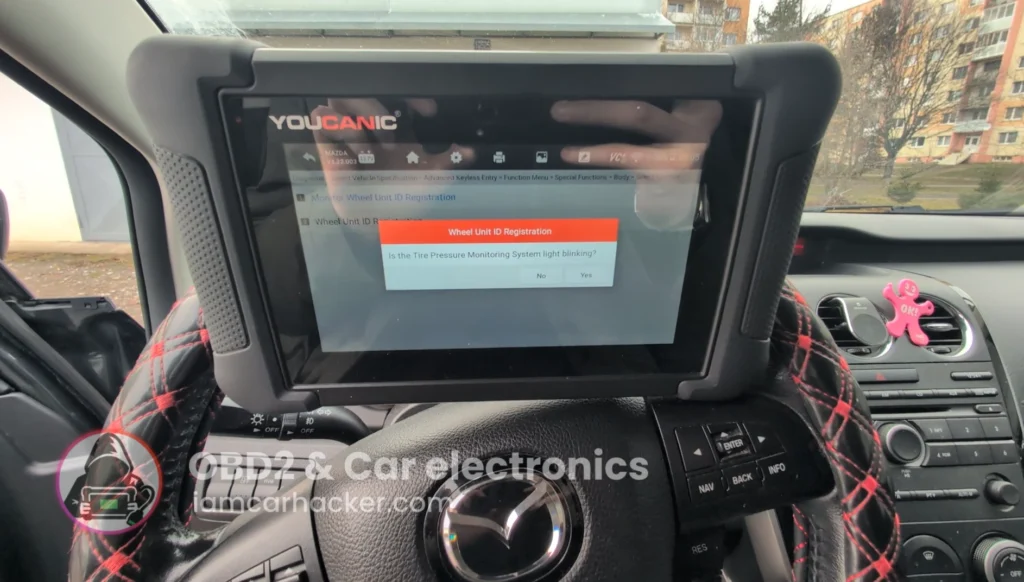

This is complete step-by-step procedure for registering TPMS sensor IDs after replacing sensors, wheels, or TPMS module on Mazda CX-7.
Affiliate Disclosure: iamcarhacker.com is an Amazon and other affiliate programs Associate. As an Amazon Associate, I earn from qualifying purchases. Full Affiliate disclosure.
Used tool
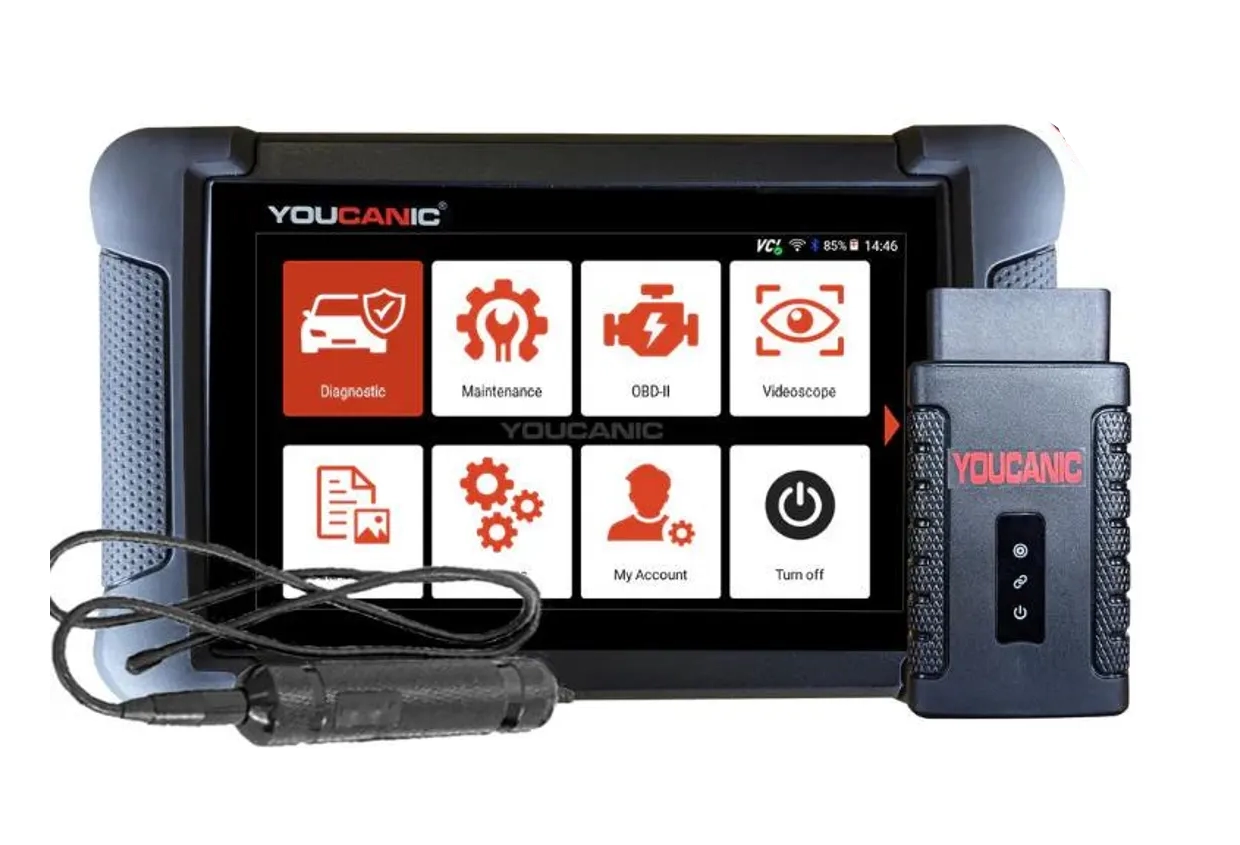
OBD2 scanners support and functions depends on car model. Please visit the official website and ask them for specific feature support for your car model.
Video: How to relearn TPMS on Mazda CX7
This video shows how to service TPMS system with OBD2 scanner on mazda cx7.
Technical overview
| Item | Details |
|---|---|
| Vehicle | Mazda CX-7 2008 |
| Applicable models | 2007–2012 (EU diesel 2.2 + US petrol 2.3T) |
| System | TPMS – direct pressure sensors (wheel transmitters) |
| Difficulty | Easy–Medium |
| Time required | ~5–20 minutes |
| Prerequisites | Correct TPMS sensors installed, ignition ON, battery stable |
How to perform TPMS relearn on Mazda CX7 with OBD2 scanner
Step 1 – Prepare the car
- Inflate all tires to correct pressure.
- Turn ignition ON (engine OFF or running).
- Connect diagnostic tool to OBD port.
Step 2 – Enter TPMS function
- Select Mazda → CX-7 → correct year
- Go to:
Special Functions → Body → TPMS → Wheel Unit ID Registration - Start registration procedure.
Step 3 – Start relearn process
- Scanner will enter learning mode.
- Confirm on screen.
- Some tools will automatically read sensors.
- Others require driving vehicle slowly.
Step 4 – Complete registration
- Wait until scanner shows:
Registration complete - Turn ignition OFF.
- Start car again.
- TPMS warning light should go OFF after short drive.
Additional Information & Compatibility Notes
Before using or purchasing any diagnostic tool for this procedure, always verify compatibility with your exact vehicle model, year and system configuration. Supported functions may vary depending on software version, hardware revision and regional limitations.
Alternative tools
- Best OBD2 scanners for Mazda
- XTool A30M
- Mucar 892BT
- Youcanic U-CAN II
- Best Bi-Directional OBD2 scanners
- Best OBD2 scanners overall
Related guides & background information
Legal & safety notice
TPMS relearn should only be performed on a stationary vehicle in a safe environment.
Always ensure correct tire pressure before registering sensors.
Incorrect TPMS configuration may result in false warnings or failure to detect a real tire pressure issue, which can affect driving safety.
Follow manufacturer procedures whenever available.
More procedures like this

Procedures tested with this scanner
 Injector Coding / Replacement – Citroën C4 Picasso 2.0 HDi 2012
 Mazda CX-7 2008 Seat Belt Warning Disable with OBD2 scanner
 Škoda Fabia Mk3 (2020) Oil Service Reset with OBD2 scanner
Most popular OBD2 guides








Hi, I am Juraj Lukacko. I got frustrated by unhelpful and scammy mechanics, so I decided to learn everything about car diagnostics myself. I test dozens of new car diagnostic tools every month along with learning new strategies to fix and customize cars.

Responses