
Published: November 9, 2025 · Last updated: June 3, 2026
The Youcanic UCAN-II is a full-system scanner that does diagnostics, bidirectional tests, ECU coding and around 40 service resets, with free lifetime updates and no subscription. The headline that caught my eye: at roughly $450 it’s the cheapest full-system scanner with a topology map I’ve found, a feature that usually starts at $600 plus. I tested it on a notoriously hard-to-scan VW Touareg and an Alfa bench setup. It performs like a tool twice its price, with a couple of honest catches. Read on for what it does and where it gives ground.
I earn from qualifying purchases and sometimes get tools for free (full disclosure). It never affects my scoring.
Youcanic full-system scanner overview
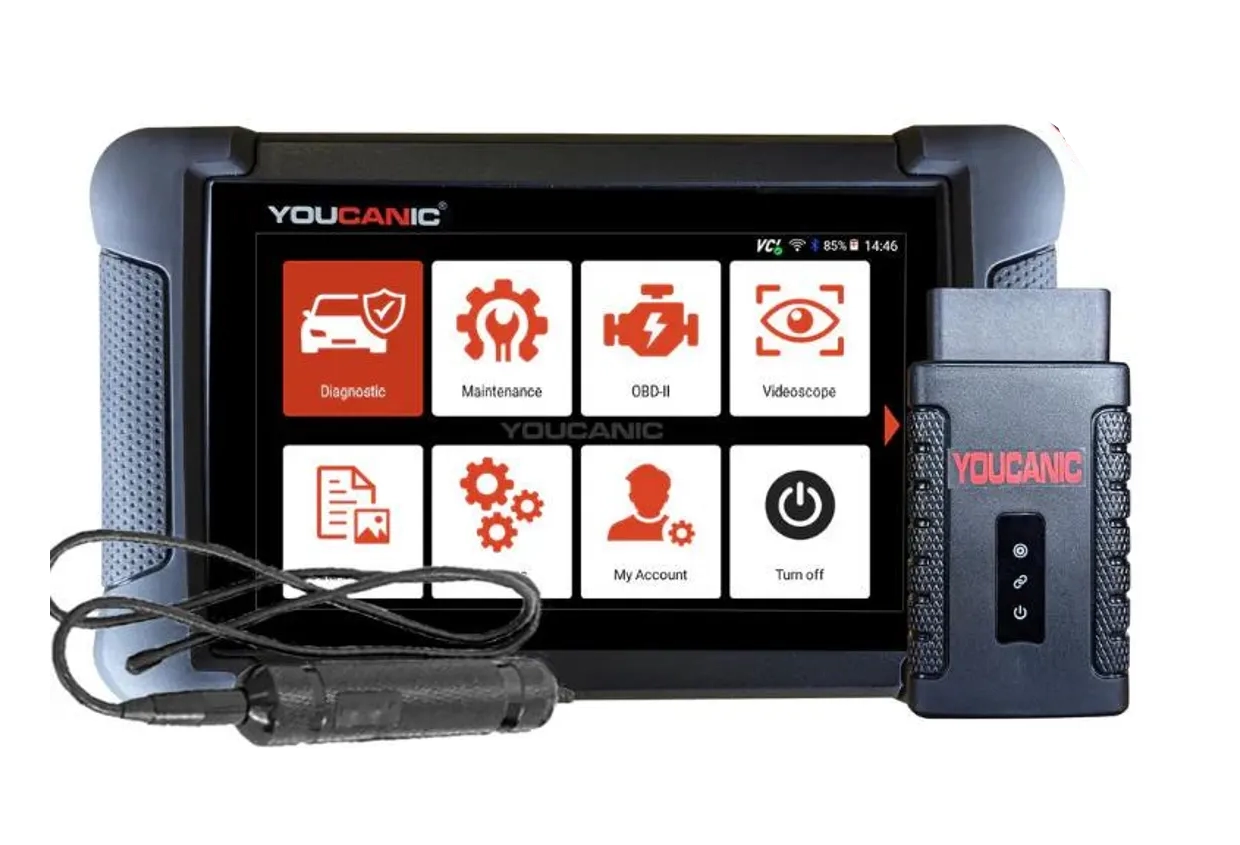
Youcanic UCAN-II full-system
The Youcanic UCAN-II full-system is full system scanner that works completely without internet connection (except update and setup). Works very good and does service/coding as well..

- Full-system bidirectional
- ECU coding
- Wide vehicle coverage
- Lifetime updates
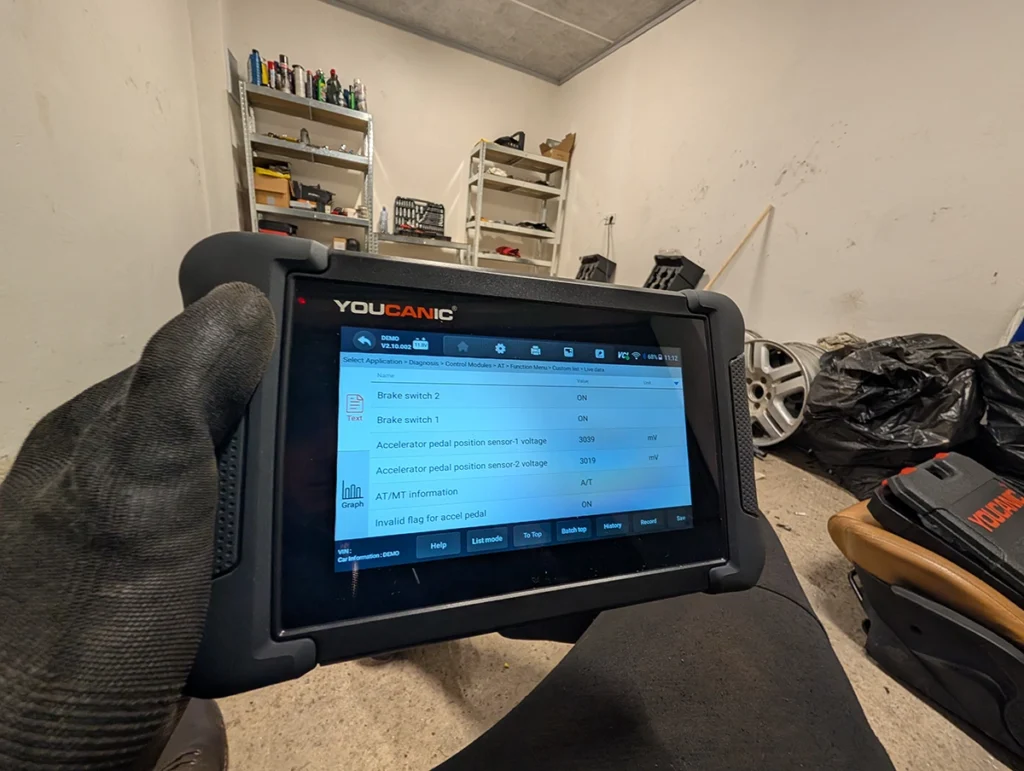
- Good to check and log live data
- 30 days no question asked return
- Less known brand with smaller community
Service functions (30+)
Scores
Specs
| Tool type | Standalone device |
| User level | Advanced |
| Vehicle focus | All makes |
| Free updates | Lifetime |
| Subscription | Not required |
Photos
Support & resources
| Need help with tool? | Open tool support page ↗ |
| Will this work for my car? | Open coverage check page ↗ |
| Hardware specs |
|
| Supported languages |              SQ SQ |
Addons & accessories
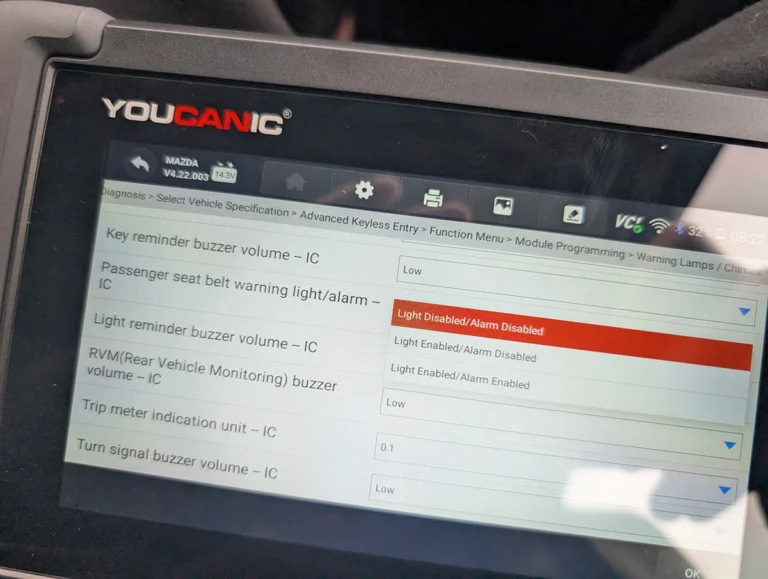
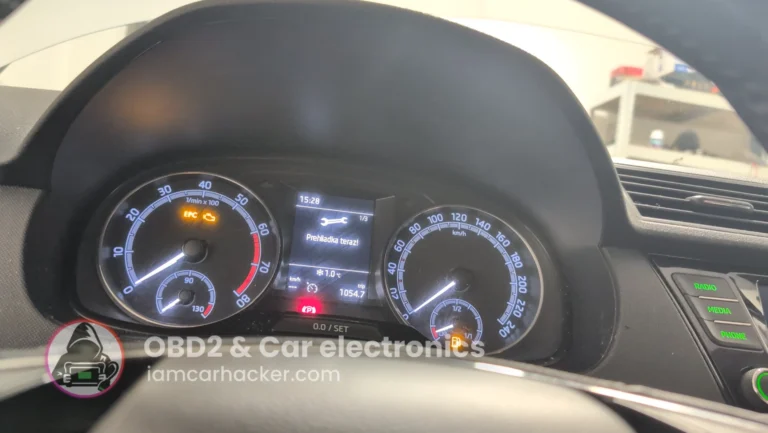
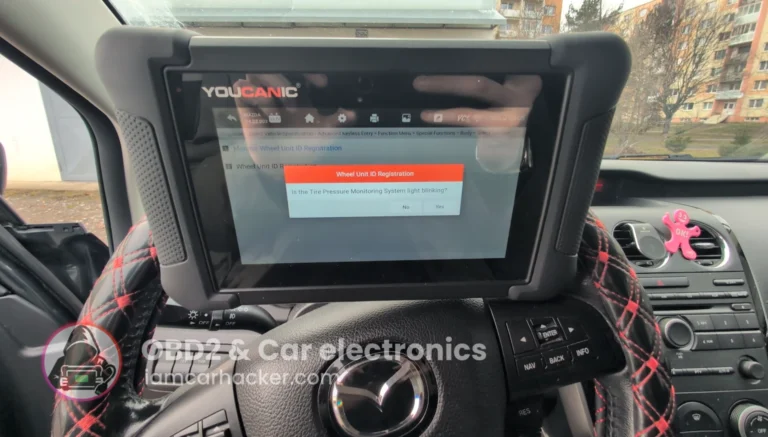
What it’s actually good at
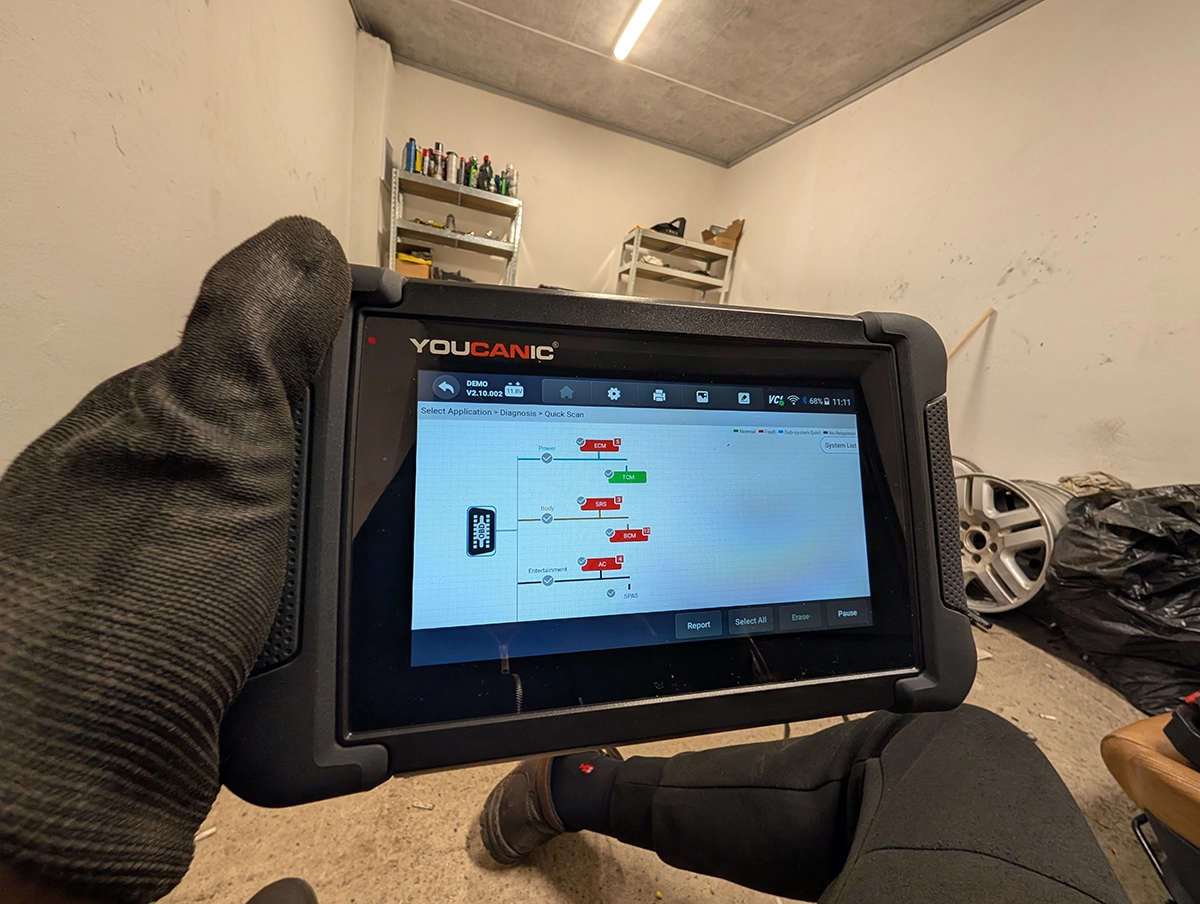
The topology map at this price is the standout, and it genuinely works. On my VW Touareg 2005 (a car that defeats plenty of scanners) it read the VIN, loaded the topology map, and gave me a colour-coded view of every module: green for OK, red for faults, blue for subsystem, grey for no response. That visual of the whole car’s electronics normally costs $600 and up.

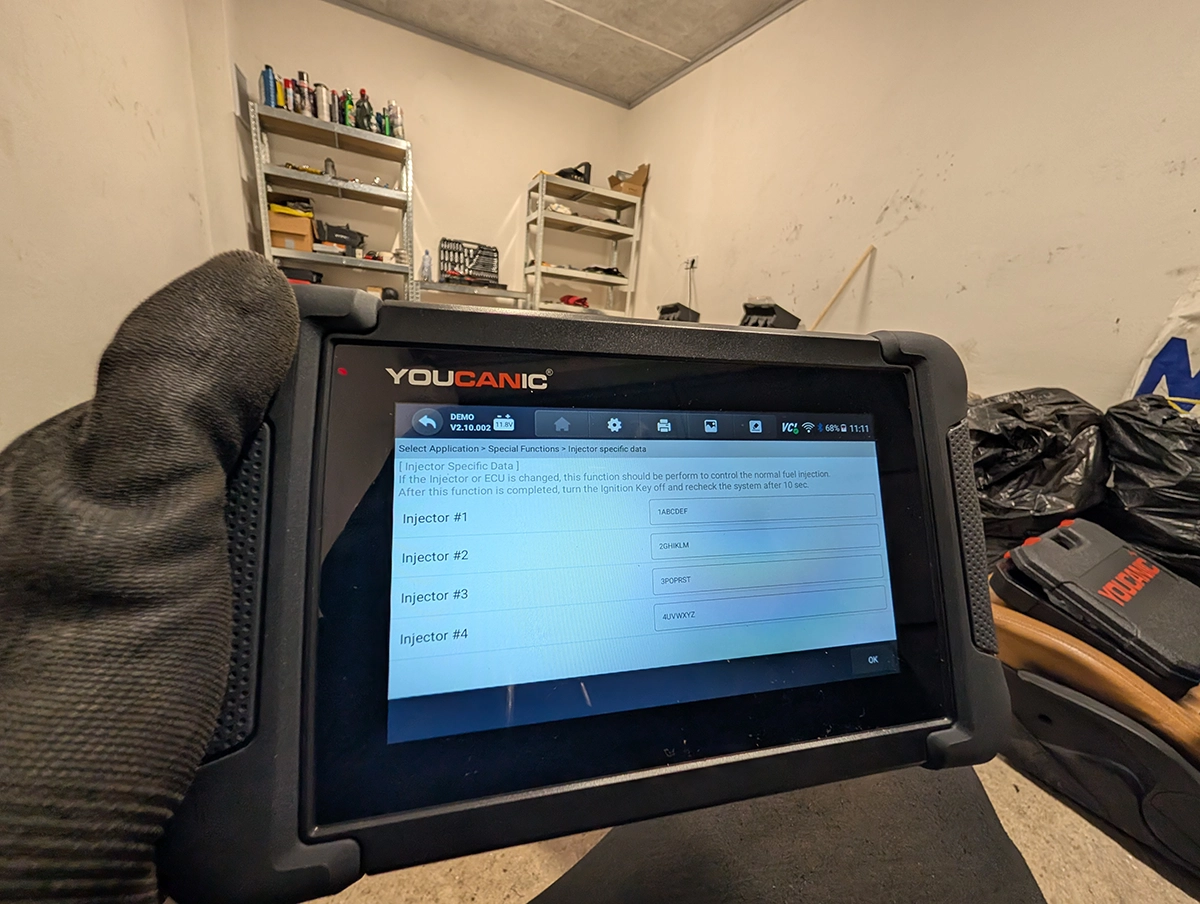
Real ECU coding is the other surprise at this money. I changed the comfort blinker from three flashes to five on the Touareg and it saved instantly. Even better, it includes a documented adaptation list with VAG channel numbers built in, so you’re not digging through forums for the right channel. That’s VCDS-style help in a budget tool.
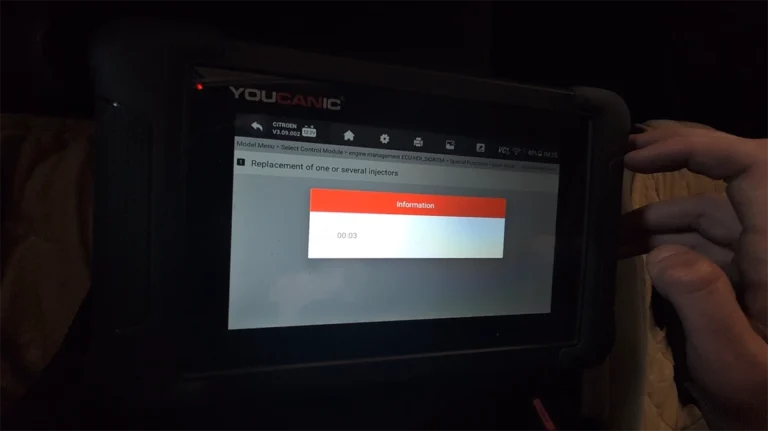
Bidirectional control feels like a proper professional tool. I activated the fuel pump relay, ran the cooling fan, triggered low beams and door locks, and swept the instrument cluster gauges. On the Alfa bench it operated relays for the fuel pump, cooling fan and AC compressor too. Commands fire quickly and respond like a higher-end scanner.
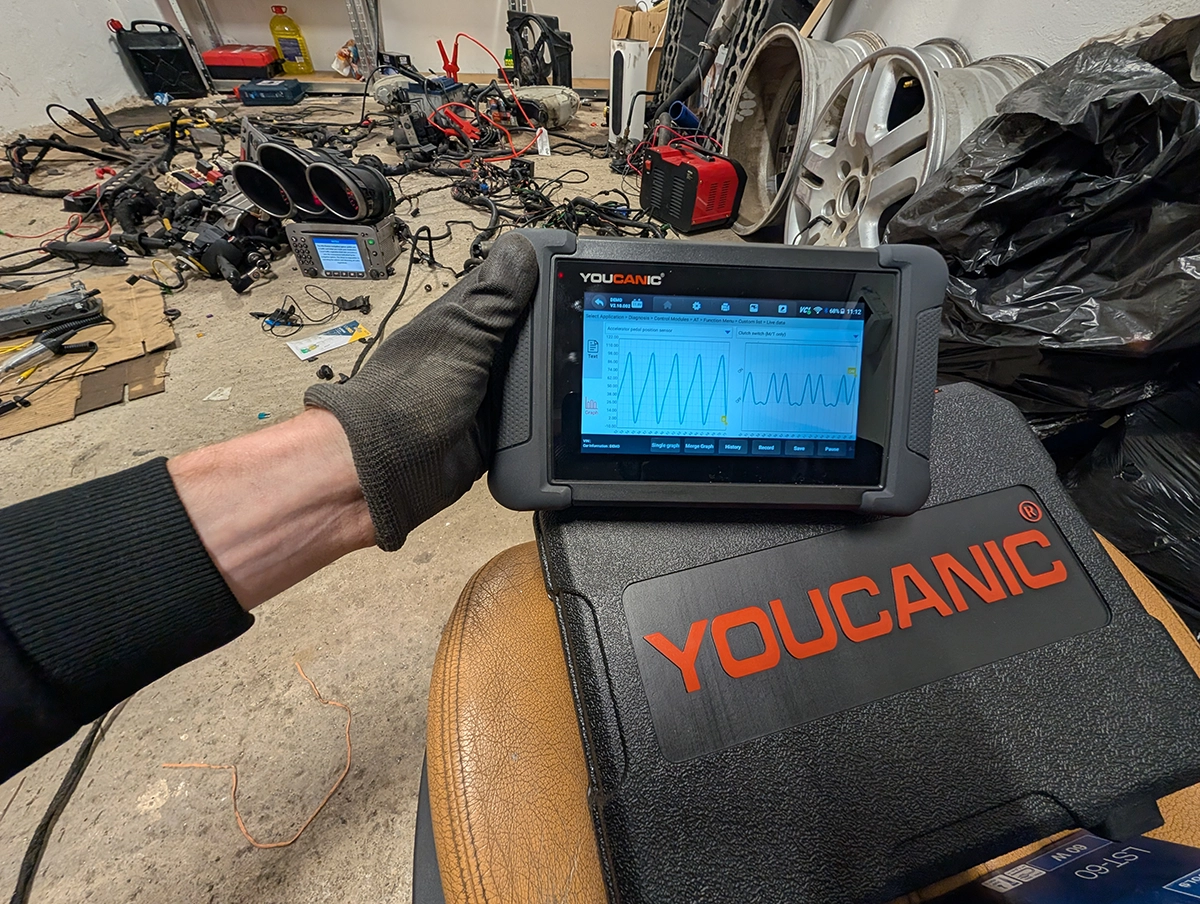
The live data is better than I expected: custom PID lists, up to four graphs at once, recording and playback, and you can pin key values to the top. It also bundles OEM-style help guides for adaptations and resets, the kind of thing you normally only get in VCDS or ODIS.

Where it falls short
Topology isn’t on every car, so don’t buy it purely for that. On the Touareg I got the full topology map, but on the Alfa setup there was no topology at all. It depends on the vehicle, so check your car before assuming you’ll get it.
It’s a less-known brand with a smaller community. That matters when you get stuck: there are fewer forum threads, videos and fellow users to lean on than with the big names. The 30-day no-questions return softens the risk, but the long-term community support isn’t there yet.
Setup was also slightly finicky. It wouldn’t connect to my hotspot during registration until I restarted both the scanner and my phone. Once past that it activated and updated fine, but it’s worth knowing. And a few active tests are limited on some modules, normal for any scanner, but worth setting expectations.
Who should buy this
Yes, buy it if:
- You want your first serious full-system scanner with a topology map, coding and lifetime updates without paying $600 plus
- You work both older European cars and modern ones and want VCDS-style help data built in
- You’re fine being an early adopter of a smaller brand in exchange for the value
No, look elsewhere if:
- You specifically need topology on your exact car, check first, it’s not on every vehicle
- You want the reassurance of a big community and lots of support content when you hit a problem
- You’d rather have a known go-to brand and don’t mind paying a little more for it
Youcanic UCAN-II full-system
 XTool D8s
Youcanic UCAN-II full-system
XTool D8s
Youcanic UCAN-II full-system
 Mucar 892BT
Youcanic UCAN-II full-system
Mucar 892BT
Youcanic UCAN-II full-system
 ICARSOFT CR max
Still deciding rather than chasing a Youcanic deal? I line up the full-system tablets I’ve tested in my [best bidirectional OBD2 scanners] roundup. The short version: the UCAN-II is unmatched value for topology at this price, but the roundup shows where a Mucar, an Xtool or a cheaper iCarsoft fits better.
Final word
The Youcanic UCAN-II delivers full-system diagnostics, a topology map, real ECU coding, strong live data and lifetime updates in a wireless package around $450, with no subscription. It’s the cheapest topology-capable full-system scanner I’ve found, and it performs like a tool twice the price. Setup is a touch finicky, topology isn’t on every car, and the brand’s community is small, but for a first serious all-system scanner the value is hard to beat.
Most popular OBD2 guides







I'm Juraj Lukacko and I work as an auto electrician. On this site I share what I learn from real work on real cars, to help you pick the right tools for diagnostics, programming and tuning and get the job done.
More about me →