
Published: November 24, 2024 · Last updated: June 1, 2026
“Professional” covers a lot of ground. It might mean a full workshop that needs the fastest, broadest tool money can buy, or it might mean someone starting out, a used-car dealer, a small garage, a home mechanic going semi-pro who needs real diagnostics without spending three grand on day one.
So this list splits in two. First, the roughly $500 tools that get your foot in the door: full-system diagnostics, coding, live data, enough to run used-car checks and handle the bread-and-butter work at a smaller operation. Then the $2,000 to $3,000 workshop tablets that don’t just do more, they do it faster, which is the thing that actually pays for itself when you’re billing hours.
I own and use the budget-pro pair and one of the big tablets. The other two big ones I’m recommending on brand track record, and I’ll be clear about which is which.
I earn from qualifying purchases and sometimes get tools for free (full disclosure). It never affects my scoring.
Quick picks – Budget / PRO for professional use
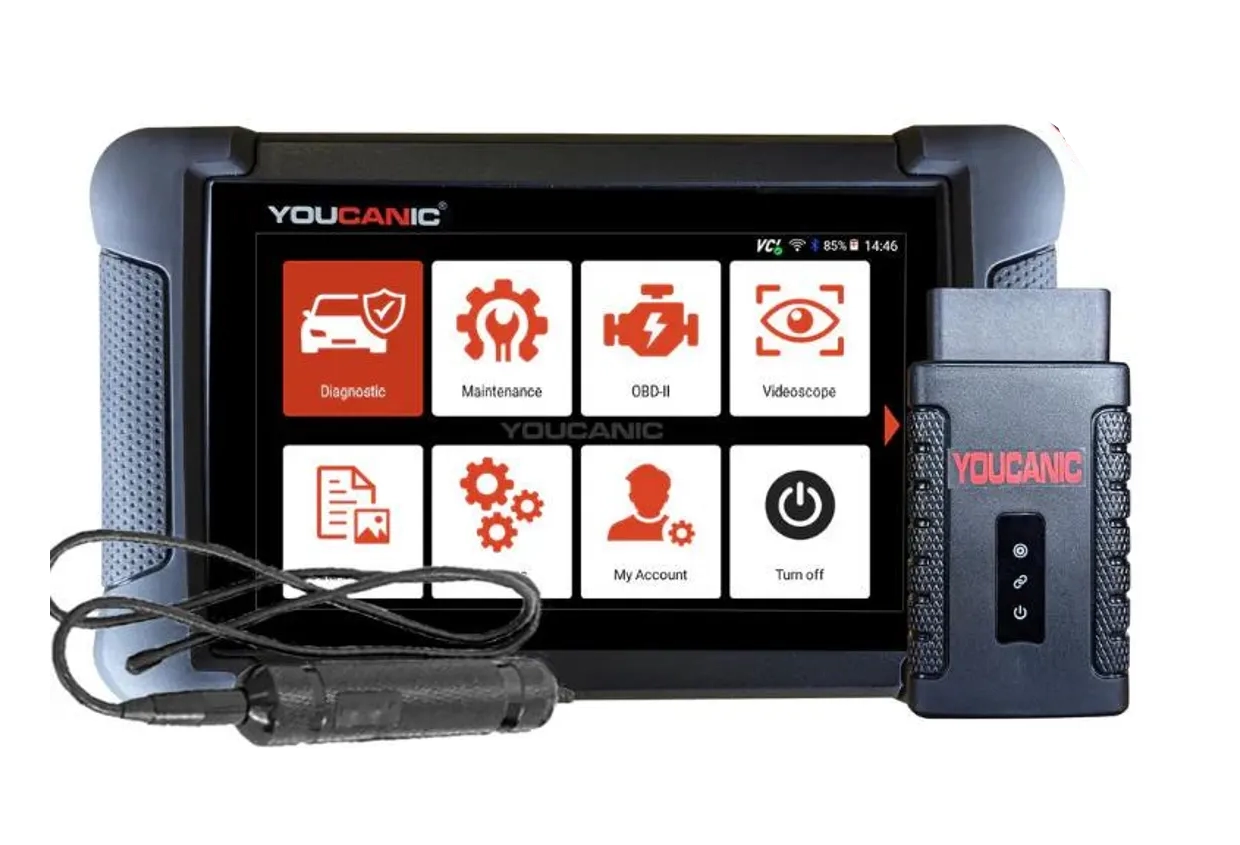
Youcanic UCAN-II full-system 8.4 / 10
full system scanner that works completely without internet connection (except update and setup). Works very good and does service/coding as well.
- ✓Full-system bidirectional
- ✓ECU coding
- ✓Wide vehicle coverage
- ✓Lifetime updates
- ✓Good to check and log live data
- ✓30 days no question asked return
- ✕Less known brand with smaller community

Autel IM608 PRO 2 9.1 / 10
professional key programming and diagnostics tool considered one of the best IMMO tools for workshops. Great choice as one-for-all scanenr in car shops.
- ✓Industry-leading key programming
- ✓Full-system diagnostics
- ✓ECU programming
- ✓Extremely wide vehicle coverage
- ✕Very expensive
- ✕Annual subscription required
- ✕Overkill for home DIY

Mucar 892BT 9.4 / 10
My personal favourite go-to scanner for diagnosing, checking used cars. service resets or even coding new features. Unless I need special tool I am using this one.
- ✓Small for tablet scan tool so it's easy to carry around
- ✓Good interface for coding features
- ✓Overall great UX
- ✓Magnetic handle for dongle on the back is gold = no need to always search for dongle
- ✓Allows custom background image
- ✕No topology yet (might come later with update)

XTool X100 MAX 2 8 / 10
advanced key programming tablet with full-system diagnostics and IMMO functions for professional use
- ✓Key programming and IMMO
- ✓Full-system diagnostics
- ✓Wide vehicle coverage
- ✕Expensive
- ✕Some advanced functions require internet connection
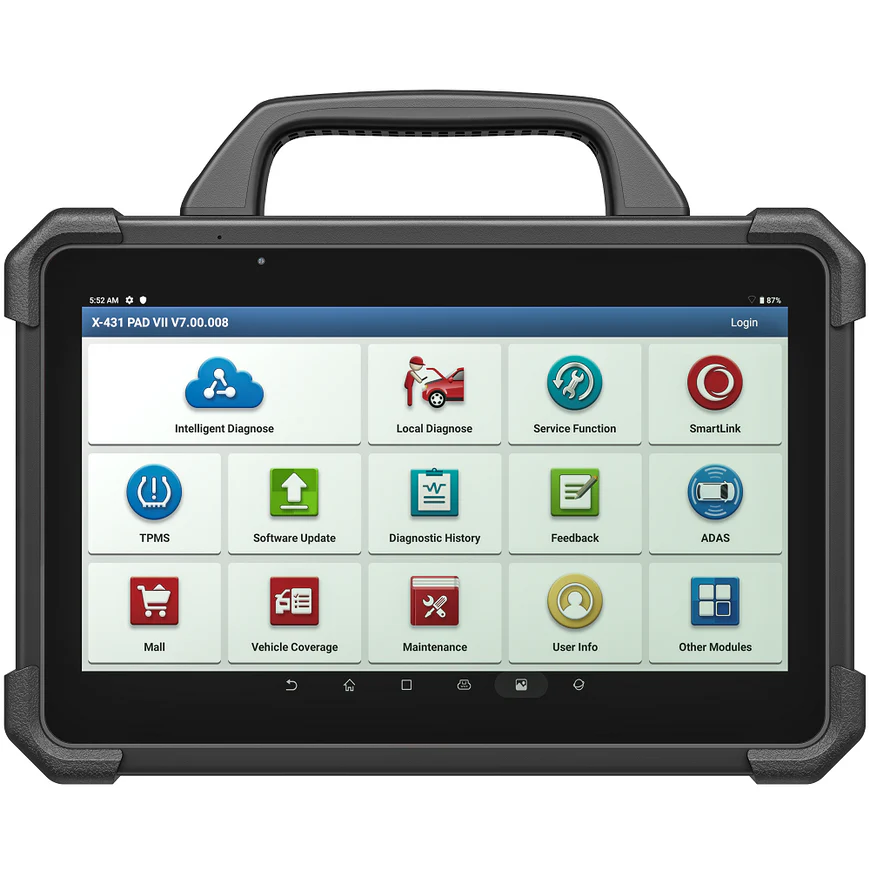
Launch X431 PAD VII 8.5 / 10
professional-grade tablet scanner with comprehensive diagnostics, coding and programming for workshops
- ✓Full-system diagnostics
- ✓ECU coding and programming
- ✓Wide vehicle coverage
- ✓Professional tablet form factor
- ✕Very expensive
- ✕Subscription required after initial period
- ✕Overkill for most DIY users
This list splits cleanly in two: the roughly $500 tools that get a smaller operation working, and the $2,000 to $3,000 tablets built for a busy workshop. Here’s how they actually break down and who each one is for.
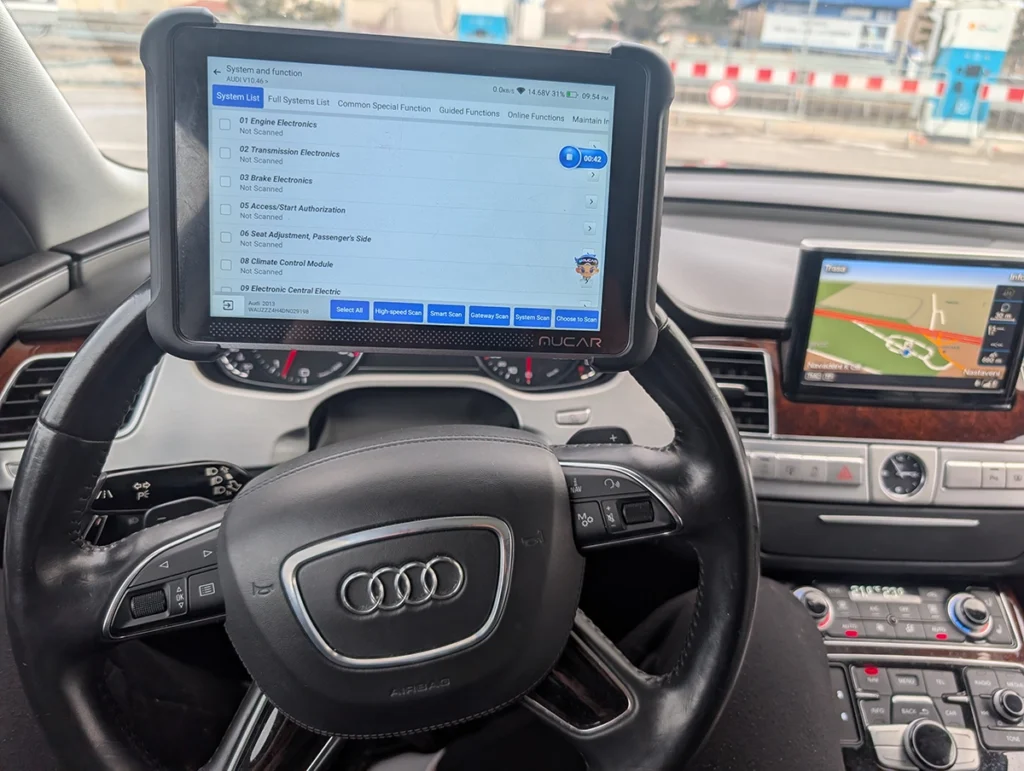
Starting with the budget-pro pair, the Mucar 892BT is my go-to and the highest-scoring tool I’ve tested at 9.4. Around $530, and unless a job needs a special-purpose tool, this is the one I reach for: diagnosing, used-car checks, service resets, even coding new features. It’s small for a tablet so it’s easy to carry, the coding interface is genuinely good, and the magnetic dongle holder on the back means I’m never hunting for the dongle. No topology view yet, that’s the one thing on my wishlist. If you’re starting in the pro space and want one tool that does almost everything without the workshop price, start here.
→ Read full review of Mucar 892BT
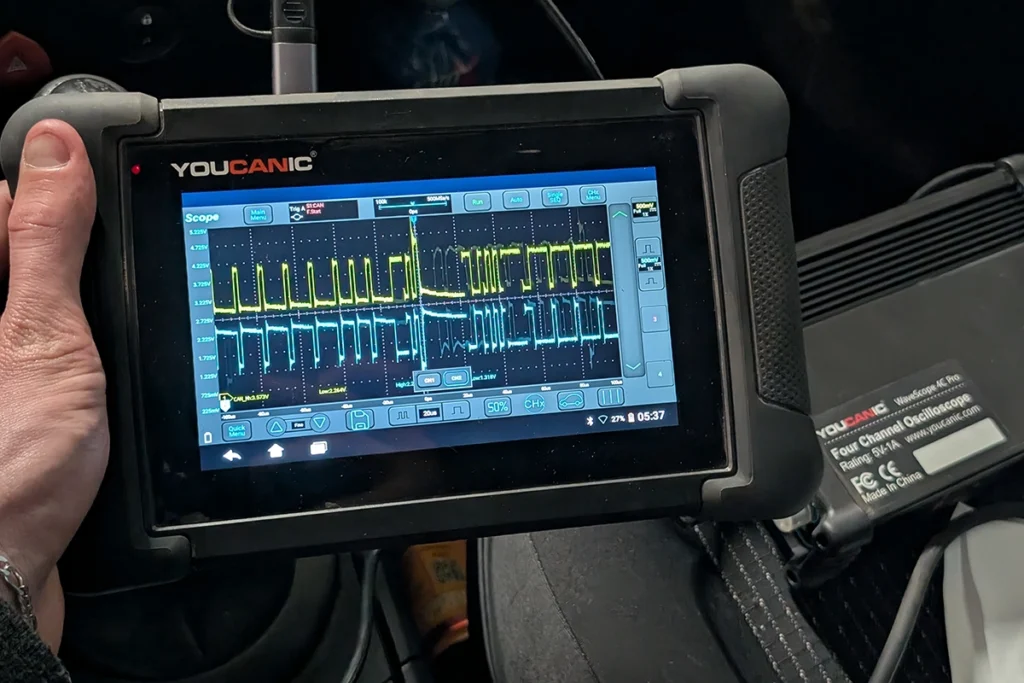
The Youcanic UCAN-II is the other ~$500 pick, and it earns its place by working completely offline once it’s set up, which not every tool does. Full-system bidirectional, ECU coding, lifetime updates, and it’s good for logging live data, plus a 30-day no-questions return that takes the risk out of trying it. The only real caveat is it’s a less-known brand with a smaller community, so you’ll lean on official support rather than big forums. I’ve also used Youcanic’s oscilloscope and inspection camera myself and both worked well, worth knowing if you want to build out into real electrical diagnostics, though most brands here offer similar accessories.
→ Read full review of Youcanic UCAN-II
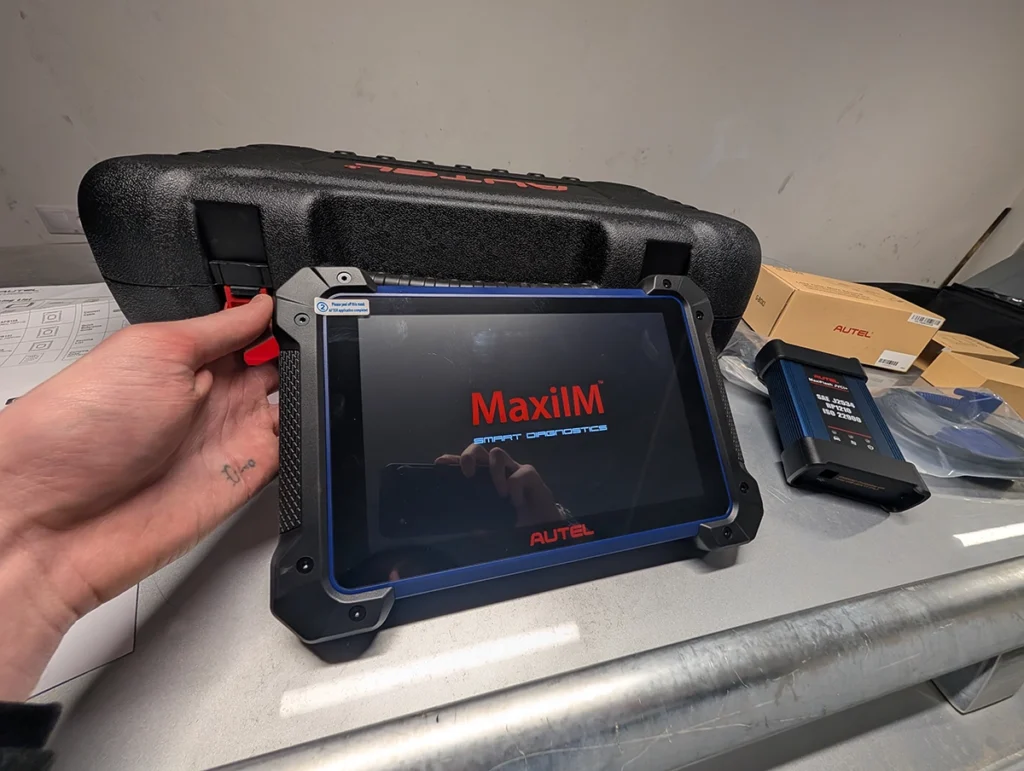
Moving up to the workshop tablets, the Autel IM608 PRO 2 is the one I own and the one I’d point a serious shop to. Around $3,000, and it’s as close to do-everything as I’ve used: industry-leading key programming, full-system diagnostics, ECU programming, and the widest vehicle coverage on this list. It’s expensive and genuinely overkill for home DIY, but in a workshop the speed and coverage are what you’re paying for, and they pay back. If you do key and IMMO work regularly, this is the strongest all-rounder here.
→ Read full review of Autel IM608 PRO 2
The XTool X100 MAX 2 and Launch X431 PAD VII are the other two workshop tablets, and here I’ll be straight: I don’t own these two, so I’m recommending them on brand track record rather than my own bench time. The X100 MAX 2 sits around $2,300 with key programming, IMMO and full-system diagnostics, a strong XTool option a little below the Autel on price. The Launch X431 PAD VII is around $2,700 and Launch’s professional flagship, comprehensive diagnostics, coding and programming in a proper workshop tablet. Both are from brands I trust enough to recommend, just know my placement is brand confidence and spec, not a hands-on field test the way the other three are.
One thing worth saying about this whole tier: at the pro level the tool rarely is the bottleneck, your knowledge is. A $3,000 tablet doesn’t diagnose the car for you, it just gets you to the data faster and across more cars. So if you’re starting out, there’s no shame in a $500 tool, it’ll do the work while you build the skill. Step up to the expensive tablets when volume and time pressure make speed worth paying for, not before.
And when would I skip every tool here? If you’re a home mechanic working on your own one or two cars, this whole page is more than you need, my budget and under-$200 lists will serve you better. These tools are for people doing this for money, where coverage and speed turn into billable hours.
Most popular OBD2 guides







I'm Juraj Lukacko and I work as an auto electrician. On this site I share what I learn from real work on real cars, to help you pick the right tools for diagnostics, programming and tuning and get the job done.
More about me →