
Published: January 17, 2025 · Last updated: June 1, 2026
The most common question I get is some version of “will scanner X check the real mileage?” And the honest answer surprises people: it’s far more about the car than the scanner. Some cars store mileage in several control modules, some store it nowhere outside the dashboard, and no tool can read a record that isn’t there.
What you actually need is any full-system scanner that reads live data from every module. If the car stored the data, a $60 tool finds it just as well as a $500 one. So this guide points you at the tools that do the job, then sends you to the deep walkthrough on how to actually read and interpret the data, because that skill matters more than the brand on the box.
I earn from qualifying purchases and sometimes get tools for free (full disclosure). It never affects my scoring.
Quick recommendations for used car check / mileage check

Thinkcar BD6 8.4 / 10
entry-level thinkcar bluetooth scanner more capable than simple ELM adapters.
- ✓Full-system scan and live data (access to ABS/Transmission/Radio and other modules)
- ✓Good budget pick for used car check or basic diagnostics
- ✓Even comes with basic service resets
- ✓Free lifetime updates
- ✓On my tested cars
- ✓Scan was fast (faster than 10x more expensive tools)
- ✕No Bi-directional testing

Mucar 892BT 9.4 / 10
My personal favourite go-to scanner for diagnosing, checking used cars. service resets or even coding new features. Unless I need special tool I am using this one.
- ✓Small for tablet scan tool so it's easy to carry around
- ✓Good interface for coding features
- ✓Overall great UX
- ✓Magnetic handle for dongle on the back is gold = no need to always search for dongle
- ✓Allows custom background image
- ✕No topology yet (might come later with update)

Thinkdiag2 8.5 / 10
most advanced bluetooth OBD2 scanner for smartphone users with full-system access and coding
- ✓Most advanced scanner to use with smartphone
- ✓1-year free updates/subscription
- ✓Can unlock hidden features in many brands
- ✓Never failed to connect (I am using it for 4 years already)
- ✓Comparable to $400-600 scan tool tablets
- ✕Yearly subscription
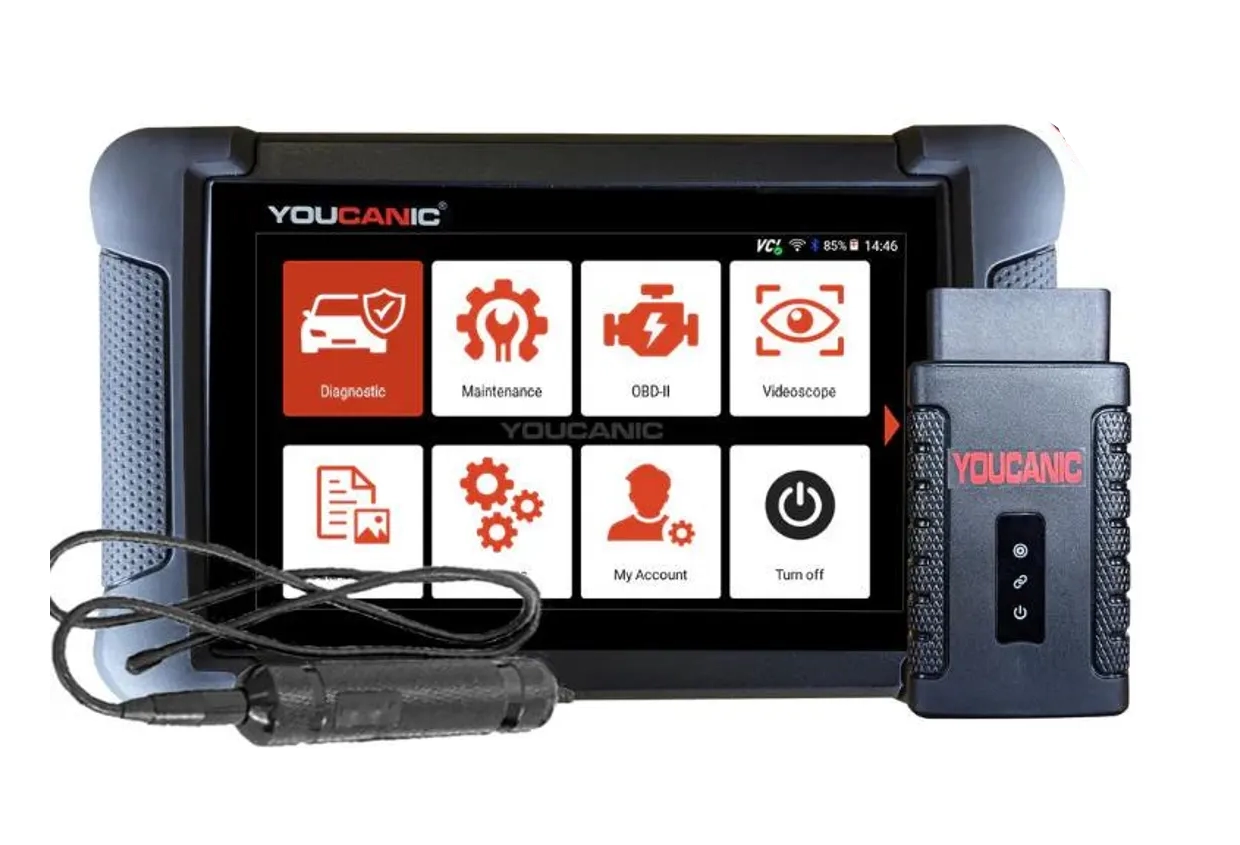
Youcanic UCAN-II full-system 8.4 / 10
full system scanner that works completely without internet connection (except update and setup). Works very good and does service/coding as well.
- ✓Full-system bidirectional
- ✓ECU coding
- ✓Wide vehicle coverage
- ✓Lifetime updates
- ✓Good to check and log live data
- ✓30 days no question asked return
- ✕Less known brand with smaller community

ICARSOFT CR max 8.2 / 10
a budget full-system tablet best suited for quick full car checks, basic diagnostics and quick feature coding.
- ✓Faster than other tools (won my 10 tablet tools scan time comparison)
- ✓ECU coding to unlock hidden settings
- ✓Mileage verification procedure - pulls mileage data quickly from multiple modules
- ✕Weaker bi-directional tests support on tested cars
The thing to understand before buying anything: mileage checking is about the car and your method, not the scanner. If a car stores mileage in multiple modules, any full-system tool that reads live data will find it. If the car doesn’t store it anywhere but the dashboard, no scanner on earth will pull it out. So the only real requirement is full-system live data access, which rules out basic engine-only readers and rules in almost everything else.
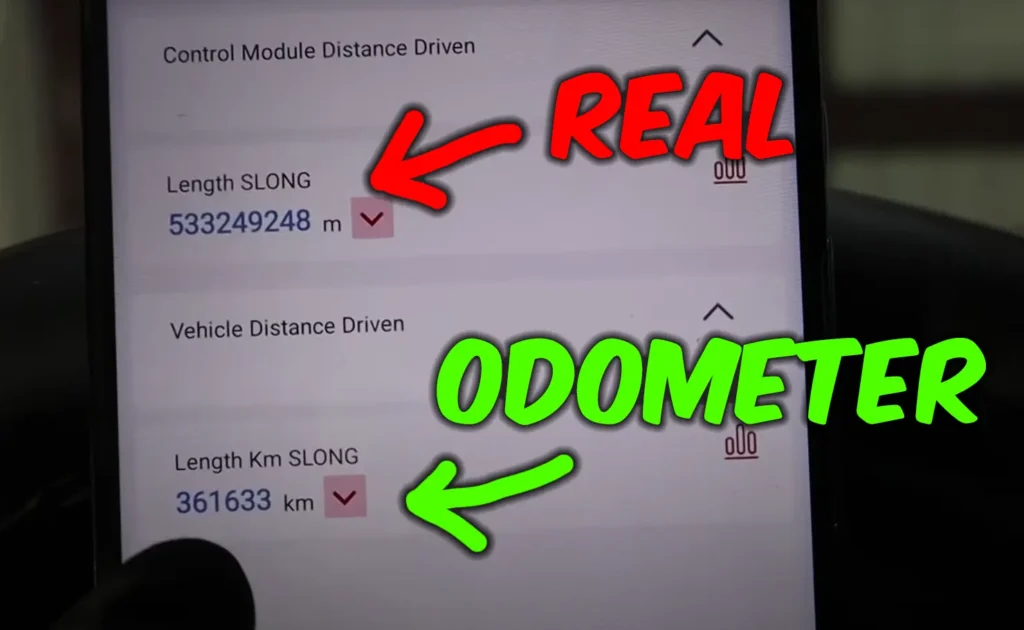
Here’s how I actually do it on a used-car inspection. I go into every control module one by one and read the live data, hunting for stored kilometres or engine operating hours, and on a car with a lot of modules that manual sweep can take me half an hour. Tedious, but it’s the only way to do it thoroughly, because the records hide under different names in different modules.
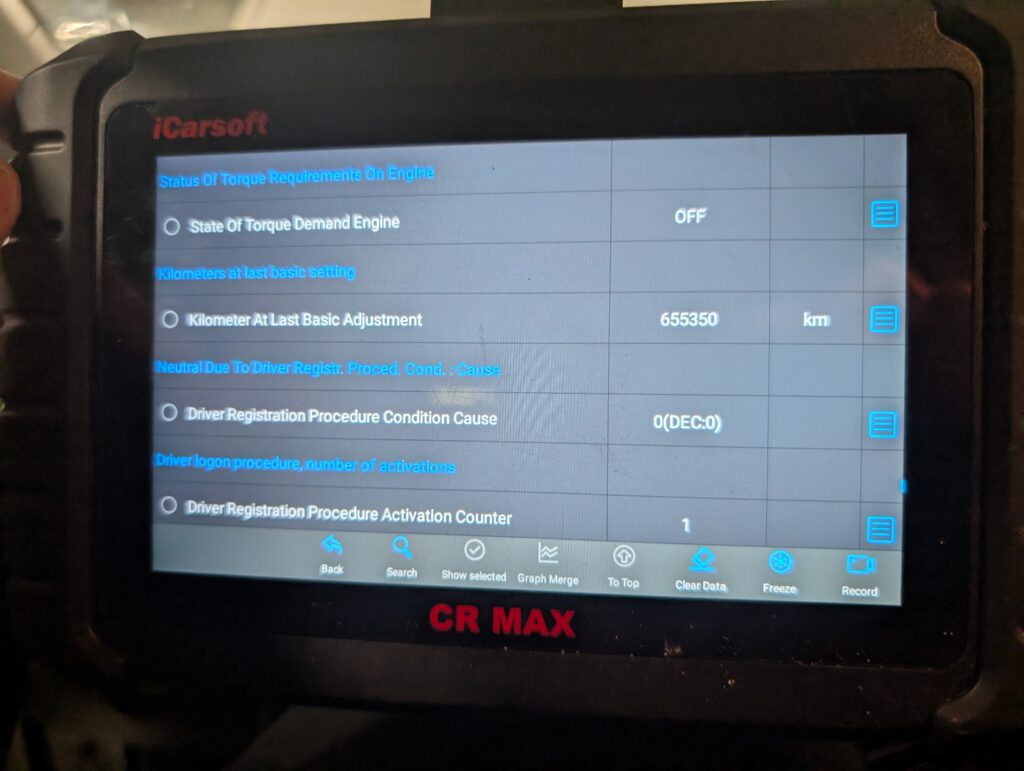
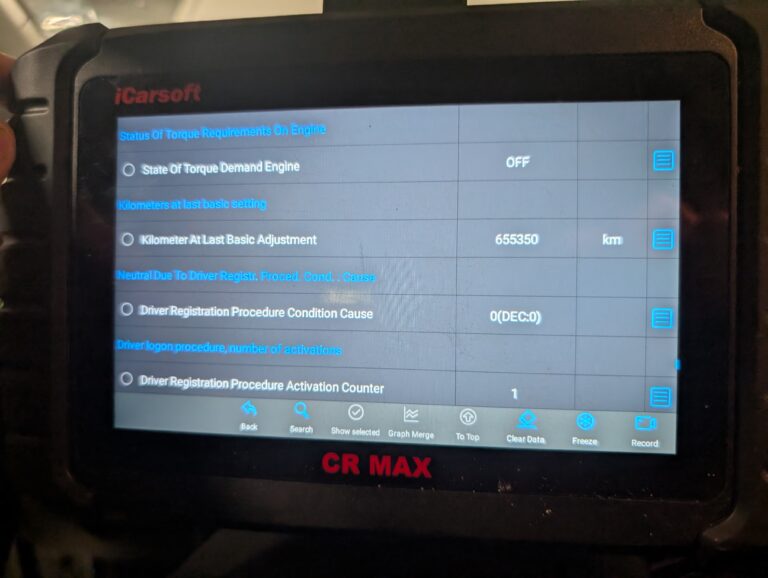
A few scanners speed this up. Tools like the iCarsoft CR Max have it as a dedicated service function that pulls these records automatically, instead of me opening each module by hand. That’s a real time-saver on a multi-module car. The catch is that if I want to verify properly, I still go through the modules manually anyway, because the automatic function can miss something. Convenient for a first pass, not a substitute for the thorough check.
For the actual tools, any of these work because they all have full-system live data access. The Thinkcar BD6 is the budget pick at around $60 and reads every module fast. The Mucar 892BT is my go-to tablet at around $530 if you want one tool for this and everything else. The Youcanic UCAN-II (around $500) and Thinkdiag2 (around $170) both do the job equally well. Pick on your budget and the rest of your needs, not on some special mileage feature.
→ Read full review of Thinkcar BD6 ·
→ Read full review of Mucar 892BT ·
→ Read full review of iCarsoft CR Max
Related mileage verification procedures
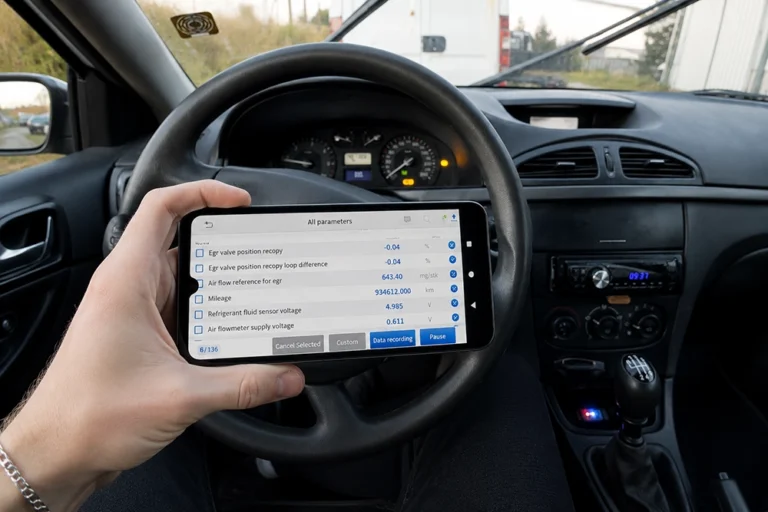
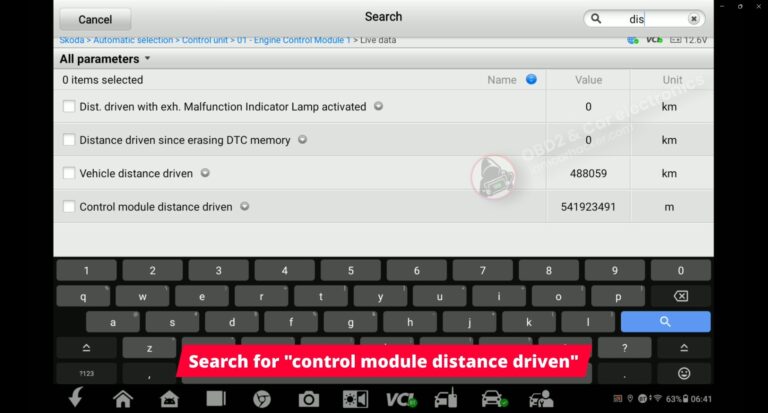
Below are real diagnostic procedures where ECU data was used to analyze vehicle mileage.
Most popular OBD2 guides







I'm Juraj Lukacko and I work as an auto electrician. On this site I share what I learn from real work on real cars, to help you pick the right tools for diagnostics, programming and tuning and get the job done.
More about me →