
Published: November 24, 2024 · Last updated: October 26, 2026
Two hundred dollars is the sweet spot where budget scanners stop being toys. This is the bracket where you start getting full-system access, real bidirectional control, and coding that genuinely competes with tablets costing two or three times more.
But it's also where the marketing gets loudest, and where a few tools coast on a brand name while doing less than a $60 adapter. I ran a stack of them on real cars to sort the ones that punch above their price from the ones that just look the part.
Here's what earned a spot, what each one is actually for, and which to walk past.
I earn from qualifying purchases and sometimes get tools for free (full disclosure). It never affects my scoring.
Quick picks – best OBD2 scanners under $200

XTool A30M 9.1 / 10
Best overall value for money for Bluetooth OBD2 scanner.
- ✓Amazing value for money
- ✓Adapter has built-in flashlight to help you see obd2 port
- ✓One of my personal favourite tools
- ✓Free updates
- ✕Can only use landscape mode

Thinkdiag2 8.5 / 10
most advanced bluetooth OBD2 scanner for smartphone users with full-system access and coding
- ✓Most advanced scanner to use with smartphone
- ✓1-year free updates/subscription
- ✓Can unlock hidden features in many brands
- ✓Never failed to connect (I am using it for 4 years already)
- ✓Comparable to $400-600 scan tool tablets
- ✕Yearly subscription

Thinkcar Thinkscan 662 5.9 / 10
4-system scanner with bidirectional identical to Dollarfix DF65 at a very affordable price
- ✓Identical to Dollarfix DF65
- ✓4-system bi-directional
- ✓Very affordable
- ✕Not a full-system scanner
- ✕Limited reset functions

OBDLink MX+ 6.8 / 10
best one adapter to connect to literally hundreds of different diagnostic and coding apps/laptop software
- ✓Clean app
- ✓Fast adapter
- ✓Wide range of software to pair
- ✕Too expensive just for basic engine diagnostics - buy if you have specific software to use it with in mind
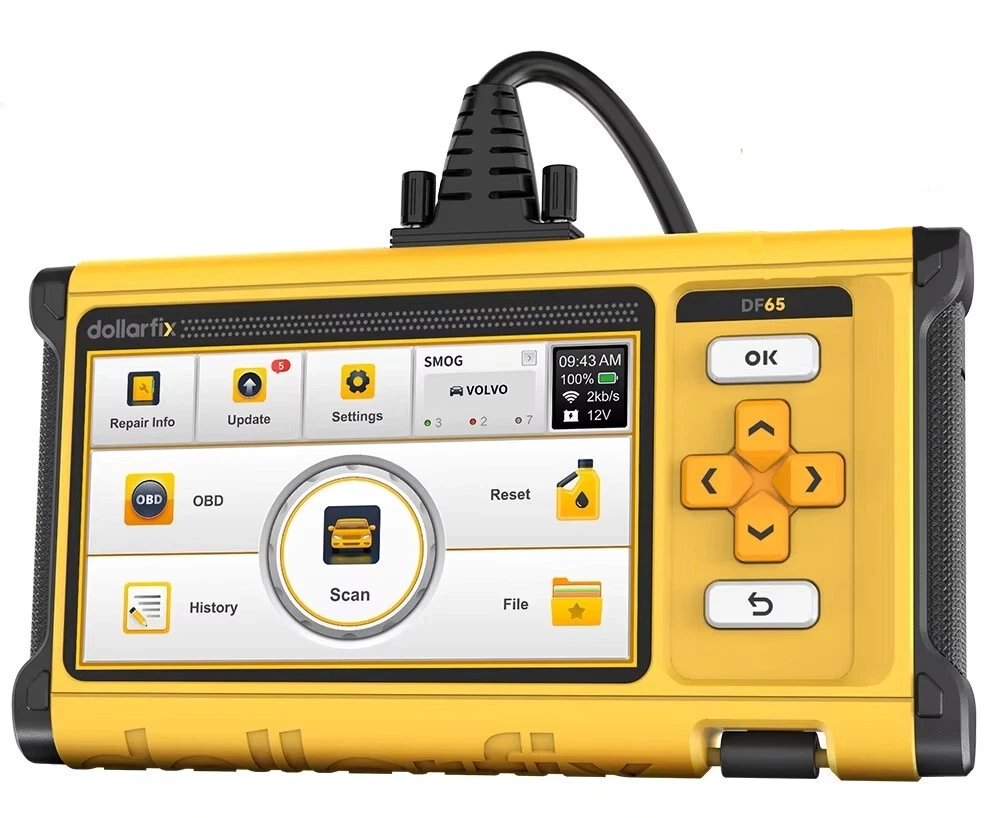
Dollarfix DF65 6 / 10
budget 4-system scanner with real bidirectional tests offering surprising value at its price point
- ✓4-system bidirectional at budget price
- ✓Same platform as ThinkScan 662
- ✓No subscription
- ✕Not full-system
- ✕Limited service resets
- ✕Basic interface
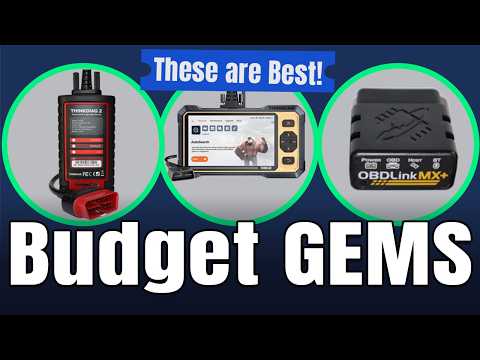
👍 More options I like
Good tools that did not make the table.

⚠️ Do not buy these
Tested, returned, or regretted.
Five tools made this list, but they're not interchangeable. Different jobs, different buyers. Here's how I actually rank them and who each one's for.
XTool A30M 9.1 / 10
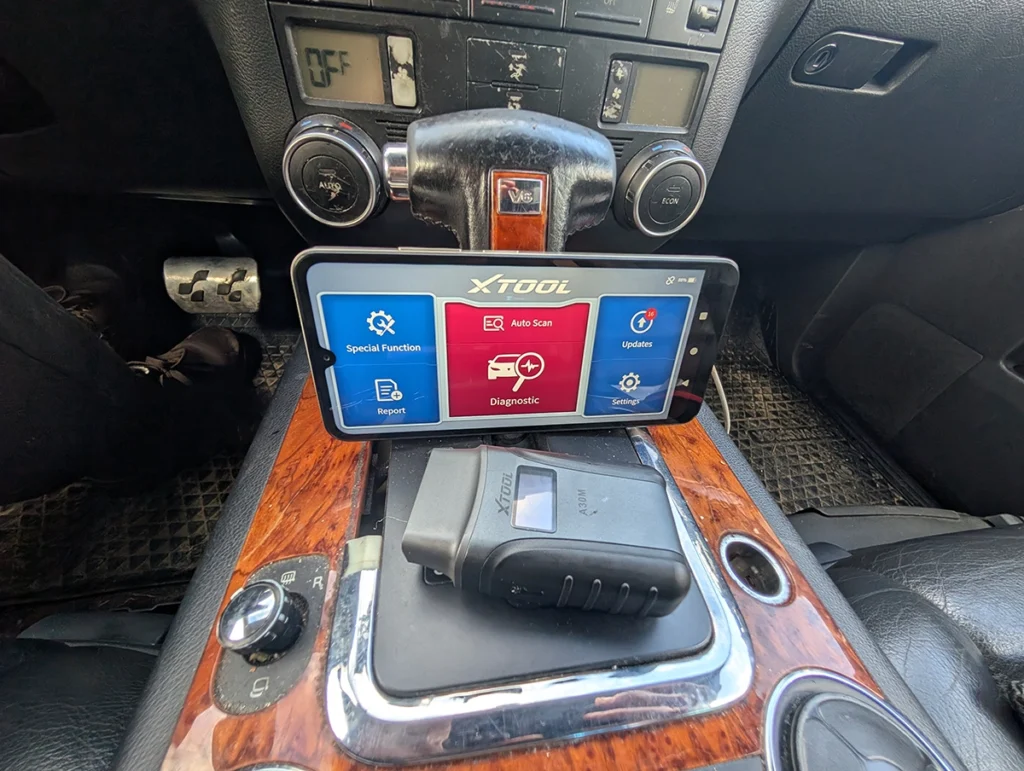
The XTool A30M is my value pick, and it's not close. It scored a 9.1 in my testing, the highest on this page, and it's one of my personal favourite tools full stop. Around $140 gets you full-system access, solid bidirectional, free lifetime updates, and a build that feels better than the price. There's even a flashlight in the adapter so you can actually find the OBD port under the dash. The only thing that mildly annoys me is it's landscape-only on the phone. That's the whole list of complaints.
→ Read full review of XTool A30M
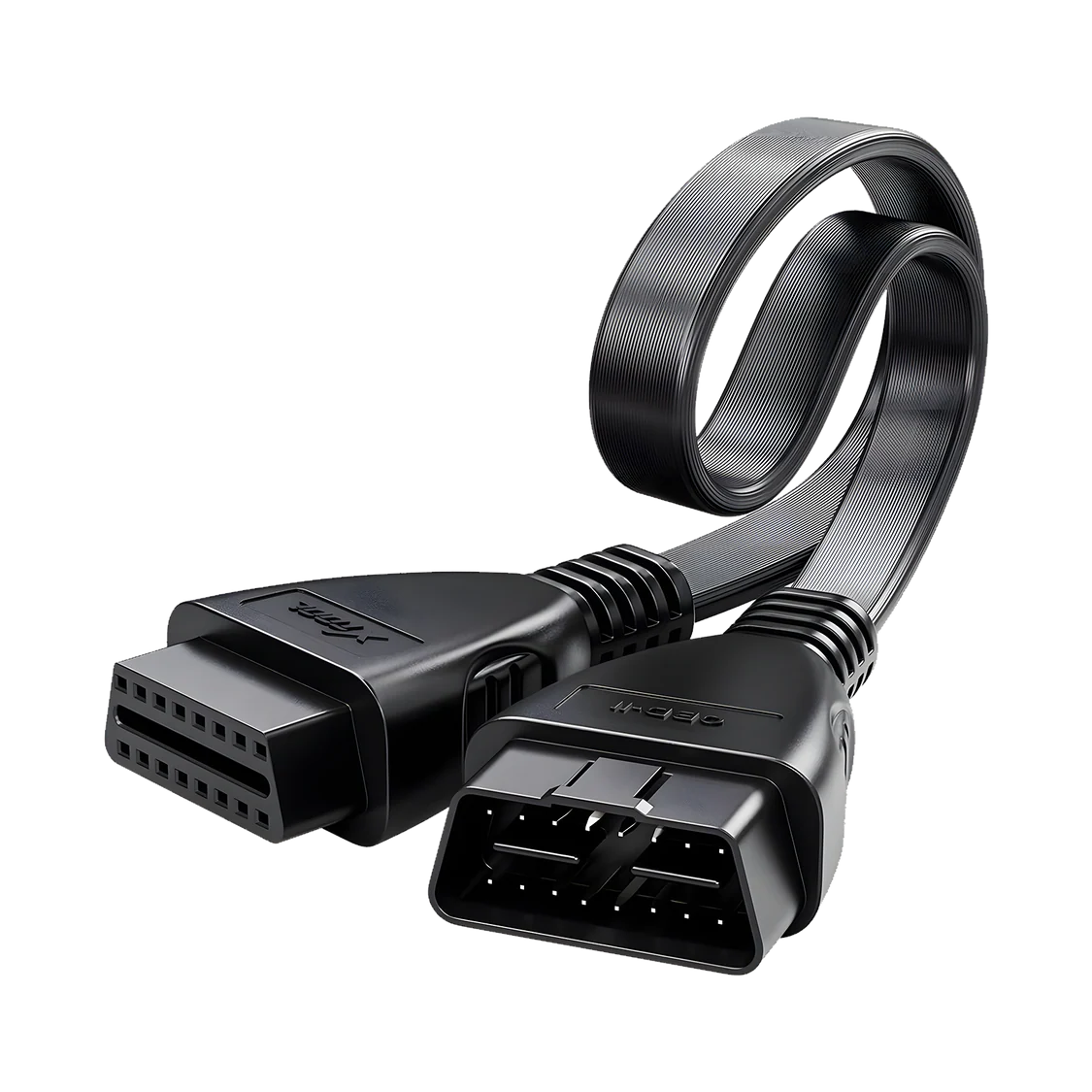
Thinkdiag2 8.5 / 10
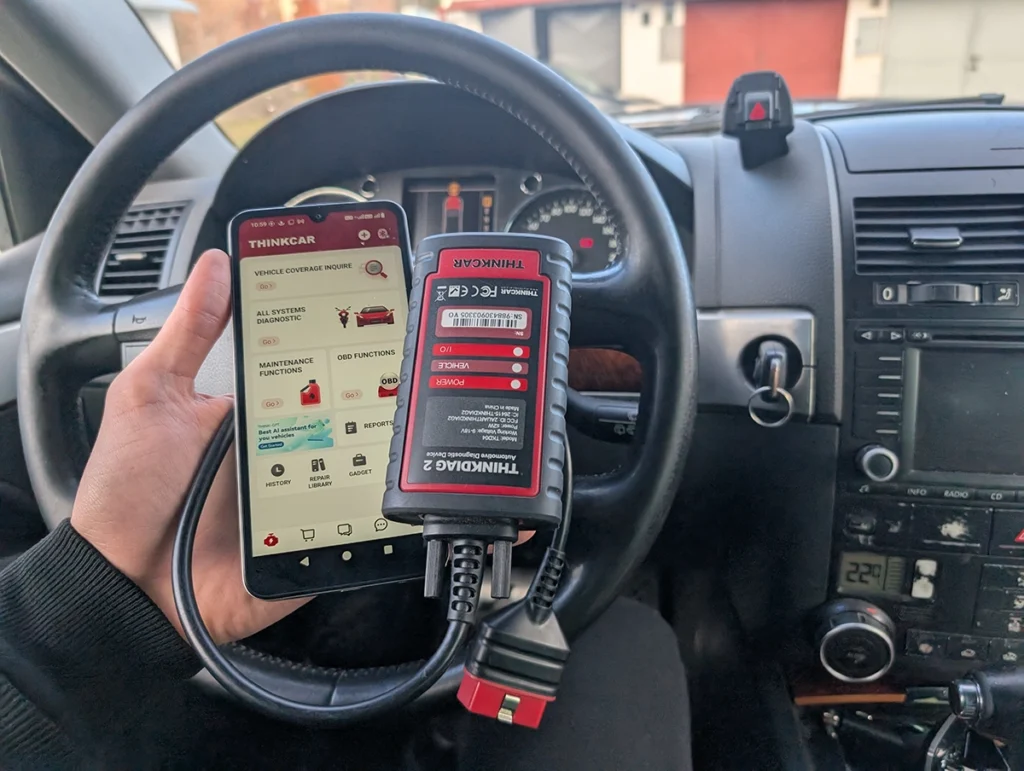
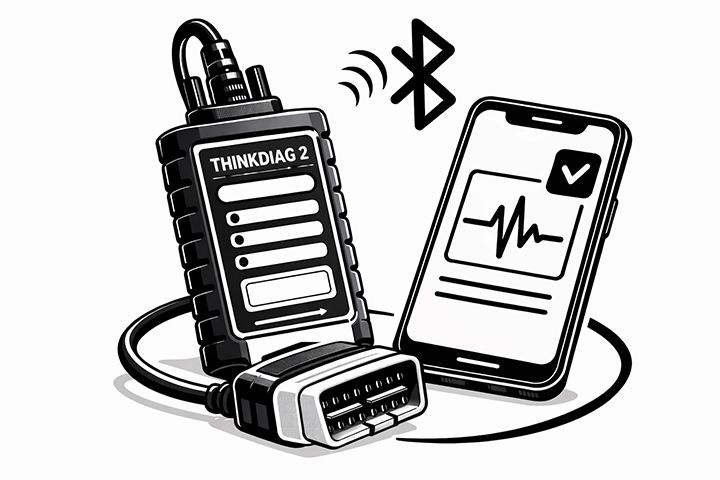
The Thinkdiag2 is the one I'd pick for features, and I can vouch for it the long way: I've been running it for four years and it has never once failed to connect. That reliability is the headline. It's the most capable smartphone-based tool here, full-system, coding, the ability to unlock hidden features across a lot of brands, genuinely comparable to $400 to $600 tablets. The catch is the yearly subscription after the first free year. If you'll use it enough, it's worth it. If you scan twice a year, it isn't.
→ Read full review of Thinkdiag2
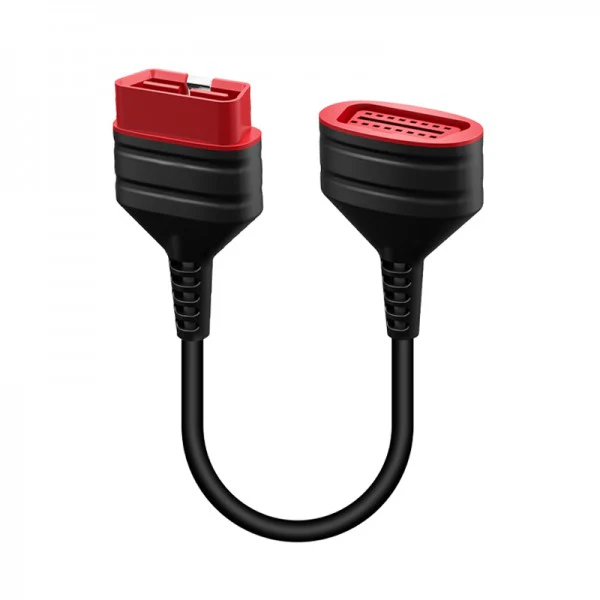
OBDLink MX+ 6.8 / 10

The OBDLink MX+ is the most popular adapter here, but buy it for the right reason. As a basic engine scanner it's overpriced, and my diagnostic score reflects that. What it actually is, is the best bridge adapter on the market: fast, rock-solid build, a clean app, and it pairs with hundreds of diagnostic and coding programs and laptop software. So the rule is simple. Don't buy the MX+ to read codes. Buy it when you already have specific software in mind that you want a reliable adapter for. In that role nothing beats it.
Thinkcar Thinkscan 662 5.9 / 10
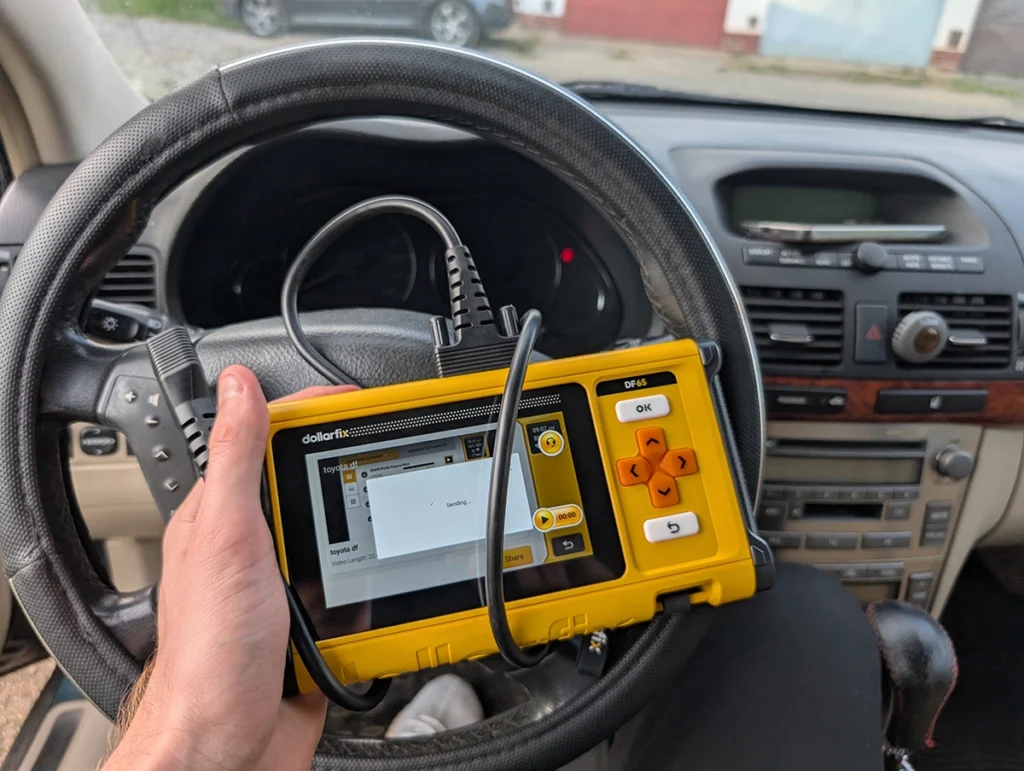
The ThinkScan 662 and the Dollarfix DF65 are almost the same tool wearing two badges, so I'll cover them together. Both are 4-system scanners with real bidirectional tests at a budget price, and both are honestly the entry point, not the destination. They'll read engine, transmission, ABS and airbag and command a few tests, with no subscription. What they won't do is full-system access or a deep reset list. I'd hand one to a beginner who wants real bidirectional on a tight budget and knows they're getting four systems, not the whole car. Pick whichever is cheaper on the day, they're the same platform underneath. → Read full review of ThinkScan 662
Car Scanner ELm OBD2 app 8.2 / 10
One thing worth saying about this whole bracket: the software decides the tool, not the hardware. Most of these adapters can physically talk to your car fine. What separates a 9.1 from a 6.0 is how many systems the app unlocks, how good the bidirectional coverage is on your specific car, and whether you're renting it through a subscription or owning it outright. So check coverage for your exact make, model and year before you buy, not just the brand on the box.
→ Read full review of Car Scanner ELm OBD2 app

Mucar 682 8.1 / 10
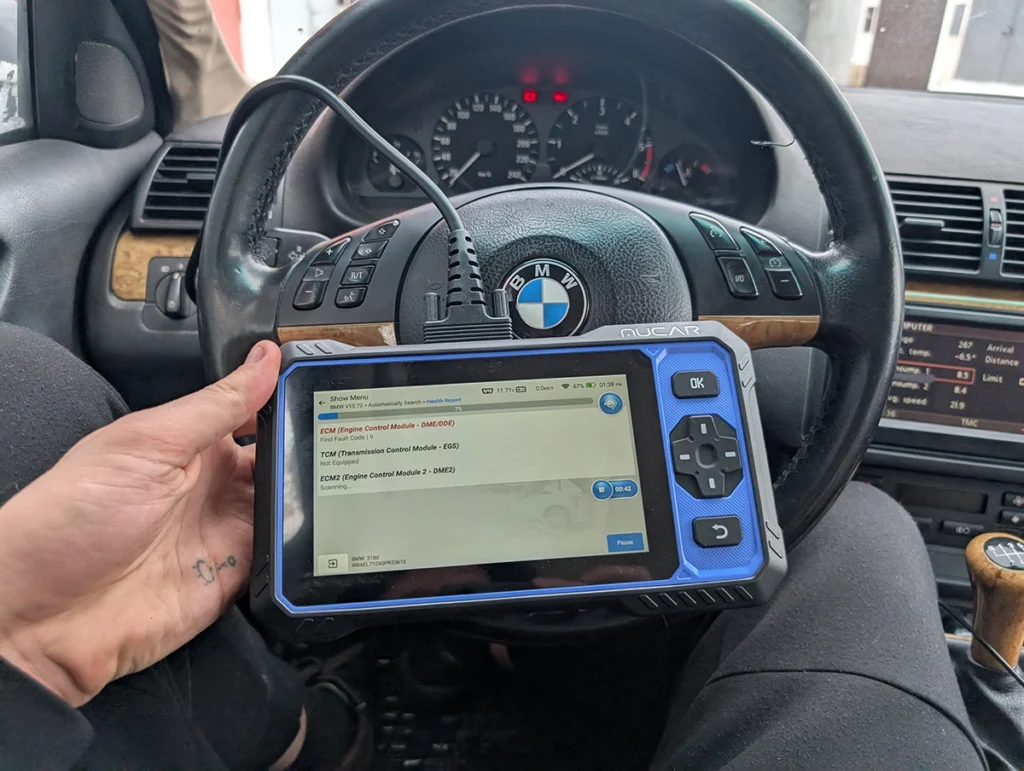
If you can stretch your budget a little, the Mucar 682 is the one I'd reach for next. It lands around $260, just over the limit for this list, but for that you get a full-system bidirectional tablet with free lifetime updates and no subscription, which is rare at this price. If the extra sixty bucks isn't a dealbreaker, it's the natural step up from everything here.
→ Read full review of Mucar 682
When I'd skip all of these
And when would I skip everything here? If you only ever read the odd check engine light, this is more tool than you need, a $60 adapter from my under-$100 list does that. The tools on this page earn their money the moment you want full-system access, bidirectional control, or coding. If you don't need those three things, don't pay for them.



I'm Juraj Lukacko and I work as an auto electrician. On this site I share what I learn from real work on real cars, to help you pick the right tools for diagnostics, programming and tuning and get the job done.
More about me →