 By Juraj · Last updated August 15, 2026
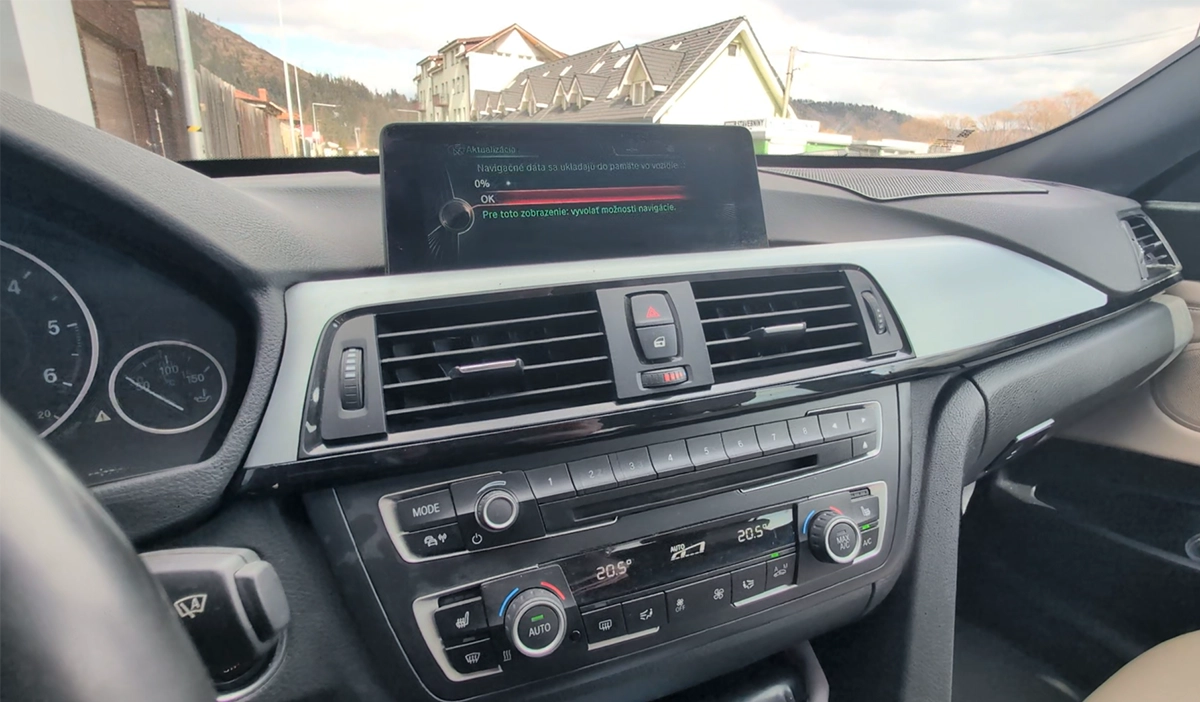
This guide shows how to update BMW and MINI navigation maps using a USB drive and FSC activation code.
It works for most iDrive systems including CIC, NBT and NBT EVO.
I earn from qualifying purchases and sometimes get tools for free (full disclosure). It never affects my scoring.
What you need
- OEM map downloader software
- USB flash drive (32GB / 64GB FAT32)
Video: How to update BMW & Mini navigation maps
This video shows how to update BMW navigation maps step-by-step using USB and FSC code.
Technical overview
| Vehicle | BMW / MINI |
|---|---|
| System | CIC / NBT / EVO / ENTRYNAV |
| Procedure type | Software update |
| Difficulty | Medium |
| Time required | ~30–60 minutes |
| Prerequisites | USB drive + FSC code + correct map |
Step-by-step procedure
Check current map version
Go to Navigation → Options → Navigation system version
Example: Road Map Europe EVO
Download correct map
Download MAPS from this website
Find the same map type (EVO / NEXT / PREMIUM)
Make sure region matches (Europe, USA, etc.)
Verify VIN and get FSC code
Enter VIN → system will confirm compatibility
Purchase correct FSC activation code
Download maps
After purchase you receive:
- download link
- FSC code
- downloader tool
Start map download
Open downloader
Enter code
Select download location
Copy to USB
After download:
- copy files to USB
- use FAT32
- do NOT use external HDD
Plug USB into car
Use glovebox USB port (preferred)
Alternative: center console
Start update
System detects update automatically
Enter FSC code when prompted
Wait for installation
Leave engine ON
Update takes ~20–60 minutes
Finish
At 100% you will see success message
Legal & safety notice
More procedures like this
How to update software BMW MK4 navigation + add custom splash image
BMW E46 318d (2005, 85kW) DTC Delete: Removing P0401 EGR and Lambda Code 4298 From the ECU Firmware
BMW E91 2008 Sunroof Not Responding: Sunroof Initialization Fix
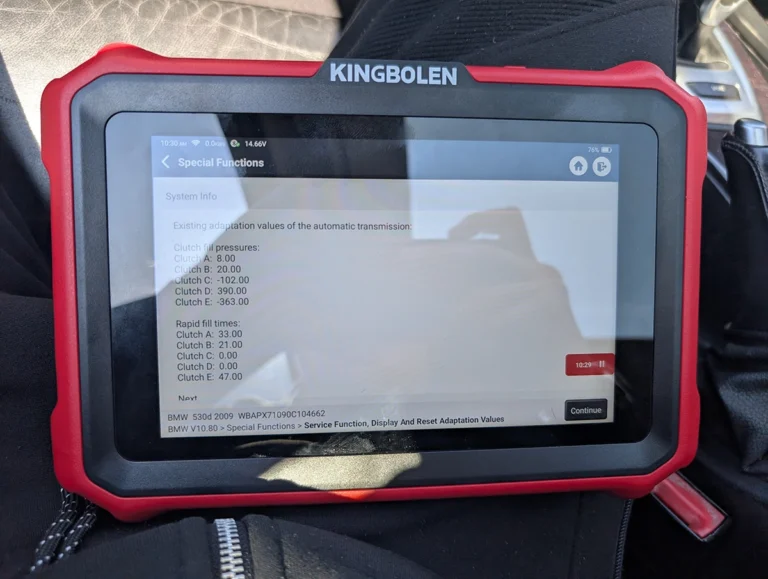
BMW E61 530d 2009 ZF Automatic: Reset Transmission Adaptations to Fix the 2-to-3 Shift Kick
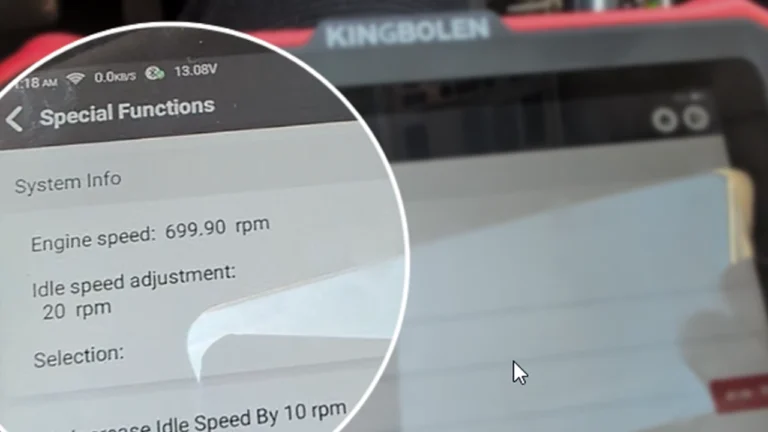
How to Change Idle RPM on BMW 5 Series E61 530d (2008)
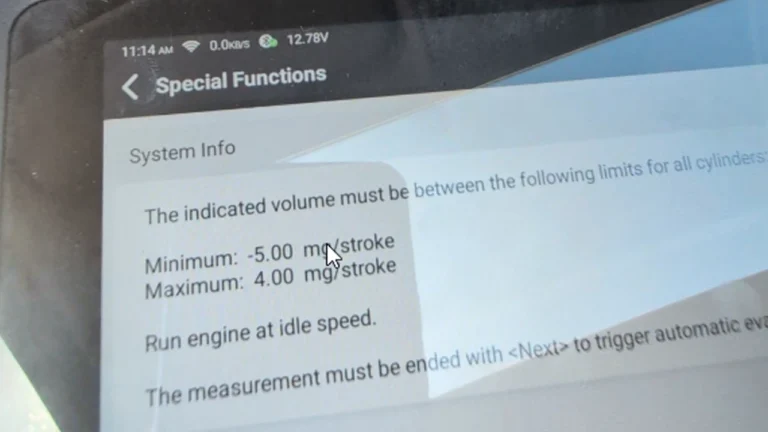
How to Check Fuel Injectors on BMW 5 Series E61 530d (2008) with OBD2 Scanner
Most popular OBD2 guides







I'm Juraj Lukacko and I work as an auto electrician. On this site I share what I learn from real work on real cars, to help you pick the right tools for diagnostics, programming and tuning and get the job done.
More about me →