 By Juraj · Last updated August 15, 2026
This guide shows how to program new keys or perform All Keys Lost (AKL) procedure on Citroën C4 Picasso using a diagnostic tool with immobilizer functions.
I earn from qualifying purchases and sometimes get tools for free (full disclosure). It never affects my scoring.
Used tool in this guide

Video: How to add key / all keys lost for citroen
This video shows the full process including PIN reading and key learning.
Supported vehicles
| Vehicle |
|---|
| c4-picasso-mk1 |
Technical overview
| Vehicle | Citroën C4 Picasso |
|---|---|
| Year | 2012 |
| System | Immobilizer / BSI |
| Procedure type | Key programming (IMMO) |
| Difficulty | Medium |
| Time required | ~10–20 minutes |
| Prerequisites | Stable battery voltage, all keys present |
Step-by-step procedure
Connect diagnostic tool
- Connect tool to OBD2 port
- Turn ignition ON (if key available)
Select vehicle
- Brand: Citroën
- Model: C4
- Confirm vehicle profile (VIN auto-detected)
Enter IMMO function
- Go to: IMMO / Key programming
- Select: All Keys Lost (guided)
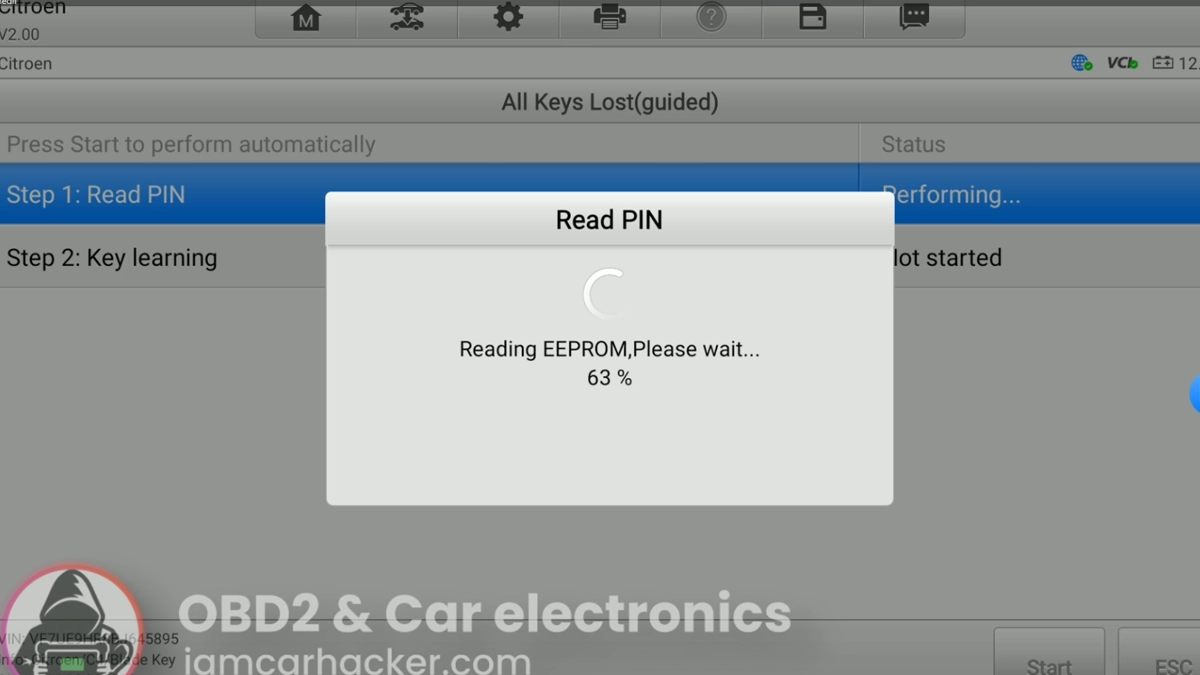
Read PIN code
- Tool will:
- Connect to BSI module
- Read EEPROM data
- Extract PIN code
- Use USB connection (NOT Bluetooth)
- Keep voltage stable (ideally charger connected)
Confirm PIN
- Tool will display PIN (e.g. Y8UP)
- Confirm and continue
Start key learning
- System will warn:
- All previous keys will be erased
- Confirm to proceed
Enter number of keys
- Input total number of keys you want to program Example: 2
Program keys
For each key:
Finish procedure
- After last key:
- Ignition OFF
- Remove key
Remote synchronization (if required)
Follow on-screen instructions:
- Insert key → ignition ON
- Press LOCK button on remote (10s)
- Repeat for additional keys
Additional information & compatibility notes
- Uses BSI (Body Control Module) for immobilizer
- PIN is read from EEPROM automatically
- Some tools require wired connection only
- Voltage drop can cause failure during PIN read
Common issues (real-world)
❌ Bluetooth connection → FAIL (use USB)
❌ Low voltage → BSI error / aborted read
❌ Not all keys present → old keys deleted permanently
❌ Wrong key type → remote learning fails
Alternative tools
Legal & safety notice
More procedures like this
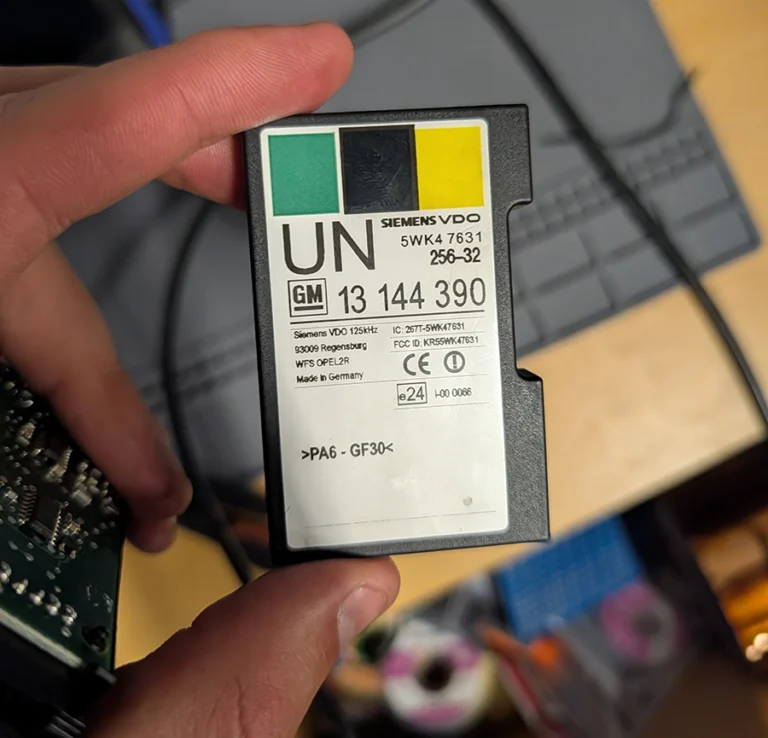
How to Read the Immo Code (Car Pass) from an Opel / Vauxhall Immo 2
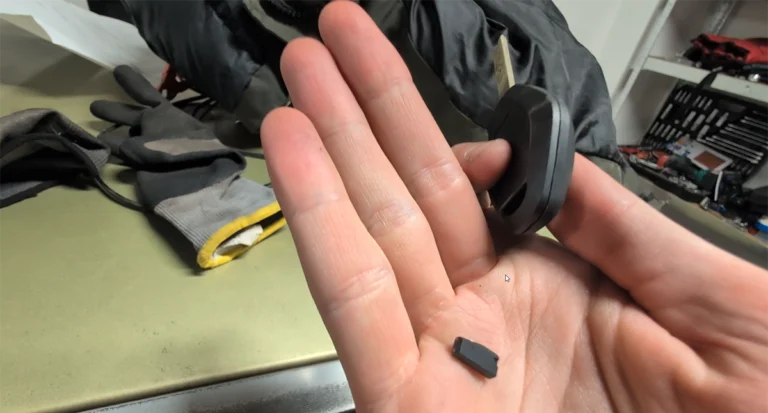
How to Add a Key / Perform AKL on BMW E46
Honda FRV 2006 Key programming / Add new key
Key programming (add new key / all keys lost) – Passat B6 2.0 TDI (2008)
How to program key card on Renault Megane MK2 (2006)
Injector Coding / Replacement – Citroën C4 Picasso 2.0 HDi 2012
Most popular OBD2 guides







I'm Juraj Lukacko and I work as an auto electrician. On this site I share what I learn from real work on real cars, to help you pick the right tools for diagnostics, programming and tuning and get the job done.
More about me →