
Nissan Micra K12 Key Programming (Add / Relearn Keys)
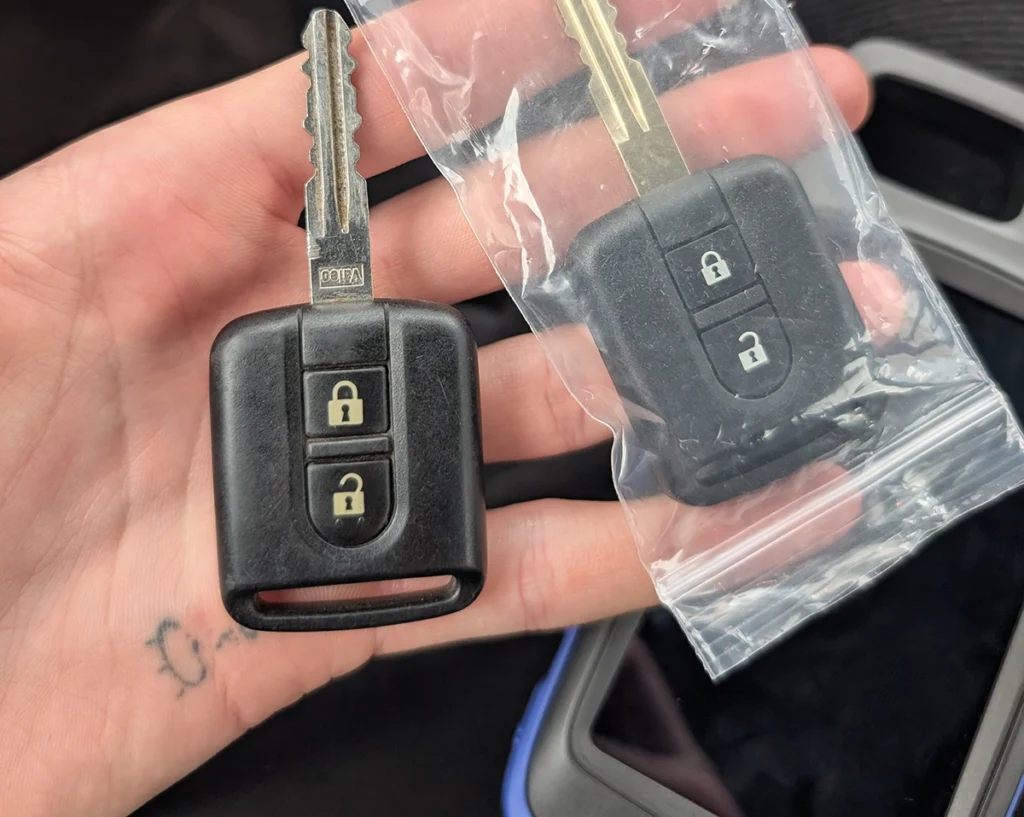

This guide shows how to program a new key for Nissan Micra K12 using an OBD2 diagnostic scanner.
There are two methods available:
- Glove box code method (works with budget scanners like XTool)
- Direct key programming (works with advanced tools like Autel IM608 without PIN code)
Both methods will erase all stored keys and relearn them again.
Affiliate Disclosure: iamcarhacker.com is an Amazon and other affiliate programs Associate. As an Amazon Associate, I earn from qualifying purchases. Full Affiliate disclosure.
Used tool in this guide
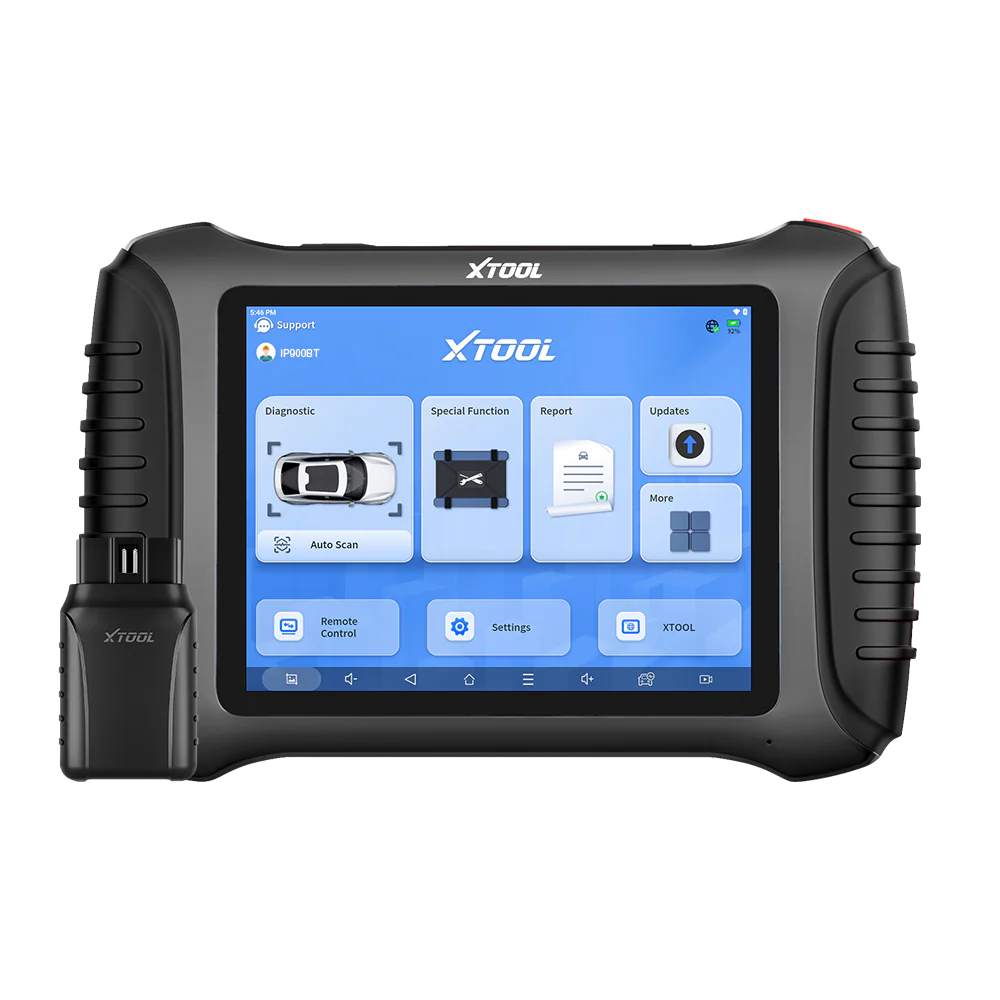
Xtool: (need glovebox code)
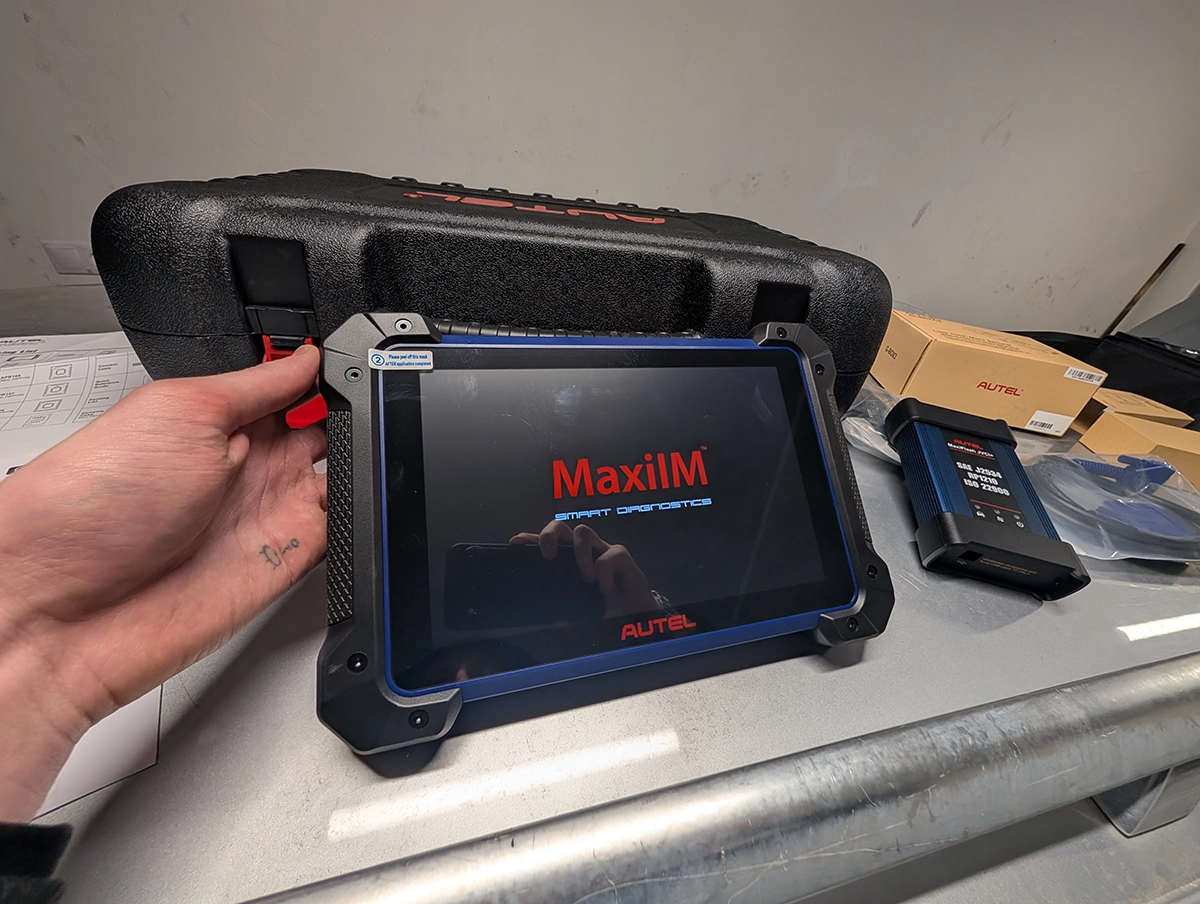
Autel: Without glovebox code

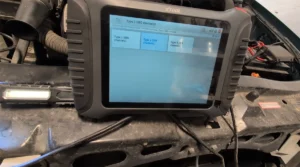
Video: How to program Nissan Micra K12 key (glovebox method)
This video shows the full process of programming a new key for Nissan Micra K12 using an OBD2 scanner and the glove box code method.
Supported vehicles
| Vehicle |
|---|
| micra-k12 |
Technical overview
| Item | Details |
|---|---|
| Vehicle | Nissan Micra K12 |
| Supported years | ~2003 – 2010 |
| System | Immobilizer |
| Procedure type | Key programming |
| Difficulty | Medium |
| Time required | ~5 minutes |
| Prerequisites | At least one working key, new key cut to vehicle |
Key Programming Methods (Overview)
There are two ways to program a key on Nissan Micra K12 depending on the diagnostic tool used.
Method 1 – Glove Box Code (Budget method)
Requires reading the code from the glove box and entering it into the scanner.
Method 2 – Direct Programming (Advanced method)
No glove box code required. The scanner handles security access automatically.
| Method | Tool | PIN required | Difficulty | Time |
|---|---|---|---|---|
| Glove Box Code | XTool / budget scanners | ✅ Yes | Medium | ~10 min |
| Direct Programming | Autel IM608 / IM508 | ❌ No | Easy | ~3–5 min |
What to look for when ordering a new key
When buying a replacement key for Nissan Micra K12, make sure it has:
- 433 MHz frequency
- PCF7946A chip
- Hitag 2 / ID46 immobilizer
- compatible PCB marked 5WK4 876 or 5WK4 818
- key blade that can be cut to match the original key
⚠️ Many cheap keys use incorrect chips (ID4D or other variants) which will not work with the Micra K12 immobilizer system.
Notes about programming
This type of key uses a combined remote + transponder chip (PCF7946A).
That means:
- remote locking is programmed automatically
- immobilizer chip is programmed during the same key learning procedure
No separate remote pairing is required.
Tested key used in this procedure: https://s.click.aliexpress.com/e/_c4dOBUtN
Method 1 – Glove Box Code (XTool / Budget Scanners)
Step 1
Insert the original key into the ignition and switch ignition ON.
Step 2
Open the diagnostic scanner and navigate to:
Special Functions → IMMO → Nissan → Free PIN Code
This function allows programming keys without manually calculating the immobilizer PIN.
⚠️ The system will warn that all keys will be deleted and relearned.
Step 3
The scanner will ask for the Glove Box Code.
Locate the 12-digit code on the sticker inside the glove box.
Use the middle number from the sticker.
Enter the code into the scanner.
Step 4
Follow the instructions on the scanner screen.
Insert the key and switch ignition ON, then press OK.
Step 5
The scanner will ask:
“Is the immobilizer indicator off?”
If the immobilizer light is no longer flashing, select YES.
Step 6
Switch ignition OFF when requested and press OK.
Step 7
The scanner will ask if you want to program another key.
Insert the new key, switch ignition ON, and confirm.
Repeat the process for each key.
⚠️ Every key must be programmed during this session or it will stop working.
Step 8
After the last key is programmed, the scanner will display:
Programming complete
Turn ignition off and test all keys.
Method 2 – Direct Key Programming (Autel IM608 – No PIN Required)
This method uses an advanced key programming tool (Autel IM608) which can perform key learning without requiring the glove box code.
The tool automatically handles immobilizer security access, making the process faster and easier.
This content is for members only.
Step 1
Connect the diagnostic tool and select automatic vehicle detection.
Step 2
Navigate to:
IMMO → Nissan → Key Learning
⚠️ The system will warn that all keys will be erased.
Step 3
Follow on-screen instructions:
- Turn ignition OFF
- Turn hazard lights ON
- Open and close the driver door once
Step 4
Insert the key to be programmed and turn ignition ON.
Wait approximately 5 seconds.
Step 5
Confirm that the security indicator light turns OFF.
If yes, continue.
Step 6
Turn ignition OFF and remove the key.
Step 7
Insert the next key and repeat the process.
⚠️ Every key must be programmed during the same session.
Step 8
After programming all keys, finish the process.
The tool will display:
Learning completed
After programming:
- Test remote locking/unlocking
- Start the engine with each key
- Ensure both keys are fully functional
Why advanced tools make this easier
When using budget scanners, key programming depends on having the correct glove box code.
If the code is missing, the procedure cannot be completed.
Advanced tools like Autel IM608 can bypass this requirement by handling immobilizer authentication automatically.
This makes the process:
- faster
- more reliable
- possible even without additional codes
In practice, this can turn a failed job into a quick 5-minute procedure.
Additional Information & Compatibility Notes
Before using or purchasing any diagnostic tool for this procedure, always verify compatibility with your exact vehicle model, year and system configuration. Supported functions may vary depending on software version, hardware revision and regional limitations.
This procedure performs a full key relearn.
When the process starts:
- All previously stored keys are erased
- Every key must be programmed again during the same session
If a key is not relearned, it will no longer start the vehicle.
Some scanners may also support PIN code programming instead of glove box code, but the glove box method is the easiest for most vehicles.
Alternative tools
Related guides & background information
Legal & safety notice
This procedure modifies vehicle system settings through the control module. Incorrect use may cause faults or warning lights. Always ensure the vehicle is secured and follow proper safety procedures.
More procedures like this
 Add / All Keys Lost – Citroën C4 Picasso 2012
 Key programming (add new key / all keys lost) – Passat B6 2.0 TDI (2008)
 How to do BMW E46 Remote Programming (EWS Key Sync)
 How to program key card on Renault Megane MK2 (2006)
Procedures tested with this scanner
 Volkswagen Passat B5 Airbag Reset (Permanent Fault Fix)
 ŠKODA OCTAVIA MK1 1.6 – THROTTLE MATCHING / ADAPTATION
 Volkswagen Passat B6 2008 Mileage correction
Most popular OBD2 guides








Hi, I am Juraj Lukacko. I got frustrated by unhelpful and scammy mechanics, so I decided to learn everything about car diagnostics myself. I test dozens of new car diagnostic tools every month along with learning new strategies to fix and customize cars.

Responses