 By Juraj · Last updated August 15, 2026
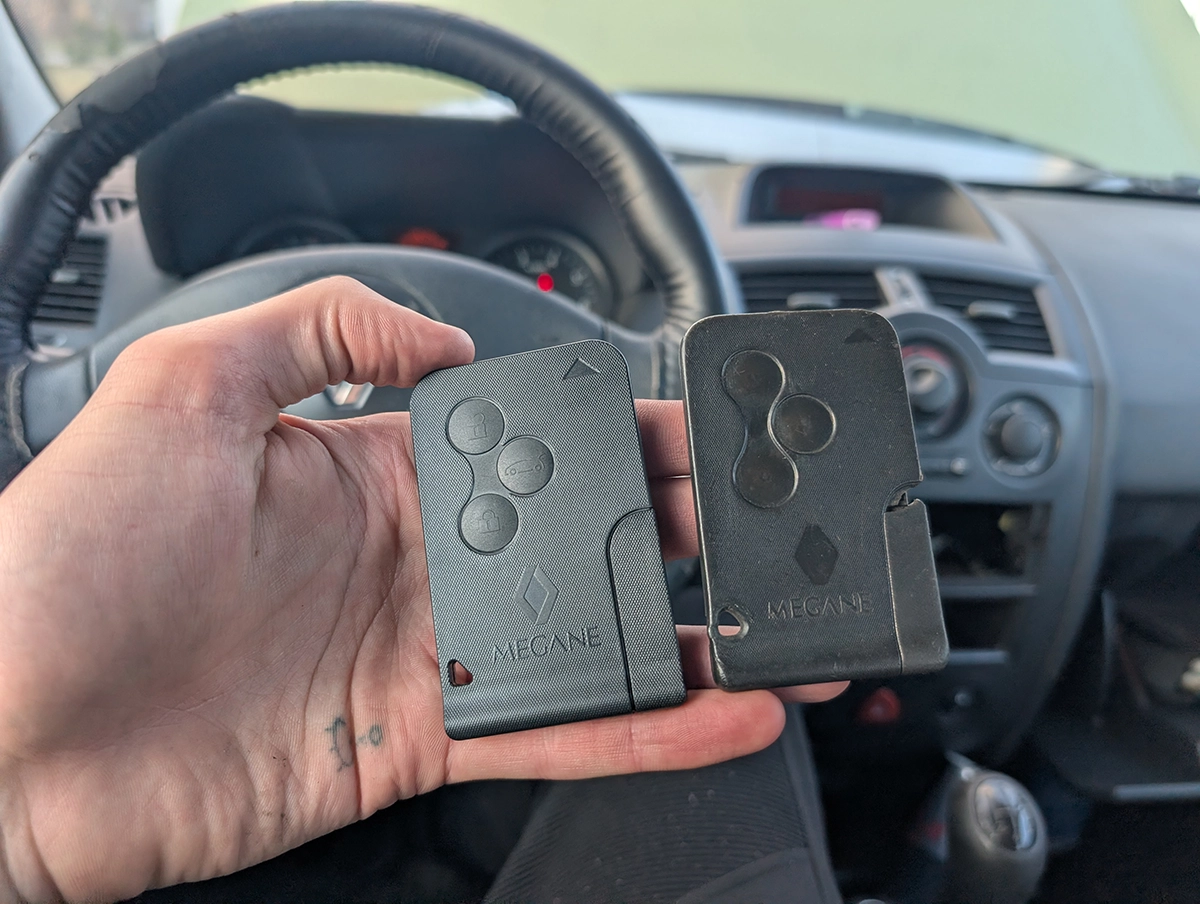
This guide shows how to program a new key card for Renault Megane MK2 using an OBD2 diagnostic tool.
I earn from qualifying purchases and sometimes get tools for free (full disclosure). It never affects my scoring.
Used tool in this guide

Video: How to program Renault Megane MK2 key card
This video shows the full key programming process, including navigation through diagnostic menus and real testing of the new card.
Supported vehicles
| Vehicle |
|---|
| megane-mk2 |
Technical overview
| Vehicle | Renault Megane MK2 |
|---|---|
| Year | ~2002–2008 |
| System | Immobilizer / Keyless system |
| Procedure type | Key programming / Key learning |
| Difficulty | Medium |
| Time required | ~5–10 minutes |
| Prerequisites | At least one working key card, compatible new card |
Step-by-step procedure
Exact blank card used in video: https://s.click.aliexpress.com/e/_c3RadJo7
Type: Renault key card (ID46 PCF7947)
Frequency: 433 MHz
Compatibility: Renault Megane II / Scenic II (2003–2008)
Price: ~5–10€
This is a cheap replacement key card commonly available online.
It supports both immobilizer and remote locking functions and can be programmed using diagnostic tools like Autel IM608.
Connect diagnostic tool
- Plug in OBD2 scanner
- Turn ignition ON (card inserted, engine OFF)
Select vehicle
- Try automatic VIN detection
- If it fails:
- Select manually → Renault → Megane II
Navigate to key programming
Special Functions → Key Learning
Start key learning procedure
- Insert original working card
- Turn ignition ON (engine OFF)
- Confirm procedure on scanner
Confirm key reset
- Tool will display message:
- All keys will be deleted
👉 Confirm to continue
Follow on-screen instructions
Typical sequence:
- Remove card
- Turn ignition OFF
- Turn hazard lights ON
- Open driver door
👉 These steps are required for immobilizer reset
Program new key card
- Insert new key card
- Confirm on scanner
- Wait for programming to complete
Finalize procedure
- Reinsert original key if required
- Confirm completion
Test keys
- Test new card:
- Insert card → ignition ON
- Try starting engine
- Test central locking
Additional information & compatibility notes
- This procedure deletes all existing keys
- You must program all keys during the same session
Important notes
- VIN auto-detection may fail → manual selection works
- Cheap replacement cards (e.g. AliExpress) can work reliably
- Remote locking functions are programmed automatically with the card
Real-world result from this test
- New card successfully programmed
- Engine starts correctly
- Central locking working
Alternative tools
Legal & safety notice
More procedures like this
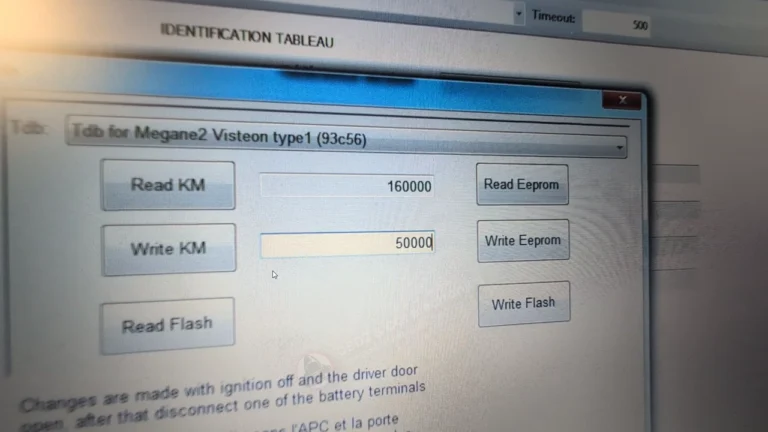
How to perform odometer correction on Renault Megane Mk2 2006 (after instrument cluster replacement)
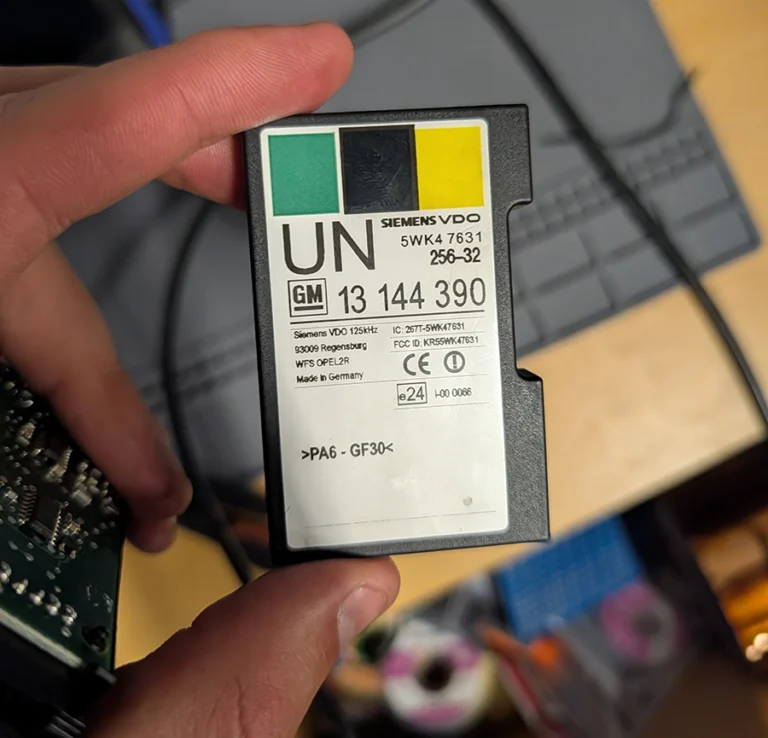
How to Read the Immo Code (Car Pass) from an Opel / Vauxhall Immo 2
How to Add a Key / Perform AKL on BMW E46
Honda FRV 2006 Key programming / Add new key
Add / All Keys Lost – Citroën C4 Picasso 2012
Key programming (add new key / all keys lost) – Passat B6 2.0 TDI (2008)
Most popular OBD2 guides







I'm Juraj Lukacko and I work as an auto electrician. On this site I share what I learn from real work on real cars, to help you pick the right tools for diagnostics, programming and tuning and get the job done.
More about me →